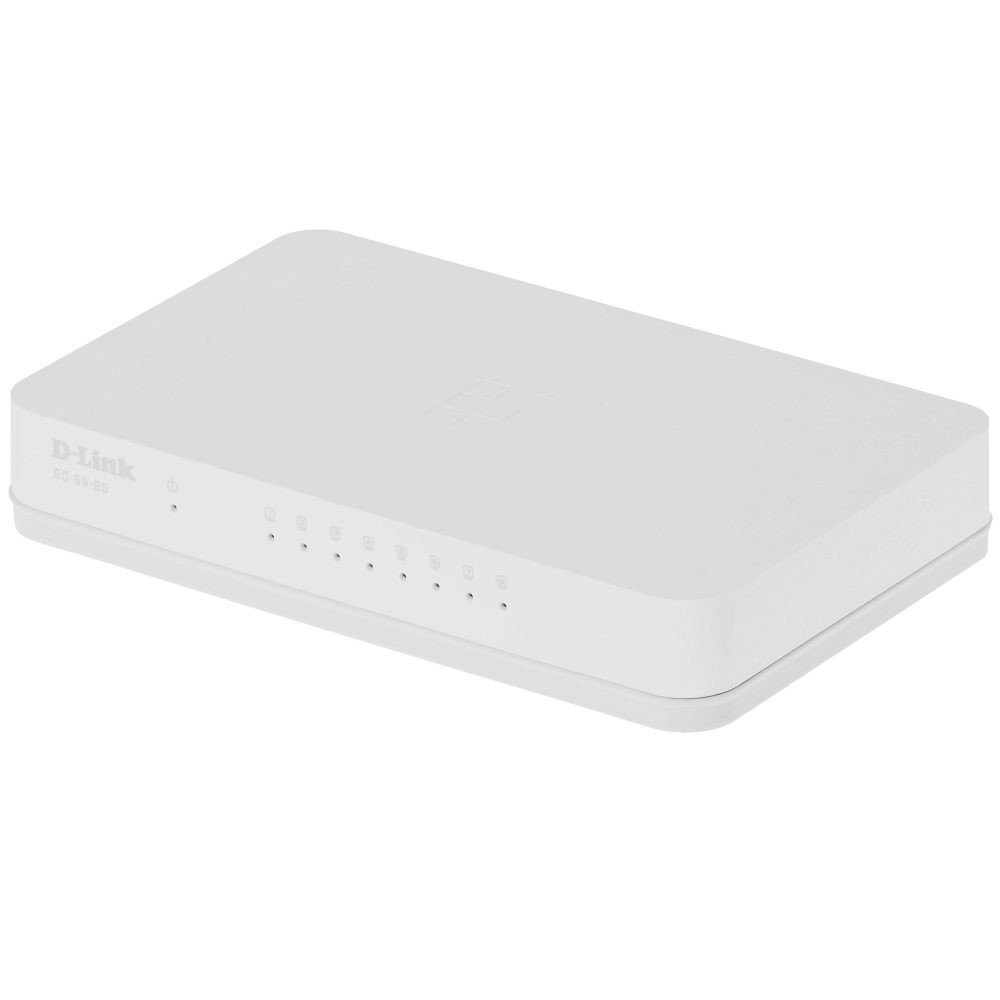
The D-Link GO-SW-8G is an 8-port unmanaged Gigabit desktop switch designed for small office and home office (SOHO) environments. This device facilitates network expansion by providing eight 10/100/1000 Mbps Ethernet ports, enabling high-speed data transfer for connected devices. It incorporates D-Link's Green Technology for energy efficiency, reduced heat generation, and extended product lifespan.
Tatūnga
Ihirangi mokete
Manatokohia kei roto i to kete nga mea e whai ake nei:
GO-SW-8G device
Pūurutau Hiko
Te hono i te Whakawhiti
The GO-SW-8G is a plug-and-play device, requiring no software configuration for basic operation. Follow these steps to set up your switch:
Hononga Hiko: Connect the provided power adapter to the power input port on the rear panel of the GO-SW-8G switch and then plug the adapter into a standard electrical outlet.
Hononga Pūrere Whatunga: Connect Ethernet cables from your network devices (e.g., computers, network-attached storage, routers) to any of the eight available RJ45 ports on the GO-SW-8G switch. The switch supports auto MDI/MDIX, so you can use either straight-through or crossover Ethernet cables.
Manatoko: Once connected, the corresponding LED indicator for each active port will illuminate, indicating a successful link.
Image: D-Link GO-SW-8G 8-Port Unmanaged Gigabit Desktop Switch. This image displays the compact white design of the switch with its multiple Ethernet ports and power input.
Te whakahaere
The D-Link GO-SW-8G operates as an unmanaged switch, meaning it requires no user configuration for its core functions. It automatically detects network speed and duplex mode for each connected device, providing optimal performance. The Gigabit Ethernet ports support data transfer rates of up to 1000 Mbps, facilitating fast communication within your local network.
Tohu LED
The switch features LED indicators for each port and for power. These indicators provide visual feedback on the status of the switch and its connections:
Arahina hiko: Ka whakamārama ina whakakāhia te pana.
Ngā LED Hononga/Mahi (mō ia tauranga):
Kākāriki mārō: Indicates a successful network link at Gigabit speed (1000 Mbps).
Amber totoka: Indicates a successful network link at Fast Ethernet speed (10/100 Mbps).
E whiti ana: Indicates network activity (data transmission or reception) on that port.
Weto: No link detected or device is not powered on/connected.
Te tiaki
To ensure optimal performance and longevity of your D-Link GO-SW-8G switch, follow these general maintenance guidelines:
Turanga: Place the switch in a well-ventilated area to prevent overheating. Avoid direct sunlight and heat sources.
Te horoi: Whakamahia he kakahu ngohengohe, maroke hei horoi i waho o te whakawhiti. Kaua e whakamahi i te wai, i te horoi aerosol ranei.
Whakaha Uepu: Me whakarite kia pai te whakaritenga o ngā taura whatunga, kia kaua e tino piko rawa, e tino taumaha rānei.
Tuku Hiko: Whakamahia te urutau hiko anake me te taputapu.
Raparongoā
If you encounter issues with your D-Link GO-SW-8G switch, refer to the following common troubleshooting steps:
Kore Mana:
Me whakarite kei te hono tika te urutau mana ki te pana me te putanga hiko e mahi ana.
Tirohia mehemea kei te mahi te putanga hiko ma te hono atu ki tetahi atu taputapu.
Kore Marama Hononga:
Verify that the Ethernet cable is securely plugged into both the switch port and the network device.
Me mohio kei te noho te taputapu whatunga hono me te mahi tika.
Whakamātauria tētahi atu taura Ethernet hei whakakore i te hapa o te taura.
Whakamātauria ki tētahi atu tauranga i runga i te pana.
Tere Whatunga Puturi:
Confirm that all connected devices and cables support Gigabit Ethernet (1000 Mbps) for optimal performance.
Tirohia mēnā he nui rawa te haere o te whatunga, mēnā rānei he nui rawa te hononga whatunga e rere ana i runga i ngā pūrere hono.
Ensure the switch is placed in an area with adequate ventilation to prevent performance degradation due to overheating.
Whakatakotoranga
Waitohu
Hononga-D
Tau tauira
GO-SW-8G/B
Te maha o nga Tauranga
8
Rere Whakawhiti Raraunga
1000 Megapaita ia Hekona (Kigabit)
Momo Whakawhiti
Kaore i te whakahaeretia
Atanga
RJ45
Pūrere Hototahi
PC, Mac
Voltage
5 Volts
Momo Rauemi o te Pouaka
Kirihou
Taumaha Tūemi
0.3 Pauna
Nga korero Whakaputanga
The D-Link GO-SW-8G switch comes with a 3-tau iti pūtāhui. For detailed terms and conditions, please refer to the warranty card included with your product or visit the official D-Link webpae.
Tautoko
For technical support, product registration, or to download the latest firmware and documentation, please visit the official D-Link support website. You can typically find support resources by searching for your product model (GO-SW-8G) on their site.
Ask about setup, troubleshooting, compatibility, parts, safety, or missing instructions. Manuals+ will review the question and use this page’s manual context to help answer it.