
1. Hua Neke Atuview
The OttLite Organize LED Desk Lamp is designed to provide versatile and clear lighting for various tasks, including crafting, office work, and reading. It features OttLite's exclusive ClearSun LED technology, which aims to reduce eyestrain and provide accurate color representation. The lamp also includes convenient built-in storage and a USB charging port.
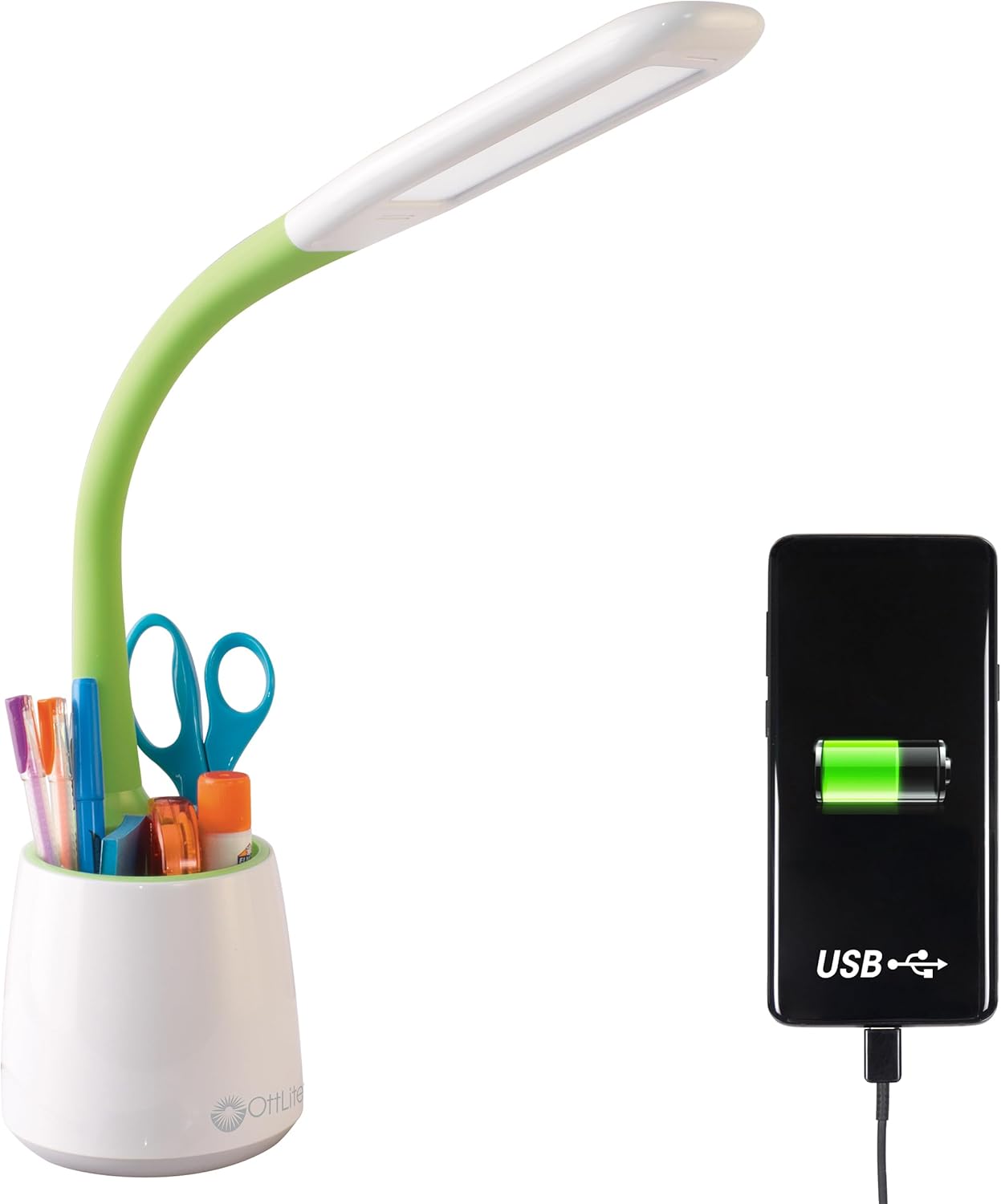
Image 1.1: The OttLite Organize LED Desk Lamp, highlighting its integrated USB charging port and storage cup.
2. Nga waahanga matua
- Rarama maha: Flexible neck adjusts from 11 to 23 inches, providing adaptable illumination for various activities.
- Hangarau LED ClearSun: Reduces eyestrain by up to 51% and offers a high 95+ CRI for accurate color rendering, mimicking natural daylight.
- Rokiroki whakauru: A built-in compartment in the base helps keep your workspace organized by holding pens, tools, or other small items.
- Tauranga Kaihoko USB: Features a 5V, 2.1A USB port for convenient charging of mobile devices.
- Tirohanga Whakaritea: Three touch-activated brightness levels allow you to customize the light intensity for your specific needs.

Image 2.1: Annotated diagram illustrating the key features of the OttLite Organize LED Desk Lamp.

Image 2.2: A comprehensive diagram detailing the lamp's adjustable height, brightness settings, USB port, and touch-sensitive controls.
3. ClearSun LED Technology
OttLite's ClearSun LED technology is engineered to provide light that closely mimics natural daylight, offering a balanced spectrum that reduces eyestrain and enhances visual clarity. This technology ensures colors are seen accurately and details are crisp, making it ideal for tasks requiring precision.
Video 3.1: An official video from OttLite Technologies explaining the benefits and technology behind ClearSun LED lighting, including its impact on reducing eyestrain and providing true-to-life colors.

Image 3.1: A visual comparison of sunlight versus typical LED light spectrums, illustrating the unbalanced nature of standard LEDs.

Image 3.2: A demonstration of color accuracy under different Color Rendering Index (CRI) levels, highlighting the superior performance of OttLite's 95+ CRI ClearSun LEDs.
4. Tohutohu Tatūnga
- Wewetehia te Lamp: Kia ata tangohia nga waahanga katoa mai i te kete.
- Tuhia te Lamp: Whakanohoia te lamp on a stable, flat surface where you intend to use it. Ensure the power cord can reach an electrical outlet without strain.
- Hono Hono: Insert the power cable into the lamp's power input port, typically located at the back of the base. Plug the other end of the power cable into a standard electrical outlet.
- Whakaritea Neke Hangarau: Gently adjust the flexible neck to position the light head as desired for your task.
5. Nga Tohutohu Whakahaere
- Te Hia/Weto me te Whakaritea Tirohanga: Kei teamp features a touch-sensitive switch, usually located on the base.
- Tap once to turn the lamp on at the lowest brightness setting.
- Tap again to cycle through the three brightness levels (low, medium, high).
- Tap a fourth time to turn the lamp atu.
- Ma te whakamahi i te Tauranga Whakatau USB: The 5V, 2.1A USB charging port is located on the back of the lampte turanga.
- Connect your device's USB charging cable to the lamptauranga USB.
- Ensure your device begins charging. The lamp does not need to be on for the USB port to function, as long as it is plugged into a power outlet.
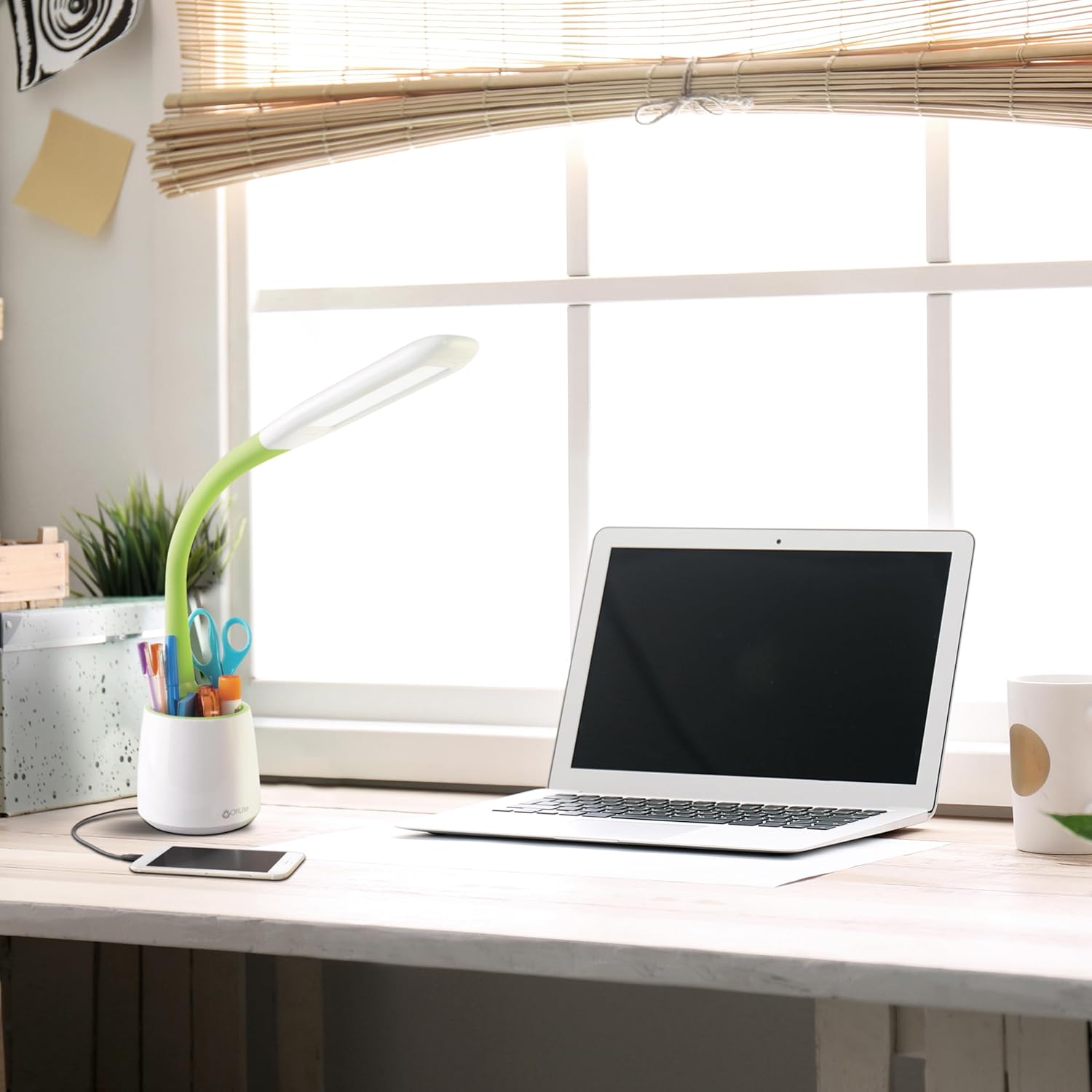
Image 5.1: The OttLite lamp in use, demonstrating a smartphone charging via its integrated USB port.
6. Tiaki
To ensure the longevity and optimal performance of your OttLite Organize LED Desk Lamp, whai i ēnei aratohu tiaki māmā:
- Te horoi: Momotuhia te lamp mai i te putanga hiko i mua i te horoinga. Whakamahia he kakahu ngohengohe, maroke hei muru i te rūmaamp's surfaces. Avoid abrasive cleaners or solvents, as they may damage the finish.
- Huihuinga: Ko nga LED i roto i tenei lamp are designed for long-term use and are not user-replaceable. Do not attempt to open the light head.
- Rokiroki: Mena kei te penapena i te lamp mo te wa roa, whakarite kia ma, kia maroke. Whakaorangia ki te waahi makariri, maroke atu i te ra tika.
7. Te Raru
If you encounter any issues with your OttLite Organize LED Desk Lamp, tirohia nga mahi rapurongoā noa e whai ake nei:
- Lamp Kaore e Whakaka:
- Me mohio kua honoa te taura hiko ki roto i nga l e ruaamp me tetahi putanga hiko mahi.
- Whakamatautauria te putanga ki tetahi atu taputapu kia mohio kei te whiwhi hiko.
- Tauranga USB Karekau e Tohaina:
- Manatokohia te lamp is plugged into a live electrical outlet.
- Check that your device's USB cable is fully inserted into the lampKo te tauranga USB me to taputapu.
- Try a different USB cable or device to rule out cable or device issues.
- Tirohanga Tauritenga:
- Ensure the touch-sensitive switch area is clean and free from debris.
- Cycle through the brightness levels by tapping the switch multiple times.
Ki te kore enei mahi e whakatau i te take, tena koa whakapā atu ki te tautoko a te kaihoko OttLite mo etahi atu awhina.
8. Whakatakotoranga Hua
| Waitohu | OTarua |
| Tau tauira | CS59399SHPR |
| Hunga Hua | 8.6"D x 7.75"W x 11"H (adjustable up to 23"H) |
| Taumaha Tūemi | 1.76 Pauna |
| Lamp Momo | Tēpu Lamp |
| Momo Puna Maama | LED (Hangarau ClearSun) |
| Wattage | 3.3 watts |
| Tirohanga | 410 Rumeni |
| Voltage | 120 Volts |
| Hangarau Hononga | USB (5V, 2.1A charging port) |
| Tikanga Mana | Paa |
| Rauemi | Kirihou |
| Nga Waahanga kei roto | Waea Hiko |
9. Pūtāhui me te Tautoko
This OttLite Organize LED Desk Lamp comes with a standard manufacturer's warranty. For specific details regarding warranty coverage, duration, and terms, please refer to the documentation included with your product or visit the official OttLite webpae.
For technical support, troubleshooting assistance beyond what is provided in this manual, or warranty claims, please contact OttLite customer service directly. Contact information can typically be found on the manufacturer's webte waahi, te kohinga hua ranei.