
Kupu Whakataki
This manual provides detailed instructions for the proper use and maintenance of your LG AKB74955603 Air Conditioner Remote Control. Please read this manual thoroughly before operating the device to ensure optimal performance and longevity.
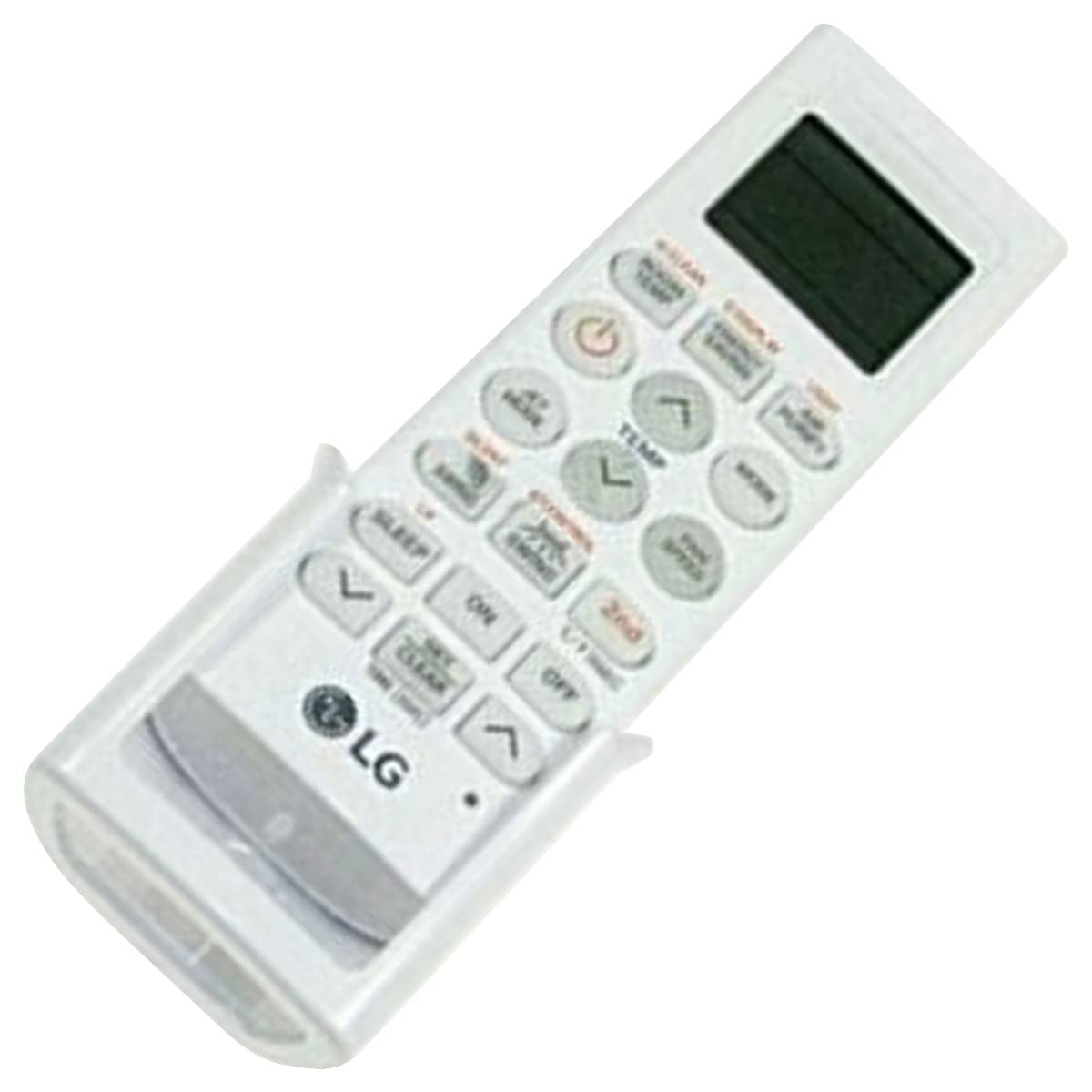
Image: The LG AKB74955603 Air Conditioner Remote Control, a white rectangular device with various control buttons.
Tatūnga
1. Tāuta Pūhiko
E rua (2) ngā pākahiko AAA e hiahiatia ana mō te mana mamao. Kia tika te polarity ina whakaurua ngā pākahiko.
- Whakatuwheratia te taupoki o te wāhanga pākahiko kei muri o te mana mamao.
- Whakauruhia kia rua ngā pākahiko AAA hou, kia rite ngā pito (+) me (-) ki te mea kua tohua ki roto i te wāhanga.
- Katia kia mau te uhi o te wahanga pākahiko.
Tuhipoka: Do not mix old and new batteries, or different types of batteries. Remove batteries if the remote control will not be used for an extended period.
Nga Tohutohu Whakahaere
Whakatakotoria te mana mamao ki te pūwhakaea o te hauhautanga. Kia mōhio kei reira he arai i waenganui i te mana mamao me te waeine.
Nga Mahi Matua
- POWER (⏻): Ka whakakā, ka whakaweto rānei i te hauhautanga.
- AHUNGA: Ka huri i roto i nga momo mahi: Aunoa, Matao, maroke, Pakihi, Wehana.
- MAHANA ▲/▼: Whakaritea te tautuhinga pāmahana e hiahiatia ana.
- KAUPAPA KAUPAPA: Selects the fan speed (Auto, Low, Medium, High).
- Piu: Ka whakahohe, ka whakakore rānei i te mahi piu o te louver.
- TAIMA: Tautuhia ai te taima ON/OFF mō te hauhautanga.
- MOE: Ka whakahohe i te aratau moe mō te mahi whakamarie i te pō.
- KAMAMA: Controls the display light on the air conditioner unit (if available).
- FUNCTION/SPECIAL: Accesses additional functions or settings.
Mahi Taketake
- Pehia te MANA pātene hei whakakā i te whāhauhau.
- Pehia te MODE button repeatedly to select your desired operating mode (e.g., Cool).
- Whakamahia te MAHANA ▲/▼ nga paatene hei whakarite i te pāmahana e hiahiatia ana.
- Whakaritea te tere o te powhiri ma te whakamahi i te KAUPAPA KAUPAPA pātene ki te hiahiatia.
- Hei whakaweto i te waeine, pehia te MANA pātene ano.
Te tiaki
Whakakapinga Pūhiko
Replace batteries when the remote control's range decreases or if the display becomes dim. Follow the battery installation steps outlined in the Setup section.
Te horoi
Wipe the remote control with a soft, dry cloth. Do not use liquid cleaners, abrasive materials, or chemical solvents, as these may damage the surface or internal components.
Rokiroki
Penapenahia te mana mamao ki te wāhi hauhautanga, maroke, kia matara atu i te rā tika me te pāmahana tino kino. Mena ka rongoatia mō te wā roa, tangohia ngā pākahiko hei ārai i te turuturu.
Raparongoā
- Kāore te mana mamao e aro mai:
- Tirohia mēnā kua tika te whakaurunga o ngā pākahiko, ā, kāore anō kia pau. Whakakapia mēnā e tika ana.
- Ensure there is a clear line of sight between the remote control and the air conditioner's receiver.
- Verify that the remote control is pointed directly at the air conditioner.
- Te whānuitanga mahi iti:
- Whakakapihia nga pākahiko ki nga mea hou.
- Ensure no strong light sources (e.g., direct sunlight, fluorescent lights) are interfering with the infrared signal.
Whakatakotoranga
| Āhuahira | Taipitopito |
|---|---|
| Ingoa Tauira | AKB74955603 |
| Waitohu | LG |
| Pūrere Hototahi | Whakarererangi |
| Hangarau Hononga | Infrared (IR) |
| Te maha o nga Patene | 10 |
| Awhe Morahi | 10 Mita |
| Momo Pūhiko | 2 x AAA (kaore i whakauruhia) |
| Āhuahira Motuhake | Hewari ki te Whakamahia |
Pūtāhui me te Tautoko
For warranty information and customer support, please refer to the documentation provided with your air conditioner unit or visit the official LG webpae. Puritia to riirii hoko hei tohu mo te hoko mo nga kereme whakamana.
For further assistance, you may contact LG customer service through their official channels.