
1. Kupu Whakataki
This manual provides essential information for the installation, operation, and maintenance of your Lorex 4K Metal Bullet Camera, Model E841CAB. This camera is designed to enhance your security system with high-resolution video surveillance capabilities for both indoor and outdoor environments.
2. Hua Neke Atuview
The Lorex 4K Metal Bullet Camera offers advanced features for reliable surveillance:
- Ultra HD Clarity: Captures video in stunning 4K resolution with a wide 105-degree field of view, providing detailed footage.
- Tirohanga Po Tae: Delivers full-color video in well-lit conditions and automatically transitions to crisp black and white video using powerful infrared LEDs in low-light, extending night vision up to 130 feet.
- Te Mauroa Taurangi: Features a rugged IP65-rated metal housing, ensuring resistance to harsh weather conditions, from -22°F (-30°C) to 140°F (60°C).
- Effortless PoE Installation: Utilizes Power over Ethernet (PoE) technology, allowing a single Ethernet cable to provide both power and video transmission, simplifying installation up to 300 feet.
- Hototahi NVR: Designed to work seamlessly with compatible Lorex NVRs, including N841, N842, N861B, N862B, N881B, LNR600X, LNR6100, LNR6100X, NR900X, N843, N844, N845, N846, N863B, and NR810 series recorders.
3. He aha kei roto i te Pouaka
Your Lorex 4K Metal Bullet Camera package includes the following components:
- 1 x IP Bullet Camera
- 1 x Ite Itene
- 1 x Mounting Kit (screws and anchors)
- 1 x Tātauira Paetahi
- 1 x Allen Key
4. Tatūnga
4.1 Tauwāhi Tāuta
Choose a suitable location for your camera, considering the desired field of view and proximity to your NVR or PoE switch. The camera is rated for both indoor and outdoor use.
4.2 Whakauru i te Kamera
- Use the provided mounting template to mark the drill holes on your chosen surface.
- Keria ngā kōhao whakataki, ka whakauru i ngā punga pakitara mēnā kei runga i te pakitara maroke, i te pereki rānei.
- Whakamauhia te turanga whakairi o te kāmera ki te mata mā te whakamahi i ngā tīwiri kua whakaratohia.
- Adjust the camera's angle to achieve the desired coverage.
4.3 PoE Connection
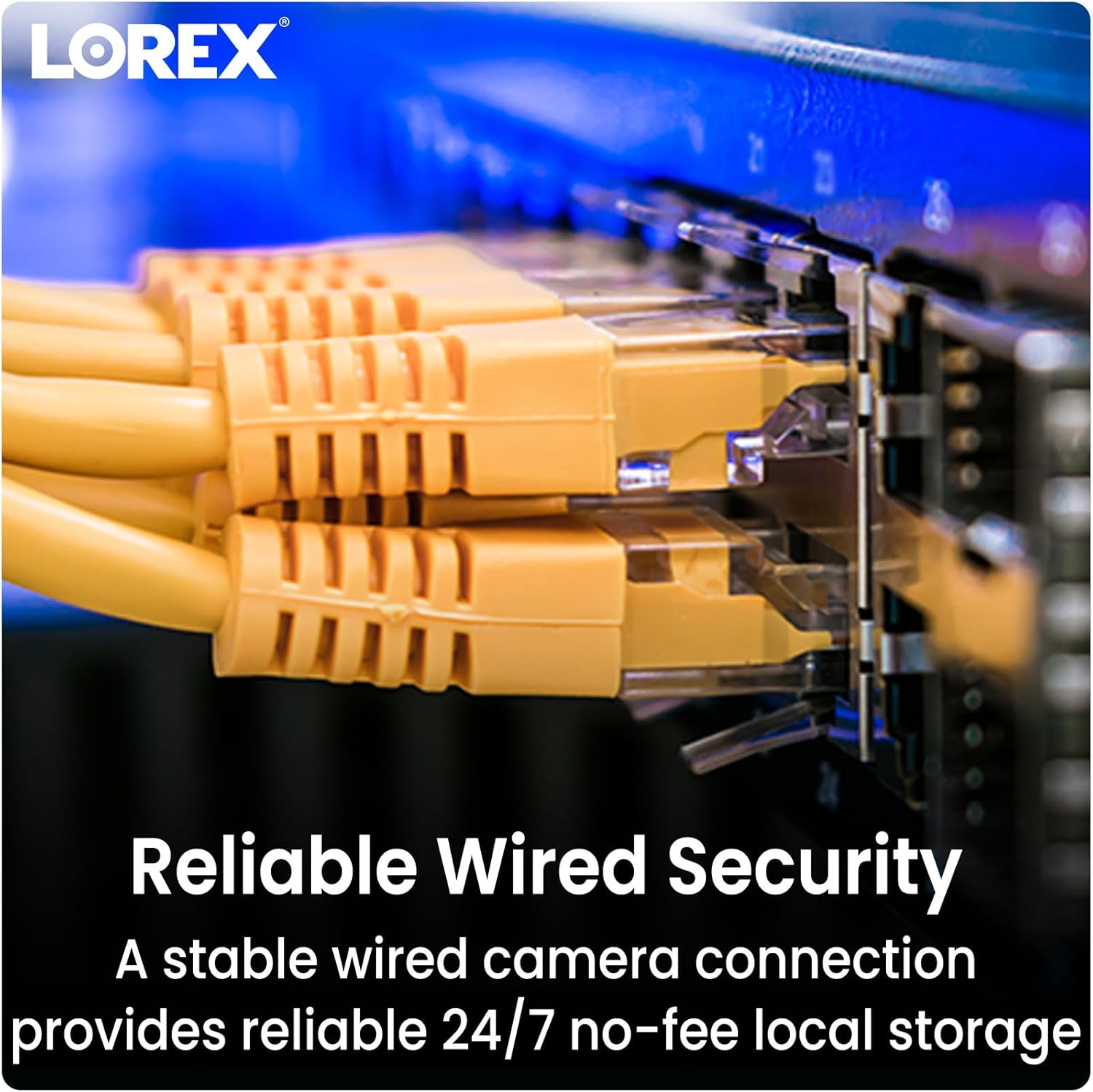
Connect one end of the Ethernet cable to the camera's PoE port and the other end to an available PoE port on your compatible Lorex NVR or a PoE switch. The camera will receive power and transmit video data through this single connection.
4.4 Hototahitanga NVR
Ensure your NVR is one of the compatible models listed in the Product Overview section for seamless integration and functionality.
5. Nga Tohutohu Whakahaere
5.1 Te Uru Atu ki te Ao Ora View
Once connected to your NVR, access the live video feed through your NVR's interface or the Lorex Home app on your smartphone or tablet. Refer to your NVR's manual for specific instructions on adding and viewing cameras.
5.2 Aratau Matakitenga Po
The camera automatically switches between day and night vision modes. In low light, the infrared LEDs activate for black and white night vision. In sufficiently lit conditions, Color Night Vision provides full-color detail.

5.3 Te Motini Te Motini
The camera is equipped with motion detection capabilities. Configure motion detection zones and sensitivity settings via your NVR or the Lorex Home app to receive alerts for activity in specific areas. This model provides motion-only alerts.
5.4 Kounga Ataata
The camera records in 4K Ultra HD, providing superior clarity and digital zoom capabilities. Ensure your NVR is configured to record at the highest resolution supported by the camera.

6. Tiaki
To ensure optimal performance and longevity of your Lorex 4K Metal Bullet Camera, follow these maintenance guidelines:
- Whakapai auau: Me horoi i ia wa te arotahi kamera ki te ngohengohe, damp he kakahu hei tango i te puehu, i te paru, i nga waahi wai ranei ka arai i te view. A ape i te horoi horoi.
- Tirohanga taura: Inspect the Ethernet cable for any signs of wear, damage, or loose connections, especially in outdoor installations.
- Whakahōu Firmware: Check the Lorex webpaetukutuku, ngā tautuhinga rānei o tō NVR mō ngā whakahōunga pūmanawa e wātea ana hei whakarite kei tō kāmera ngā āhuatanga hou me ngā whakapainga haumarutanga.
- Parenga huarere: While the camera is weatherproof (IP65 rated), ensure it is installed securely to prevent movement or damage during extreme weather events.

7. Te Raru
If you encounter issues with your Lorex 4K Metal Bullet Camera, consider the following:
- No Video/Power: Verify that the Ethernet cable is securely connected to both the camera and the NVR/PoE switch. Ensure the NVR/PoE switch is powered on.
- Kounga Ataata Kino: Check the camera lens for obstructions or dirt. Ensure the camera is configured for 4K resolution in your NVR settings. Verify network cable integrity.
- Kaore i te Mahi te Motini: Review motion detection settings in your NVR or Lorex Home app. Adjust sensitivity and detection zones as needed.
- Hototahi NVR: Confirm that your NVR model is listed as compatible. Incompatible NVRs may not fully support all camera features or may not detect the camera at all.
- Nga Take Whatunga: If experiencing connectivity problems, restart your NVR and network router. Ensure there are no network conflicts or bandwidth limitations.
8. Whakatakotoranga
| Āhuahira | Whakatakotoranga |
|---|---|
| Ingoa Tauira | E841CAB |
| Mahinga o roto/waho | Roto, Waho |
| Pūrere Hototahi | NVR (N841, N842, N861B, N862B, N881B, LNR600X, LNR6100, LNR6100X, NR900X, N843, N844, N845, N846, N863B, NR810 series) |
| Puna Mana | Hiko Waea (PoE) |
| Kawa Hononga | Itarangi |
| Momo Kaiwhakahaere | Taupānga |
| Momo Whakaeke | Maunga Pouaka |
| Whakataunga Hopu Ataata | 4K (Taumira Ataata Whai Hua 8 MP) |
| Tae | Pango |
| Te maha o nga mea | 1 |
| Nga Waahanga kei roto | IP Bullet Camera, Ethernet Cable, Mounting Kit, Mounting Template, Allen Key |
| Hangarau Whakawhitiwhiti Ahokore | Wi-Fi (for app control, not primary video transmission) |
| Tauwehe Puka | Matā |
| Viewing Koki | 105 Waeine |
| Awhe Tirohanga Po | 130 Puawai |
| Auau anga | 15 fps |
| Rauemi | Te whakarewa |
| Wattage | 3.7 watts |
| Pikohiko e hiahiatia ana? | Kao |
| Taumaha Tūemi | 2.77 pauna (1.26 Kirokaramu) |
| Hangarau marama iti | Tae Po |
| Momo Matohi | Motini anake |
| Whakatauranga Tiaki o te Ao | IP65 |
| UPC | 695529028538 |
9. Pūtāhui me te Tautoko
Your Lorex 4K Metal Bullet Camera is covered by a manufacturer's warranty. For detailed warranty information, product support, or technical assistance, please visit the official Lorex webpaetukutuku, whakapā atu ranei ki ta raatau ratonga kaihoko. Puritia to rihiti hoko mo nga kereme whakamana.