
1. Kupu Whakataki
The Ring Spotlight Cam Pro Plug-In is an advanced security camera designed to provide comprehensive surveillance for your home or business. It features 2K HDR video, color night vision, two-way talk with Audio+, and advanced 3D Motion Detection. This manual provides instructions for setting up, operating, and maintaining your device.
2. He aha kei roto i te Pouaka
Manatokona kei te noho nga waahanga katoa i mua i te tiimata o te whakaurunga:
- Arotahi Cam Pro
- Maunga Paetahi
- Installation Tools and Screws
- USB-C Power Adapter (19.7 feet long)
- Pukapuka Kaiwhakamahi (tenei tuhinga)
- Kaiutu Haumaru
3. Tatūnga me te Tāuta
The average installation time for the Spotlight Cam Pro is 5-10 minutes. A vertical or horizontal surface is required for mounting.
- Tikiake i te Ring App: Download the Ring app from your device's app store. Create an account or log in if you already have one.
- Tāpiri Pūrere: In the Ring app, tap 'Set Up a Device' and follow the on-screen instructions to add your Spotlight Cam Pro.
- Whakapiki: Secure the mounting bracket to your desired location using the provided tools and screws. Ensure the location provides a clear view and access to a standard power outlet.
- Āpiti Kāmera: Attach the Spotlight Cam Pro to the mounting bracket.
- Hono Hono: Plug the USB-C Power Adapter into the camera and then into a standard power outlet.
- Whakaritea View: Adjust the camera's angle to cover your desired area.

Figure 3.1: Easy DIY Installation of the Ring Spotlight Cam Pro.
4. Nga Tohutohu Whakahaere
The Ring Spotlight Cam Pro offers several features to enhance your security.
4.1 Aroturuki Ataata
The camera provides 2K HDR video with a 140° horizontal and 80° vertical field of view. It also features Color Night Vision, allowing you to see clear, full-color video even in low-light conditions.

Figure 4.1: Retinal 2K Video with Color Night Vision displayed on a mobile device.
4.2 Te Motini Te Motini
Utilize 3D Motion Detection with Bird's Eye Zones and Bird's Eye View for precise motion alerts. You can customize motion zones within the Ring app to focus on specific areas and reduce unwanted notifications.

Figure 4.2: Visual representation of 3D Motion Detection.

Figure 4.3: Customizing Motion Zones in the Ring App.
4.3 Two-Way Talk with Audio+
Communicate with visitors or deter intruders using the built-in microphone and speaker. Audio+ provides advanced noise cancellation for clearer communication.
4.4 Integrated Spotlights and Siren
The camera features two 3000° Kelvin spotlights that can be activated manually or automatically upon motion detection. A remote-activated security siren is also included to alert others and deter unwanted activity.
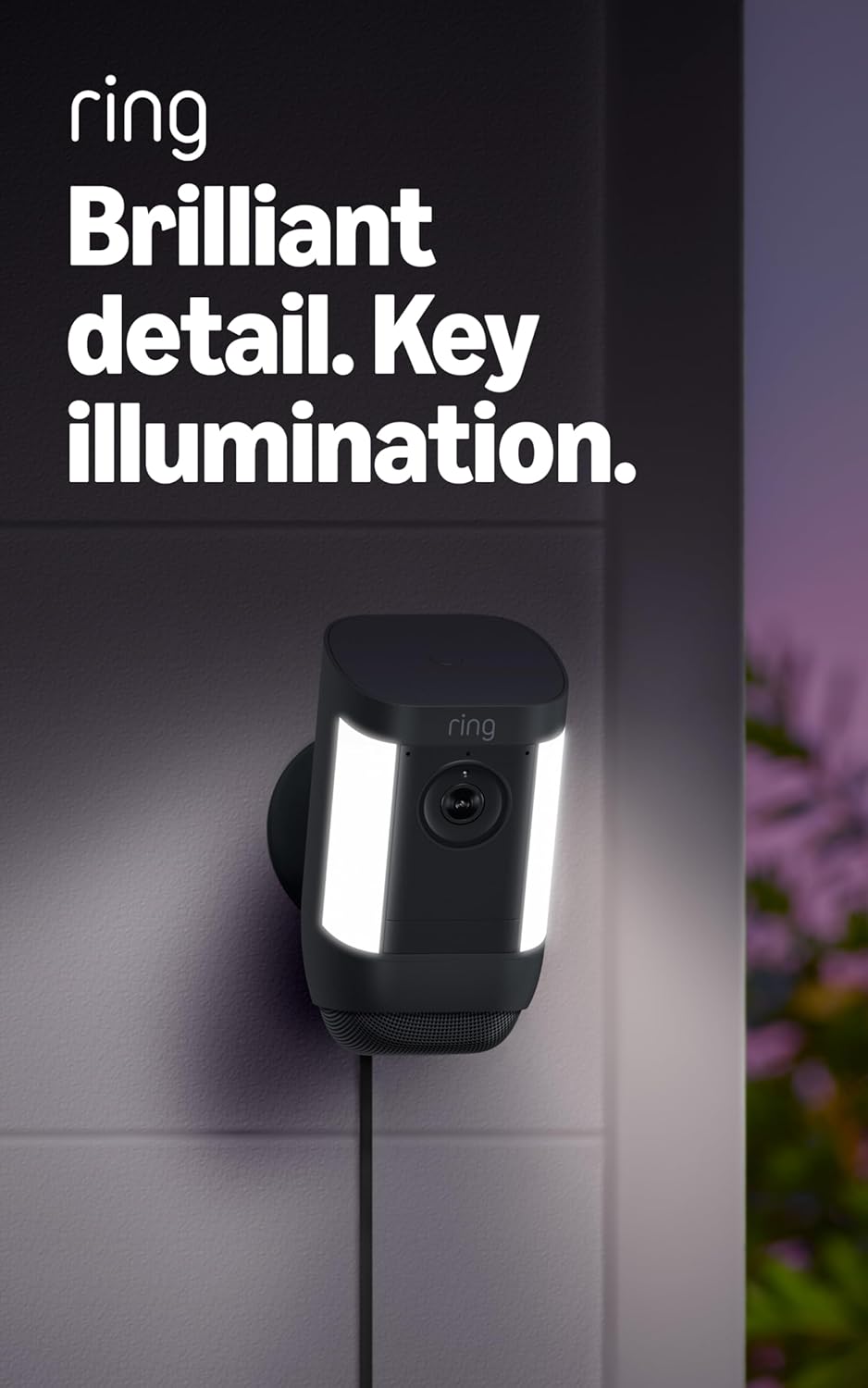
Figure 4.4: Spotlight Cam Pro with activated illumination.
4.5 Alexa Whakauru
The Spotlight Cam Pro works with Alexa. You can receive announcements on Echo devices when motion is detected and use select Echo and Fire TV devices to see, hear, and speak to people on camera.
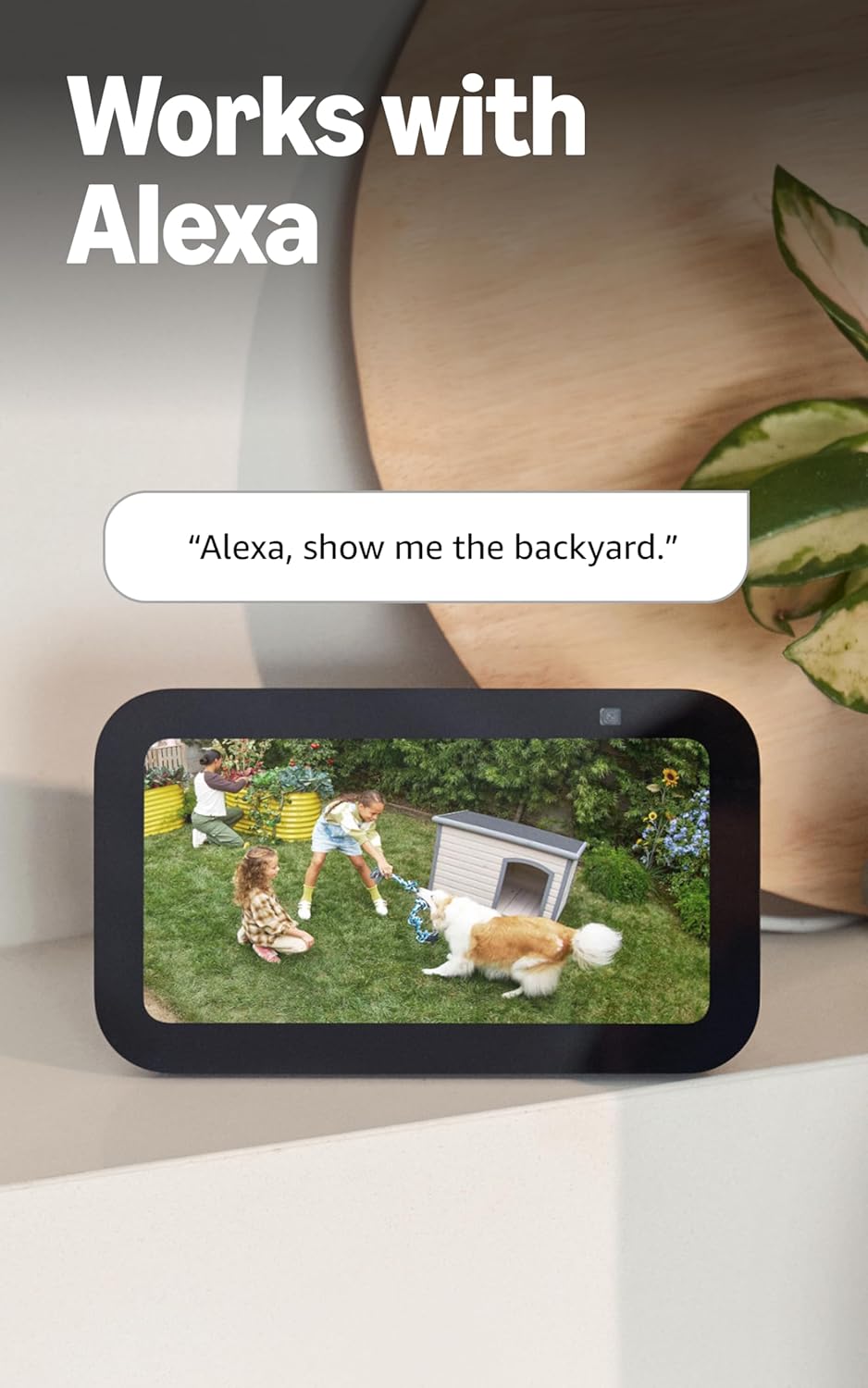
Figure 4.5: Ring Spotlight Cam Pro integration with Alexa.
5. Tiaki
To ensure optimal performance and longevity of your Ring Spotlight Cam Pro, follow these maintenance guidelines:
- Te horoi: Horoia te arotahi me te whare o te kāmera i ia wā ki te wai ngohengohe,amp he kakahu hei tango i te puehu me te paru. A ape i te whakamahi i nga matū kino, i nga taonga abrasive ranei.
- Whakahōu Firmware: Ensure your device's firmware is always up to date through the Ring app to benefit from the latest features and security enhancements.
- Hononga Hiko: Regularly check the USB-C power adapter and cable for any signs of damage.
6. Te Raru
If you encounter issues with your Ring Spotlight Cam Pro, consider the following common solutions:
- Kore Mana: Ensure the USB-C power adapter is securely plugged into both the camera and a working power outlet.
- Kounga Ataata Kino: Check your internet connection. A recommended minimum upload speed of 4.5 Mbps is required for optimal performance. Video resolution may vary with bandwidth.
- Nga take motini: Verify that motion zones are correctly configured in the Ring app. Ensure there are no obstructions blocking the camera's view.
- Raruraru Hononga: Confirm your Wi-Fi network is operational. The camera supports 802.11 b/g/n/ac Wi-Fi @2.4GHz and 5.0GHz. Try restarting your router.
- Taupānga Kaore i te whakautu: Close and reopen the Ring app. If the issue persists, try reinstalling the app.
Mō ētahi atu āwhina, tirohia te wāhanga tautoko, whakapā atu rānei ki te ratonga kiritaki a Ring.
7. Whakatakotoranga
| Wā Tāuta Wawaenga | 5-10 meneti |
| Ataata | 2K, HDR, Live View, Tirohanga Po Tae |
| Marae o View | 140 ° whakapae, 80 ° poutū |
| Te Motini | 3D Motion Detection with Bird's Eye Zones and Bird's Eye View |
| Ororongo | Two-Way Talk with Audio+ and advanced noise cancellation |
| Hirini | Siren haumarutanga-mamao |
| Nga rama | Two 3000° Kelvin spotlights |
| Ka mahi tahi me Alexa | Illuminates and sends announcements to Echo devices whenever motion is detected, and lets you see, hear and speak to people on camera with select Echo and Fire TV devices. |
| Mana | Plug-In USB-C Power Adapter (19.7 feet long) |
| Aratau Hiko Takirua | Dynamic switching between plug-in and battery power modes (requires purchase of Quick Release Battery Pack) |
| Nga Whakaritenga Ipurangi | Ko te tere tukuake iti rawa e taunakitia ana he 4.5 Mbps mō te mahi tino pai. Ka rerekē pea te taumira ataata i runga i te whānui o te ipurangi. |
| Hononga | 802.11 b/g/n/ac Wi-Fi connection @2.4GHz and 5.0GHz |
| Nga Tikanga Mahi | -4°F ki te 120°F (-20°C ki te 48.5°C), Atete Huarere |
| Nga Tae Wātea | Ma, Pango |
| Whakaritenga Whakaritenga | Vertical or horizontal surface for mounting. |
| Ahu | 3.1 in. X 3.2 in. X 5.7 in. (77.8 mm x 81.5 mm x 144.63 mm) |
8. Pūtāhui me te Tautoko
Your Ring Spotlight Cam Pro comes with a one-year limited warranty. Purchase and use of the product are subject to terms and conditions.
For additional information, troubleshooting guides, and customer service, please visit the official Ring support page. You can also find information regarding software security updates in the Ring Control Center.
Important Disclaimers:
- E 10 noa iho ngā pūrere i te wāhi kotahi. Kāore e hototahi ki ētahi āhuatanga.
- Ka rongoatia ngā rekoata ki te kapua mō te wā poto, tae atu ki te 14 rā. Ka whakawhirinaki tēnei āhuatanga ki te hononga whatunga me ētahi atu āhuatanga.
- Ka rongoatia ō ataata Ring i roto i te kapua mō te wā poto, tae atu ki te 180 rā o te Hītori Takahanga Ataata. Mā te whakarerekē i te wā rokiroki o tō ataata ka pā noa ki ngā ataata kua tuhia i muri i tō whakarerekētanga i tō tautuhinga wā rokiroki. Tirohia ngā Mahere Ohaurunga Ring mō ētahi atu kōrero.
- Ring Home Premium subscription required, sold separately. For customers in Illinois & Texas: Ring Smart Video Search is not available on Ring devices due to specific state legislation. Feature only available in English.