
Kupu Whakataki
This manual provides comprehensive instructions for the proper use, setup, and maintenance of your BlueParrott B650-XT Mono Bluetooth Wireless Headset. Please read this guide thoroughly to ensure optimal performance and longevity of your device. The B650-XT is designed for clear communication in high-noise environments, offering advanced noise cancellation and robust features for professional use.
He aha kei roto i te Pouaka
Manatokona kei roto katoa nga mea kei roto i to kete hua:
- B650-XT Headset
- Te urunga taringa hiako
- USB taura
- Kaituku waka
- Two mic windscreens
- He aratohu timata tere

Tatūnga
1. Te Whakataki i te Paneoro
Before initial use, fully charge your B650-XT headset. Use the provided USB cable and vehicle charger. A full charge provides up to 36 hours of talk time and 90 hours of standby time.
2. Te mau i te Paneoro
The B650-XT features an over-ear design for comfort during extended use. Adjust the headband and microphone boom for a secure and optimal fit. The microphone should be positioned approximately two finger-widths from the corner of your mouth.

3. Tauhoa ki te Pūrere
- Me mohio kei te utu te pane ka mutu te hiko.
- Pēhia me te pupuri i te paatene hiko mo te 4 hēkona kia whiti te tohu LED ki te puru me te whero, e tohu ana i te aratau takirua.
- I runga i to taputapu pūkoro, whakaaheihia te Nihokikorangi ka rapua nga taputapu e waatea ana.
- Select 'BlueParrott B650-XT' from the list. If prompted, enter '0000' for the PIN.
- Once paired, the LED will show a solid blue light. The headset can pair with up to 7 devices and connect to 2 devices simultaneously.
Nga Tohutohu Whakahaere
1. Mana Whakahaereview
The B650-XT features intuitive controls for managing calls and audio:
- Pātene Hiko: On/Off, Pairing mode.
- Pātene Rōrahi (+/-): Whakaritehia te reo ororongo.
- BlueParrott Button: Customizable for various functions (mute, speed dial, Push-to-Talk).

2. Hanga me te Whiwhi Waea
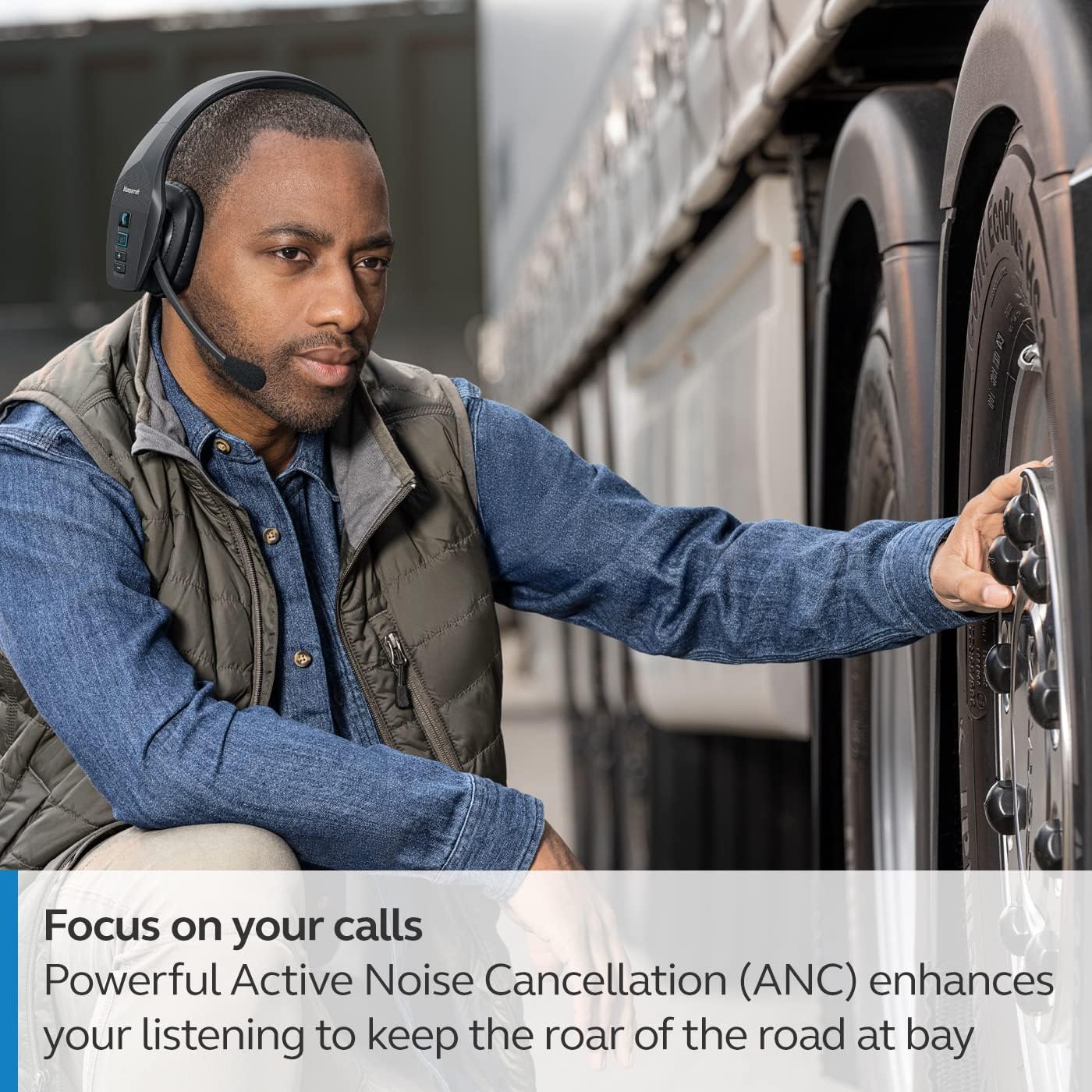
The headset's microphone features 96% noise cancellation, ensuring your voice is clear even in loud environments. Active Noise Cancellation (ANC) in the earcup reduces ambient noise for improved listening.

3. Mana Reo
The B650-XT supports 100% hands-free voice control for managing calls, GPS directions, music, and voice assistants. This feature allows you to operate the headset without taking your hands off the wheel or your eyes off the task.

4. BlueParrott Button Customization
The BlueParrott Button can be programmed for quick access to your most-used functions, such as mute, speed dial, or Push-to-Talk. Customize this feature via the BlueParrott app on your smartphone.

Te tiaki
1. Te horoi
Regularly wipe the headset with a soft, dry cloth. For deeper cleaning, use a slightly damp cloth. Avoid using harsh chemicals or abrasive materials. Ensure the charging port is free of dust and debris.
2. Rokiroki
Store the headset in a cool, dry place away from extreme temperatures and direct sunlight. The B650-XT is IP54-rated for protection against dust and water, but proper storage helps maintain its condition.

Raparongoā
If you encounter issues with your BlueParrott B650-XT headset, try the following steps:
- Kore Mana: Me whakarite kua whakakiia te pane.
- Kaore e taea te takirua: Make sure the headset is in pairing mode (flashing blue/red LED) and your device's Bluetooth is enabled. Try restarting both devices.
- Kounga Ororongo Kino: Check microphone positioning. Ensure there are no obstructions between the headset and your connected device.
- Nga Take Mana Reo: Verify that voice control is enabled and configured correctly through the BlueParrott app.
For persistent issues, refer to the official BlueParrott support webpae, whakapā atu ranei ki te ratonga kiritaki.
Whakatakotoranga
| Āhuahira | Taipitopito |
|---|---|
| Ingoa Tauira | B650-XT |
| Tauira Tuemi | 204330 |
| Hangarau Hononga | Nihokikorangi 5.1 |
| Mokowoko Korekore | Tae atu ki te 100 mita (300 putu) |
| Te Wa Korero | Tae atu ki te 36 haora |
| Wā tūtatari | 90 haora |
| Whakakorea Ngahiko Hikoorooro | 96% |
| Mana Haruru | Whakakahoretanga Noise Kaha (ANC) |
| Whakatauranga IP | IP54 (Atete Puehu me te Wai) |
| Te Whakanoho Taringa | Ki runga Taringa |
| Rahi Atekōkiri Ororongo | 40 Mirimita |
| Taumaha Tūemi | 7.5 hekere (0.47 Pauna) |
| Hunga Hua | 6.4 x 2.5 x 6.4 inihi |
| UPC | 615822015981 |
Pūtāhui me te Tautoko
For warranty information and detailed support, please visit the official BlueParrott webpaetukutuku, whakapā atu ranei ki ta raatau tari ratonga kaihoko. Puritia to tohu hoko mo etahi kereme whakamana.
Tautoko Aipurangi: www.blueparrott.com/support