
Kupu Whakataki
Mauruuru koe mo te hokoasing the Cuifati A100 Mini Cartoon Kids Camera. This camera is designed for children aged 3-12, offering a fun and safe way to explore photography and videography. Its compact, lightweight, and durable design, made from food-grade ABS material, ensures a comfortable and secure grip for small hands. This manual provides essential information for setting up, operating, and maintaining your camera.
The camera features a 2.0-inch color display, 20MP photo resolution, 720P video recording, and includes various photo frames and filters to enhance creativity. It is equipped with a built-in 400mAh rechargeable battery for extended use.
Nga korero haumaru
- This product is intended for children aged 3-12. Adult supervision is recommended during use.
- The camera is made from food-grade ABS material, ensuring it is safe for children.
- Do not expose the camera to extreme temperatures, direct sunlight for prolonged periods, or moisture.
- Avoid dropping or subjecting the camera to strong impacts.
- Keep small parts, such as memory cards, out of reach of very young children to prevent choking hazards.
- Use only the provided charging cable or a compatible DC5V 1A charger.
- The battery is built-in and non-detachable. Do not attempt to replace it.
Ihirangi mokete
Tena koa tirohia te kete kia mohio kei te noho katoa nga taonga:
- 1 x Cuifati A100 Children Camera
- 1 x Fixing Strap
- 1 x Anti-lost Rope
- 1 x USB Utaura Whakatau

Whakaahua 1: Package contents including the camera, straps, and charging cable.
Ka mutu te huaview
The Cuifati A100 camera features a user-friendly design with a durable, rounded body for comfortable handling.

Whakaahua 2: The camera's light and round design.
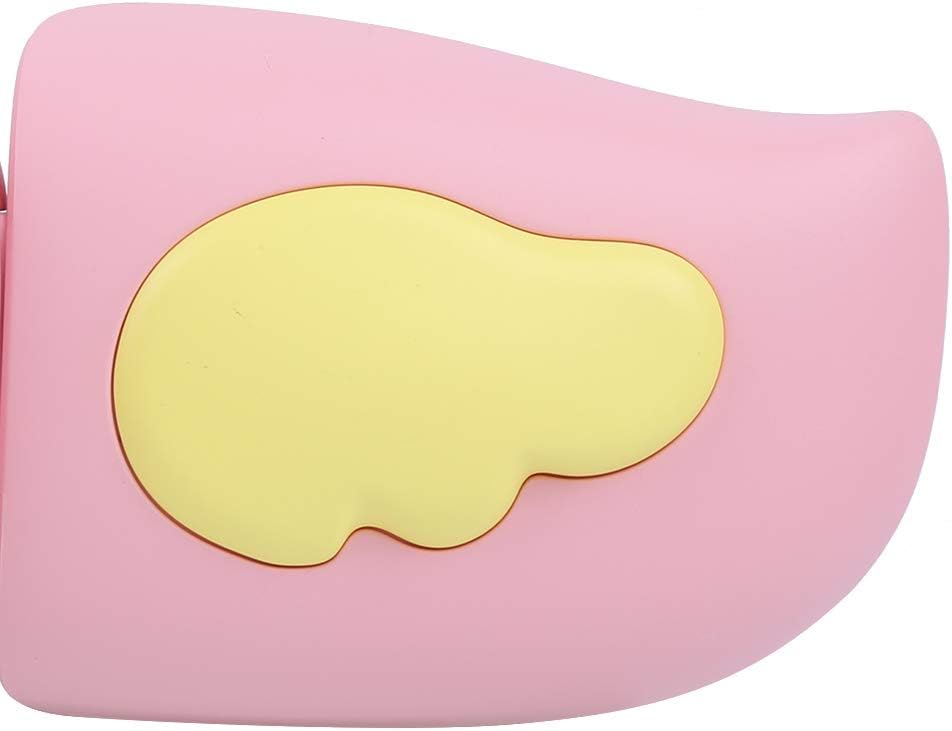
Whakaahua 3: Detail of the camera's ergonomic design.
Āhuatanga matua:
- 2.0-inihi Whakaatu Tae: Mo viewte tango whakaahua, ngā ataata, me ngā tahua whakatere.
- Arotahi Pūmau: 100° viewing angle for capturing wide scenes.
- Pātene ratarata-kaiwhakamahi: Ngā mana whakahaere māmā mō te whakahaere ngāwari.
- Atanga USB: Mo te utu me te whakawhiti raraunga.
- Mokamoka Kaari Pumahara: Ka tautokohia ki te 32GB (kaore he kaari).
Tatūnga
1. Te Whakataki i te Kamera
Before first use, fully charge the camera's built-in 400mAh battery. The camera features a large capacity battery for strong endurance.
- Connect the provided USB charging cable to the camera's USB port.
- Connect the other end of the USB cable to a DC5V 1A USB power adapter (not included) or a computer's USB port.
- The charging indicator light will illuminate. Once charging is complete, the light may change color or turn off.
2. Te whakauru i te Kaari Mahara
A memory card (MicroSD card, up to 32GB) is required to save photos and videos. It is not included in the package.
- Kimihia te mokamoka kaari mahara ki te taha o te kamera.
- Gently insert a MicroSD card into the slot with the metal contacts facing the front of the camera until it clicks into place.
- To remove the card, gently push it in again until it springs out.
Nga Tohutohu Whakahaere
1. Te Hiko / Whakaweto
- Hei Whakahiko: Press and hold the Power button (usually marked with Ⓜ or a similar icon) for a few seconds until the screen lights up.
- Hei Whakaweto: Pēhia anō te pātene Mana me te pupuri kia mate rā anō te mata.

Whakaahua 4: Camera in hand, showing the display and control buttons.
2. Tango Whakaahua
- Whakakāhia te kāmera. Ko te tikanga ka huri ki te aratau whakaahua.
- Frame your shot using the 2.0-inch color display.
- Press the Shutter button (often a prominent button on top or side) to take a picture.
- Ka tautoko te kāmera i te taumira whakaahua 20MP.
- Utilize the 4 types of photo stickers and 9 kinds of filters for creative effects.
- Time-lapse shooting for selfies can be set for 3 or 5 seconds.
3. Hopu Ataata
- From photo mode, navigate to video mode using the mode button (usually marked 'M' or a video camera icon).
- Pēhi i te Pātene Raru kia timata te tuhi. Ka puta he tohu tuhi ki te mata.
- Patohia ano te paatene Panuku kia mutu te tuhi.
- The camera records videos in 720P (1080x720) resolution.
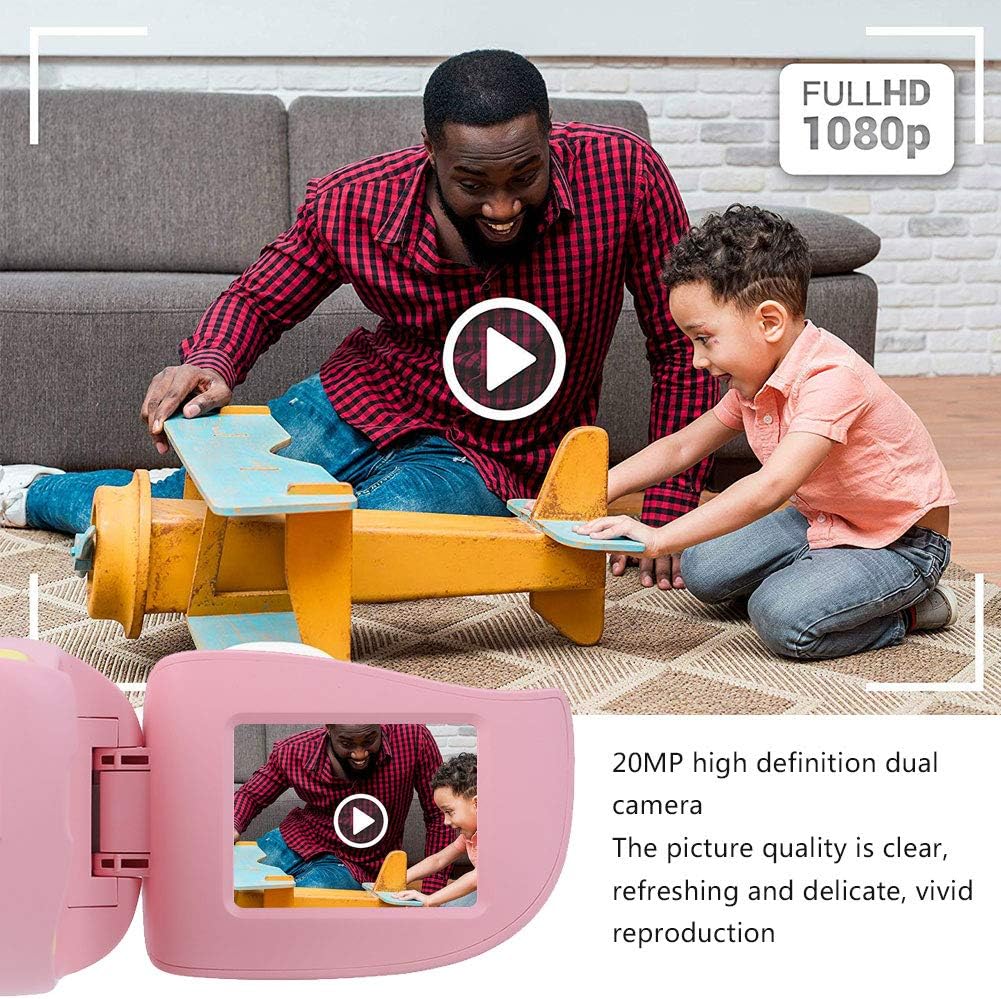
Whakaahua 5: Illustrating the camera's 20MP photo and 720P video capabilities.
4. Aratau Purei Ano
- Enter playback mode using the mode button.
- Use the navigation buttons (up/down or left/right arrows) to browse through your photos and videos.
- Press the OK/Shutter button to view he whakaahua, he purei ataata ranei.
5. Settings and Games
- Access the settings menu via the mode button or a dedicated menu button. Here you can adjust language (Chinese, English, Russian, Korean, Japanese), date/time, and other camera parameters.
- The camera supports a variety of built-in games for entertainment. Navigate to the game section through the menu.
Te tiaki
- Te horoi: Use a soft, dry cloth to clean the camera body. For the lens, use a specialized lens cleaning cloth. Do not use liquid cleaners or abrasive materials.
- Rokiroki: Store the camera in a cool, dry place away from direct sunlight and moisture when not in use.
- Tiaki Pūhiko: Hei whakaroa i te ora o te pākahiko, karohia te tuku katoa i te pākahiko. Me utu te kaamera i nga wa katoa, ahakoa kaore i te whakamahia mo nga wa roa.
Raparongoā
| Raruraru | Take pea | Rongoā |
|---|---|---|
| Karekau te kamera e ka ana. | Kua iti, kua pau ranei te pākahiko. | Charge the camera using the USB charging cable. |
| Kāore e taea te tango whakaahua/te tuhi ataata. | Karekau he kaari mahara i whakauruhia, kua ki tonu ranei te kaari. | Insert a compatible MicroSD card (up to 32GB). Check if the card has sufficient space or try formatting it (this will erase all data). |
| He rangirua nga whakaahua/ataata. | Lens is dirty or lighting is poor. | Clean the lens with a soft cloth. Ensure adequate lighting for your shots. |
| Ka whakatio te kamera, ka kore ranei e aro. | Hapa o te rorohiko. | Press and hold the Power button for an extended period (e.g., 10-15 seconds) to force a restart. If the issue persists, ensure the battery is charged. |
Whakatakotoranga
| Tauira | A100 |
| Rauemi | ABS kai-kore |
| Mata | 2.0 Inch Color Display Screen (LCD) |
| Arotahi | Fixed Lens, 100° Viewing Koki |
| Waenga Rokiroki | Memory Card (MicroSD), Maximum Support 32GB (Not Included) |
| Hōputu Atahanga | JPG |
| Hōputu Ataata | JPEG |
| Whakatau Ataata | 720P (1080x720) |
| Pika Whakaahua | 20 MP Effective Still Resolution |
| Whakaahua Whakaahua | 4 Momo |
| Ngā Pānga Tātari | 9 Te ahua |
| Whakauru Voltage | DC5V 1A |
| Nga Mahi | Taking Pictures, Video Recording, Games |
| Nga Reo Tautokona | Chinese, English, Russian, Korean, Japanese |
| Pūhiko | Built-in, Non-Detachable 400mAh Lithium Battery |
| Taumaha | Approx. 220g |
| Ahu (hua) | 13 x 11 x 7 cm (Ngā Ahu Puhi) |
| Hononga | USB, Wi-Fi |
| Hangarau Pūoko Whakaahua | CMOS |
| Mana Whakaaturanga | ā-ringa |
| Aratau Whakapupuri | Hākinakina |
| Te Pupuri Tonu | 30 FPS |
| Awhe Tau | Tamariki (3-12 tau) |
Pūtāhui me te Tautoko
Specific warranty information is not provided in this manual. For details regarding warranty coverage, technical support, or service, please refer to the documentation included with your purchase or contact the retailer where the product was acquired. You may also visit the official Cuifati brand store for additional information.
Cuifati Brand Store: Haere ki te Toa