
Ka mutu te huaview
The BlueParrott B250-XTS wireless headset is engineered for clear call conversations in high-noise environments, making it an ideal solution for professionals such as truck drivers, delivery drivers, farmers, landscapers, and RV drivers who require reliable communication on the go. This over-the-head, on-ear mono headset features advanced noise cancellation technology to ensure your voice is heard clearly, even amidst significant background noise.

He mutuview of the BlueParrott B250-XTS headset, highlighting its design and key features.
Key features include impressive noise cancellation, extended talk time, and robust wireless connectivity, designed for all-day comfort and durability.
He aha kei roto i te Pouaka
- 1x BlueParrott B250-XTS Bluetooth Mono Headset
- 1x USB-C Uera Whakatau
- 1x Foam Ear Cushion (pre-installed or spare)
- 1x Leatherette Ear Cushion (spare)
- 2x Microphone Windscreens (spare)
- Aratohu Timata Tere
- Warranty and Warning Leaflet

The BlueParrott B250-XTS headset shown with its included USB-C charging cable.
Tatūnga me te Takirua
Utu Tuatahi
Before first use, fully charge your BlueParrott B250-XTS headset. Connect the provided USB-C charging cable to the headset's USB-C port and plug the other end into a compatible USB power source. A full charge takes approximately 3 hours.

Kati-ake view of the USB-C charging port on the BlueParrott B250-XTS headset.
Whakahoahoa ki te Pūrere
- Ensure your headset is charged and powered off.
- Press and hold the Multifunction button (usually the main power button) for approximately 3 seconds until you hear "Power on" and then "Discovering" or see the LED indicator flashing blue. This indicates the headset is in pairing mode.
- I runga i to taputapu pūkoro (smartphone, tablet, etc.), whakahohea te Nihokikorangi me te rapu mo nga taputapu e waatea ana.
- Select "B250-XTS" from the list of available Bluetooth devices.
- Once connected, you will hear a confirmation tone or voice prompt from the headset.
The headset can connect to two Bluetooth-enabled mobile devices simultaneously and can pair with up to eight different devices.
This video demonstrates the unboxing and setup process for the BlueParrott B250-XTS headset, including how to pair it with a device.
Nga Tohutohu Whakahaere
Nga Mana Whakahaereview
- Pātene Mahi Maha: Power on/off (hold), Answer call (press), Reject call (hold).
- Patene Runga / Raro: Whakaritehia te reo ororongo.
- Ringa Pūorooro: Adjustable for optimal voice pickup. Can be rotated to position the headset on either the left or right ear.

The BlueParrott B250-XTS headset, showing the location of its control buttons and adjustable microphone.
Whakahaa Piiraa
- Whakautu Waea: Kotahi te paatene i te paatene Mahi maha.
- Waea Whakamutunga: Kotahi te paatene i te paatene Mahi maha.
- Whakakahore Waea: Patohia me te pupuri i te paatene Multifunction mo te 2 hēkona.
- Mana Reo: Utilize your device's voice assistant for hands-free call management.
Ngaruoho Ororongo
The headset supports streaming of multimedia audio, including music, GPS directions, and podcasts, from your paired device.
Nga waahanga matua
- Impressive Noise Cancellation: Blocks out up to 91% of background noise, ensuring clear communication in noisy environments.
- Wā Kōrero Roa: Provides up to 20 hours of talk time on a single charge, supporting all-day use.
- Te herekore Ahokore: Offers a wireless range of up to 66 feet (20 meters) from paired devices, allowing mobility.
- Tūhononga Pūrere-maha: Connects to two Bluetooth-enabled mobile devices simultaneously and can pair with up to eight devices.
- Comfortable and Rugged Design: Features an adjustable headband for a customizable, stable fit and a durable build for long-lasting performance.
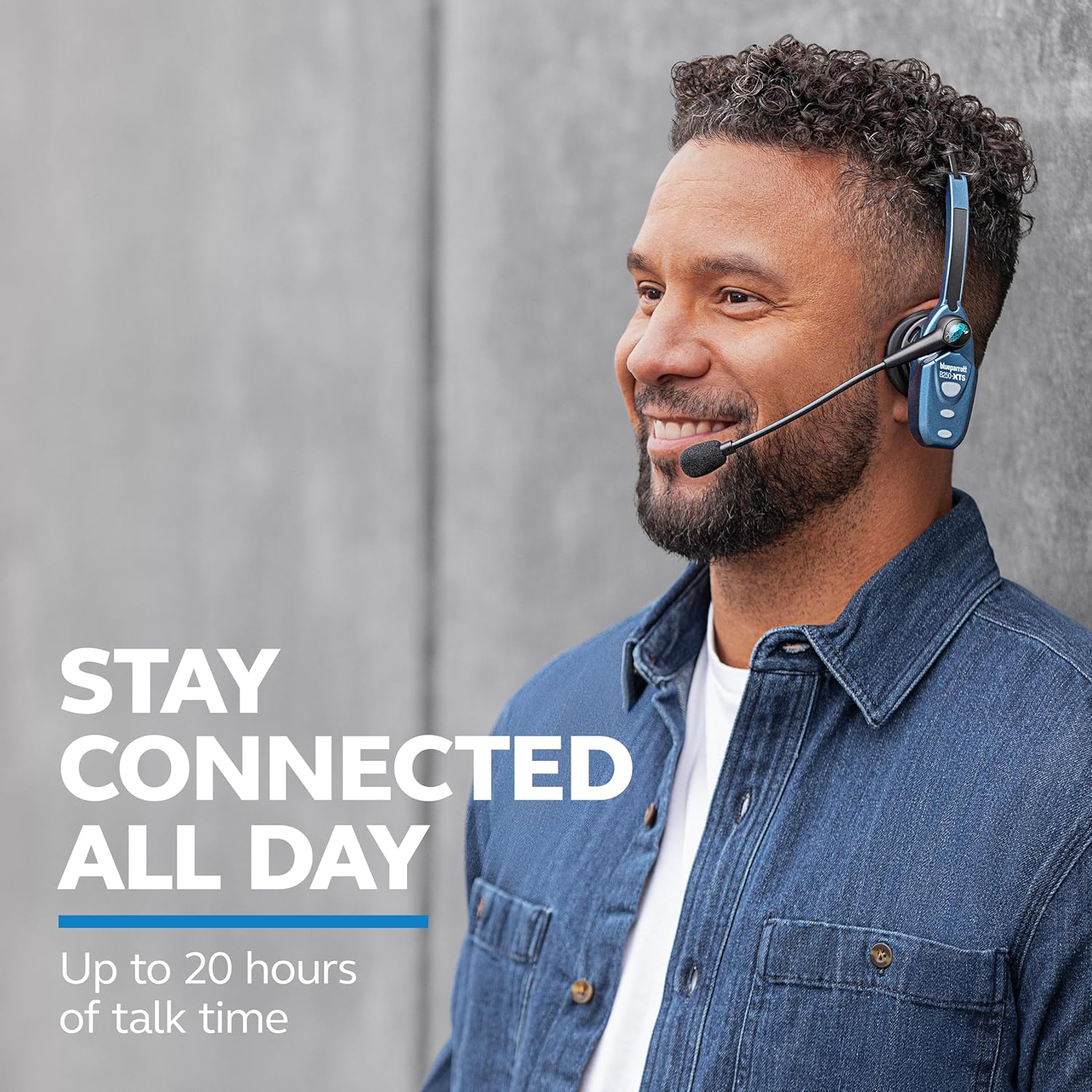
The headset is designed for extended use, offering up to 20 hours of talk time.

The headset provides wireless freedom with a range of up to 66 feet from your device.
This video highlights the robust features of BlueParrott headsets, including noise cancellation and extended wireless range, designed for professional truck drivers.
Whakatakotoranga
| Whakatakotoranga | Uara |
|---|---|
| Ingoa Tauira | B250-XTS |
| Waitohu | Pūraka |
| Mana Haruru | Active Noise Cancellation (91% background noise reduction) |
| Hangarau Hononga | Nihokikorangi 5.0 |
| Mokowoko Korekore | Tae atu ki te 20 mita (66 putu) |
| Te Wa Korero | Tae atu ki te 20 haora |
| Wā tūtatari | 490 haora |
| Waa Whakatau | Tata ki te 3 hāora (USB-C) |
| Taumaha Tūemi | 71g (2.5 oz) |
| Te Whakanoho Taringa | Over Ear (Mono) |
| Momo Mana | Media Control, Button |
| Rauemi | Polycarbonate (PC), Silicone, Acrylonitrile Butadiene Styrene (ABS) |
Te tiaki
To ensure the longevity and optimal performance of your BlueParrott B250-XTS headset, follow these maintenance guidelines:
- Te horoi: Regularly wipe the headset, especially the earcup and microphone, with a soft, dry cloth. For stubborn dirt, a slightly damp cloth can be used, but ensure no moisture enters the charging port or speaker grille.
- Uinga Taringa: Replace ear cushions if they show signs of wear or damage to maintain comfort and hygiene. Spare foam and leatherette ear cushions are included.
- Mata Matapihi hopuoro: The microphone windscreen helps reduce breath and wind noise. Replace it if it becomes worn or damaged. Spare windscreens are provided.
- Rokiroki: Store the headset in a cool, dry place away from extreme temperatures, direct sunlight, and moisture when not in use.
- Tauranga Whakatau: Keep the USB-C charging port free of dust and debris. Avoid using excessive force when plugging in the charging cable.
Raparongoā
If you encounter issues with your BlueParrott B250-XTS headset, try the following common troubleshooting steps:
- Kore Mana: Ensure the headset is fully charged. Connect it to the USB-C charging cable and allow it to charge for at least 30 minutes before attempting to power on again.
- Kaore e taea te takirua:
- Me whakarite kei te aratau takirua te pane (he kikorangi te rama rama).
- Turn off and on the Bluetooth on your mobile device.
- Delete "B250-XTS" from your device's Bluetooth list and attempt to re-pair.
- Ensure your device is within the 66-foot wireless range.
- Kounga Ororongo Kino / Haruru:
- Ensure the microphone boom arm is positioned correctly, directly in front of your mouth.
- Check if the microphone windscreen is properly installed and not damaged.
- Move closer to your paired device to improve signal strength.
- Ensure there are no obstructions between the headset and your device.
- Kore Oro:
- Check the volume levels on both the headset and your paired device.
- Ensure the headset is properly connected to your device via Bluetooth.
For more detailed troubleshooting or specific issues, refer to the full user guide available as a PDF document.
Pūtāhui me te Tautoko
The BlueParrott B250-XTS headset includes a kotahi tau iti pūtāhui mai i te ra o te hokonga. Ka kapi tenei raihana i nga hapa o nga rawa me nga mahi i raro i te whakamahinga noa.
For warranty claims, technical support, or to access the complete user manual, please refer to the official BlueParrott support resources. A PDF version of the user manual is available for download: