Kupu Whakataki
The SURI 1.0 Sonic Electric Toothbrush is designed to provide an effective and sustainable oral care experience. Featuring a durable aluminum body, plant-based brush heads, and powerful sonic vibrations, this toothbrush offers two cleaning modes and a long-lasting battery for convenient daily use and travel.
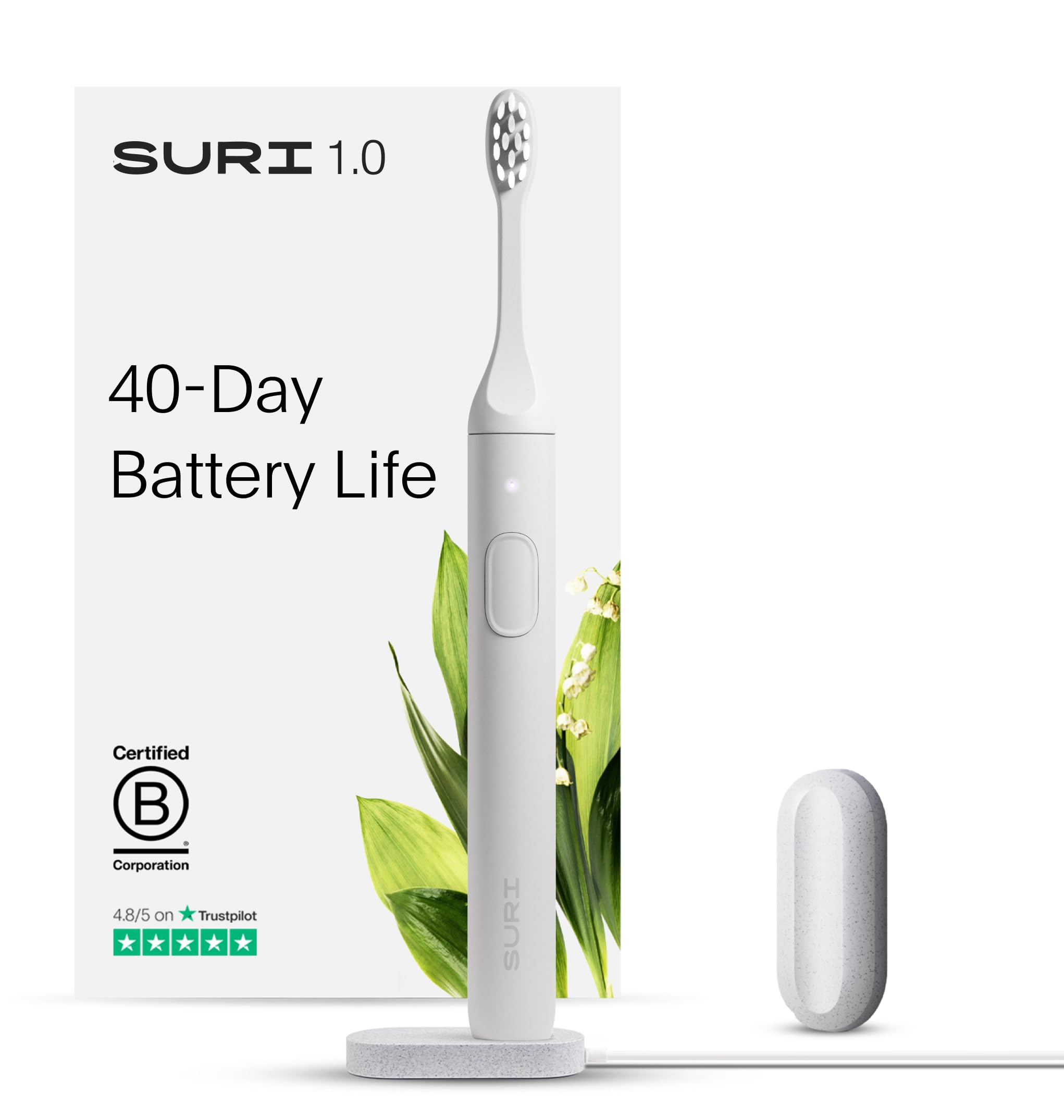
He aha kei roto
Your SURI 1.0 Sonic Electric Toothbrush package includes the following components:
- SURI 1.0 Sonic Electric Toothbrush Handle (Repairable Aluminium Body)
- Plant-Based Brush Head with Medium-Soft Bristles
- USB Charging Stand
- Magnetic Mirror Mount
- Travel Case (UV cleaning functionality available with specific variants)


For an unboxing experience, please refer to the video below:
Tatūnga
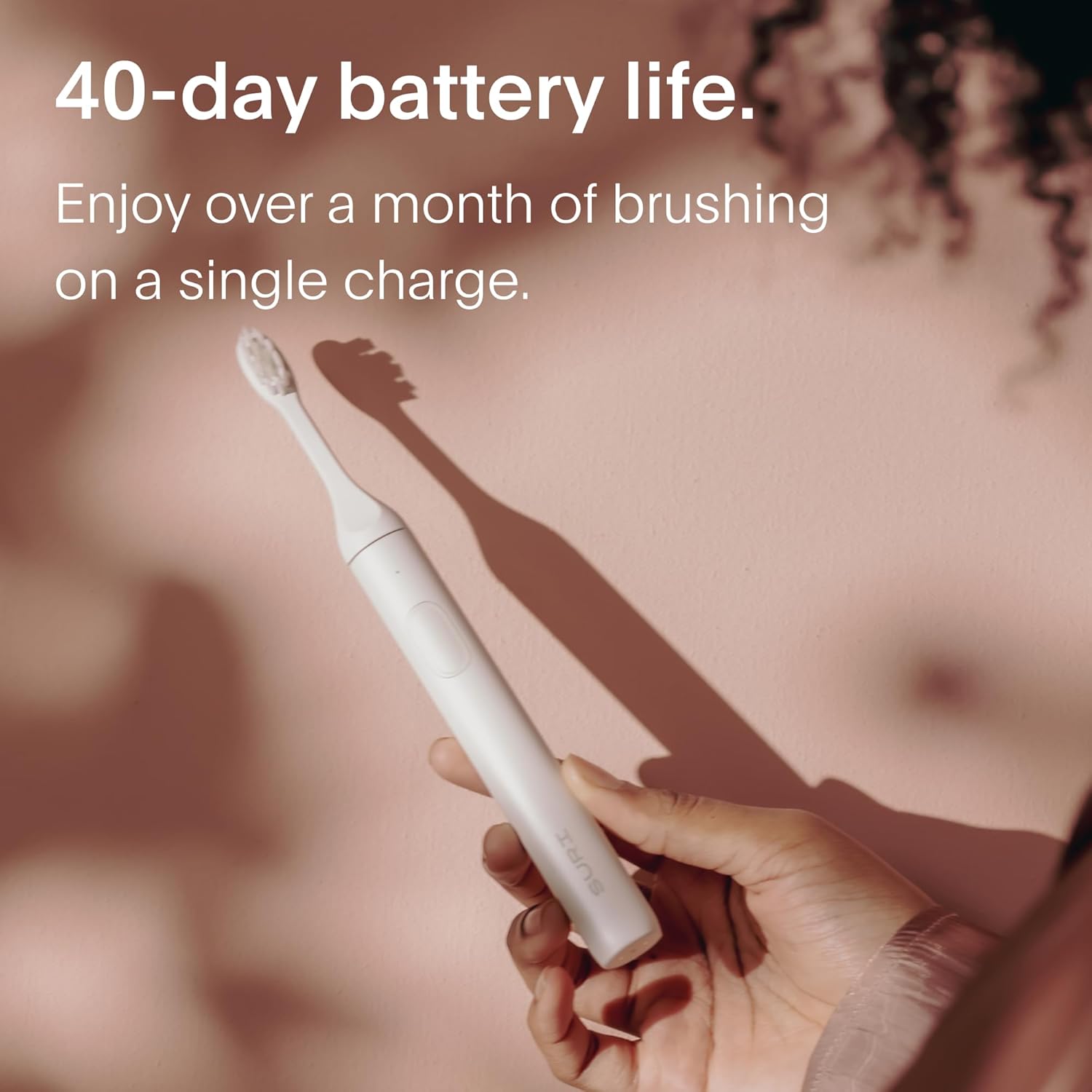
- Utuhia te paraihe niho: Before first use, fully charge your SURI 1.0 toothbrush. Place the toothbrush handle onto the USB charging stand. Connect the USB cable to a compatible power source. A full charge takes approximately 4 hours and provides over 40 days of battery life.
- Whakapirihia te Upoko Paraihe: Align the plant-based brush head with the metal shaft on the toothbrush handle and push it down firmly until it clicks into place.
- Install Mirror Mount (Optional): Clean the desired mirror or smooth surface. Remove the adhesive backing from the magnetic mirror mount and firmly press it onto the surface. Allow it to set for a few hours before hanging the toothbrush.
Nga Tohutohu Whakahaere
- Pane Paraihe Mākū: Whakamakukuhia ngā huruhuru o te pane paraihe ka pania he iti ki te paraihe niho.
- Hia me te Tīpako Aratau: Press the power button once to turn on the toothbrush. The default mode is 'Clean' (indicated by a white light). Press the power button a second time to switch to 'Polish' mode (indicated by a blue light).
- Tikanga paraihe: Gently place the bristles against your teeth at a 45-degree angle to the gum line. Move the brush slowly across your teeth, allowing the sonic vibrations (33,000 per minute) to clean each surface. Do not scrub aggressively.
- Timer 2-Meneti: The toothbrush features a built-in 2-minute timer, which is the dentist-recommended brushing time. It will pause briefly every 30 seconds to signal you to move to a different quadrant of your mouth. The toothbrush will automatically turn off after 2 minutes.
- Weto Whakakore: To turn off the toothbrush before the 2-minute cycle is complete, press and hold the power button for 2 seconds.

Te tiaki
Te horoi i te Paraihu Niho
- I muri i ia whakamahinga, horoia rawatia te pane paraihe i raro i te wai rere.
- Horoia te kakau paraihe ki te panuiamp cloth to remove any toothpaste residue. Do not submerge the entire handle in water for extended periods, despite its IPX7 waterproof rating.
- Ensure the charging contacts at the base of the toothbrush are clean and dry before placing it on the charging stand to prevent corrosion.
Te Whakakapi i nga Upoko Paraihe
It is recommended to replace your brush head every 3 months, or sooner if the bristles appear frayed. To replace:
- Pupuritia te pane o te paraihe kia kaha, ka kukume tika mai i te kakau.
- Align a new plant-based brush head with the metal shaft and push it down until it clicks into place.

Kaupapa Hangarua
SURI offers a free recycling service for used brush heads in the US. Please visit the official SURI website for instructions on how to participate in their recycling program.

Te utu
The SURI 1.0 Sonic Electric Toothbrush is equipped with a long-lasting Li-Ion battery, providing over 40 days of use on a single 4-hour charge.
Whakatau Paerewa
- Place the toothbrush handle onto the provided USB charging stand.
- Connect the USB cable from the stand to a compatible USB power adapter (not included) or a USB port.
- The indicator light on the toothbrush will show charging status (e.g., blinking while charging, solid when fully charged).
Travel Charging with UV Case (Specific Variants)
For variants that include a UV cleaning travel case, you can also charge your toothbrush while on the go:
- Place the toothbrush inside the UV travel case.
- Connect the UV case to a USB power source. The case will charge the toothbrush and activate the UV cleaning function simultaneously.
Whakatakotoranga
| Ingoa Tauira | SURI 1.0 |
| Tauira Tuemi | S1 |
| Puna Mana | Ma te Puhiko (1 te pākahiko Lithium Ion kei roto) |
| Ora Pūhiko | Neke atu i te 40 nga ra |
| Waa Whakatau | Approx. 4 haora |
| Ngā wiri ia meneti | 33,000+ |
| Paraihe Aratau | 2 (Clean, Polish) |
| Matawā | 2-minute auto-shutoff with 30-second quadrant timer |
| Whakatauranga parewai | IPX7 |
| Rauemi Kakau | Konumohe |
| Rauemi Paraihe | Te hinu Katoro |
| Nga waahanga motuhake | Recyclable, Comfortable Grip, Lightweight, Travel Size |
Raparongoā
Toothbrush Not Turning On/Charging
- Me whakarite kia tika te noho o te paraihe niho ki runga i te turanga utu.
- Check that the USB cable is securely connected to both the charging stand and a working power source.
- Verify that the charging contacts at the base of the toothbrush and on the stand are clean and dry. Corrosion can prevent proper charging.
- If the toothbrush has been completely depleted, it may take a few minutes on the charger before the indicator light appears.
Reduced Vibration Power
- The battery may be low. Recharge the toothbrush fully.
- Ensure the brush head is securely attached. A loose head can affect vibration transfer.
Toothbrush Not Turning Off
- Press and hold the power button for 2 seconds to manually turn off the toothbrush.
- If the issue persists, the device may require servicing.
Pūtāhui me te Tautoko
The SURI 1.0 Sonic Electric Toothbrush is designed with repairability in mind, featuring an aluminum body that can be taken apart for servicing. This approach aims to extend product lifespan and reduce waste.
For specific warranty details, repair services, or further support, please refer to the documentation included with your product or visit the official SURI website. SURI is committed to helping customers repair their toothbrushes rather than replacing them entirely, contributing to a more sustainable future.
For frequently asked questions regarding battery life and cleaning technology, please see the information below:
- Kia pehea te roa o te pākahiko? We have a long-lasting Li-Ion battery which we can replace when the product is sent back to us. Our brush’s battery lasts over 40 days on a four-hour recharge.
- How does the brush provide a good clean? Our brush uses sonic cleaning technology and has a high vibration (33,000 per minute) to create an effect called “fluid dynamics” which lifts plaque off your teeth as you brush. Check out our quick start guide (included with purchase) for tips!