
1. Kupu Whakataki
Welcome to the user manual for your VTech CS1500 DECT Cordless Phone. This guide provides detailed instructions on setting up, operating, and maintaining your new phone. The VTech CS1500 is designed for reliable communication, featuring call blocking, handsfree speakerphone, and an illuminated display for ease of use.
2. He aha kei roto i te Pouaka
Tena koa tirohia nga ihirangi o te kete kia mohio kei te noho katoa nga taonga:
- 1 Waeine turanga
- 1 Pukoro Ahokore
- 1 Kaiiriiri
- 1 Pūurutau AC
- 1 Pūhiko Pūhiko
- Waea Waea Waea
- Aratohu Timata Tere
3. Tatūnga
3.1 Te Hononga i te Waeine Turanga
Connect the telephone line cord to the base unit and your telephone wall socket. Plug the AC adaptor into the base unit and a power outlet. Ensure the base unit is placed in a central location for optimal signal range.
3.2 Tāuta Pūhiko
Open the battery compartment on the back of the handset. Insert the provided battery pack, ensuring the polarity matches the diagram inside the compartment. Close the battery compartment cover securely.
3.3 Whakataki Tuatahi
Place the handset on the base unit or charger. The handset features an innovative dual-charging design, allowing you to charge it face-down for easy viewing of the display or face-up for convenient placement. Allow the handset to charge for at least 16 hours before its first use to ensure full battery capacity.

Image: The VTech CS1500 DECT Cordless Phone handset resting on its charging base, showcasing its sleek white design and illuminated keypad.
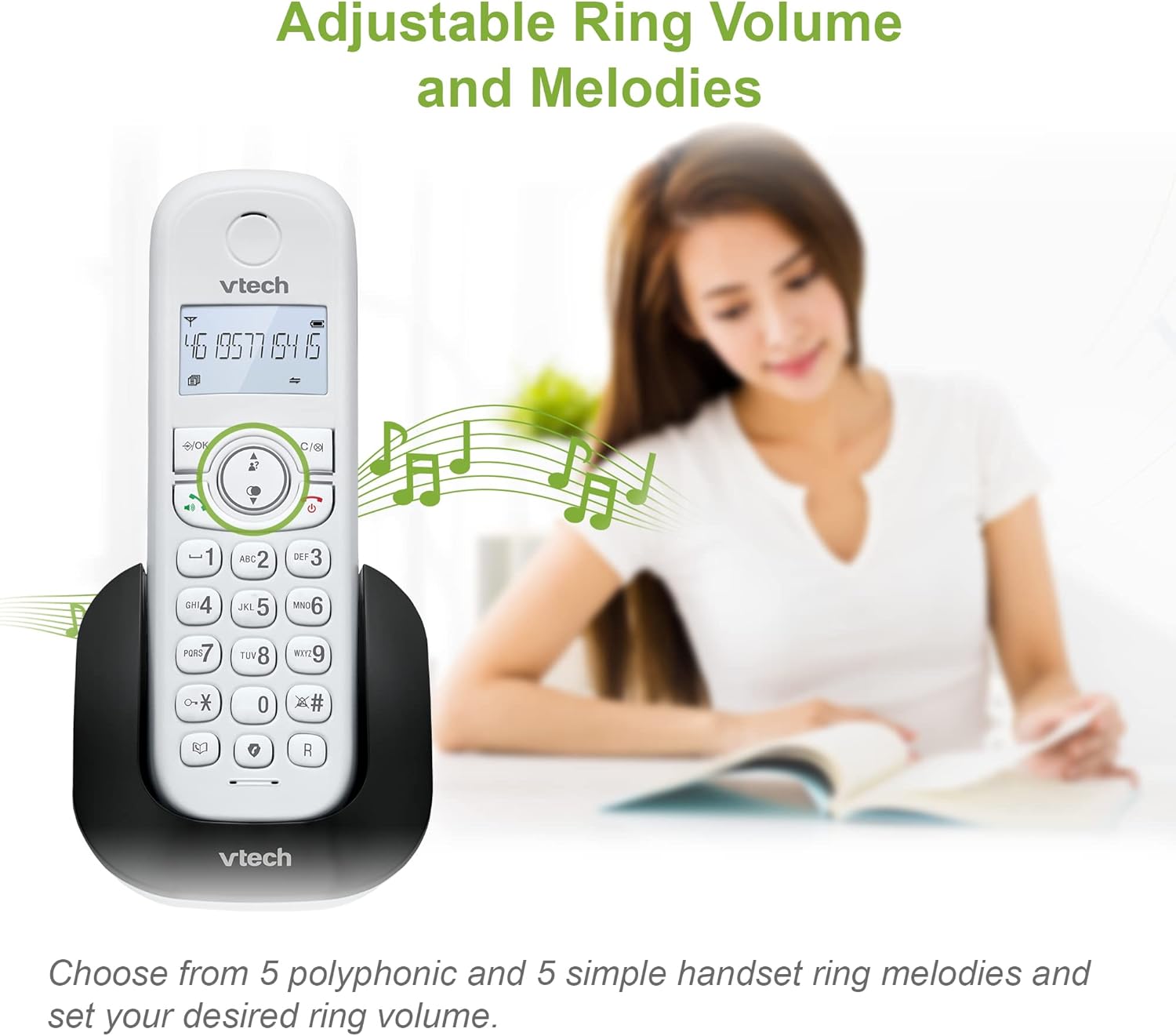
Image: Illustration demonstrating the two-way charging capability of the VTech CS1500 handset, allowing it to be placed face-down or face-up on the charging cradle.
4. Nga Tohutohu Whakahaere
4.1 Call Block Feature
The VTech CS1500 allows you to block nuisance and unwanted calls. You can block up to 60 blacklisted numbers. To block a number, navigate to the call block menu on your handset and add the desired number.

Image: The VTech CS1500 handset with a visual representation of the call block feature, highlighting the shield icon button.
Whakaahua: He tata view of the call block button on the VTech CS1500 handset, clearly showing the shield icon for easy identification.
4.2 Handsfree Speakerphone
Engage in conversations without holding the handset using the built-in handsfree speakerphone. Simply press the speakerphone button during a call to activate this function. This is ideal for multitasking or group conversations.
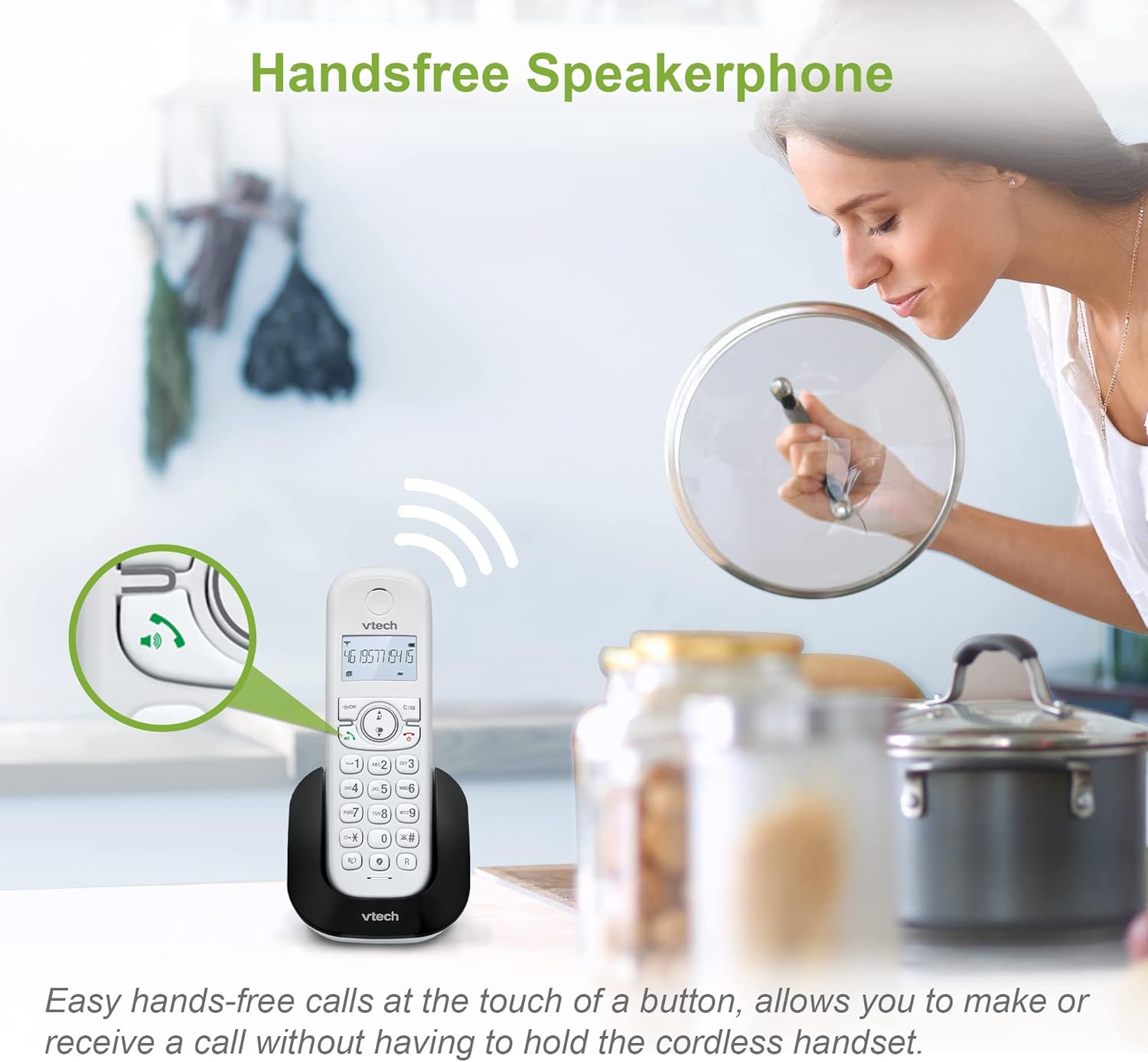
Image: The VTech CS1500 handset on its base, with an overlay indicating the handsfree speakerphone function is active, showing sound waves emanating from the phone.
4.3 Pukapuka Waea
Store up to 60 names and numbers in the phonebook for quick and easy dialing. Access the phonebook through the menu and add, edit, or delete contacts as needed.

Image: A hand holding the VTech CS1500 handset, with the screen displaying a phonebook entry, illustrating the 60 name and number capacity.
4.4 Waea Anō i te Tau Whakamutunga
The phone stores the last 10 numbers dialed, allowing for quick redialing. Press the redial button to access the list and select the desired number.

Image: A close-up of the VTech CS1500 handset screen displaying a previously dialed number, with a finger poised to press the redial button, indicating the 10 last number redial feature.
4.5 Caller ID / Call Waiting
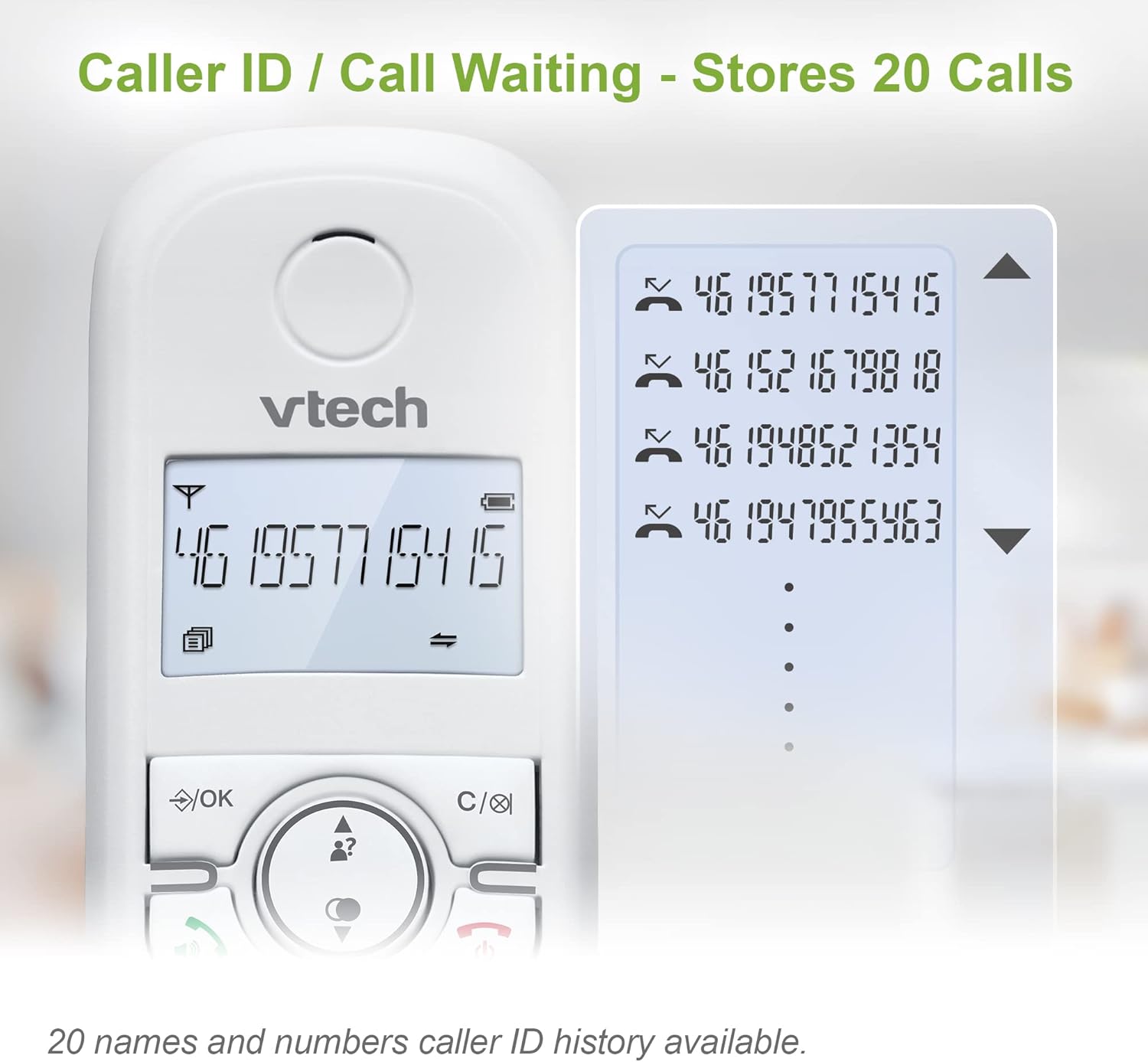
The phone stores a history of up to 20 incoming calls, allowing you to see who called even if you missed the call. Caller ID and Call Waiting features require subscription from your telephone service provider.

Image: The VTech CS1500 handset screen showing a list of incoming call numbers, illustrating the Caller ID / Call Waiting feature that stores up to 20 calls.
4.6 ECO Power Mode
The ECO Power Mode automatically adjusts and minimizes radio frequency power consumption, contributing to energy efficiency and a longer battery life.

Image: The VTech CS1500 handset on a table, with a green leaf icon representing the ECO Power Mode, indicating its energy-saving feature.
4.7 Backlit Display
The handset features a backlit display, illuminating the entire LCD for easier viewing in dim light conditions, ensuring readability at any time of day.
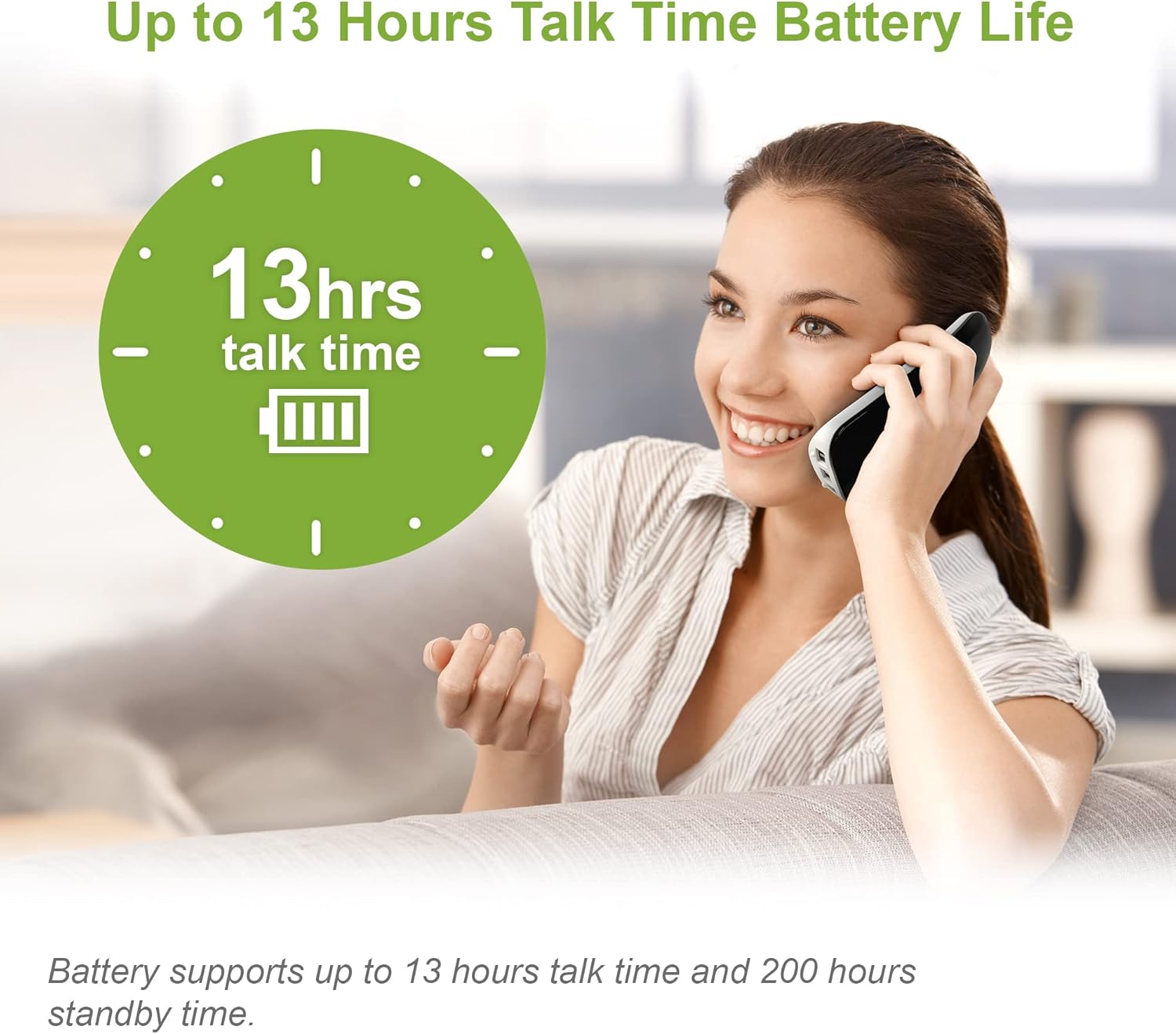
Image: The VTech CS1500 handset on its charging base in a dimly lit room, showcasing its illuminated display and keypad for enhanced visibility.
4.8 Te Ora Pūhiko
The VTech CS1500 offers an impressive battery life of up to 13 hours talk-time and 200 hours standby time, ensuring your phone is ready when you need it.

Image: A graphic illustrating the 13 hours talk time battery life of the VTech CS1500, with a clock and battery icon, alongside a person using the phone.
4.9 Alarm and Mute Function
The handset includes convenient alarm settings and a mute function for privacy during calls. Set alarms for reminders or mute your microphone when needed.

Image: A split image showing icons for alarm and mute functions, with corresponding lifestyle scenes, indicating the versatility of the handset's features.
4.10 Adjustable Ring Volume and Melodies
Personalize your phone with adjustable ring volume and a selection of melodies. Choose from 5 polyphonic and 5 simple handset ring melodies to set your desired ring volume.

Image: The VTech CS1500 handset on its base, with musical notes floating around it, illustrating the adjustable ring volume and melodies feature.
4.11 Reliable Long Range
Experience clear and reliable communication throughout your home with the VTech CS1500's long-range capabilities, ensuring you stay connected wherever you are.

Image: An illustration depicting a large multi-story home with the VTech CS1500 handset and base unit, showing wireless signals extending throughout the house, highlighting its reliable long range.
5. Tiaki
To ensure the longevity and optimal performance of your VTech CS1500 DECT Cordless Phone, follow these maintenance guidelines:
- Te horoi: Horoia te ringaringa me te wae turanga ki te ngohe, damp kakahu. Kaua e whakamahi i nga kai horoi me nga whakarewa.
- Tiaki Pūhiko: Ki te kore te waea e whakamahia mō te wā roa, tangohia te pākahiko mai i te ringaringa.
- Taiao: Puritia te waea kia matara atu i te wera nui, i te rā tika, me te makuku.
6. Te Raru
If you encounter any issues with your VTech CS1500, please refer to the following common problems and solutions:
| Raruraru | Rongoa pea |
|---|---|
| Karekau he oro waea | Ensure the telephone line cord is securely connected to both the base unit and the wall socket. Check if the AC adaptor is properly plugged in. |
| Kaore e taea te waea, te whiwhi waea ranei | Verify that the handset is charged. Check the telephone line connection. If you can make calls but not receive them, contact your service provider to ensure your line is active. |
| Poor sound quality / Crackling sound | Move the handset closer to the base unit. Ensure there are no large metal objects or other electronic devices interfering with the signal. Check for loose connections. |
| Karekau te ringaringa e utu ana | Ensure the handset is correctly seated on the charging cradle. Check that the AC adaptor is plugged into a working power outlet. Clean the charging contacts on both the handset and the base unit. |
| He waatea te whakaaturanga | Place the handset on the charger to ensure it has power. If the issue persists, try resetting the phone by unplugging the base unit's power for a few minutes and then plugging it back in. |
7. Whakatakotoranga
| Āhuahira | Taipitopito |
|---|---|
| Tau tauira | CS1500 |
| Waitohu | VTech |
| Momo Waea | Kore aho (DECT) |
| Tae | Mā |
| Puna Mana | Pūhiko Powered |
| Nga Pikohiko e hiahiatia ana | 1 Hua pākahiko motuhake (kei roto) |
| Te Wa Korero | Tae atu ki te 13 haora |
| Wā tūtatari | Tae atu ki te 200 haora |
| Te Puka Waea Te kaha | 60 Ingoa me ngā Tau |
| Karangatia te Poraka Poraka | Up to 60 Numbers |
| Hītori Tautuhi Kaikaranga | 20 Karanga |
| Mahara Waea Anō | 10 Last Numbers |
| Taumaha Tūemi | 350 Karamu |
| Ahu mōkihi | 17 x 12.1 x 7.9 cm |
| Whenua Taketake | Haina |
8. Pūtāhui me te Tautoko
Your VTech CS1500 DECT Cordless Phone comes with a standard manufacturer's warranty. Please refer to the warranty information provided in the Quick Start Guide for details on coverage and duration.
For technical support, troubleshooting assistance, or to inquire about replacement parts, please visit the official VTech support website or contact their customer service. Contact information can typically be found in the Quick Start Guide or on the VTech brand webpae.