
1. Hua Neke Atuview
The Rraycom BW4-N-White-2Pack is a 5MP battery-powered wireless outdoor camera system designed for comprehensive home security. It features advanced AI motion detection, two-way audio, color night vision, and is built to withstand various weather conditions with an IP66 waterproof rating. This manual provides detailed instructions for setting up, operating, and maintaining your Rraycom security cameras.
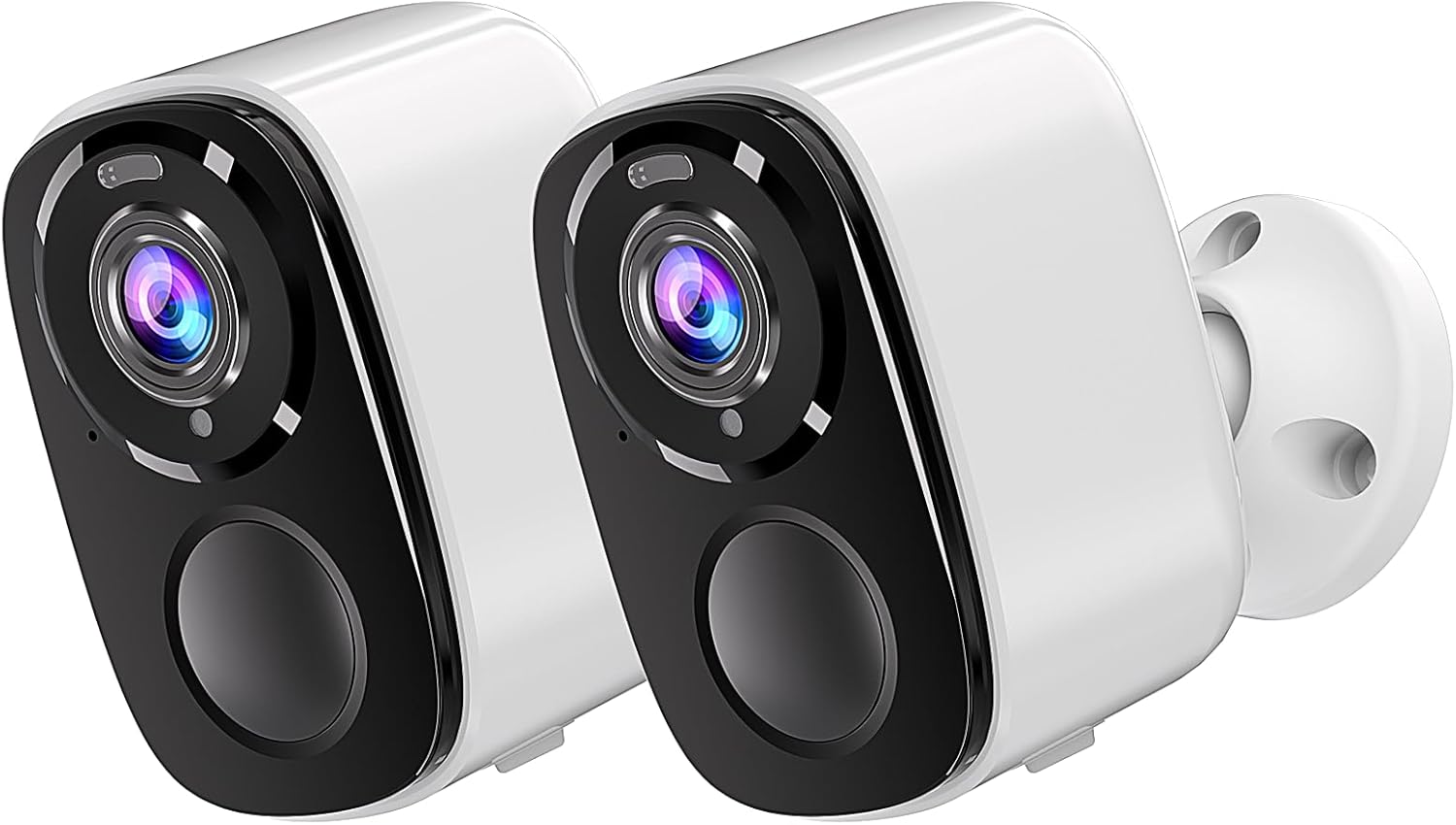
Image: Two Rraycom BW4-N-White-2Pack wireless outdoor cameras, showcasing to ratou hoahoa kiato me te ma.
2. He aha kei roto i te Pouaka
Tena koa tirohia kei roto katoa nga waahanga kei roto i to kete:
- Rraycom BW4-N-White-2Pack Wireless Outdoor Cameras (2 units)
- Whakaeke Tiu
- Siren (integrated)
- Pūhiko Ka taea te utu (kua whakauruhia, kua whakauruhia ranei)
- Pukapuka Kaiwhakamahi
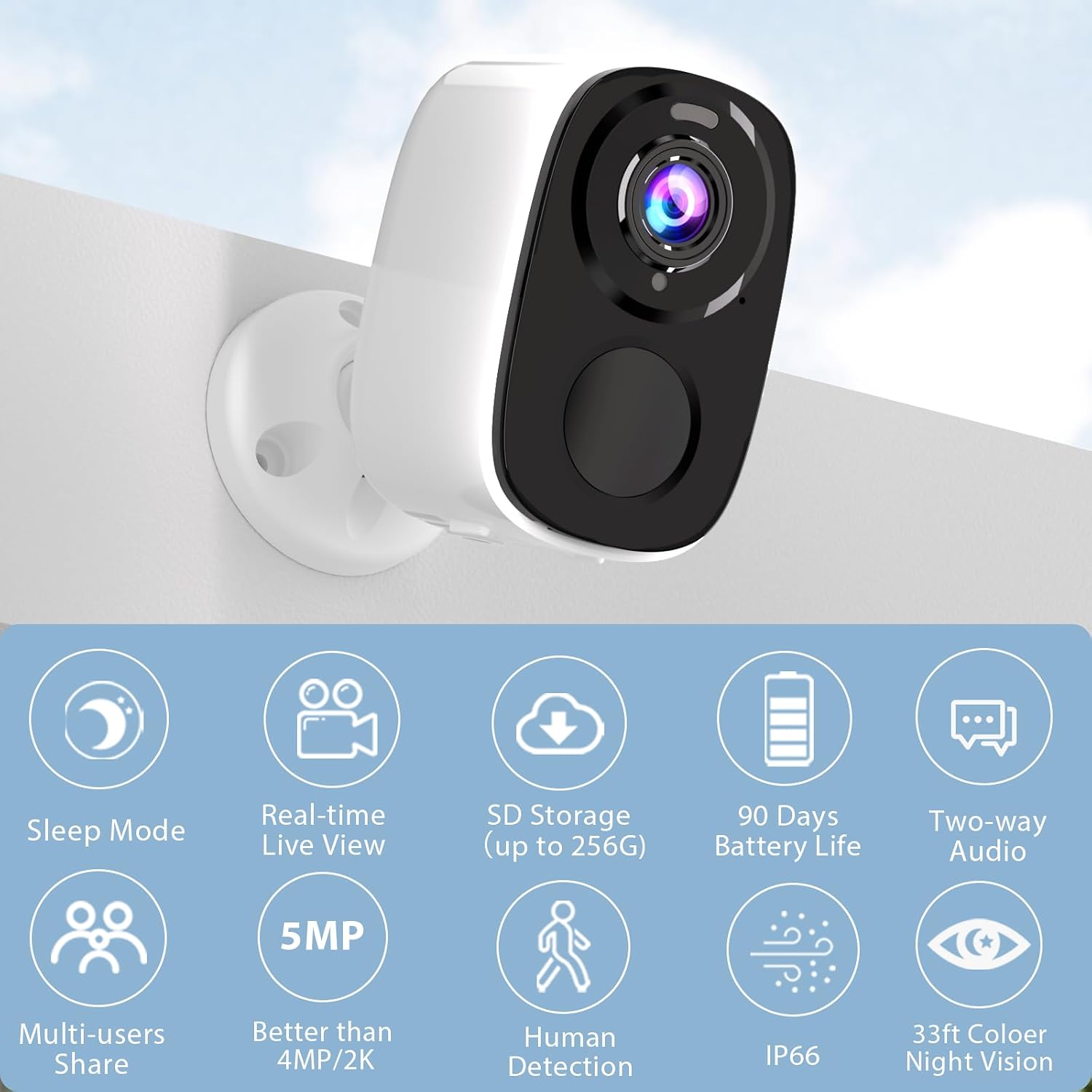
Image: A single Rraycom camera mounted on a wall, surrounded by icons illustrating its key features such as sleep mode, real-time live view, SD storage, 90-day battery life, two-way audio, multi-user sharing, 5MP resolution, human detection, IP66 weather resistance, and 33ft color night vision.
3. Nga waahanga matua
- PIR Motion Detection & AI Recognition: Utilizes infrared sensor technology and cloud image analysis for real-time motion detection, sending instant alerts. Customizable detection zones reduce unwanted notifications.
- Wireless & Rechargeable Battery: Cordless operation with a 5200mAh battery, offering 1 to 6 months of operation on a full charge depending on usage.
- 5MP 2.7K Resolution & Color Night Vision: Delivers 2560*1920P clear image quality. Features full-color night vision and infrared night vision up to 33ft.
- Easy Installation & IP66 Waterproof: Designed for quick setup in various outdoor and indoor locations. IP66 rating ensures resistance to harsh weather. Operates only with 2.4GHz WiFi.
- SD & FREE Cloud Storage: Supports micro SD card (up to 256GB, not included) and offers free 1-day rolling cloud storage for life without subscription.
- Ororongo Ara-rua: Allows for clear conversations through the camera, enabling communication with visitors or deterring intruders.

Image: Visual comparison demonstrating the superior clarity of 5MP resolution over 3MP, and an illustration of the camera's spotlight feature for enhanced night vision.
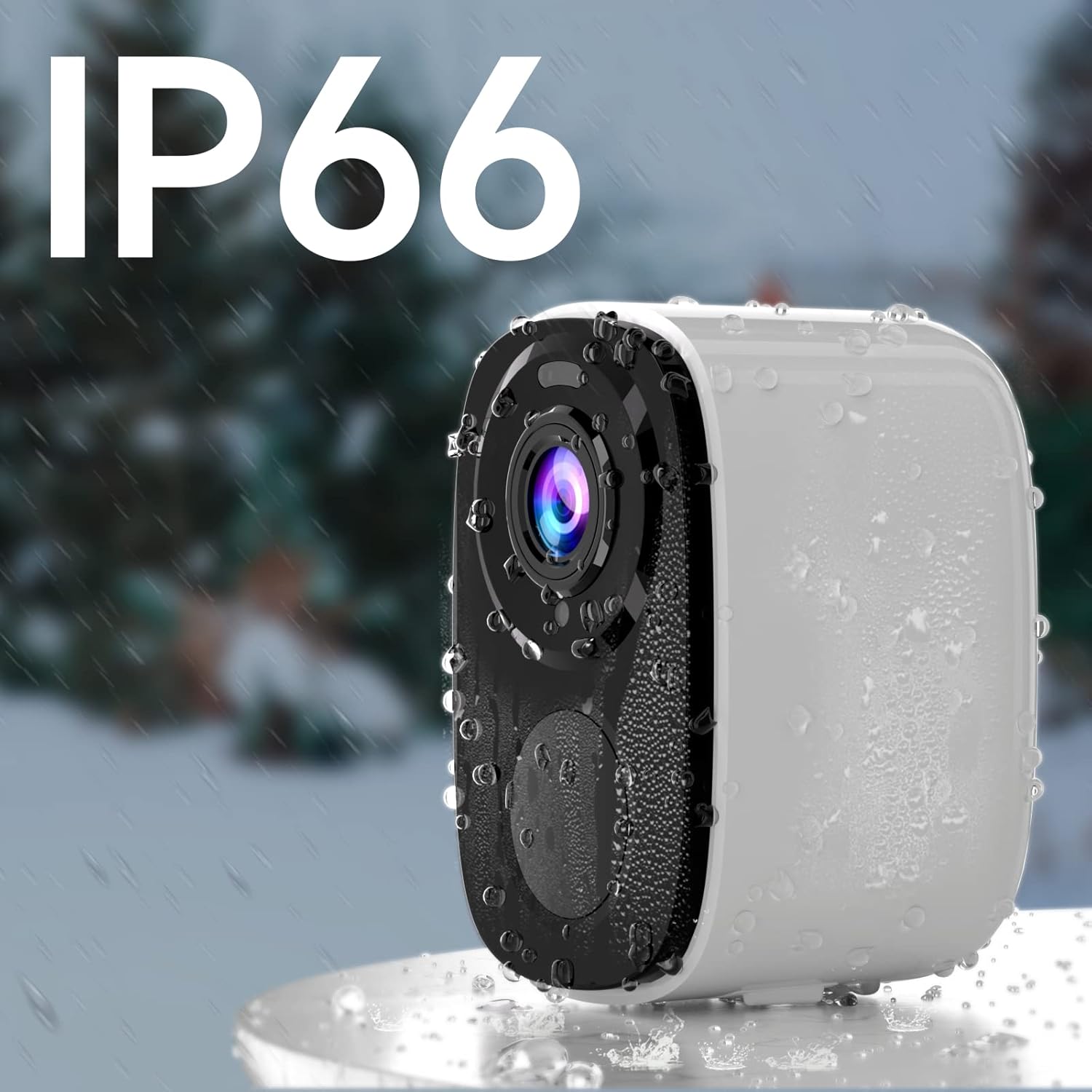
Image: A Rraycom camera with water droplets on its surface, highlighting its IP66 waterproof and weather-resistant design.
4. Aratohu Tatūnga
- Utuhia te kamera: Before first use, fully charge the camera's battery using the provided USB cable. A full charge can take several hours.
- Download the O-KAM App: Rapua "O-KAM" in the App Store (iOS) or Google Play Store (Android) and install it on your smartphone.
- Rēhita he Pūkete: Open the O-KAM app and follow the on-screen instructions to create a new account.
- Tāpiri Pūrere: Tap the "+" icon in the app to add a new device. Select your camera model and follow the pairing instructions. Ensure your Wi-Fi network is 2.4GHz.
- Maunga te Kamera: Choose a suitable location for installation. Use the included screws and bracket to securely mount the camera. Ensure the camera has a clear field of view and is within range of your 2.4GHz Wi-Fi network.

Image: A person easily installing a Rraycom camera on a ceiling, highlighting the simple installation process.
5. Nga Tohutohu Whakahaere
5.1 Ora View me te purei hoki
- Open the O-KAM app and select your camera to view te kai ora.
- Access recorded videos from the cloud storage or inserted SD card for playback.
5.2 Ororongo Waa-rua
Patohia te tohu hopuoro i roto i te ora view to speak through the camera. Tap the speaker icon to listen to audio from the camera's location.

Image: A delivery person speaking to someone through the Rraycom camera's two-way audio feature, with the mobile app interface visible on a smartphone.
5.3 Te Motini me nga Matohi
- Configure motion detection sensitivity and set up specific detection zones within the app to minimize false alerts.
- Whiwhi whakamōhiotanga pana tonu i runga i tō waea atamai ina kitea he nekehanga.

Image: A Rraycom camera overseeing a detection zone in a driveway, with a smartphone showing real-time alerts for detected motion and persons.
5.4 Aratau Matakitenga Po
The camera supports both full-color night vision and infrared night vision. You can switch between modes in the app settings based on your preference and lighting conditions.

Image: A split screen view on a smartphone demonstrating the difference between 5MP color night vision and infrared night vision modes, capturing details in low light.
5.5 Siren and Spotlights
Activate the integrated siren and spotlights via the app to deter intruders or alert others to suspicious activity.

Image: A Rraycom camera emitting a siren and spotlight, with a smartphone displaying a motion detection alert and options to activate the siren or spotlights, illustrating its deterrent capabilities.
5.6 Ngā Whakaaturanga Ataata
Ataata: Kua mutuview of the Rraycom camera's features and basic operation, demonstrating its ease of use and key functionalities.
Video: A demonstration of the camera's AI motion detection and alert system, showing how it identifies and notifies users of activity.
Video: A visual guide to setting up and customizing detection zones within the O-KAM app for optimized security monitoring.
6. Tiaki
- Whakataunga Pūhiko: Recharge the camera battery when the app indicates low power. Battery life varies based on usage and environmental factors.
- Te horoi: Me horoi i ia wa te arotahi o te kamera me te tinana ki te ngohengohe, damp he kakahu hei tango i te puehu me te para. Kaua e whakamahia nga matū kino.
- Whakahōu Firmware: Keep the camera firmware updated through the O-KAM app to ensure optimal performance and access to new features.
- Parenga huarere: While IP66 rated, avoid direct high-pressure water jets and extreme temperatures to prolong the camera's lifespan.
7. Te Raru
| Raruraru | Take pea | Rongoā |
|---|---|---|
| Kāore te kāmera e hono ki te Wi-Fi | Kupuhipa Wi-Fi hē; whatunga Wi-Fi 5GHz; tawhiti rawa te kāmera i te pouara. | Ensure correct 2.4GHz Wi-Fi password; move camera closer to router or use a Wi-Fi extender. |
| Te kounga whakaahua kounga | He karāhe paru; he iti te māramatanga; he raruraru whānui o te whatunga. | Clean the lens; ensure adequate lighting or use night vision; check network speed. |
| Karekau he matohi kitenga nekehanga | Detection sensitivity too low; detection zone not set correctly; app notifications disabled. | Adjust sensitivity in app; redefine detection zones; enable app notifications in phone settings. |
| He poto te ora o te pākahiko | Frequent motion detection; continuous live view; extreme temperatures. | Reduce detection sensitivity; limit live view time; ensure optimal operating temperature. |
| Ko te ororongo rua-ara kaore e mahi | Microphone/speaker permissions not granted; low volume settings. | Check app permissions for microphone; adjust volume settings in app and on phone. |
If you encounter issues not listed here, please refer to the customer service section for support.
8. Whakatakotoranga
| Āhuahira | Taipitopito |
|---|---|
| Tauira | BW4-N-White-2Pack |
| Whakataunga Hopu Ataata | 5 MP (2560*1920P) |
| Puna Mana | Pūhiko (5200 mAh Lithium Ion) |
| Kawa Hononga | Wi-Fi (2.4GHz anake) |
| Awhe Tirohanga Po | Up to 33 Feet (Color and Infrared) |
| Tuhinga o mua View | 120 Waeine |
| Whakatauranga Tiaki o te Ao | IP66 |
| Kōwhiringa Rokiroki | Micro SD card (up to 256GB), Cloud Storage |
| Pūrere Hototahi | Waea atamai (iOS/Android), Amazon Alexa |
| Momo Whakaeke | Maunga Taiepa |
| Taumaha Tūemi | 1.3 pauna |
9. Pūtāhui me te Tautoko Kiritaki
Rraycom is committed to providing high-quality products and excellent customer service. For any questions, technical assistance, or warranty inquiries, please contact our support team.
- Tautoko Īmēra: aftersale@rraycom.com
- Rauemi ipurangi: Visit the official Rraycom store on Amazon for FAQs and additional product information: Rraycom Store

Image: An illustration depicting a customer service representative, emphasizing available support via email at aftersale@rraycom.com.