
Kupu Whakataki
This manual provides detailed instructions for the setup, operation, and maintenance of your VTech CS2000 DECT Cordless Home Phone. Please read this manual thoroughly before using your new phone to ensure proper functionality and to take full advantage o ona ahuatanga.
The VTech CS2000 is designed for home use, offering reliable long-range communication, essential call management features, and user-friendly design.

Figure 1: VTech CS2000 DECT Cordless Home Phone, showing the handset docked in its base unit.
Tatūnga
Ihirangi mokete
Me mohio kei roto katoa nga mea kei roto i to kete:
- Waea Pūkoro VTech CS2000
- VTech CS2000 Base Unit
- Pūurutau Mana mō te Wāhanga Tūāpapa
- Waea Waea Waea
- Rechargeable NiMH Battery (1 included)
Whakauru Pohiko me te Tohutohutia
The VTech CS2000 uses a rechargeable NiMH battery. Proper installation and initial charging are crucial for optimal performance.
- Kimihia te wahanga pākahiko kei muri o te ringaringa.
- Insert the supplied NiMH battery, ensuring the polarity matches the diagram inside the compartment.
- Katia kia mau te uhi o te wahanga pākahiko.
- Whakanohoia te ringaringa ki te waeine turanga. Ko te tohu utu i runga i te ringaringa me whakamarama.
- Allow the handset to charge for at least 16 hours before initial use, even if the display indicates a full charge sooner. This ensures maximum battery capacity.
Te hono i te Waeine turanga
- Honoa tetahi pito o te taura waea ki te hononga TEL LINE kei muri o te waeine turanga.
- Honoa te pito kē atu o te taura waea ki te hononga waea i te pakitara.
- Honoa te pito iti o te urutau mana ki te hononga POWER kei muri o te waeine turanga.
- Monohia te pito nui o te urutau hiko ki tētahi putanga hiko noa.
- Me whakarite kia mau nga hononga katoa.
Te whakahaere i to Waea
Te Waea me te Whiwhi Waea
Te Waea:
- Pehia te KORERO button (green receiver icon) or lift the handset from the base.
- Waea te nama waea e hiahiatia ana.
- Pehia te MUTU button (red receiver icon) or place the handset back on the base to end the call.
Whiwhi Waea:
Ka tangi te waea, pehia te KORERO button or lift the handset from the base to answer.
Hands-Free Speakerphone
The VTech CS2000 features a hands-free speakerphone function, allowing you to talk without holding the handset.
- I te wa e piihia ana, paatohia te KORERO button (speaker icon).
- Hei huri whakamuri ki te ringaringa, pehia te KORERO pātene ano.
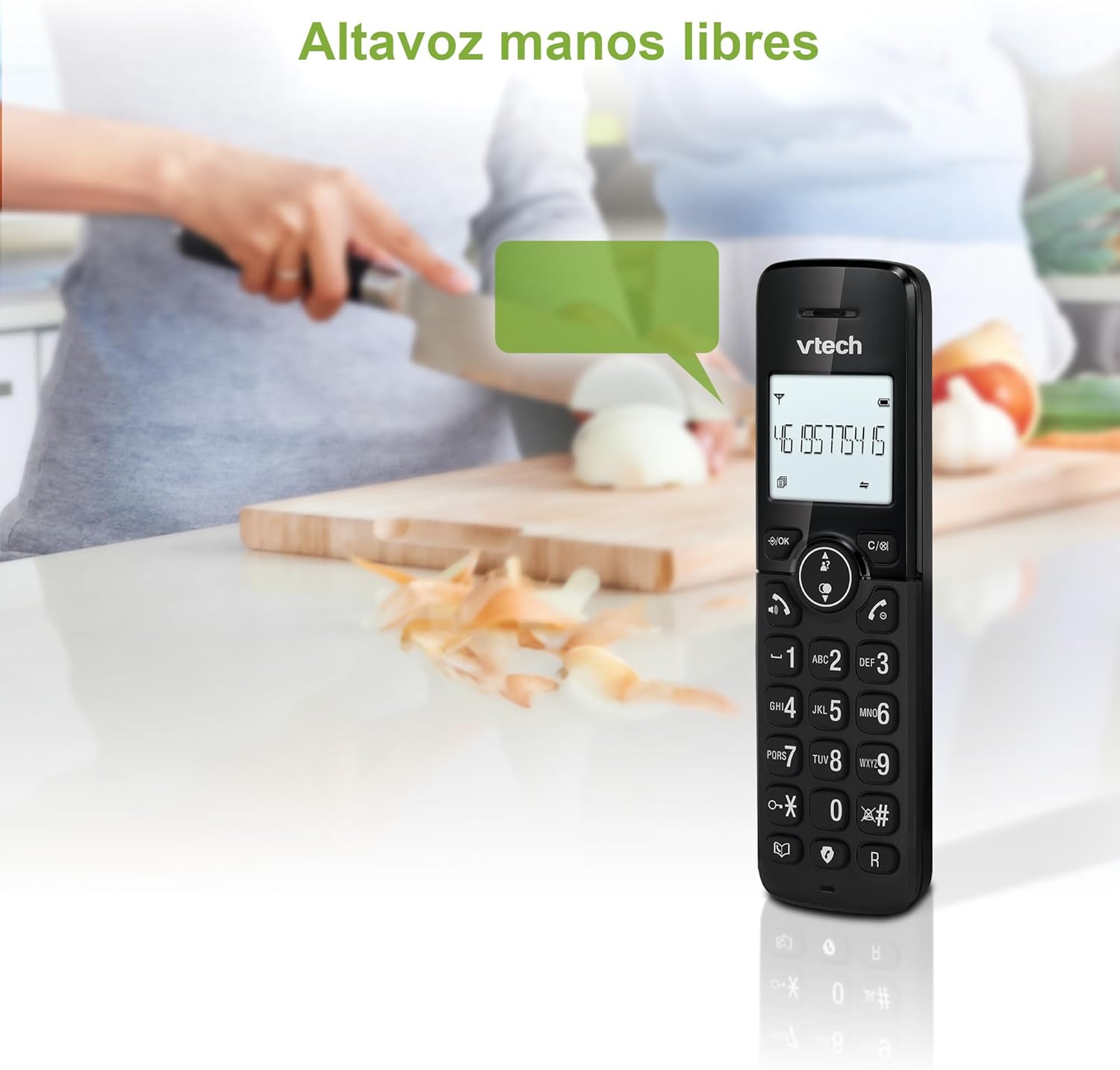
Figure 2: Using the hands-free speakerphone function.
Karanga Poraka
The call blocking feature allows you to prevent unwanted calls. You can block up to 30 numbers.
- To block a number during a call, press the KAUPAPA PORI pātene.
- To add a number to the block list manually, navigate to the Call Block menu in the phone settings.
- Follow the on-screen prompts to add or remove numbers from the block list.
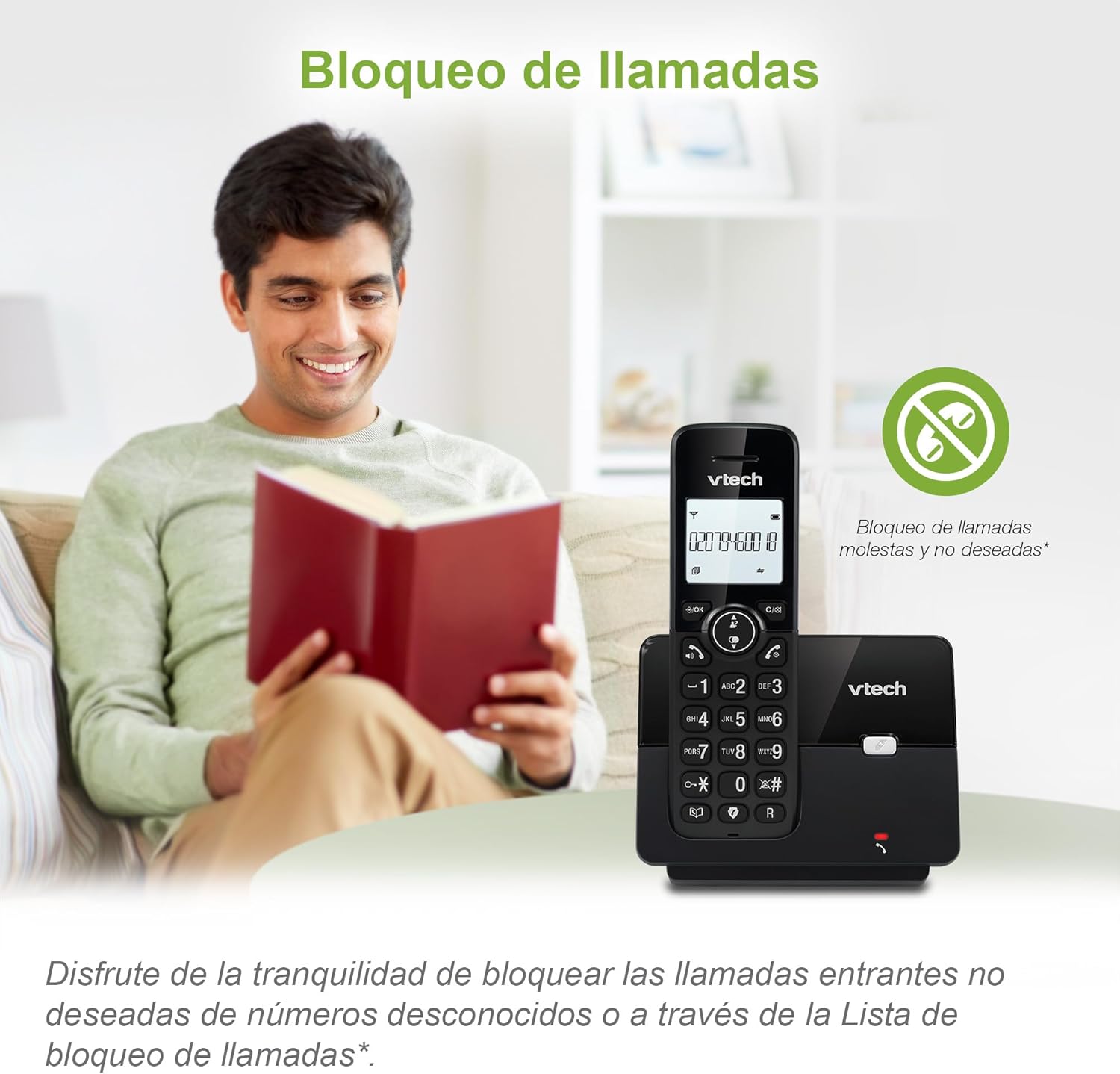
Figure 3: The call blocking feature helps manage unwanted calls.
Phonebook (Directory)
Rokiroki ki te 30 nga ingoa me nga nama ki roto i te pukapuka waea mo te waea tere.
- Pehia te MENU / OK pātene.
- Navigate to the "Phonebook" or "Directory" option.
- Select "Add New Entry" and follow the prompts to enter the name and number.
- To dial from the phonebook, press the RERECTORY button and scroll to the desired entry, then press KORERO.

Figure 4: Managing contacts in the phonebook.
Waea Kaiwaea me te Waea Tatari
The phone stores up to 20 caller ID records with name and number (service subscription may be required).
When a new call comes in while you are on another call, the call waiting feature alerts you (service subscription may be required).
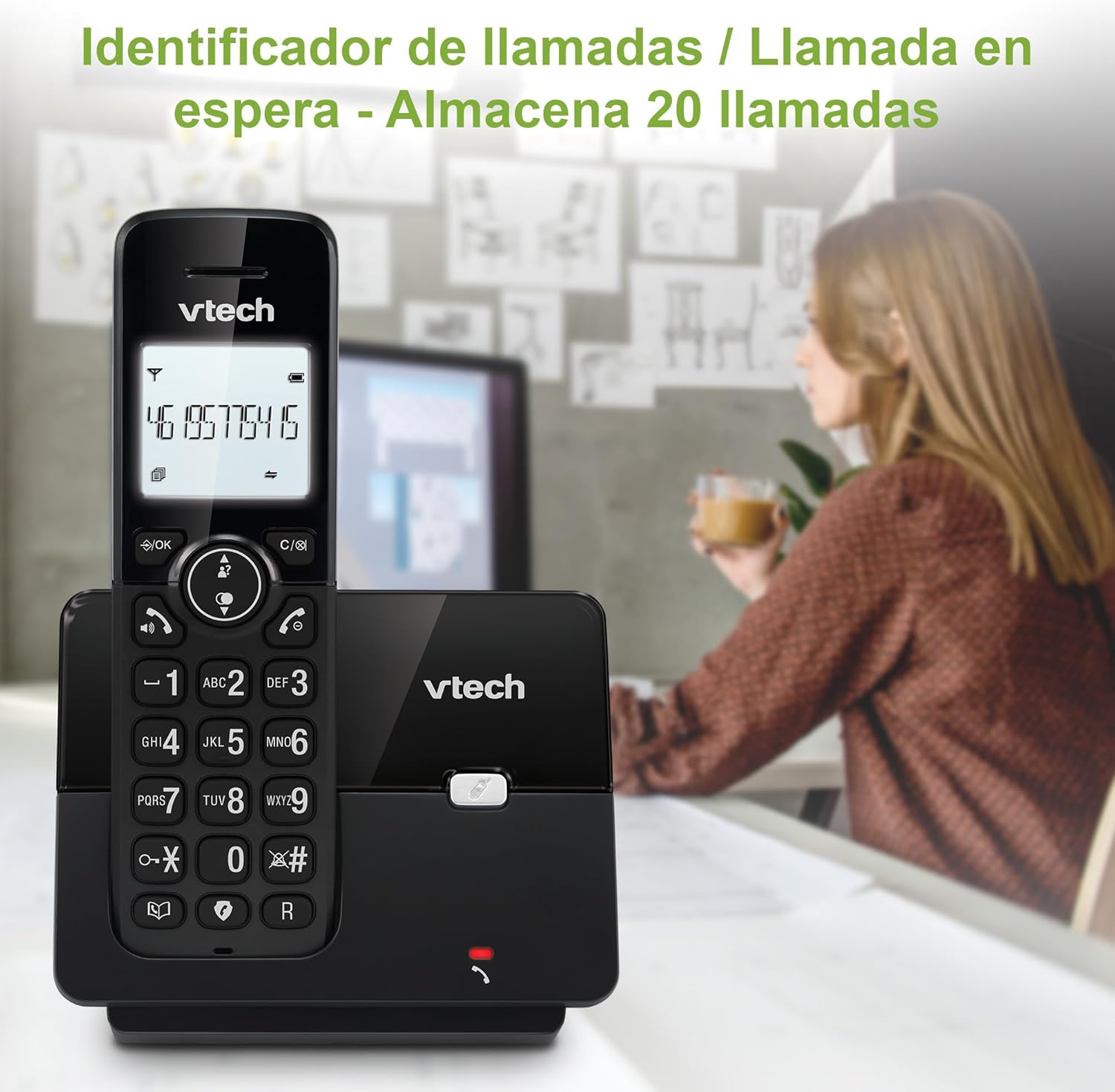
Figure 5: Caller ID display on the handset.
Rārangi Waea anō
The phone stores the last 10 dialed numbers for quick redialing.
- Pehia te PANUI pātene.
- Scroll through the list using the navigation keys.
- Perehi KORERO to redial the selected number.

Figure 6: Accessing the redial list.
Aratau ECO
The ECO mode automatically adjusts the radio frequency power based on the distance between the handset and the base unit, helping to conserve energy.
Adjusting Ring Volume and Melody
You can customize the ring volume and melody of your handset.
- Pehia te MENU / OK pātene.
- Navigate to "Settings" or "Ring Settings".
- Select "Ring Volume" or "Ring Melody" and choose your preference.
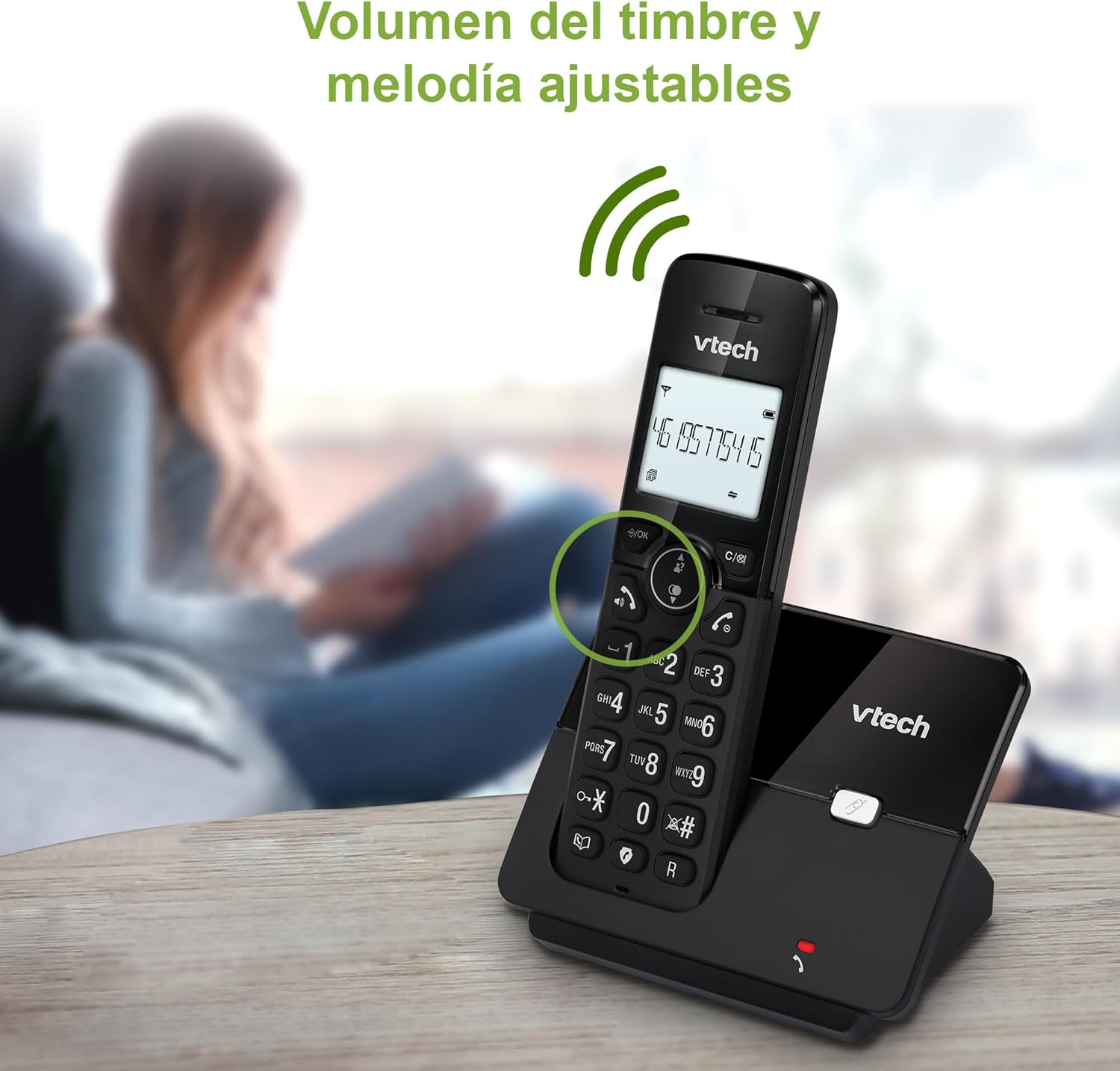
Figure 7: Adjusting ring volume and melody.
Alarm and Silence Function
The phone includes an alarm function and a silence mode for convenience.
- To set an alarm, navigate to the "Alarm" option in the menu and follow the prompts.
- To activate silence mode, typically press and hold the wahangu button or access the "Silence" option in the settings.

Figure 8: Alarm and silence functions.
Whakaaturanga Paarua
The 1.8-inch backlit display provides clear visibility, especially in low-light conditions.

Figure 9: The 1.8-inch backlit display for clear viewing.
Long Range Capability
The VTech CS2000 utilizes DECT technology to provide a stable operating range of up to 300 meters outdoors, ensuring clear communication throughout your home and property.

Figure 10: The phone offers reliable long-range coverage.
Te tiaki
Te horoi
Horoia te waea me te waeine turanga ki te wai ngohengohe,amp cloth. Do not use cleaning sprays or abrasive cleaners, as they can damage the finish or electrical components.
Tiaki Pūhiko
- Only use the supplied rechargeable NiMH battery or an approved replacement.
- Ki te kore te waea e whakamahia mo te wa roa, tangohia te pākahiko kia kore ai e pakaru.
- Makahia nga pākahiko kia rite ki nga ture o te rohe.
Raparongoā
If you experience issues with your VTech CS2000 phone, try the following solutions:
| Raruraru | Rongoā |
|---|---|
| Kaore he reo waea. | Ensure the telephone line cord is securely connected to both the base unit and the wall jack. Check if the power adapter is properly connected and plugged into a working outlet. |
| Karekau te waea e utu. | Ensure the handset is correctly placed on the base unit. Clean the charging contacts on both the handset and base unit with a dry cloth. Verify the power adapter is connected. |
| He kino te kounga oro, pateko ranei. | Move closer to the base unit. Ensure there are no large metal objects or other electronic devices interfering with the signal. Check for loose telephone line connections. |
| Kaore e taea te waea, te whiwhi waea ranei. | Check if the phone line is active. Ensure the handset is registered to the base unit (refer to the full manual for registration steps if needed). Temporarily unplug the base unit's power adapter, wait a few seconds, then plug it back in. |
| Kāore te ID Kaikaranga e whakaatuhia ana. | Me whakarite kua ohauru koe ki te ratonga Caller ID mai i tō kaiwhakarato ratonga waea. |
Whakatakotoranga
| Waitohu | VTech |
| Tau tauira | CS2000 |
| Tae | Pango |
| Momo Waea | Waea DECT Kore-waea |
| Rahi Mata | 1.8 Inihi |
| Hanganga Pūhiko | NiMH |
| Te maha o nga pākahiko | 1 (Hua Motuhake - Kei roto) |
| Rauemi | Kirihou |
| Puna Mana | Pūhiko Powered |
| Momo Waea | Papatuhi Kotahi |
| Momo Pūnaha Whakautu | Ahokore |
| Taumaha Tūemi | 300 Karamu |
| Multi-line Operation | Mahinga Raina Kotahi |
| Nga waahanga motuhake | Cordless, Call Blocking, Hands-Free Speakerphone, Backlit Display, ECO Mode, Caller ID, Phonebook, Redial |
Pūtāhui me te Tautoko
For warranty information and technical support, please refer to the documentation included with your purchase or visit the official VTech webpae. Puritia to riiki hoko hei tohu mo te hoko.
Kaihanga: VTECH TELECOMMUNICATIONS LTD
Whenua Taketake: Haina