
1. Kupu Whakataki
Thank you for choosing the Jectse Digital Voice Recorder Watch. This portable wristband device is designed for convenient audio recording in various settings, including lectures, meetings, and personal notes. It features advanced noise reduction, voice-activated recording, and a timestamp function for precise record-keeping. Its sleek design and long battery life make it an ideal companion for students, professionals, and anyone needing reliable audio capture.

The Jectse Digital Voice Recorder Watch is discreet and portable, suitable for various recording needs.
2. Ihirangi mokete
Tena koa tirohia te kete mo nga mea e whai ake nei:
- Digital Voice Recorder Watch
- Tauira Whakatau USB
- Earbuds (3.5mm jack)
- Pukapuka Kaiwhakamahi

The package includes the Digital Voice Recorder Watch, USB charging cables, and earbuds for playback.
3. Hua Neke Atuview
Familiarize yourself with the components of your Jectse Digital Voice Recorder Watch:
- Patene Hopu: Ka timata, ka mutu te tuhi.
- Whakawhiti Kaha: Ka whakakā, whakaweto rānei i te taputapu.
- Tauranga USB: Mo te utu me te whakawhiti raraunga.
- hopuoro: Built-in for audio capture.
- Tihakihihi For connecting earbuds for private playback.
- Maama Tohu: Displays device status (recording, charging, low battery).
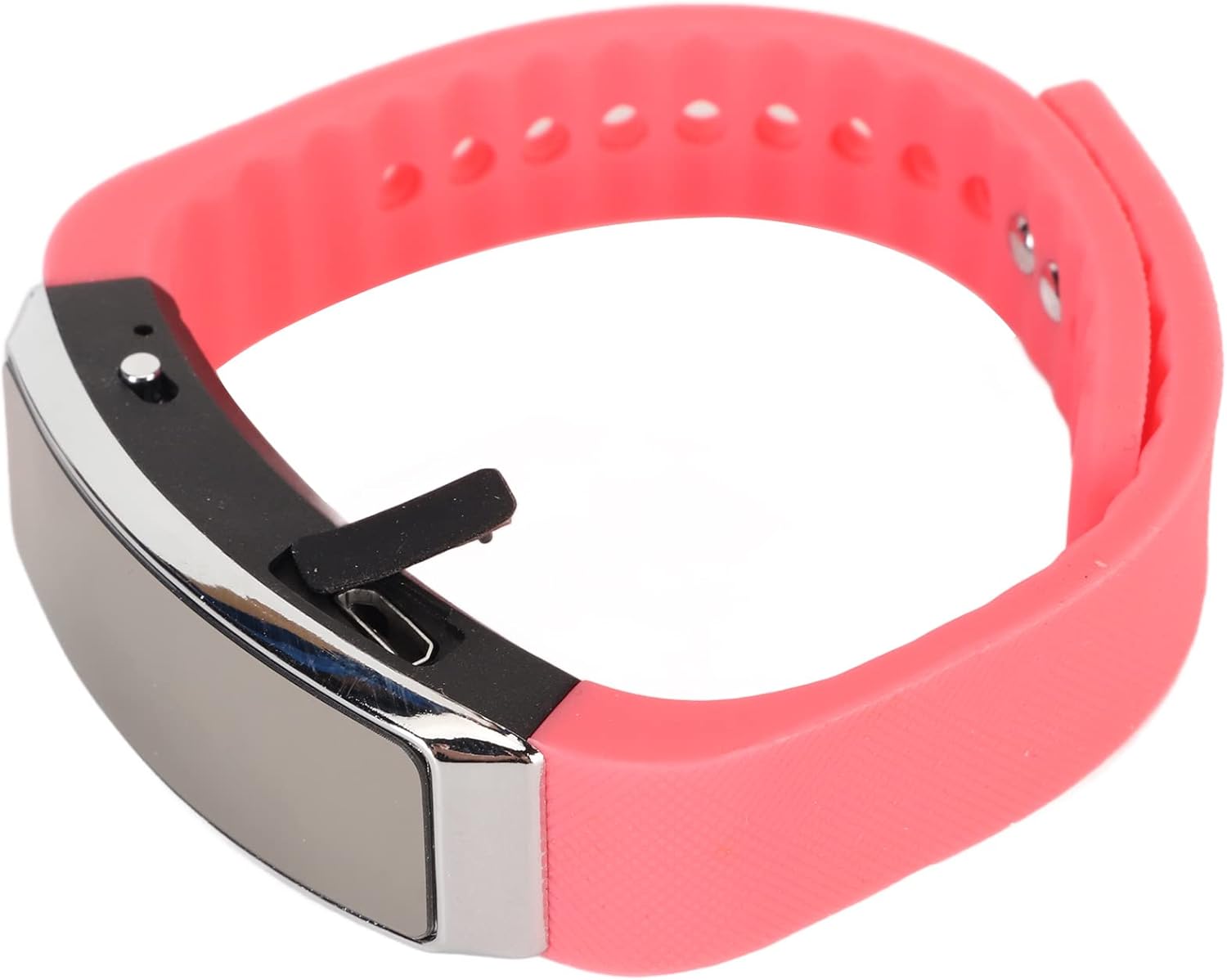
Te taha view of the recorder watch, highlighting its compact design and accessible controls.

Runga view of the recorder watch, showcasintōna āhua hou.
4. Tatūnga
4.1. Ka tohatohahia te Pūrere
- Connect the small end of the USB charging cable to the USB port on the recorder watch.
- Connect the larger end of the USB cable to a USB power adapter (not included), computer USB port, or other compatible charging device.
- The indicator light will show the charging status. A full charge typically takes a few hours.

The USB port for charging and data transfer is located on the side of the device, protected by a small flap.
4.2. Setting Time and Date (Timestamp)
To ensure accurate timestamps on your recordings, connect the device to a computer. The device will automatically synchronize its time and date with your computer's system time. No manual adjustment is typically required.
5. Nga Tohutohu Whakahaere
5.1. Te Hiko / Whakaweto
- To power on: Slide the power switch to the 'ON' position. The indicator light will briefly illuminate.
- To power off: Slide the power switch to the 'OFF' position. The device will save any active recording before shutting down.
5.2. Voice Activated Recording
The device supports voice-activated recording, which means it will automatically start recording when sound is detected and pause when there is silence, conserving battery and memory.
- Me mohio kei te whakakaha te taputapu.
- The recorder will automatically enter voice-activated recording mode. The indicator light may flash or change color to indicate active recording.
- To stop recording, slide the power switch to the 'OFF' position. The recording will be saved automatically.
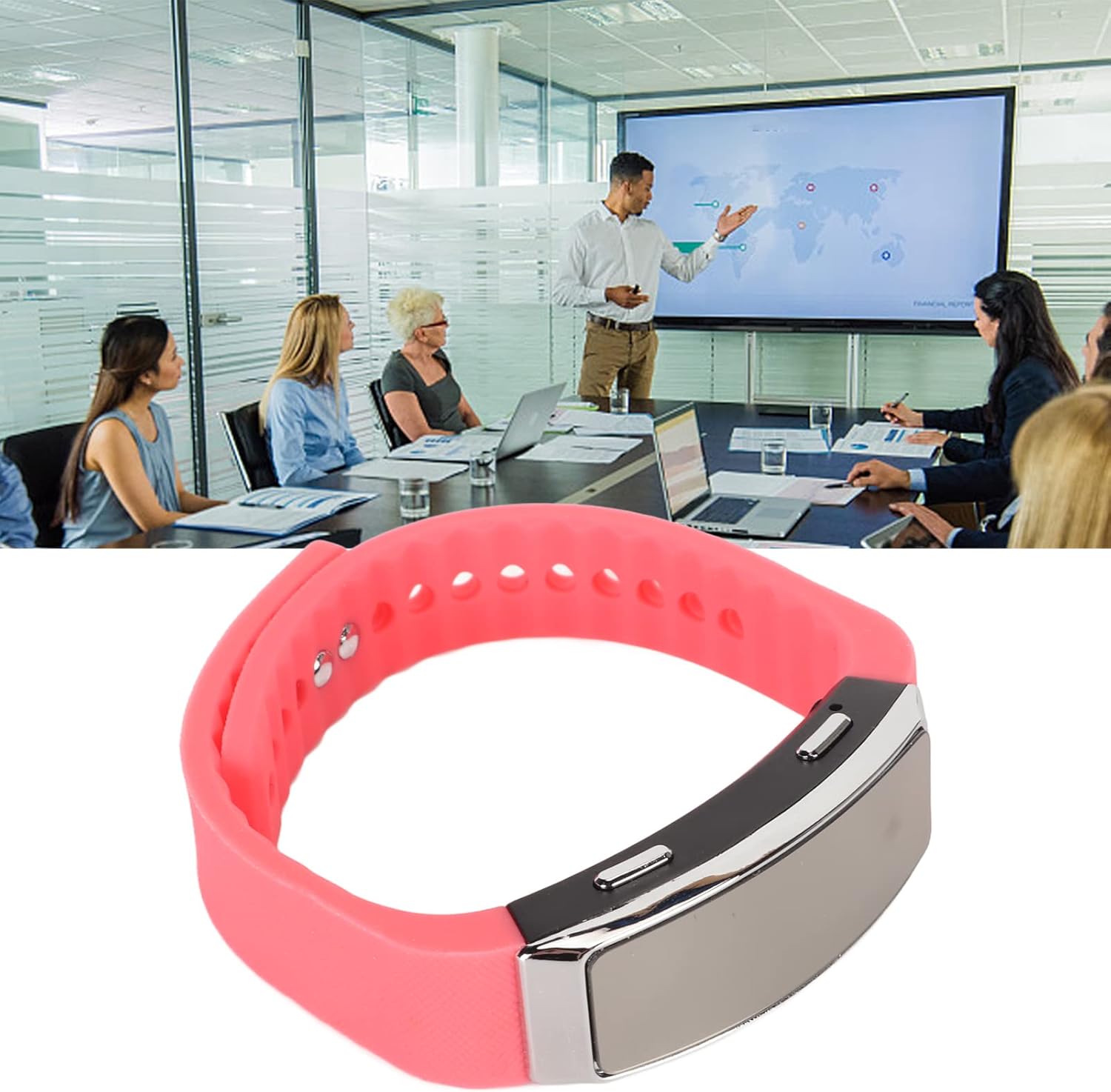
The voice recorder watch is ideal for capturing important discussions in meetings.
5.3. Purei ano
Hei whakarongo ki o rekoata:
- Me mohio kua weto te taputapu.
- Plug the included earbuds into the headphone jack on the recorder watch.
- Slide the power switch to the 'ON' position. The device will automatically enter playback mode.
- Use the control buttons (if available on the earbuds or device, refer to specific model instructions) to navigate through recordings, adjust volume, or pause/play.
5.4. Connecting to PC/Transferring Files
- Me mohio kua weto te taputapu.
- Connect the recorder watch to your computer using the USB charging cable.
- Me mōhio te rorohiko ki te pūrere hei kōpae tango.
- Open the device folder to access your recorded audio files (typically in WAV format).
- Ka taea e koe te kape, te neke, te whakakore ranei files rite hiahiatia.
6. Tiaki
- Te horoi: Whakamahia he kakahu ngohengohe, maroke hei horoi i te taputapu. Kaua e whakamahi i ngā matū kaha, i ngā rauemi whakakoi rānei.
- Rokiroki: Whakaorangia te taputapu ki te waahi makariri, maroke atu i te ra tika me te wera nui.
- Tiaki Pūhiko: Hei whakaroa i te ora o te pākahiko, karohia te tuku katoa i te pākahiko. Me utu te taputapu i nga wa katoa, ahakoa kaore i te whakamahia mo nga wa roa.
7. Te Raru
- Kaore te taputapu e huri ana: Me whakarite kua utaina te pākahiko. Tūhono ki tētahi puna hiko ka ngana anō.
- Kaore e taea te tuhi: Check if the device has sufficient memory. Transfer files to a computer to free up space.
- He pai te kounga ororongo: Ensure the microphone is not obstructed. Record in a quieter environment or closer to the sound source. The built-in noise reduction feature helps, but extreme noise can still affect quality.
- Kaore e taea te hono ki te rorohiko: Try a different USB port or cable. Ensure the device is powered off before connecting.
8. Whakatakotoranga
| Āhuahira | Taipitopito |
|---|---|
| Waitohu | Jectse |
| Tau tauira | Jectsetqeg4s2wir-11 |
| Te Rokiroki Mahara | 8 GB |
| Te Ora o te Pūhiko (Te Tuhi Tonu) | 20 haora |
| Wā tūtatari | Tae atu ki te 30 Ra |
| Waea Puka Whakaoho | Hanga-roto |
| Hōputu Ororongo | WAV |
| Atanga Pūmārō | USB |
| Pooro Jack | 3.5 mitamano |
| Pūrere Hototahi | Rorohiko Whaiaro |
| Nga waahanga motuhake | Voice Activated, Noise Reduction, Timestamp |
9. Pūtāhui me te Tautoko
The Jectse Digital Voice Recorder Watch comes with a standard manufacturer's warranty. For specific warranty details, returns, or technical support, please refer to the product packaging or contact your retailer. Keep your purchase receipt as proof of purchase.
10. Nga Korero Haumaru Nui
- Kaua e tukuna te taputapu ki te wera nui, te ra tika, te makuku nui ranei.
- A ape i te tuku, te tuku ranei i te taputapu ki nga paanga kaha.
- Kaua e taea e nga tamariki.
- Kaua e ngana ki te wetewete, ki te whakatika ranei i te taputapu. Ma tenei ka whakakore i te whakamana.
- Horoihia te taputapu me tana pākahiko kia rite ki nga ture o te rohe.