
Kupu Whakataki
Welcome to your VTech VT680 Cordless Phone. This manual provides essential information for setting up, operating, and maintaining your new phone. The VTech VT680 is a DECT 6.0 cordless phone designed for reliable fixed-line communication.
Key features include Caller ID, a log of the last 10 received calls, a reminder alarm, and a 20-contact phonebook.

Image: VTech VT680 Cordless Phone handset and base unit positioned on a desk in a home office environment, alongside office supplies.
Ihirangi mokete
Tena koa tirohia kei roto i to kete nga mea e whai ake nei:
- VTech VT680 Cordless Handset
- Turanga Whakatau
- Pūurutau Hiko
- Waea Waea Waea
- 2 Ngā Pūhiko AAA ka taea te Whakahoki Anō
- Pukapuka Kaiwhakamahi (tenei tuhinga)
Tatūnga
1. Tāuta Pūhiko
Hipanga 1: Kimihia te wahanga pākahiko kei muri o te ringaringa.
Hipanga 2: Whakauruhia ngā pākahiko AAA e rua ka taea te whakahou, me te tirotiro i te polarity tika (+ me te -) e whakaaturia ana i roto i te wāhanga.
Hipanga 3: Katia kia mau te uhi o te wahanga pākahiko.

Whakaahua: Rear view of the VTech VT680 cordless phone handset, showing the battery compartment area.
2. Hononga Waeine turanga
Hipanga 1: Honoa tetahi pito o te taura waea ki te hononga TEL LINE kei muri o te turanga utu.
Hipanga 2: Honoa atu te pito o te taura waea ki to waea pakitara waea.
Hipanga 3: Connect the small end of the power adapter to the POWER jack on the back of the charging base.
Hipanga 4: Monohia te pito nui o te urutau hiko ki tētahi putanga hiko noa.

Whakaahua: taha profile of the VTech VT680 cordless phone handset docked in its charging base, illustrating its compact design.
3. Whakataki Tuatahi
Place the handset on the charging base. The handset display will show a charging indicator. Allow the handset to charge for at least 12 hours before initial use to ensure optimal battery performance and longevity.

Whakaahua: Mua view of the VTech VT680 cordless phone handset docked in its charging base, displaying the screen and keypad.
Nga Tohutohu Whakahaere
Te Waeatanga
- Kohia te ringaringa ka tohi ranei i te WAea pātene.
- Waeahia te tau waea e hiahiatia ana ma te whakamahi i te papapātuhi.
- Pehia te WAea patene ano hei whakamutu i te piiraa.
Te Whakautu Waea
Ina tangi te waea, tangohia ake te waea, pēhi rānei i te pātene WAea pātene.
Using Caller ID
When a call comes in, the caller's name and number will appear on the handset display (requires subscription to Caller ID service from your telephone provider).
Ki te review te rārangi waea, pēhi i te WHAKANUI MAI pātene. Whakamahia te UP a RARO arrow buttons to scroll through the last 10 received calls.
Puka waea
The phonebook can store up to 20 contacts.
Tāpiri Hoapā
- Pehia te MENU pātene.
- Navigate to "Phonebook" and select "Add New Entry".
- Enter the contact's name and phone number using the keypad.
- Perehi Tiaki ki te penapena i te urunga.
Making a Call from Phonebook
- Pehia te PUKAPUHU pātene.
- Whakamahia te UP a RARO arrow buttons to find the desired contact.
- Pehia te WAea button to dial the contact.
Setting a Reminder Alarm
- Pehia te MENU pātene.
- Navigate to "Alarm" or "Reminders" in the menu.
- Set the desired time and activate the alarm function.
- Perehi Tiaki ki te whakau.
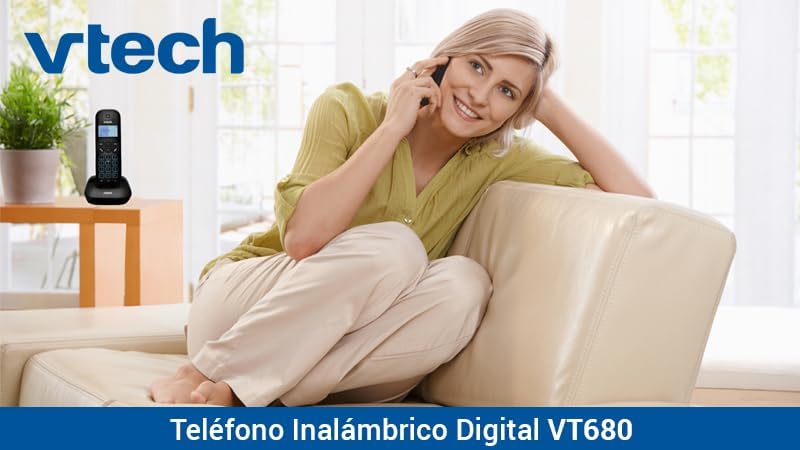
Image: A woman comfortably seated on a couch, engaged in a phone conversation using the VTech VT680 cordless phone.
Te tiaki
Te horoi
Wipe the handset and base unit with a soft, slightly damp cloth. Do not use harsh cleaning agents, abrasive materials, or excessive liquid, as these can damage the device.
Tiaki Pūhiko
Use only the specified AAA rechargeable batteries. Replace batteries when they no longer hold a charge effectively or if you notice a significant decrease in talk time.
Raparongoā
If you encounter any issues with your VTech VT680 Cordless Phone, please refer to the table below for common problems and their solutions.
| Raruraru | Rongoā |
|---|---|
| Karekau he oro waea | Ensure the telephone line cord is securely connected to both the base unit and the telephone wall jack. Verify the power adapter is properly connected to the base unit and a working electrical outlet. |
| Karekau te ringaringa e utu ana | Ensure the handset is correctly seated in the charging cradle. Verify the power adapter is plugged in. Clean the charging contacts on both the handset and base unit with a dry cloth. |
| Kounga waea ngoikore, he pūmau rānei | Move closer to the base unit. Check for interference from other electronic devices (e.g., Wi-Fi routers, microwaves). Try relocating the base unit. |
| Caller ID not working | Ensure you are subscribed to Caller ID service from your telephone service provider. Contact your provider to confirm the service is active. |
Whakatakotoranga
Whakatakotoranga Hangarau
- Waitohu: VTech
- Tauira: VT680
- Momo Waea: Cordless, DECT 6.0 Technology
- Tae: Pango
- Rauemi: Kirihou
- Puna Hiko: Battery operated (2 AAA rechargeable batteries included)
- Dimensions (Handset on Base): Tata ki te 16.8 x 7.8 x 15.8 cm
- Taumaha: Tata ki te 680 g
- Āhuatanga: Caller ID, 10-call log, Reminder Alarm, 20-contact Phonebook
- Te Mahi Raina: Single-line operation
Pūtāhui me te Tautoko
For detailed warranty information, technical support, or to register your product, please visit the official VTech website or contact VTech customer service. Specific warranty terms and support options may vary by region.