
Ctronics 710C-4K
Ctronics 4K Indoor Surveillance Camera
Model: 710C-4K
Ka mutu te huaview
The Ctronics 710C-4K Indoor Surveillance Camera is a comprehensive solution designed to enhance your home security and capture important moments with exceptional clarity. Featuring advanced 4K recording capabilities, this camera ensures every detail is precisely captured, day or night. It integrates smart AI tracking, real-time object detection, and flexible storage options to provide reliable and convenient monitoring.

Image: The Ctronics 4K Indoor Surveillance Camera, showcasing its sleek design and the clarity of its 4K resolution, with a live view of a child and a dog.
Nga waahanga matua
- 4K UHD Starlight Vision: Experience unparalleled clarity with 4K UHD resolution, an F/1.6 aperture, 8 infrared lights, and WDR technology, providing clear images up to 20 meters even in low-light conditions.
- AI Human/Pet/Vehicle Detection & Auto Tracking: Smart AI functions for real-time object detection and automatic tracking of humans, pets, and vehicles, minimizing false alerts and ensuring comprehensive coverage.
- Flexible PTZ Control: Enjoy a wider 120-degree tilt range and 8 preset positions, allowing for complete room coverage without blind spots.
- Hononga Wi-Fi Takirua-Roopu: Reliable 2.4/5 GHz Wi-Fi connection ensures stable streaming and remote access.
- Kōwhiringa Rokiroki Maha: Supports TF cards up to 256GB, cloud storage, NVR, NAS, and ONVIF/FTP protocols for continuous 4K recording.
- Seamless Mobile & PC Management: Control and manage alarms and recordings effortlessly via the Ctronics app on your mobile phone or PC.
- Customizable Alarm Sounds: Personalize alarm sounds to enhance security or serve as a welcoming chime.
Ihirangi mokete
Tena koa tirohia kei roto katoa nga taonga kei roto i to kete:
- Ctronics 4K Indoor Surveillance Camera (Model: 710C-4K)
- Pūurutau Hiko
- Whakaeke Tiu me Punga
- Pukapuka Kaiwhakamahi (tenei tuhinga)

Image: A child holding the Ctronics camera box, indicating the compact packaging of the product.
Aratohu Tatūnga
1. Tāutanga Tinana
The Ctronics 710C-4K camera offers versatile installation options to suit your needs:
- Turanga Ripanga: Simply place the camera on any flat surface like a table, shelf, or desk.
- Whakapiki taiepa: Use the provided screws and anchors to securely mount the camera to a wall.
- Whakanuia te tuanui: The camera can also be inverted and mounted to the ceiling for optimal overhead coverage.
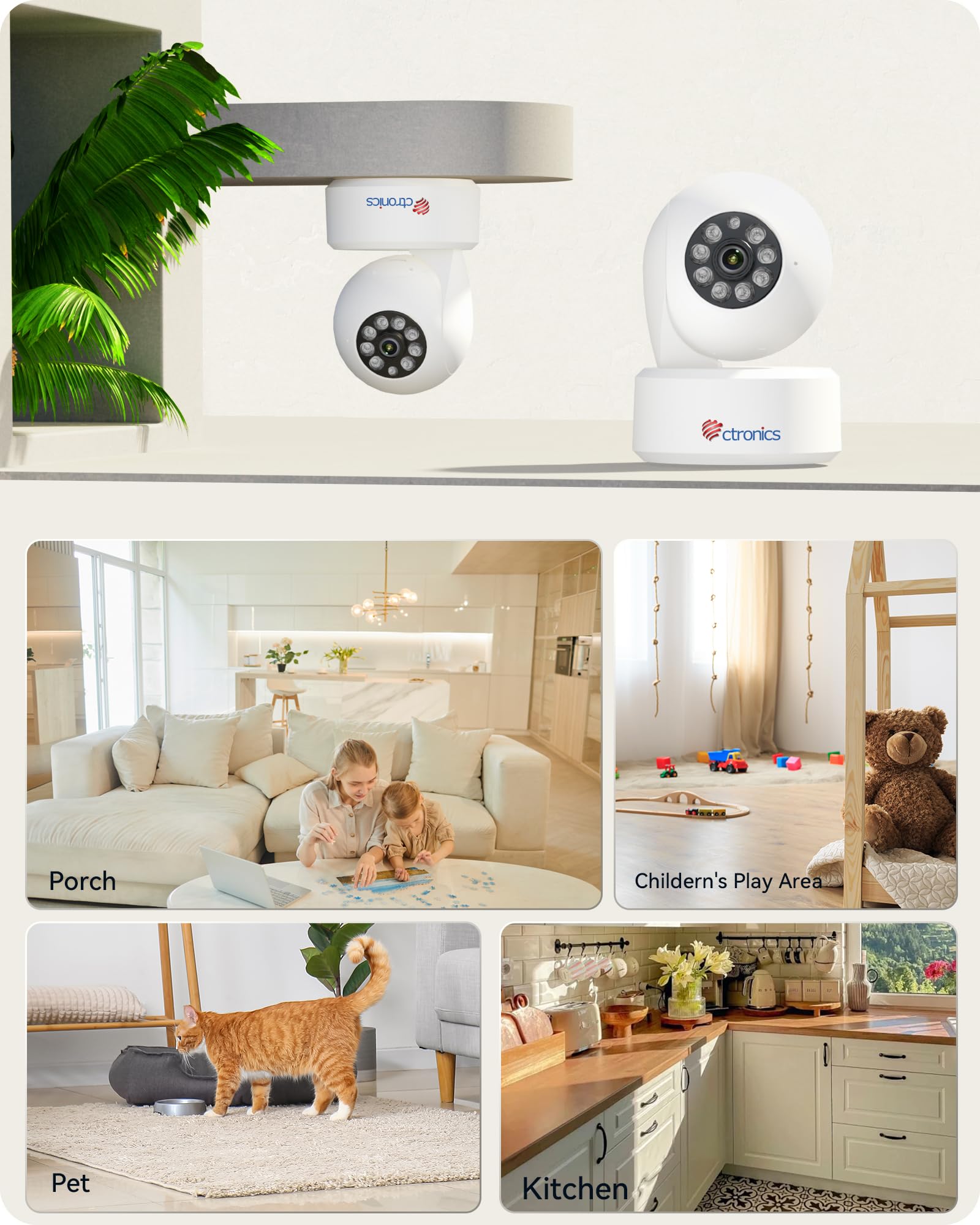
Image: Illustration of the camera's flexible mounting options and common indoor usage scenarios.
2. Hononga Mana
Connect the provided power adapter to the camera's power input port and then plug it into a standard electrical outlet. The camera will power on automatically.
3. Hononga Whatunga
The camera supports dual-band Wi-Fi (2.4 GHz and 5 GHz) for flexible and stable network connectivity. Ensure your Wi-Fi router is within range.
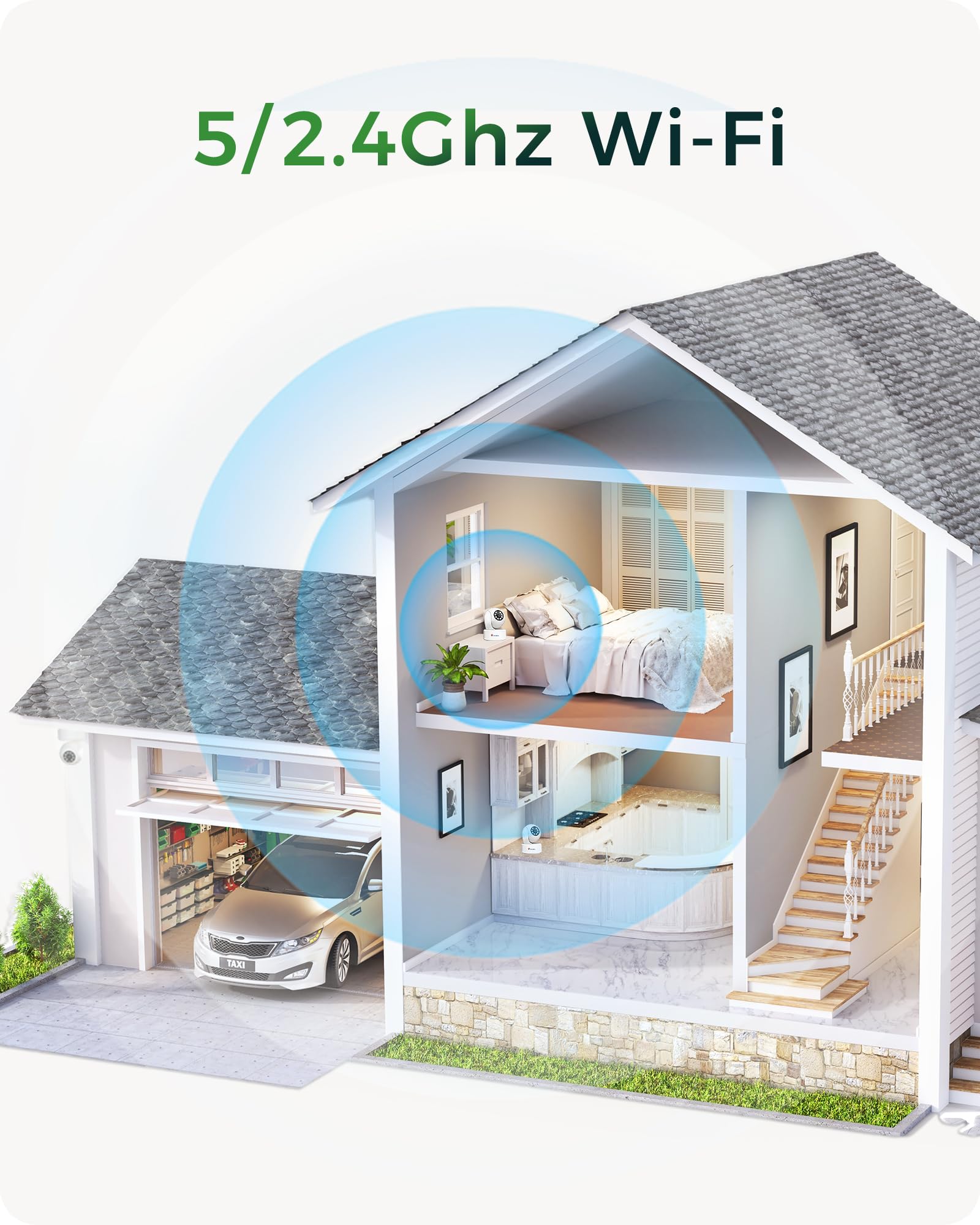
Image: Visual representation of the camera's dual-band Wi-Fi capability providing seamless coverage across a home.
4. App Installation & Initial Configuration
Download the 'Ctronics Pro' app or 'HiP2P Client' software on your mobile device (iOS/Android) or PC (Windows). Follow the in-app instructions to add your camera, connect it to your Wi-Fi network, and complete the initial setup. This typically involves scanning a QR code on the camera or entering its device ID.
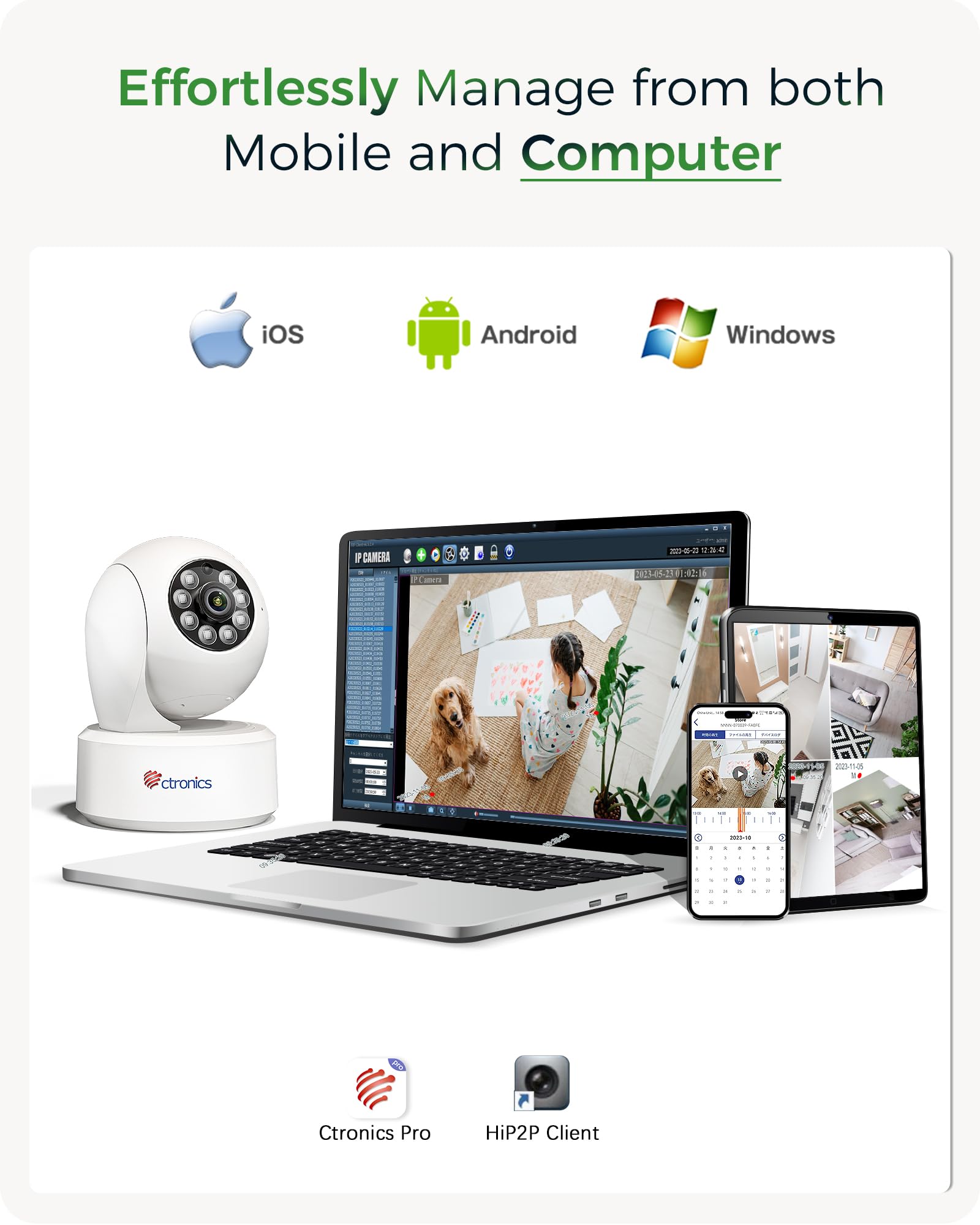
Image: The Ctronics camera can be effortlessly managed from both mobile devices and computers using the dedicated Ctronics Pro or HiP2P Client applications.
Te whakahaere i to kamera
1. Ora View me te Mana PTZ
Access the live feed from your camera through the Ctronics app. Use the on-screen controls to pan (horizontal rotation), tilt (vertical movement up to 120 degrees), and zoom the camera lens. You can also set and recall up to 8 preset positions for quick viewte whakauru i nga waahi motuhake.

Image: The camera offers an expanded 120-degree tilt range and the ability to set 8 preset positions and customize detection zones for comprehensive monitoring.
2. Te tuhi me te Rokiroki
The camera supports continuous 4K recording. You have several options for storing your footage:
- Kaari TF: Insert a MicroSD (TF) card (up to 256GB) into the camera's slot for local storage.
- Rokiroki Kapua: Subscribe to Ctronics cloud service for secure, off-site storage of your recordings.
- NVR/NAS/FTP: Integrate the camera with your existing Network Video Recorder (NVR), Network Attached Storage (NAS), or FTP server using ONVIF or FTP protocols for 24/7 recording.
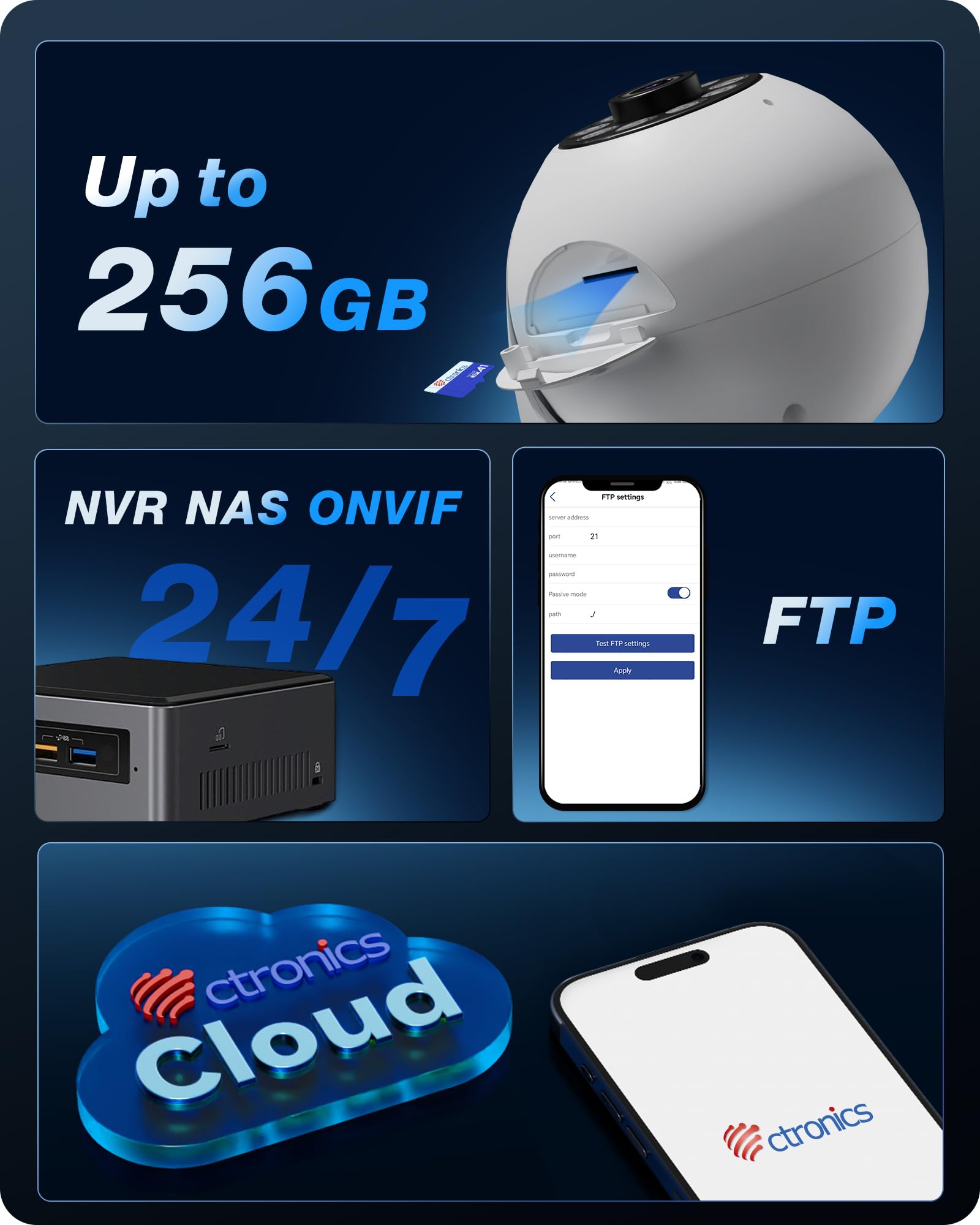
Whakaahua: Ka mutuview of the camera's versatile storage solutions, including local TF card, cloud, and integration with NVR/NAS/FTP systems.
3. Intelligent Detection and Tracking
Enable AI detection features to receive alerts for specific events:
- Rapunga Tangata: Detects human figures and sends alerts.
- Te Kite i ngā Mōkai: Identifies pets and can trigger specific actions or alerts.
- Rapunga Waka: Recognizes vehicles within the camera's field of view.
- Aroturuki Aunoa: Once a target is detected, the camera can automatically pan and tilt to follow its movement.

Whakaahua: Examples of the camera's AI-powered detection capabilities for humans, pets, and vehicles, along with its auto-tracking function.

Image: Two dogs next to the Ctronics camera, demonstrating its use for pet monitoring.

Image: A white cat next to the Ctronics camera, highlighting its ability to detect and track pets.

Image: A baby sitting next to the Ctronics camera, illustrating its suitability for baby monitoring.
4. Matakitenga po
The camera is equipped with 8 infrared lights and a 4K UHD Starlight lens, allowing for clear vision up to 20 meters in complete darkness. The F/1.6 aperture and WDR technology further enhance image quality in challenging lighting conditions.

Image: A visual comparison demonstrating the significant clarity improvement of 8MP (4K) resolution over lower megapixel cameras, crucial for detailed night vision.
5. Custom Alarm Sounds
Through the Ctronics app, you can customize the alarm sounds. This feature can be used for security alerts or as a personalized chime to welcome guests.
Te tiaki
To ensure optimal performance and longevity of your Ctronics camera, follow these maintenance guidelines:
- Te horoi: Āta horoia te karāhe me te tinana o te kāmera ki tētahi kakahu ngohengohe, maroke. Kaua e whakamahi i ngā matū kino, i ngā rauemi whakakoi rānei.
- Whakahōu Pūmanawa: Regularly check for firmware updates through the Ctronics app. Keeping your camera's software up-to-date ensures access to the latest features and security enhancements.
- Hurihanga Hiko: If the camera becomes unresponsive, disconnect the power adapter for a few seconds and then reconnect it to perform a power cycle.
Raparongoā
If you encounter issues with your Ctronics camera, please refer to the following common solutions:
- Kārekau te Kāmera e hono ana ki te Wi-Fi: Ensure the camera is within range of your Wi-Fi router. Verify that you are selecting the correct Wi-Fi band (2.4 GHz or 5 GHz) and entering the correct password. Try restarting your router and the camera.
- Kounga Atahanga Kino: Check if the lens is clean. Ensure there is adequate lighting in the monitored area. For night vision, confirm that the infrared lights are not obstructed.
- Nga Take Taumahinga Taupānga: If the mobile app is not performing as expected, ensure it is updated to the latest version. For advanced settings not available in the app, you can access the camera's web atanga ma te pato i tana wahitau IP ki a web pūtirotiro.
- Karekau he tuhi: Verify that a TF card is properly inserted and formatted, or that your cloud storage subscription is active. For NVR/NAS/FTP, ensure the connection and configuration are correct.
- Matohi Heke: Adjust the sensitivity settings for motion detection in the app. Utilize the AI detection features (human/pet/vehicle) to filter out irrelevant movements.
For further assistance, please contact Ctronics customer support.
Whakatakotoranga Hangarau
| Ingoa Tauira | 710C-4K |
| Whakataunga Hopu Ataata | 4K (3840x2160) |
| Whakatau Ataata Whaihua | 2560 (likely refers to a specific aspect or component resolution, 4K is the overall output) |
| Auau anga | 15 papa mo ia hekona |
| Hangarau Hononga | Wired, Wi-Fi (2.4 GHz / 5 GHz) |
| Nga waahanga motuhake | 4K, PTZ Technology, AI Detection (Human, Pet, Vehicle), Auto Tracking |
| Whakamahinga | Surveillance, 360-degree Coverage, Indoor Security, Baby Monitoring |
| Momo Whakaeke | Ceiling Mount, Tabletop, Wall Mount |
| Awhe Tirohanga Po | 20 Mita |
| Viewing Koki | 80 nga nekehanga |
| Awhe Taitaha | 120 nga nekehanga |
| Rauemi | Kirihou |
| Mana | 5 Volts, 5 Wati |
| Ahu (L x W x H) | 10 x 10 x 15 cm |
| Taumaha | 370 karamu |
| Taumata Atete Wai | Ehara i te parewai |
Pūtāhui me te Tautoko
Ctronics products are designed for reliability and performance. For any questions, technical support, or warranty claims, please contact Ctronics customer service. Details can typically be found on the Ctronics official website or within the Ctronics app.
E ai ki te kōrero mō te kiritakiviews, Ctronics provides excellent support, often assisting with app functionality and web interface access for advanced settings.
Ask a question about this manual
Ask about setup, troubleshooting, compatibility, parts, safety, or missing instructions. Manuals+ will review the question and use this page’s manual context to help answer it.