
VTech ES2051
Pukapuka Kaiwhakamahi Waea Kore-waea VTech ES2051 DECT
Twin Handset with Answering Machine, Call Block, and Handsfree Speakerphone
1. Kupu Whakataki
This user manual provides comprehensive instructions for the VTech ES2051 DECT Cordless Phone system. It covers setup, operation, maintenance, and troubleshooting for your twin handset phone, featuring an integrated answering machine, nuisance call blocker, and handsfree speakerphone capabilities. Please read this manual thoroughly to ensure proper use and to take full advantage o nga ahuatanga katoa.
2. He aha kei roto i te Pouaka
Tena koa tirohia kei roto i to kete nga mea e whai ake nei:
- 2 Base Units
- 2 nga waea kore aho
- 2 riihi
- 2 mōkihi pūhiko
- Te taura waea
- He aratohu timata tere
3. Tatūnga
3.1 Te Whakauru i nga Patahiko
Each handset requires 2 AAA rechargeable batteries (included). Open the battery compartment cover on the back of the handset and insert the batteries, observing the correct polarity (+ and -). Close the cover securely.
3.2 Te Hononga i te Waeine Turanga
Connect one end of the telephone line cord to the LINE socket on the base unit and the other end to your telephone wall socket. Connect the small end of the power adapter to the POWER socket on the base unit and plug the large end into a mains power outlet. For the second handset, connect its charger to a mains power outlet.
3.3 Te Whakataki i nga Pukoro
Place each handset on its respective base unit or charger. The charging indicator on the handset will illuminate. For optimal battery performance, charge the handsets for at least 16 hours before initial use.

Image: The VTech ES2051 DECT Cordless Phone system, showing the main base unit with one handset docked, and a second handset with its charging cradle. This illustrates the twin handset setup.
4. Nga Tohutohu Whakahaere
4.1 Ngā Mahi Waea Taketake
- Te Waea: Waeahia te nama ka pehi i te Karanga pātene.
- Whiwhi Waea: Ka tangi te waea, pehia te Karanga pātene.
- Whakamutua te Waea: Pehia te Whakamutunga pātene, whakahokia rānei te waea ki runga i te turanga/rihi.

Image: Two VTech ES2051 DECT cordless handsets and the main base unit are displayed in a modern living room setting, highlighting the twin handset feature.
4.2 Handsfree Speakerphone
I te wa e piihia ana, paatohia te Waeaorooro button to activate handsfree mode. Press it again to switch back to handset mode.
4.3 Waea Aukati
The nuisance call blocker allows you to stop unwanted calls. You can save up to 100 names and numbers in the call block list. Refer to the quick start guide for specific steps on how to add numbers to the block list.

Image: The VTech ES2051 DECT Cordless Phone base unit and handset are shown with a graphic indicating the 'Call Blocker' feature, emphasizing its ability to block nuisance and unwanted calls.
4.4 Punaha Whakautu Mamati
The integrated digital answering system can record up to 30 minutes of messages. You can set up your outgoing message, play back messages, and delete them directly from the base unit or a handset. The base unit features a digital message counter.

Image: The VTech ES2051 DECT Cordless Phone base unit and handset are displayed, with a speech bubble suggesting a message, illustrating the digital answering system's function.
4.5 Easy, One-touch Features
The phone includes features like Mute/Alarm, adjustable ring volume and melodies, and a high-quality handsfree speakerphone, all accessible with ease.

Image: The VTech ES2051 DECT Cordless Phone is shown with icons representing its easy, one-touch features, including Mute/Alarm, adjustable ring volume, and handsfree speakerphone.
4.6 Volume Booster
Activate the Volume Booster function to amplify incoming sound, enhancing clarity and loudness, particularly useful for those with weakened hearing.

Image: A VTech ES2051 DECT Cordless Handset is shown with a graphic illustrating sound waves, indicating the Volume Booster feature that amplifies incoming audio.
4.7 Backlit Display and Keypad
The handset features a backlit LCD screen and keypad, illuminating the entire keypad for easier viewing and operation in dim light conditions.

Image: The VTech ES2051 DECT Cordless Phone base unit and handset are displayed, highlighting the illuminated LCD screen and keypad for improved visibility in low light.
4.8 Intercom Between Base and Handset
Utilize the handset-to-handset intercom function to communicate between the two handsets without using the telephone line. This is useful for internal communication within your home.
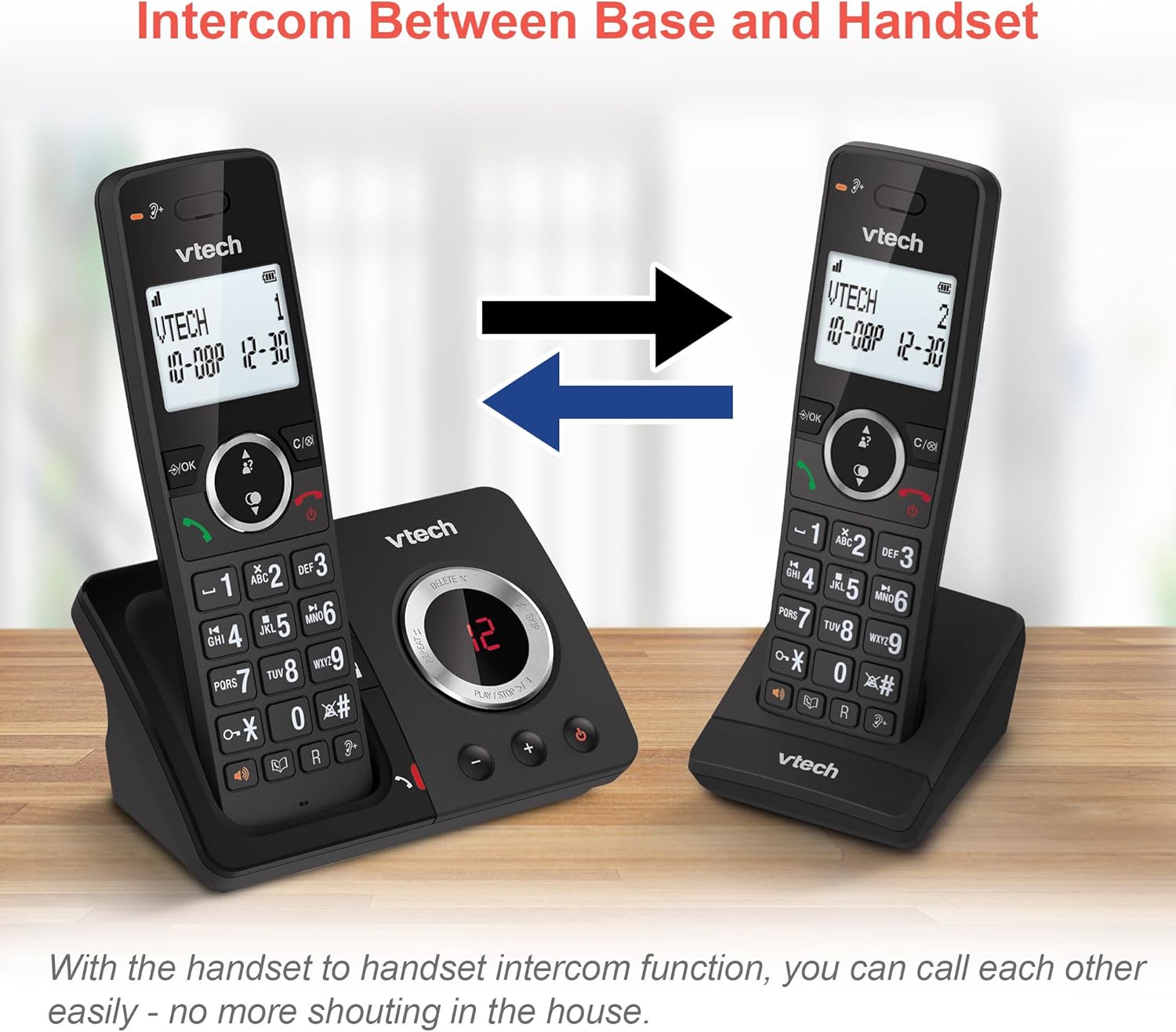
Image: Two VTech ES2051 DECT Cordless Handsets are shown with arrows indicating communication between them, illustrating the intercom function.
4.9 3-Way Conference
The 3-way calling feature allows you to conference a call with two internal callers (handsets) and one external caller into a single conversation.

Image: Three individuals are depicted using phones, visually representing the 3-way conference call capability of the VTech ES2051 system.
5. Tiaki
5.1 Te horoi
Clean the phone and base unit with a soft, slightly damp kakahu. Kaua e whakamahia he horoi whakakoi, he whakarewa rānei. Kia tupato kei uru he wai ki roto i te waeine.
5.2 Tiaki Pūhiko
To prolong battery life, avoid overcharging by not leaving the handsets on the charger for extended periods once fully charged. If the phone will not be used for a long time, remove the batteries.
6. Te Raru
If you experience issues with your VTech ES2051, please refer to the following common problems and solutions:
- Kore oro Waea: Ensure the telephone line cord is securely connected to both the base unit and the wall socket. Check that the power adapter is plugged in correctly.
- Kaore e taea te Waea/Whiwhi Waea: Verify that the phone line is active. Check battery charge level on the handset.
- He Rawe te Kounga oro/Paeko: Move the handset closer to the base unit. Avoid placing the base unit near other electrical appliances that may cause interference.
- Karekau te Pukoro i te utu: Ensure the handset is correctly seated in the charging cradle and that the charging contacts are clean.
- Miihini Whakautu Kaore i te Tuhi: Check if the answering machine memory is full. Ensure the answering machine is turned on.
7. Whakatakotoranga
| Āhuahira | Taipitopito |
|---|---|
| Waitohu | VTech |
| Tauira | ES2051 |
| Momo Waea | DECT Kore-waea |
| Momo Pūnaha Whakautu | Mamati |
| Tohu Kaiwaea | Ae |
| Nga Pikohiko e hiahiatia ana | 4 AAA (whakauruhia) |
| Taumaha Tūemi | 0.78 Kirokaramu |
| Ahu mōkihi | 18.5 x 14 x 11 cm |
| Tae | Pango |
| UPC | 796575179615 |
8. Pūtāhui me te Tautoko
For warranty information and technical support, please refer to the documentation provided with your purchase or visit the official VTech webpae. Puritia to tohu hoko mo etahi kereme whakamana.
Ask a question about this manual
Ask about setup, troubleshooting, compatibility, parts, safety, or missing instructions. Manuals+ will review the question and use this page’s manual context to help answer it.