
1. Nga Korero Haumaru Nui
Please read these safety instructions carefully before operating your TV and retain them for future reference. Always follow basic safety precautions to reduce the risk of fire, electric shock, and injury.
- Mana: Connect the TV to an AC power outlet only. Do not overload wall outlets. Ensure the power cord is not damaged or pinched.
- Whakahau: Do not block ventilation openings. Install the TV in a location with adequate airflow.
- Te horoi: Wewetehia te pouaka whakaata i mua i te horoi. Whakamahia he kakahu ngohengohe, maroke. Kaua e whakamahi i nga kai horoi wai, i nga rehu aerosol ranei.
- Te wai me te makuku: Kaua e tukuna te pouaka whakaata ki te ua, ki te makuku ranei. Kaua e tuu i nga mea kua whakakiia ki te wai ki runga i te pouaka whakaata.
- Pūmautanga: Ensure the TV is placed on a stable surface or securely mounted to prevent it from falling.
2. He aha kei roto
Manatokona kei roto nga waahanga katoa i roto i te kete:
- LG 55QNED85T 55-inch 4K QNED Smart TV
- Base (Stand)
- Tauera Hiko Ka taea te wetewete
- Magic Remote (MR 24Y)
- Pahiko AA x 2
3. Tatūnga
3.1 Te Wetewete
Carefully remove the TV and all accessories from the packaging. It is recommended to keep the packaging materials for future transport or service needs.
3.2 Whakaturanga Tu
Hei whakauru i te turanga pouaka whakaata:
- Whakanohoia te pouaka whakaata ki runga i te mata ngawari, papatahi kia kore ai e pakaru te mata.
- Whakahāngaihia ngā wāhanga o te tūnga ki ngā mokowā e tika ana kei raro i te pouaka whakaata.
- Whakapaia te turanga ma te whakamahi i nga wiri kua whakaratohia. Me whakarite kia tino titi nga wiri katoa.

Mua view of the LG 55QNED85T 55-inch 4K QNED Smart TV with its stand installed.

Te taha view of the LG 55QNED85T 55-inch 4K QNED Smart TV showing its slim profile ka tu.
3.3 Whakapuru Taiepa (Kōwhiringa)
If you choose to wall mount your TV, refer to the instructions provided with your wall mount bracket. Ensure the bracket is compatible with VESA standards for your TV model and installed by a qualified professional.
3.4 Hononga Pikitia
Connect external devices such as set-top boxes, gaming consoles, or sound systems to the TV's ports. The TV features HDMI, USB, Ethernet, Bluetooth, and Wi-Fi connectivity.

Whakamuri view of the LG 55QNED85T 55-inch 4K QNED Smart TV showing various input and output ports.
3.5 Hononga Hiko
After connecting all desired devices, plug the detachable power cable into the TV's power input and then into a wall outlet.
3.6 Tatūnga Tuatahi
Upon first power-on, the TV will guide you through the initial setup process. This includes selecting your language, connecting to a network (Wi-Fi or Ethernet), and scanning for channels.
4. Whakahaerehia Tou TV
4.1 Magic Remote (MR 24Y)
The LG Magic Remote allows for intuitive control of your TV. It functions like an air mouse, allowing you to point and click. It also features a dedicated AI button for smart functions.

The LG AI Magic Remote offers dedicated buttons and features for AI functions, including AI Chatbot, AI Concierge, AI Search, AI Picture Wizard, AI Voice ID, and AI Sound Wizard.
4.2 WebOS 24 Ataahua Ataahua
Kei te rere tō pouaka whakaata LG QNED webOS 24, offering a smart and user-friendly interface. Key features include:
- LG ThinQ AI: Integrated artificial intelligence for enhanced control and personalization.
- Amazon Alexa Hanga-i roto: Use voice commands for various TV functions and smart home control.
- Intelligent Voice Recognition: Control your TV and search for content using your voice.
- App Remote Control (LG ThinQ): Control your TV from your smartphone using the LG ThinQ app.
- Kaituku AI: Provides personalized keyword suggestions and recommendations based on your viewing hītori.

The AI Concierge feature provides personalized keyword suggestions and recommendations based on your search and viewing hītori.
- Rapu AI: Offers personalized recommendations for your queries and additional solutions with Microsoft Copilot.

AI Search provides personalized recommendations for your queries and can integrate with Microsoft Copilot for additional solutions.
- AI Reo ID: Recognizes each user's vocal signature and offers personalized recommendations as you speak.

AI Voice ID recognizes individual user voices to provide personalized content recommendations.
4.3 Tautuhinga Pikitia
Your QNED TV combines Quantum Dot and NanoCell technologies for vibrant and accurate colors. The α8 AI Processor Gen 2 optimizes picture quality.
- QNED Dynamic Colors: LG's wide color gamut technology provides enhanced color reproduction.
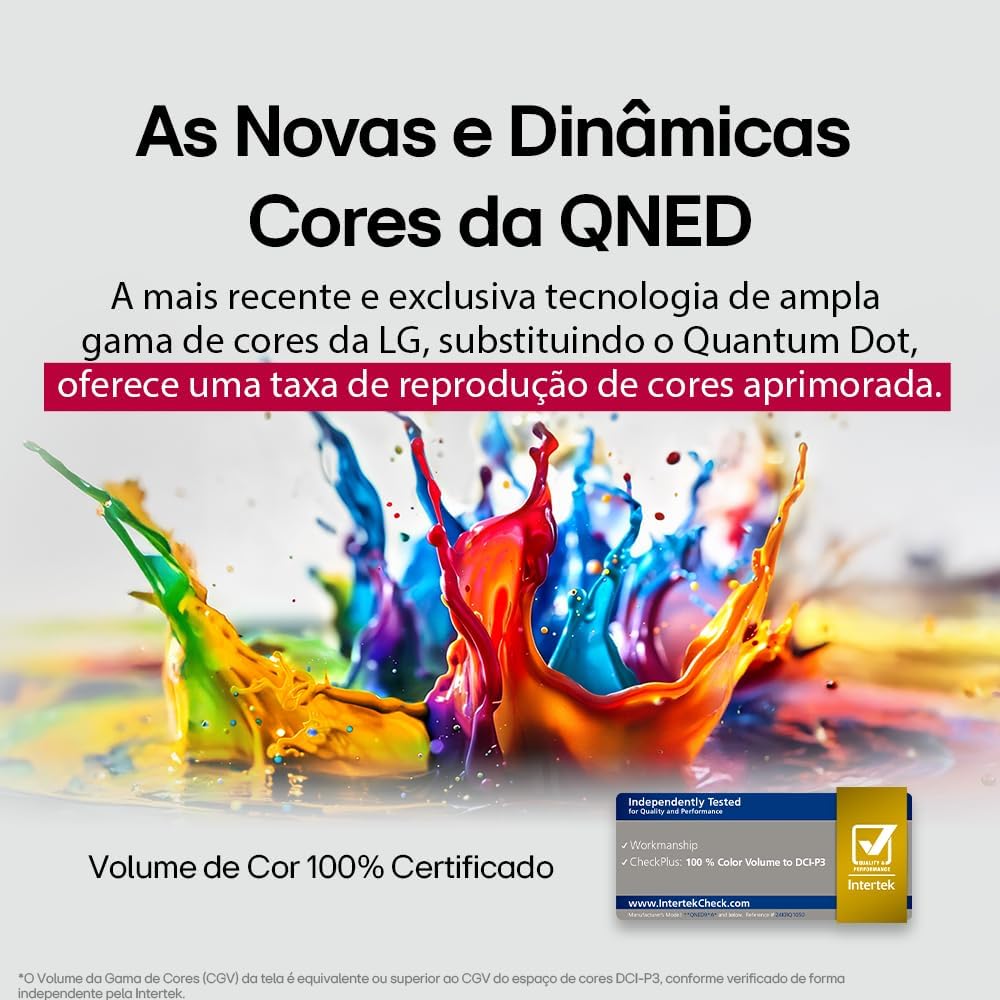
LG's QNED technology delivers new and dynamic colors, offering an improved color reproduction rate with 100% Certified Color Volume to DCI-P3.
- MiniLED: This technology enhances sharpness and provides superior contrast for an immersive viewte wheako.
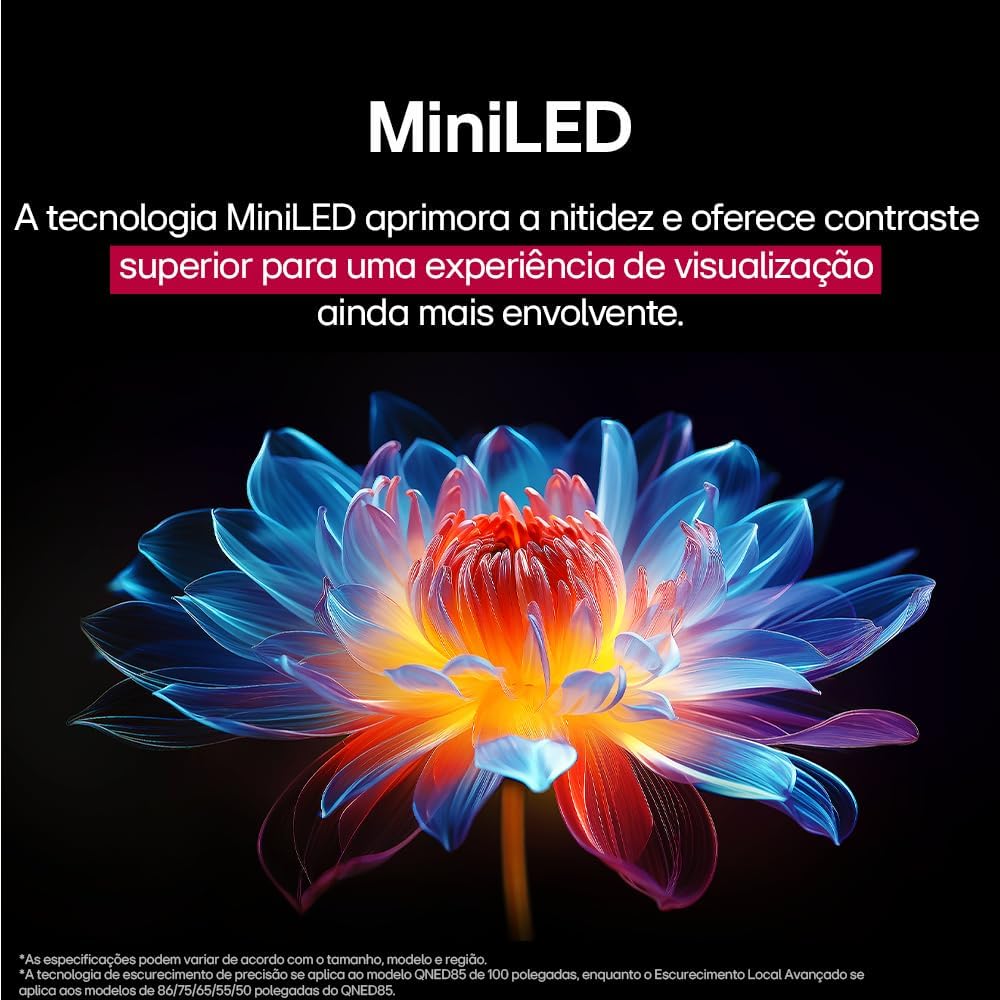
MiniLED technology improves sharpness and offers superior contrast for an immersive viewte wheako.
- α8 AI Processor Gen 2: This processor enhances 4K visuals with impressive colors and brightness.
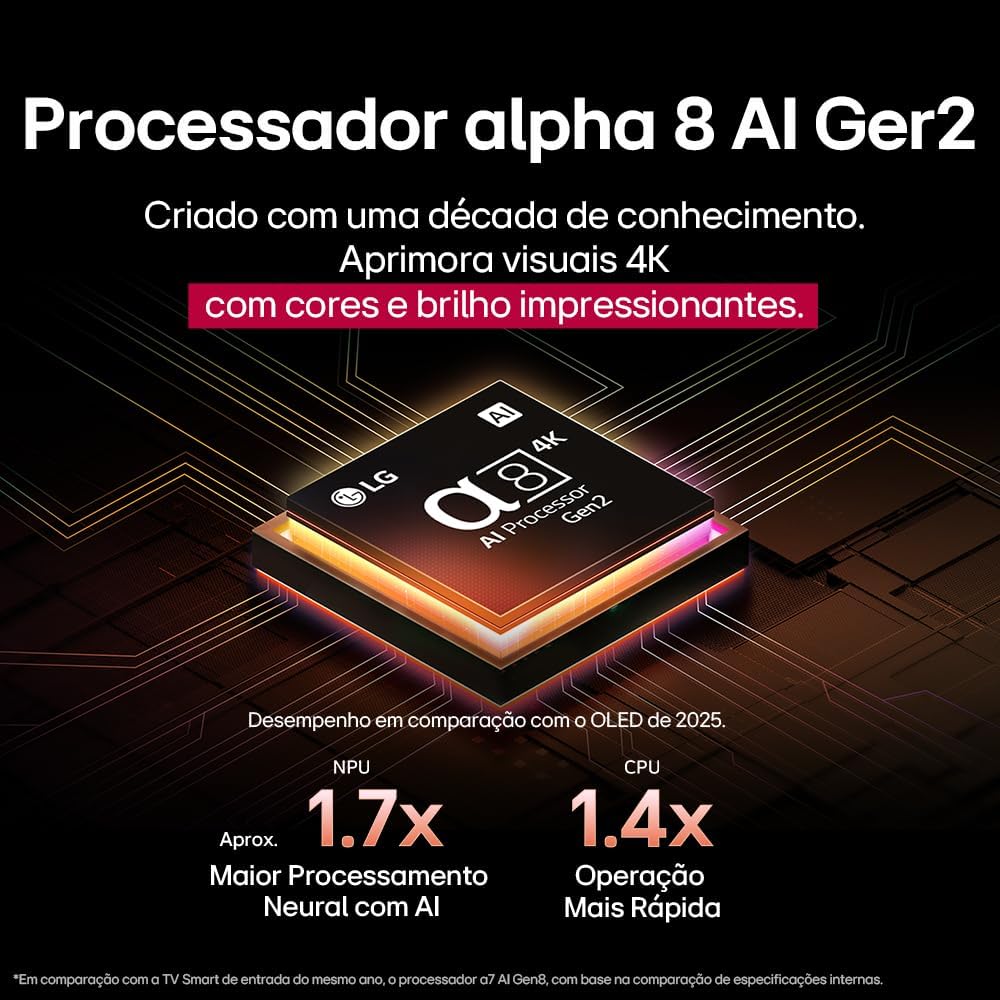
The Alpha 8 AI Processor Gen 2 enhances 4K visuals with impressive colors and brightness, offering approximately 1.7x greater neural processing with AI and 1.4x faster operation compared to previous generations.
- AI Pikitia Pro: Analyzes each frame, enhancing resolution, brightness, depth, and clarity to bring every scene to life.

AI Picture Pro analyzes each frame, enhancing resolution, brightness, depth, and clarity to bring every scene to life.
4.4 Tautuhinga Oro
The TV includes AI Sound Wizard features to optimize audio output based on your environment and content.
4.5 Hononga
Your TV supports various connectivity options:
- Wi-Fi: Connect to your home wireless network for internet access and smart features.
- Itarangi: Whakamahia he hononga waea mo te uru ipurangi.
- HDMI: Connect high-definition devices like Blu-ray players, game consoles, and soundbars.
- USB: Purei pāpāho files mai i nga taputapu rokiroki USB.
- Nihokikorangi: Connect wireless headphones, speakers, or other compatible devices.
4.6 Nga waahanga petipeti
The LG 55QNED85T is equipped with features for an enhanced gaming experience:
- 120Hz Panel: Ka whakarato i te nekehanga maeneene ake mō ngā kēmu tere.
- FreeSync: Reduces screen tearing and stuttering when connected to compatible gaming devices.
5. Tiaki
5.1 Te horoi
- Mata: Me ata horoia te mata ki te kakahu ngohengohe, kore-puru. Mo nga tohu pakeke, kia ngawari dampen te kakahu ki te wai, ki te horoi mata motuhake ranei (kaua e rehu tika ki te mata).
- Tāpare me te Tu: Horoia ki te kakahu ngohengohe, maroke.
- Mana Mamao: Use a soft, dry cloth to clean the remote.
5.2 Whakahōu Pūmanawa
Your TV may receive software updates to improve performance and add new features. You can usually check for and install updates through the TV's settings menu (Settings > General > About This TV > Check for Updates).
6. Te Raru
Mena ka raru koe ki to pouaka whakaata, tirohia nga rongoa e whai ake nei:
| Raruraru | Rongoa pea |
|---|---|
| Karekau he Mana | Tirohia mehemea kei te hono pai te taura hiko ki te pouaka whakaata me te putanga pakitara. Me mohio kei te mahi te putanga. |
| Karekau he Pikitia, engari ko te Oro kei reira | Check the input source. Ensure external devices are powered on and connected correctly via HDMI. |
| Karekau he Oro, engari kei te Pikitia | Tirohia te taumata oro me te wahangu. Manatokohia nga tautuhinga whakaputa oro (hei tauira, nga kaikorero o roto, te pae oro o waho). |
| Mana Mamao Kaore i te Mahi | Whakakapihia nga pākahiko. Me whakarite karekau he arai i waenga i te mamao me te pouaka whakaata. Tauhoatia ano te Mamao Magic ki te tika. |
| Nga Take Hononga Whatunga | Tīmata anō i tō pouara me tō pouwhanga. Tirohia te kupuhipa Wi-Fi. Whakamātauria he hononga Ethernet waea mēnā ka taea. |
| Picture Quality Issues | Whakaritehia nga tautuhinga pikitia (te kanapa, te rereke, te koi). Me whakarite kei te whakaratohia e te puna whakauru he tohu kounga teitei. |
If the problem persists, try performing a factory reset (refer to the TV's settings menu) or contact LG customer support.
7. Whakatakotoranga
Detailed specifications for the LG 55QNED85T 55-inch 4K QNED Smart TV:
| Āhuahira | Whakatakotoranga |
|---|---|
| Rahi Mata | 55 inihi |
| Waitohu | LG |
| Hangarau Whakaatu | LED (QNED, MiniLED) |
| Whakatau | 4K (3840 x 2160) |
| Rere tāmata | 120 Hz |
| Nga waahanga motuhake | QNED Dynamic Colors, MiniLED, α8 AI Processor Gen 2 |
| Hangarau Hononga | Nihokikorangi, Itarangi, HDMI, USB, Wi-Fi |
| Aspect Ratio | 16:9 |
| Ahu Hua (DxWxH) | 25.7D x 123.6W x 78.3H henimita (me te tu) |

Dimensions of the LG 55QNED85T 55-inch TV. Indicated values and actual measurements may differ.
8. Pūtāhui me te Tautoko
Your LG 55QNED85T Smart TV comes with a manufacturer's warranty. Please refer to the warranty card included in your product packaging for specific terms and conditions.
Mō ngā kereme tautoko hangarau, ratonga, pūtāhui rānei, whakapā atu ki te ratonga kiritaki a LG mā tā rātou ratonga mana webte pae, te korero whakapā ranei kei roto i to tuhinga whakamana.