
Kupu Whakataki
This manual provides detailed instructions for the GOBOULT Mirage Smart Watch. Please read this guide thoroughly to ensure proper setup, operation, and maintenance of your device. This smartwatch features a 1.39-inch HD display, Bluetooth calling, comprehensive health monitoring, and various sports modes.
He aha kei roto i te Pouaka
- GOBOULT Mirage Smart Watch
- Uera Whakatau
- Pukapuka Kaiwhakamahi
- Kaari Raati
Tatūnga
1. Ka tohatohahia te Pūrere
Before initial use, fully charge your GOBOULT Mirage Smart Watch. Connect the provided charging cable to the charging port on the back of the watch and to a standard USB power adapter (not included). The watch typically charges within 120 minutes.

Image: GOBOULT Mirage Smart Watch displaying its features, including charging capability.
2. Whakahoahoa ki to Waea atamai
- Download the official GOBOULT companion app from your smartphone's app store (available for iOS and Android).
- Me mohio kei te whakahohea te Nihokikorangi i runga i to waea atamai.
- Open the app and follow the on-screen instructions to search for and connect to your GOBOULT Mirage Smart Watch.
- Whakaūhia te tono takirua i runga i to mataaratanga me to waea atamai.
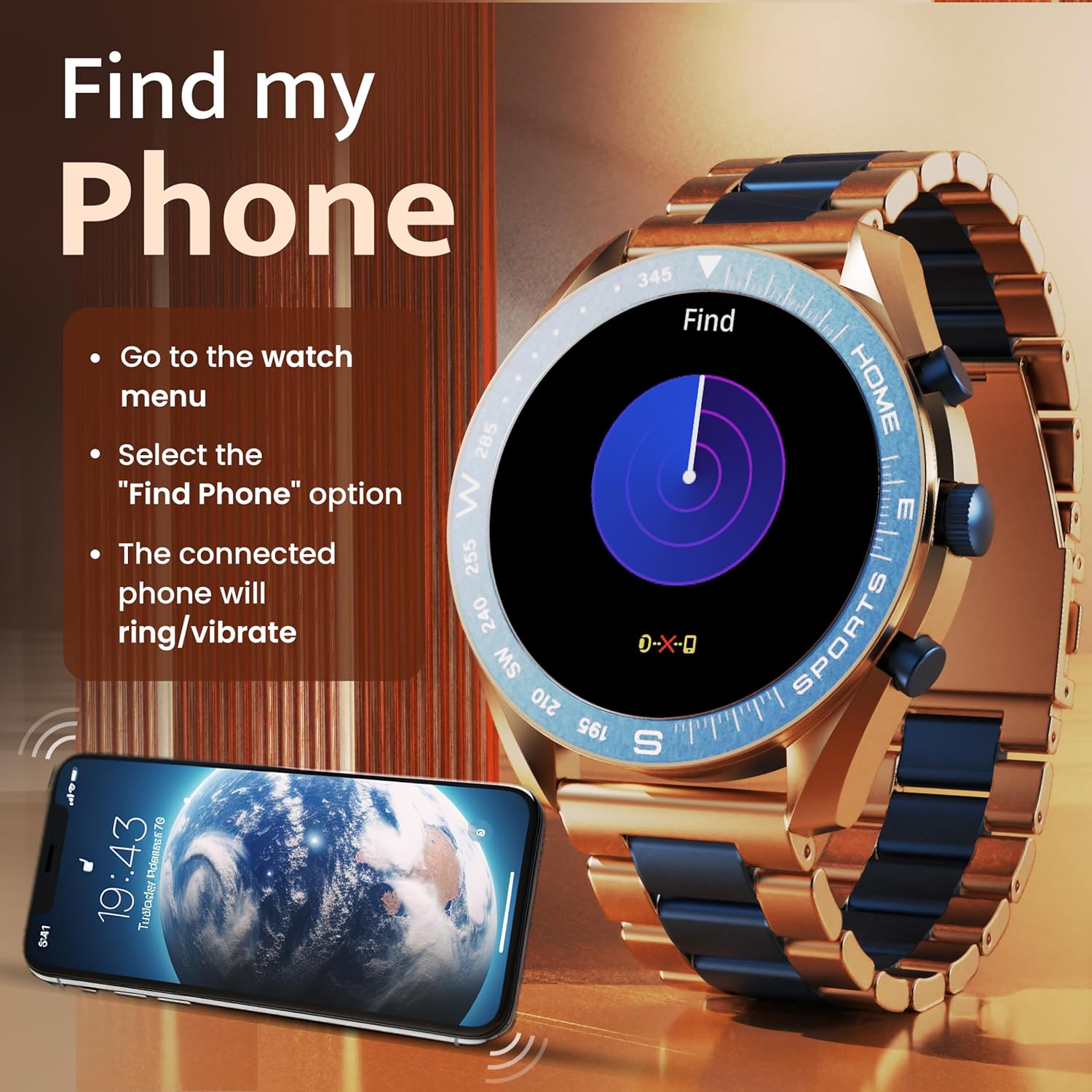
Image: The GOBOULT Mirage Smart Watch connected to a smartphone, illustrating connectivity.
Nga Tohutohu Whakahaere
1. Whakaatu me te Whakaterenga
The GOBOULT Mirage features a 1.39-inch HD display with 360x360 pixels resolution and 500 nits peak brightness for clear visibility. Navigate the watch interface using touch gestures and the digital crown.
- Karauna Mamati: Press to power on/off, switch UIs, and navigate menus. Rotate to scroll through options.
- Patene taha: Use for quick access to specific functions, such as launching sports modes.

Image: GOBOULT Mirage Smart Watch highlighting the digital crown and its various functions.
2. Waea Nihokikorangi
With the built-in speaker and microphone, you can make and receive calls directly from your wrist once paired with your smartphone via Bluetooth 5.3.
- To answer a call, tap the green icon on the watch screen.
- To reject a call, tap the red icon.
- To make a call, access the dial pad or contacts through the watch menu.
Image: GOBOULT Mirage Smart Watch showing an incoming call notification.
3. Te Aroturuki Hauora
The GOBOULT Mirage provides comprehensive health tracking features:
- SpO2 Blood Oxygen Monitor: Ka ine i nga taumata o te hāora toto.
- Aroturuki Reiti Manawa: Te aroturuki i te tere o te manawa 24/7.
- Kaupane Moe: Ka whai i nga tauira moe me te kounga.
- Breath Training Mode: Ka arahi ia koe i roto i nga mahi whakakaha manawa.
- Whakamaumahara wai inu: Ka akiaki i a koe kia noho makuku.
- Whakamaumahara Nohonoho: Alerts you after periods of inactivity.
- Aroturuki Mahi: Ka tuhia nga hikoi, te tawhiti, me nga kaarai kua tahuna.
- Te Aroturuki o te Paheketanga: Helps monitor menstrual cycles.

Image: GOBOULT Mirage Smart Watch showcasing its complete health suite on the display.
4. Aratau hakinakina
Track your performance across over 120 sports modes. Access these modes quickly using the shortcut buttons.
- Examples include Running, Cycling, Yoga, Cricket, Badminton, and Basketball.

Image: GOBOULT Mirage Smart Watch showing the selection of over 120 sports modes.
5. Mata Mataara
Personalize your watch with over 300 cloud-based watch faces. You can also customize the dial to match your style.

Image: GOBOULT Mirage Smart Watch illustrating the variety of 300+ cloud watch faces.
6. Whakamōhiotanga Maamaa
Receive SMS and other smart notifications directly on your watch. Ensure your watch is connected to your phone via Bluetooth for this feature to function.

Image: GOBOULT Mirage Smart Watch showing a push notification from a messaging app.
7. Kaiawhina reo AI
Access an intelligent AI voice assistant for hands-free control. Long press the designated button or use the voice assistant icon on the screen to activate.
8. Kimihia Taku Waea
If you misplace your connected smartphone, use the 'Find My Phone' feature on your watch:
- Go to the watch menu.
- Select the "Find Phone" option.
- The connected phone will ring or vibrate, helping you locate it.
Image: GOBOULT Mirage Smart Watch showing the 'Find My Phone' interface.
9. Atete Wai
The GOBOULT Mirage Smart Watch is IP67 water-resistant, offering protection against dust and temporary immersion in water. It is suitable for daily wear and activities like hand washing or light rain.

Image: GOBOULT Mirage Smart Watch demonstrating its IP67 water resistance.
10. Mini Games
The watch includes several mini-games for entertainment during leisure time.
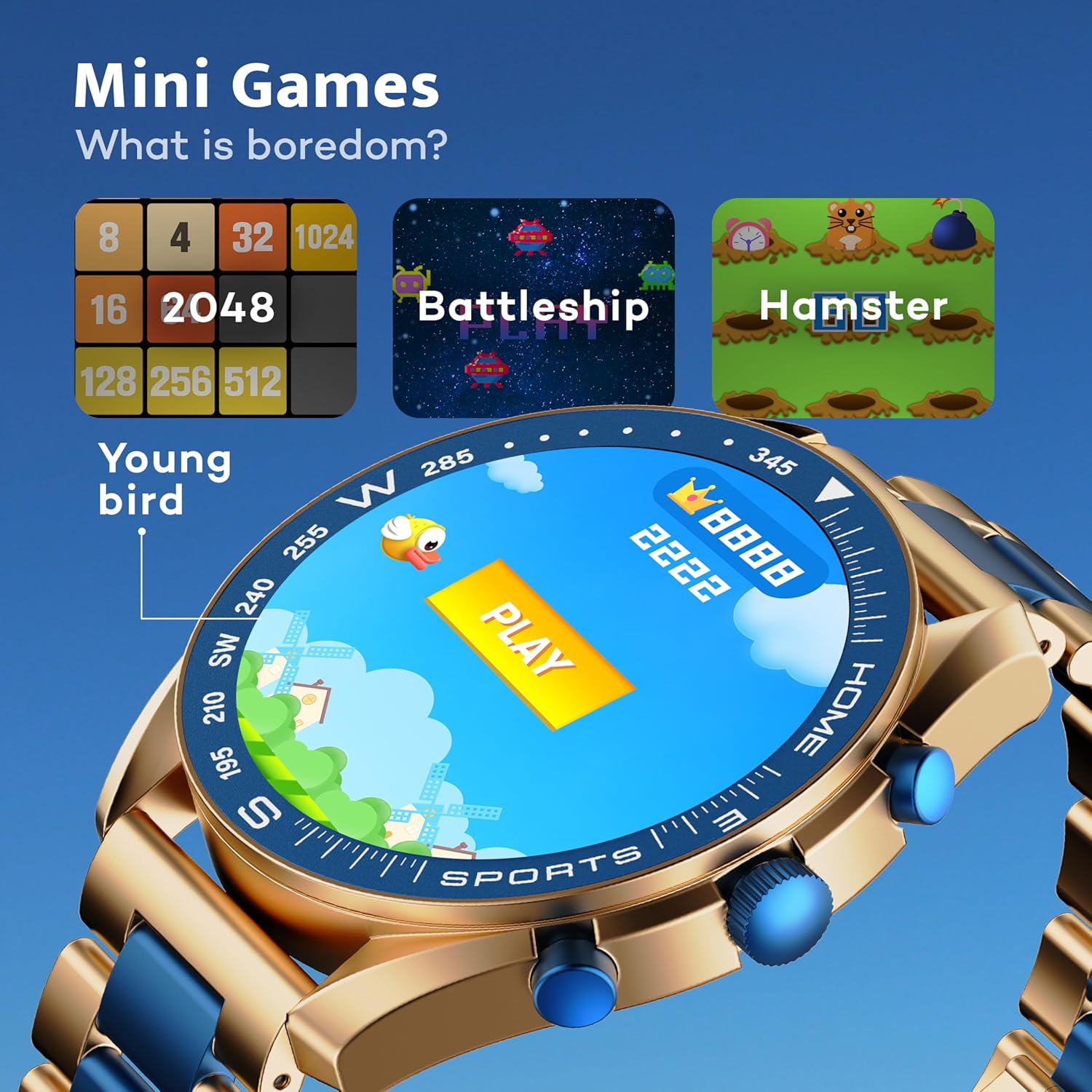
Image: GOBOULT Mirage Smart Watch showing the selection of mini-games.
Te tiaki
1. Te horoi
- Horoia te mata me te tinana o te mātaaratanga ki te kakahu ngohengohe, maroke.
- Mo te paru maro, whakamahia he paku damp cloth and immediately dry the watch.
- Kaua e whakamahi i ngā matū kaha, i ngā mea whakakoi rānei, nā te mea ka kino pea te āhua o te peita.
2. Nga Aratohu Atete Wai
- The IP67 rating means the watch is protected from dust and can withstand immersion in water up to 1 meter for 30 minutes.
- Kaua e whakamahia te mātaaratanga mō te kaukau, te kaukau ki te wai wera, te ruku rānei.
- Avoid exposing the watch to high-pressure water or steam.
- If the watch gets wet, dry it thoroughly before charging or using any buttons.
Raparongoā
- Kia mataara kia kaua e huri: Me whakarite kua whakakiia te mataaratanga. Honoa ki te rihi mo te iti rawa 30 meneti.
- Kaore e taea te hono ki te waea: Make sure Bluetooth is enabled on your phone and the watch is within range. Restart both devices and try pairing again.
- Raraunga hauora hē: Me whakarite kia mau te wati ki runga i to ringaringa, kia kaua e piri rawa, kia kore rawa ranei. Horoia nga pūoko i nga wa katoa.
- Ora pūhiko poto: Whakaitihia te kanapa o te mata, whakakorehia nga whakamohiotanga kore e tika, ka whakawhāitihia te aro turuki i te reiti o te ngakau ki te kore e hiahiatia.
- Whakaatu take: Restart the watch. If the problem persists, contact customer support.
Whakatakotoranga
| Āhuahira | Taipitopito |
|---|---|
| Waitohu | GOBOULT |
| Tau tauira | 8906133853464 |
| Rahi Whakaatu | 1.39 Inihi |
| Tirohanga | 500 Niti |
| Rauemi Tāpare | Kohanga Konutea |
| Momo Ahokore | Nihokikorangi 5.3 |
| Pūnaha Mahi | iOS, Android |
| Ātete wai | IP67 |
| Wā Utu Pūhiko | 120 meneti |
| Momo Pūhiko | Hikahiko Polymer |
| Taumaha Tūemi | 106 g |
Pūtāhui me te Tautoko
Your GOBOULT Mirage Smart Watch comes with a warranty card included in the box. Please refer to this card for details regarding warranty coverage and terms.
For technical support, troubleshooting assistance, or warranty claims, please contact GOBOULT customer service through their official webte waahi, nga korero whakapā ranei e whakaratohia ana i runga i to kaari whakamana.