
Kupu Whakataki
The Xmenha YX36 RGB Mecha True Wireless Gaming Earbuds are designed to provide an immersive audio experience for gaming and music. Featuring Bluetooth 5.4 connectivity, low latency, and a unique mecha-inspired design, these earbuds offer enhanced sound quality and comfortable wear. This manual provides instructions for setup, operation, maintenance, and troubleshooting to ensure optimal performance.
Ihirangi mokete
Tena koa tirohia te pouaka mo nga mea e whai ake nei:
- Gaming Earbuds (L/R)
- 2 Sizes of Ear Caps
- Puhi utu
- Taura Whakatau USB (Momo-C)
- User Manual (2 copies)
Ka mutu te huaview
The Xmenha YX36 earbuds feature a distinctive mecha design with RGB lighting, housed in a compact charging case. They are engineered for comfort and performance, especially for gaming.

Image: The Xmenha YX36 Winter-Blue earbuds are shown inside their open charging case, highlighting the unique design and glowing elements.
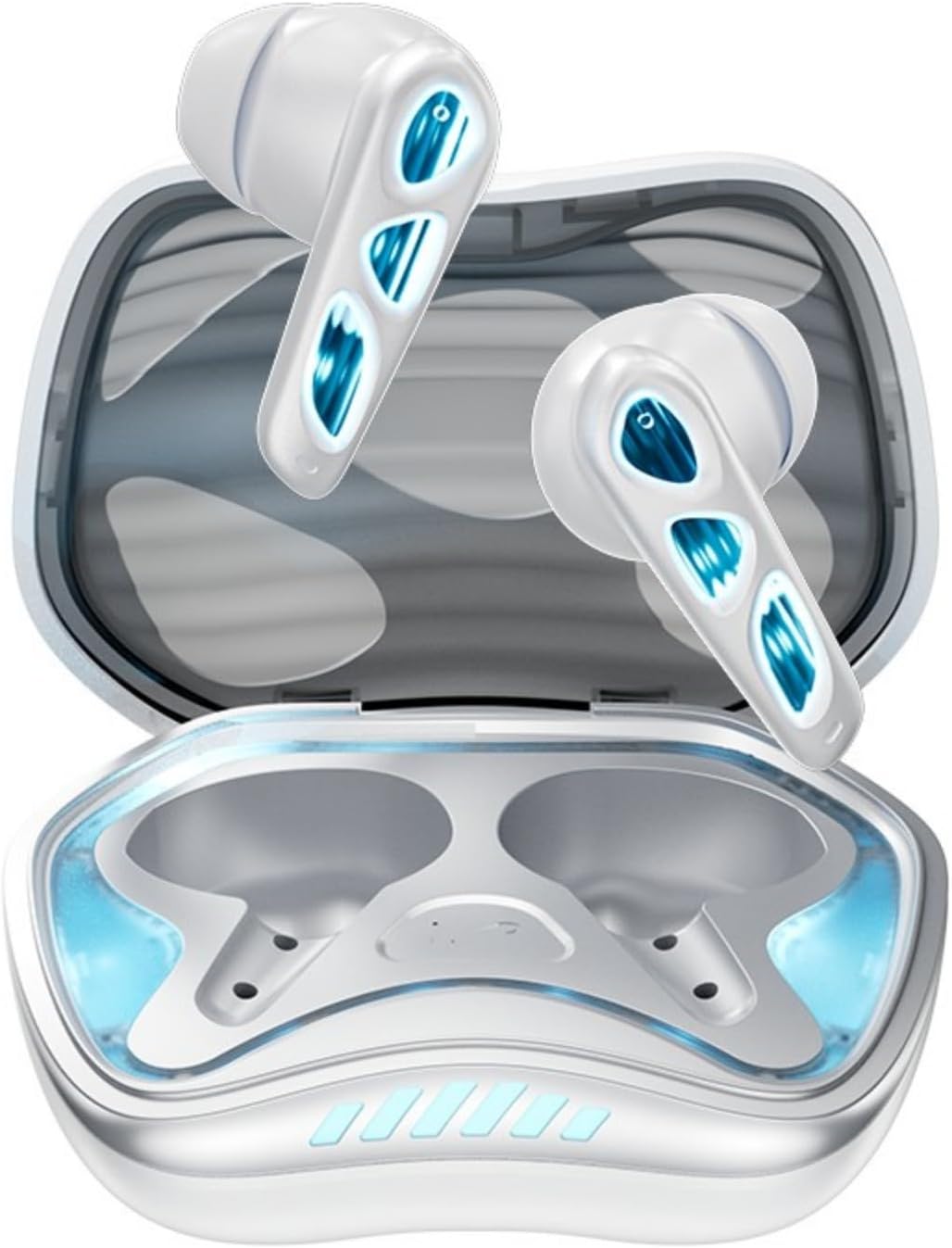
Whakaahua: He runga-iho view of the Winter-Blue earbuds resting in their charging case, showcasing the internal layout and design details.

Image: This graphic highlights the gaming-specific features of the earbuds, including Bluetooth 5.4 for smooth connection, a polymer diaphragm for sound quality, super heavy bass, and comfortable noise reduction.
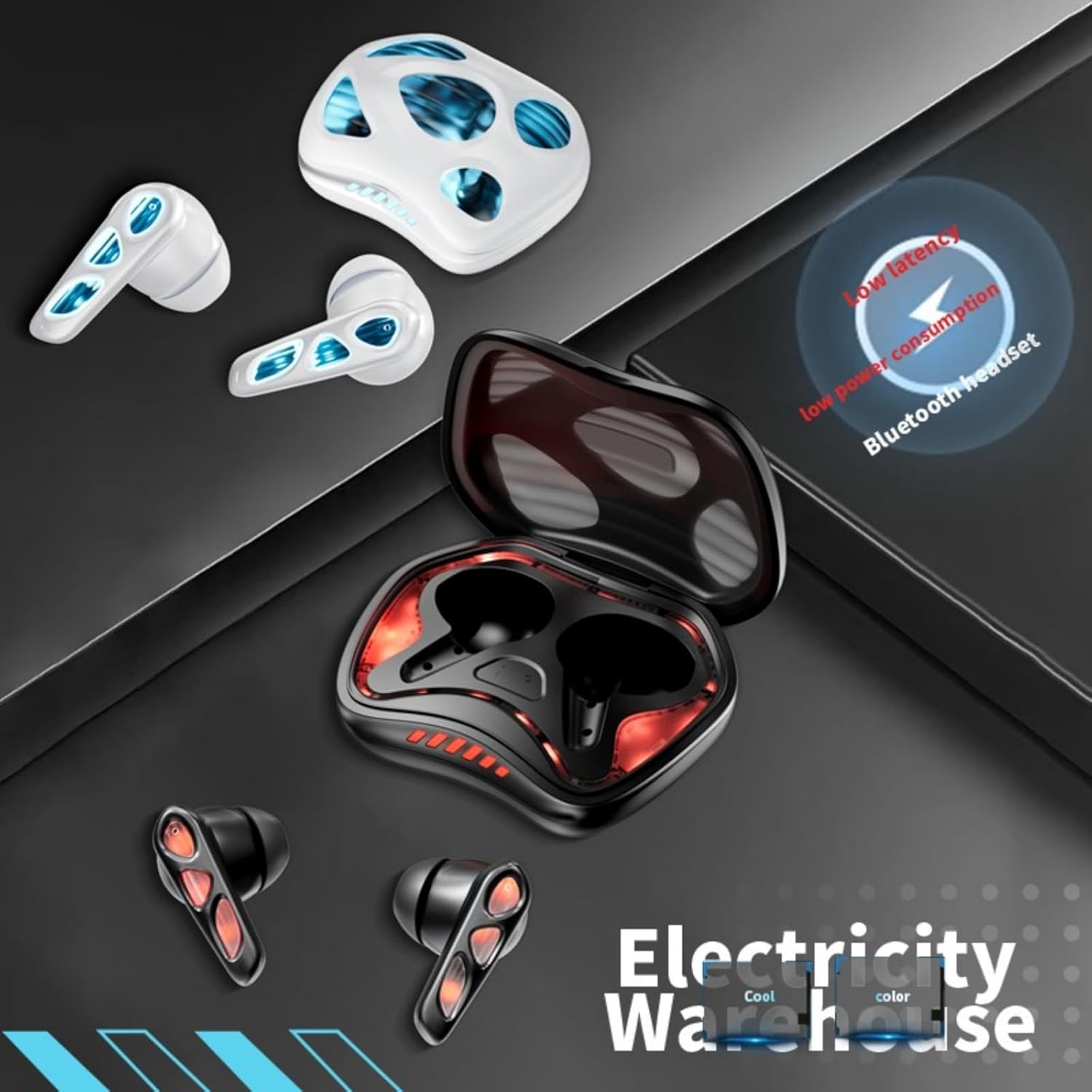
Image: The earbuds and charging case are depicted alongside text indicating low latency and low power consumption, emphasizing efficient performance for gaming and extended use.
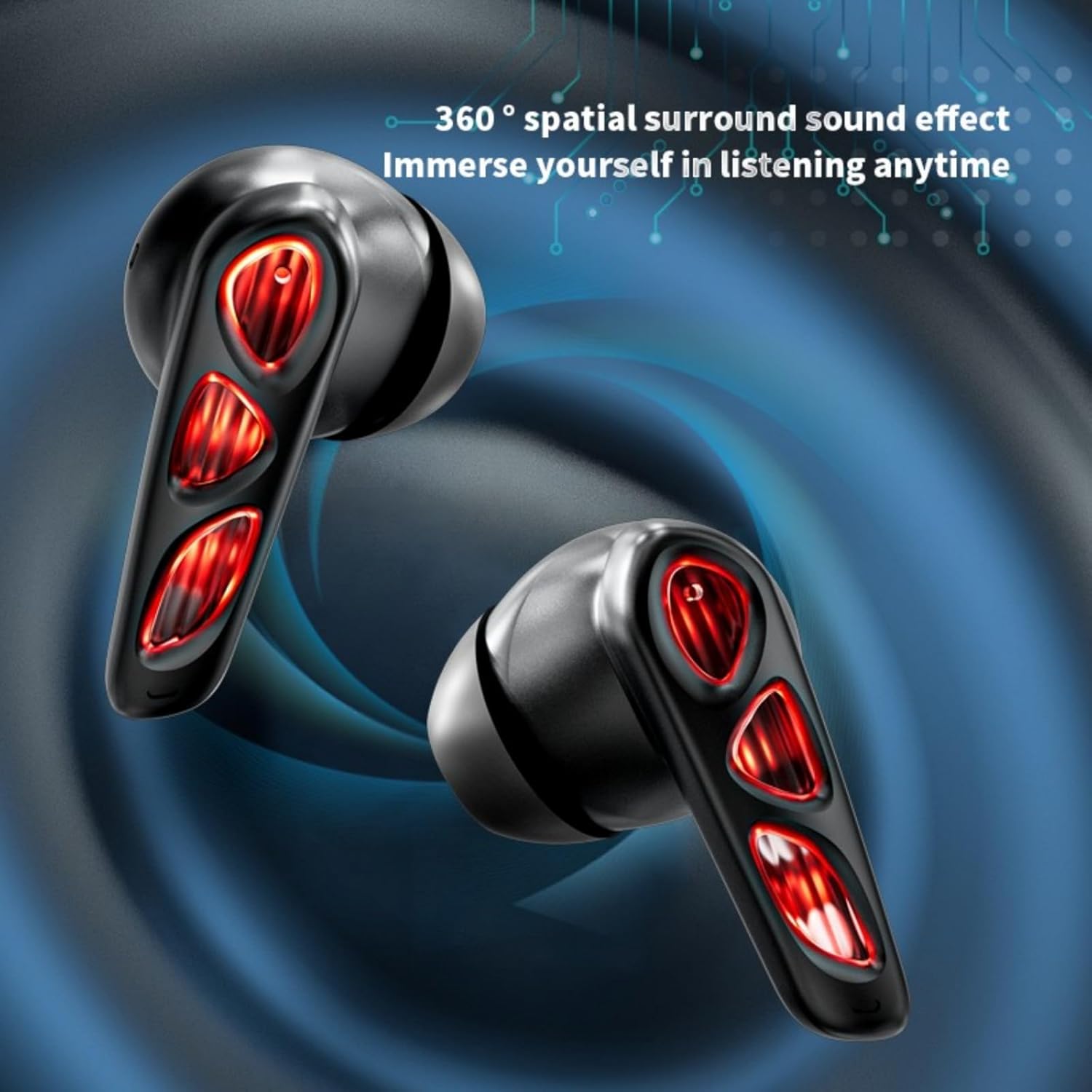
Image: A close-up of the earbuds (in the Flame-Red variant) highlights the 360-degree spatial surround sound effect, designed to immerse the user in their audio experience.

Image: This image showcases the Winter-Blue earbuds in their charging case, emphasizing the ultra-long battery life and strong power reserve for extended gaming sessions.

Image: A person is shown wearing the earbuds, illustrating the ergonomic design for comfortable and worry-free use during play.
Tatūnga
1. Te Whakataki i nga Paorooro me te Puhi
I mua i te whakamahi tuatahi, whakakiia katoatia nga pukoro taringa me te putea utu.
- Honoa te taura utu USB Momo-C kua whakaratohia ki te tauranga utu i runga i te pouaka me te pūtake hiko.
- The charging case will indicate its charging status. A full charge for the case typically takes approximately 2 hours.
- Place the earbuds into the charging case. They will begin charging automatically. The earbuds provide approximately 5.5 hours of continuous playtime on a single charge, with the charging case offering an additional 36 hours of battery life.
2. Takirua Nihokikorangi
The earbuds feature one-step pairing for convenience.
- Whakatuwherahia te putea utu. Ka hiko aunoa nga taringa ka uru ki te aratau takirua.
- I runga i to taputapu (waea atamai, papa, PC), whakaahei i te Nihokikorangi me te rapu mo nga taputapu e waatea ana.
- Select "YX36" (or similar name) from the list of found devices to connect.
- Kia honoa, ka hono aunoa ngā pane taringa ki te pūrere whakamutunga i honoa ina tangohia mai i te pouaka.
Nga Tohutohu Whakahaere
Mana Pa
The Xmenha YX36 earbuds utilize intelligent touch controls for various functions:
- Purei/Tatari Puoro: Pao kotahi ki runga i tetahi purongo.
- Waiata Panuku: Pao rua ki te purongo matau.
- Waiata o mua: Pao rua ki te purongo maui.
- Whakautu/Whakamutu Waea: Pao kotahi ki runga i tetahi purongo i te wa o te waea taumai.
- Whakakore Waea: Pēhia me te pupuri i tetahi purongo mo te 2 hēkona i te wa o te waea taumai.
- Whakahohe i te Kaiawhina Reo: Patohia kia toru ngā pato ki tētahi o ngā taringa (tērā pea ka rerekē te mahi i runga i te pūrere).
Aratau petipeti
The earbuds are designed with a low-latency connection (55ms) for an optimized gaming experience. This ensures audio and video synchronization with near-zero delay.
Te tiaki
Te horoi
Hei pupuri i te mahi tino pai me te akuaku:
- Me ata muru nga pukoro me te pukoro utu ki te kakahu ngohengohe, maroke, kore-rara.
- Kaua e whakamahia nga kai horoi, te waipiro, te whakarewa matū ranei.
- Me whakarite kia ma, kia maroke hoki ngā hononga utu o ngā pane taringa me te putea.
Rokiroki
Ina kore e whakamahia, rongoatia ngā pane taringa ki roto i te pouaka utu hei tiaki i a rātou, hei pupuri hoki i te utu. Kaua e rongoatia ki ngā pāmahana tino kino, ki ngā taiao makuku rānei.
Raparongoā
If you encounter issues with your Xmenha YX36 earbuds, please refer to the following common solutions:
| Raruraru | Rongoā |
|---|---|
| Karekau nga taringa e hono ana |
|
| Karekau he oro mai i tetahi pukoro |
|
| Karekau e utuhia ana |
|
| He iti te oro, he ngoikore ranei te oro |
|
Whakatakotoranga
| Āhuahira | Taipitopito |
|---|---|
| Tau tauira | YX36 |
| Putanga Nihokikorangi | 5.4 |
| Tawhiti Whakawhiti | >10 Mita |
| Raukaha Puku Earbud | 30mAh (ia) |
| Whakatauhia te kaha o te pākahiko | 380mAh |
| Wā Whakatangitangi | Tata ki te 5.5 hāora (ngā taringa), 36 hāora (me te pouaka utu) |
| Waa Whakatau | Approx. 2 haora (take utu) |
| Tauranga Whakatau | Momo-C |
| Rooputanga Iti | 55ms |
| Tikanga Mana | Paa |
| Taumata Atete Wai | parewai |
| Pūrere Hototahi | iPhone, Android, PC |
| Rauemi | Kirihou |
| Taumaha Tūemi | 3.8 hekere |
Pūtāhui me te Tautoko
Xmenha is committed to providing quality products and customer satisfaction. While specific warranty details are not provided in this manual, if you receive a defective product or have any questions during use, please contact Xmenha customer support. We aim to respond and provide a solution within 24 hours.
For support, please refer to the contact information provided with your purchase or visit the official Xmenha store page on Amazon.