Kupu Whakataki
This manual provides instructions for the proper use and maintenance of your Generic BD-1 Wireless Active Noise Cancelling Headphones. Please read this manual thoroughly before using the product to ensure optimal performance and longevity.
He aha kei roto i te Pouaka
- 1 x Generic BD-1 Wireless Active Noise Cancelling Headphones
- 1 x USB Utaura Whakatau
- 1 x 3.5mm Waea Ororongo
- 1 x Pukapuka Kaiwhakamahi
Nga waahanga hua
- Whakakore Haruru Hohe: Ka whakaiti i te haruru o te taiao mō tētahi wheako oro rumaki.
- Puoro-roto: Ka taea te waea ngāwari, kore-ringa.
- Wā purei roa: Tae atu ki te 30 hāora o te purei ororongo i runga i te utunga kotahi.
- Hononga Aratau Takirua: Supports both wireless (Bluetooth) and wired (3.5mm audio cable) connections.
- Hoahoa whakamarie: Features an adjustable headband and soft memory protein ear cups for extended wear.
- Hoahoa Kopa: Ka taea te rokiroki kiato me te kawe.
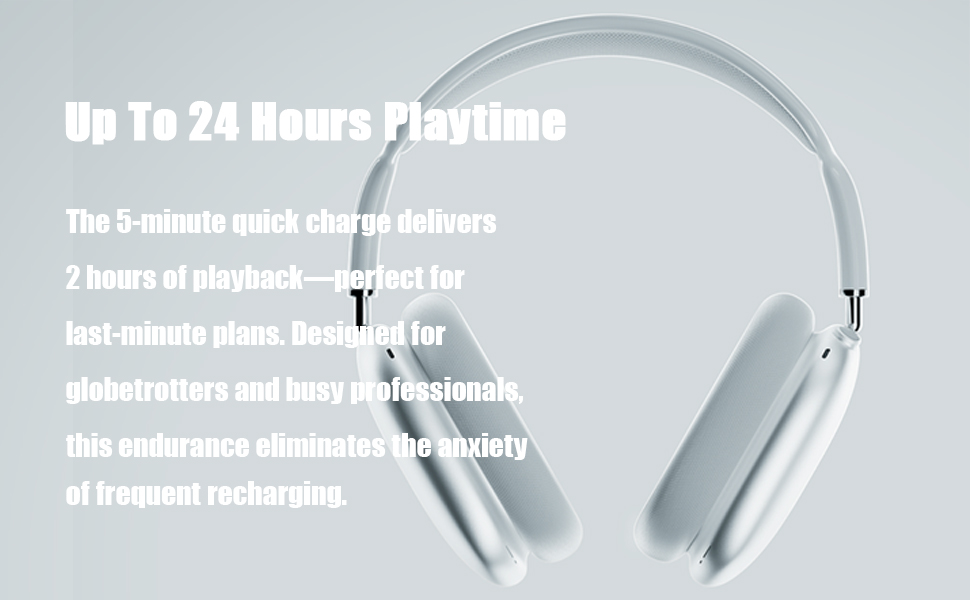
Image: High-fidelity audio capabilities of the headphones.

Whakaahua: Taipitopito view of the adjustable headband, multi-angle rotation, memory protein cushion, and breathable mesh for comfort.
Tatūnga
1. Te Whakataki i nga Paneoro
- Honoa te taura utu USB kua whakaratohia ki te tauranga utu i runga i ngā paneoro.
- Honoa te pito o te taura USB ki tētahi pūtake hiko USB hototahi (hei tauira, rorohiko, urutau pakitara).
- Ko te rama tohu ka whakaatu i te mana utu. Ko te tikanga ka pau te utu mo te 1.5 haora.
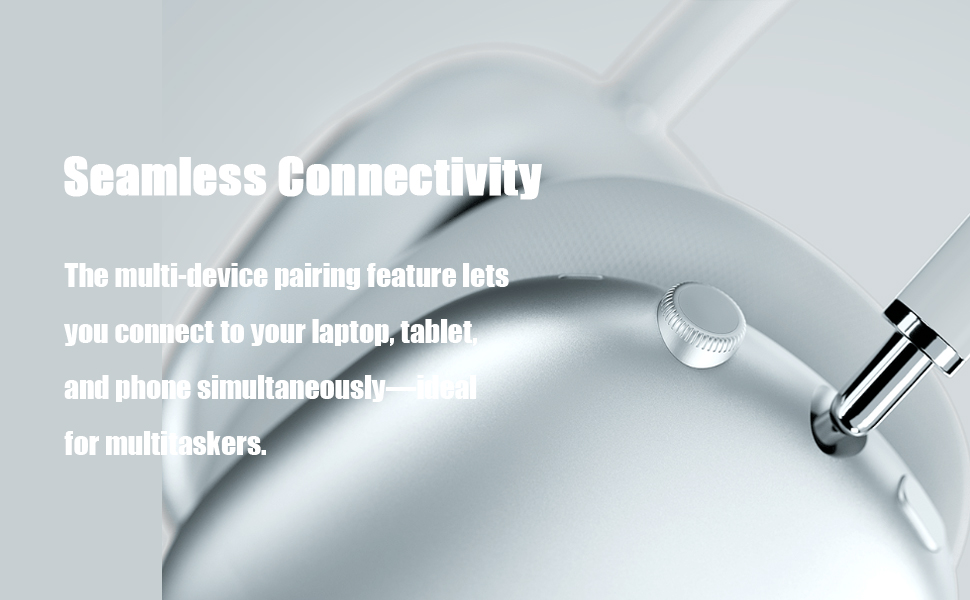
Image: Headphones illustrating extended playtime after charging.
2. Takirua Nihokikorangi
- Me mohio kei te utu nga taringa.
- Press and hold the Power button on the headphones for 3 seconds to turn them on. The indicator light will flash, indicating pairing mode.
- I runga i to taputapu (papa atamai, papa, rorohiko), whakaahei i te Nihokikorangi me te rapu mo nga taputapu e waatea ana.
- Select "Generic BD-1" (or similar name) from the list of found devices to connect.
- Ina hono ana, ka whakauhia e te aki reo te mahi takirua angitu.

Image: Headphones demonstrating seamless connectivity across multiple devices.
Nga Tohutohu Whakahaere
Nga Mana Whakahaereview

Image: Easy operation buttons and their functions.
- Hiko Whakaka/Weto: Patohia me te pupuri i te paatene mana mo te 3 hēkona.
- Mana Rōrahi: Hurihia te mana ororangi ki te whakanui i te rōrahi, ki te taha-tarakaraka ki te whakaheke i te rōrahi.
- Purei/Tatari: Patohia te paatene mana kotahi.
- Waiata Panuku: Patohia-rua te paatene mana.
- Waiata o mua: Triple-click the control button.
- Whakautu/Tauhia Waea: Click the control button once during an incoming call or active call.
- Whakakore Waea: Double-click the control button during an incoming call.
Whakakahoretanga Noise Kaha (ANC)
The headphones feature hybrid active noise cancellation technology designed to detect and block a wide range of low and medium frequency noises, enhancing your listening experience. This feature operates automatically to provide a quieter environment.
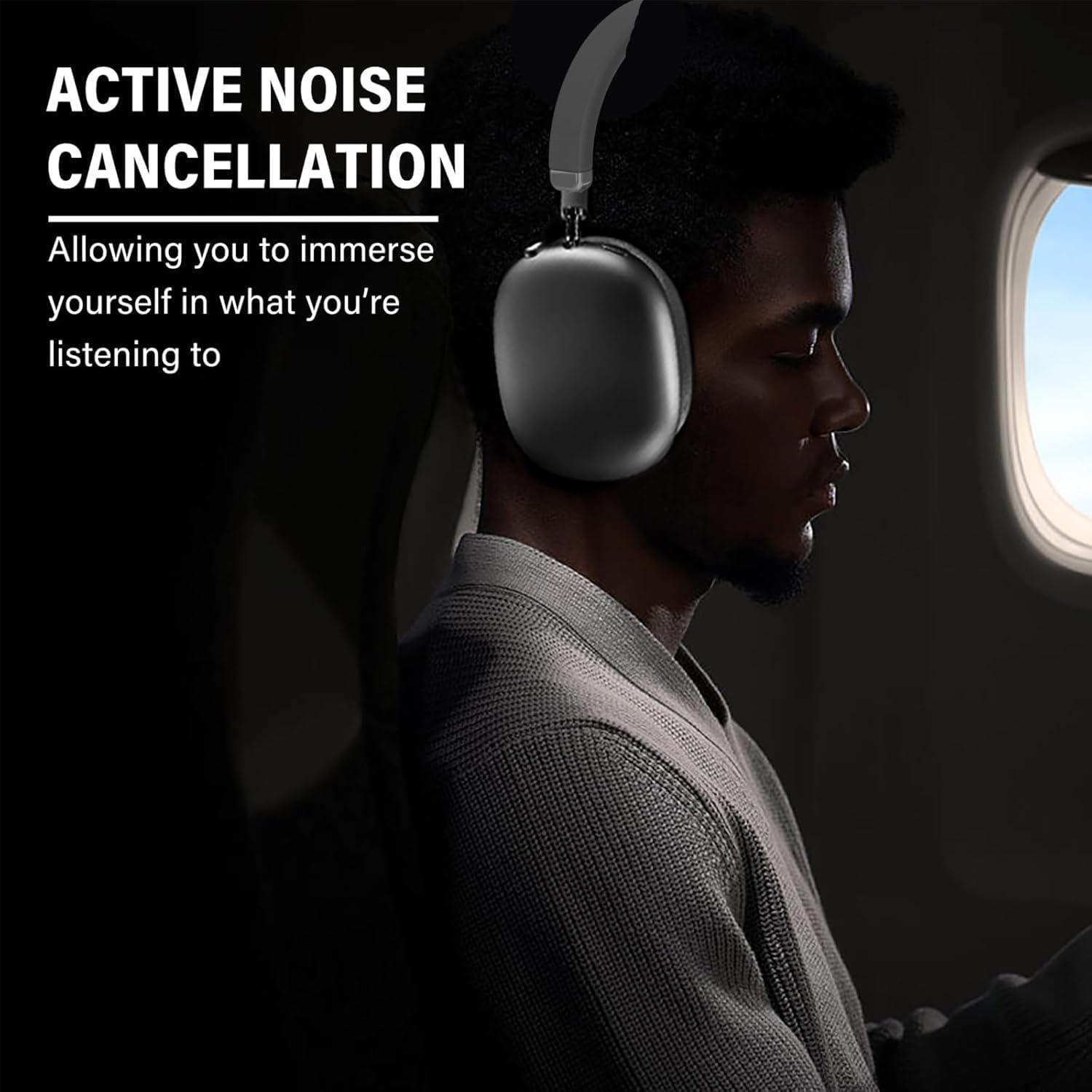
Image: Active Noise Cancellation in use, providing an immersive experience.
Waea-a-ringa
The integrated microphone allows for clear hands-free communication. Use the control button to manage calls as described above.

Image: Headphones facilitating crystal clear calls with a built-in microphone.
Te tiaki
Te horoi
- Horoia nga taringa ki te kakahu ngohengohe, maroke.
- Kaua e whakamahi i nga kai horoi me nga whakarewa.
- Avoid exposing the headphones to excessive moisture.
Rokiroki
Ki te kore e whakamahia, whakapikohia ngā pane whakarongo kia iti ai te rokiroki. Rokirokihia ki te wāhi hauhautanga, maroke, kia matara atu i te rā tika me te pāmahana tino kino.
Image: Foldable design for convenient storage and portability.
Raparongoā
- Kore Mana: Me mohio kei te whakakiia nga taringa.
- Kaore e taea te takirua: Me whakarite kei te whakahohea te Nihokikorangi i runga i tō pūrere, ā, kei roto ngā paneoro i te aratau takirua. Ngāna ki te tīmata anō i ngā pūrere e rua.
- Kore Oro: Check the volume levels on both the headphones and your connected device. Ensure the headphones are properly paired. If using the 3.5mm audio cable, ensure it is securely connected.
- Kounga oro kino: Move closer to your connected device to reduce interference. Ensure there are no obstructions between the headphones and the device.
Whakatakotoranga
| Āhuahira | Taipitopito |
|---|---|
| Ingoa Tauira | BD-1 |
| Mana Haruru | Whakakore Haruru Hohe |
| Hangarau Hononga | Ahokore (Nihokikorangi 5.0) |
| Awhe Nihokikorangi | Tae atu ki te 10 mita (33 putu) |
| Pooro Jack | 3.5 mm Jack |
| Ora Pūhiko | Tae atu ki te 30 haora |
| Waa Whakatau | Approx. 1.5 haora |
| Rauemi | Kirihou, Elastomer Thermoplastic (TPE) |
| Taumaha Tūemi | 6.1 hekere (0.38 lbs) |
| Taumata Atete Wai | Ehara i te wai ātete |
| Momo Mana | Media Control, Touch, Wireless |
Pūtāhui me te Tautoko
Your Generic BD-1 Wireless Active Noise Cancelling Headphones come with a 12-month warranty from the date of purchase. Additionally, a 30-day free return policy is available.
For support or warranty claims, please contact the seller, SDWEGHAW, through your purchase platform.
Ataata Whakaaturanga Hua
Video: A demonstration of the headphones, including unboxing, physical features, and Bluetooth pairing process.


