
Kupu Whakataki
This manual provides detailed instructions for the safe and efficient use of your boAt Airdopes Plus 311 True Wireless Stereo (TWS) Earbuds. Please read this guide thoroughly before using the product to ensure optimal performance and longevity. Keep this manual for future reference.

Image: boAt Airdopes Plus 311 TWS Earbuds in Midnight Blue, showcasing the earbuds and charging case.
He aha kei roto i te Pouaka
Upon unboxing your boAt Airdopes Plus 311, you should find the following items:
- boAt Airdopes Plus 311 Earbuds
- Puhi Whakatau Ahokore
- USB Momo-C Taura Whakapae
- Ngā Urunga Taringa Tāpiri (rahi S, M, L)
- Pukapuka Kaiwhakamahi

Image: The boAt Airdopes Plus 311 earbuds nestled within their charging case.
Ka mutu te huaview
The boAt Airdopes Plus 311 features a minimalistic glass design and is equipped with 10mm dynamic drivers for boAt Signature Sound. Each earbud includes dual microphones with ENx Technology for clear voice calls.

Whakaahua: He tata view of the boAt Airdopes Plus 311 earbuds, highlighting their design and in-ear form factor.
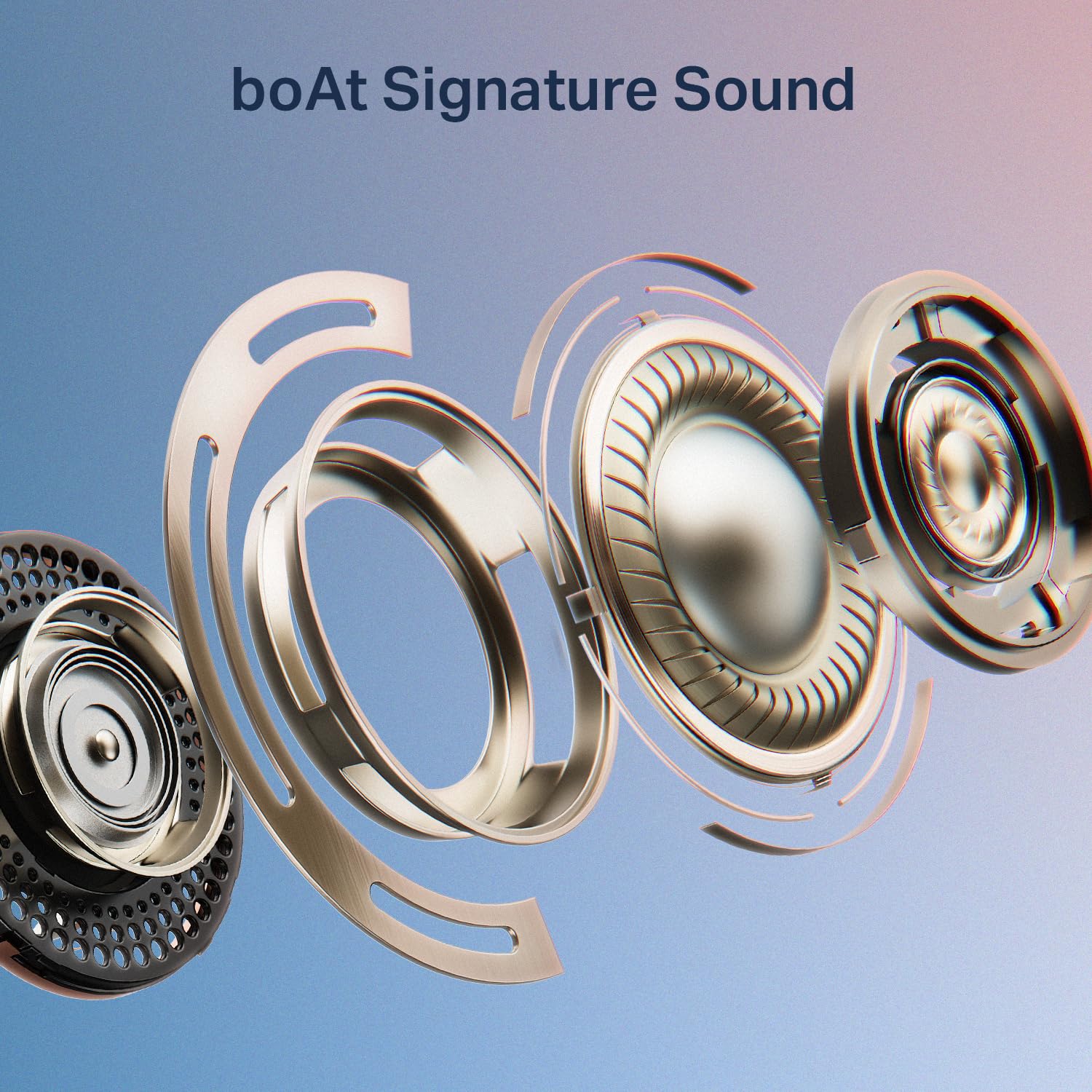
Image: An exploded diagram illustrating the internal components of a boAt Airdopes Plus 311 earbud, emphasizing the boAt Signature Sound driver.
Tatūnga
1. Te Whakataki i nga Paorooro me te Puhi
Before first use, fully charge the Airdopes Plus 311 earbuds and their charging case. The case provides additional charges for extended playtime.
- Connect the provided USB Type-C cable to the charging port on the case and a compatible USB power source.
- Ka whakaatuhia te tūnga utu e te tohu LED i runga i te pouaka.
- Tata ki te 1.5 haora te utunga katoa.
- The ASAP Charge feature allows for 150 minutes of playback with just 10 minutes of charging.
- The earbuds offer up to 50 hours of total playback time with the charging case.
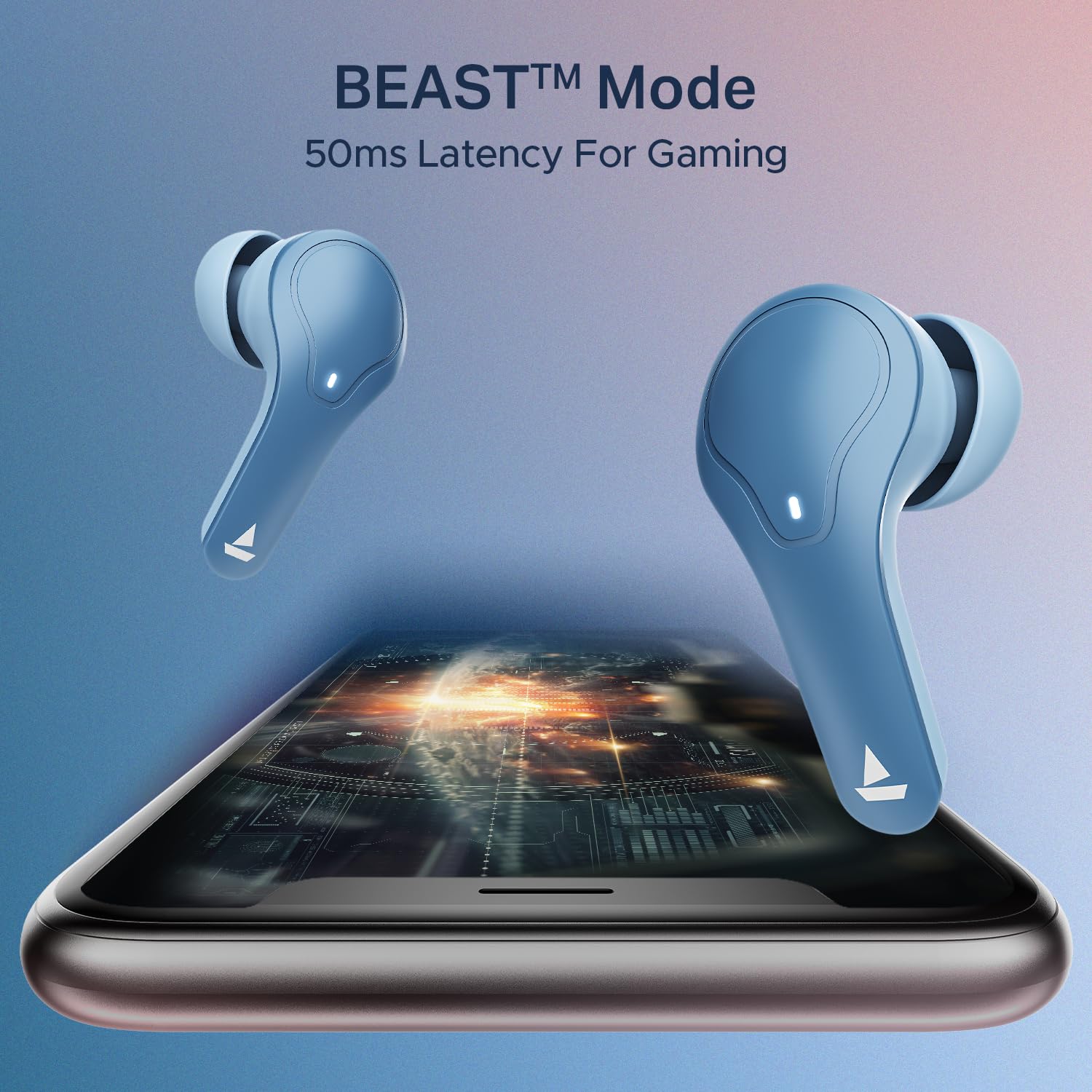
Image: The boAt Airdopes Plus 311 charging case, highlighting the Type-C charging port.

Image: Visual representation of the boAt Airdopes Plus 311's 50 hours of total playback and ASAP Charge capability (10 minutes charge for 150 minutes playback).
2. Tauhoa ki to Pūrere
The Airdopes Plus 311 features Insta Wake N’ Pair (IWP) technology for seamless connectivity.
- Takirua Tuatahi:
- Whakatuwheratia te taupoki o te pouaka ka tohutohutia. Ka hiko aunoa nga taringa ka uru ki te aratau takirua.
- I runga i to taputapu (waea atamai, papa, pona), whakaahei i te Nihokikorangi.
- Rapua "Airdopes Plus 311" in the list of available Bluetooth devices and select it to connect.
- Kia honoa, ka rongo koe i tētahi tohu oro, ā, ka huri te tohu LED i runga i ngā pane taringa.
- Takirua anō:
- Once paired, the earbuds will automatically connect to the last paired device when you open the case lid (if Bluetooth is enabled on the device).
The earbuds utilize Bluetooth v5.3 for stable connectivity up to a range of 10 meters.

Image: A smartphone screen displaying the Bluetooth connection interface with the boAt Airdopes Plus 311 earbuds.
Nga Tohutohu Whakahaere
The Airdopes Plus 311 earbuds feature intuitive touch controls for managing your audio and calls.
| Mahi | Mahi |
|---|---|
| Pao Kotahi (Puna taringa Mauī/Matau) | Purei/Tatari Waiata, Whakautu/Whakamutua te Waea |
| Paoa Taurua (Punarongo Matau) | Riro Panuku |
| Paoa Taurua (Puna taringa maui) | Tuhinga o mua |
| Pēhi Roa (Taringa Mauī/Matau, 2 hēkona) | Whakahohe Kaiāwhina Reo |
| Long Press (Left/Right Earbud, 3 seconds during call) | Whakakahoretia te Waea |
| Pato Takitoru (Puna taringa maui/matau) | Toggle BEAST™ Mode (Low Latency Gaming) |
Kaiawhina Reo: Activate your device's voice assistant (Google Assistant, Siri) with a long press on either earbud. This allows for hands-free control and information retrieval.
Aratau BEAST™: For an enhanced gaming experience, triple tap either earbud to activate BEAST™ Mode, which provides 50ms low latency audio.

Whakaahua: He whakaaturanga toirau casing key features of the boAt Airdopes Plus 311, including Dual Mics with ENx Technology, 50 hours playback, boAt Signature Sound, BEAST™ Mode for gaming, and Minimalistic Glass Design.
boAt Hearables App
Enhance your experience by downloading the boAt Hearables App. The app provides additional features and controls for your Airdopes Plus 311.

Image: A smartphone displaying the boAt Hearables App with a QR code for easy download. Scan the QR code to access the app.
Tikiake i te taupānga i konei: boAt Hearables App
Te tiaki
Proper care ensures the longevity and optimal performance of your Airdopes Plus 311.
- Te horoi: Me horoi i nga wa katoa nga pukoro me te pukoro utu ki te kakahu ngohengohe, maroke, kore-puru. A ape i te whakamahi i nga matū kino, i nga taonga abrasive ranei.
- Ātete wai: The earbuds are IPX4 rated, meaning they are resistant to dust, sweat, and splashes. Do not submerge them in water or expose them to heavy rain. Ensure they are dry before placing them back in the charging case.
- Rokiroki: Mena karekau e whakamahia, penapenahia nga purongo ki roto i to pukoro hei tiaki kia mau tonu te utu. Whakaorangia ki te waahi makariri, maroke atu i te ra tika me te wera nui.
- Tiaki Pūhiko: Hei pupuri i te ora o te pākahiko, karohia te tuku katoa i nga pukoro me te puihi i nga wa katoa. Me utu i nga wa katoa, ahakoa kaore i te whakamahia tonu.

Image: A collage highlighting features including IPX4 Dust, Sweat & Splash Resistant rating for the boAt Airdopes Plus 311.
Raparongoā
If you encounter any issues with your Airdopes Plus 311, refer to the following common solutions:
- Kāore ngā taringaoro e tahuri ana:
- Me whakarite kua kī katoa te pouaka utu me ngā pane taringa.
- Place the earbuds back in the case, close the lid, and then open it again.
- Karekau e honoa nga taringa:
- Me mohio kei te whakahohea te Nihokikorangi i runga i to taputapu.
- Ensure the earbuds are in pairing mode (LED indicator flashing).
- Forget "Airdopes Plus 311" from your device's Bluetooth list and try pairing again.
- Me whakarite kei roto ngā pane taringa i te awhe Nihokikorangi 10 mita te tawhiti.
- Kotahi anake te pukoro e mahi ana:
- Place both earbuds back into the charging case, close the lid, wait a few seconds, and then open it again.
- Tirohia mēnā kua utua ngā pane taringa e rua.
- Try resetting the earbuds (refer to the full product manual for specific reset instructions if needed).
- He iti te oro, he ngoikore ranei te kounga oro:
- Whakaritea te rōrahi i runga i tō pūrere me ngā pūoro.
- Ensure the ear tips are properly sealed in your ear canal. Try different sized ear cushions.
- Horoia nga otaota mai i nga kaikorero taringa.
- Nga take utu:
- Tirohia te taura utu me te urutau mō te pakaru.
- Me mohio kei te ma te tauranga utu i runga i te keehi me te kore he para.
- Whakamātauria he taura utu rereke, he puna hiko ranei.
For further assistance, please contact boAt customer support.
Whakatakotoranga
| Āhuahira | Taipitopito |
|---|---|
| Ingoa Tauira | Airdopes Plus 311 |
| Tau tauira | 1000003677 |
| Waitohu | poti |
| Te Whakanoho Taringa | I te Taringa |
| Tauwehe Puka | I te Taringa |
| Mana Haruru | Active Noise Cancellation (Note: This specification refers to the general capability. The product features ENx Technology for clear call microphones, not active noise cancellation for listening.) |
| Tikanga Mana | Paa |
| Pūhiko Wawaenga Te Ora | 50 haora (me te putea utu) |
| Wā Utu Pūhiko | 1.5 haora |
| Momo Atekōkiri Ororongo | Atekōkiri Hihiko (10mm) |
| Awhe Auautanga | 20 Hz - 20 KHz |
| Rauemi Whakapiri | Karaihe |
| Pūrere Hototahi | Waea Pukoro, Rorohiko, Papa |
| Taumata Atete Wai | IPX4 (Atete Wai) |
| Hononga Whatunga | Nihokikorangi |
| Putanga Nihokikorangi | 5.3 |
| Awhe Nihokikorangi | 10 Mita |
| Taumaha Tūemi | 45 Karamu |
Pūtāhui me te Tautoko
Your boAt Airdopes Plus 311 comes with a 1-tau pūtāhui mai i te ra o te hokonga.
Mō ngā pātai e pā ana ki te hua, te tautoko hangarau, ngā kereme pūtāhui rānei, whakapā atu ki te ratonga kiritaki a boAt:
- Whakapā Tautoko: +91 (022) 69181920
- Īmēra: info@imaginemarketingindia.com
- Kaihanga: Whakaarohia te Hokohoko Ltd.
- Wāhi noho: Unit no. 204 & 205, 2nd floor, D-wing & E-wing, Corporate Avenue, Andheri Ghatkopar Link Road, Mumbai, Maharashtra-400093, India.
Please retain your purchase receipt as proof of purchase for warranty services.