
1. Kupu Whakataki
Thank you for choosing the SEJJ Spark 07 Wireless Headset. This headset is designed to provide clear audio and reliable connectivity for your work and communication needs. Featuring advanced Bluetooth technology and environmental noise-canceling (ENC) microphones, it ensures your voice is heard clearly in various environments. Please read this manual carefully to ensure proper use and optimal performance of your device.
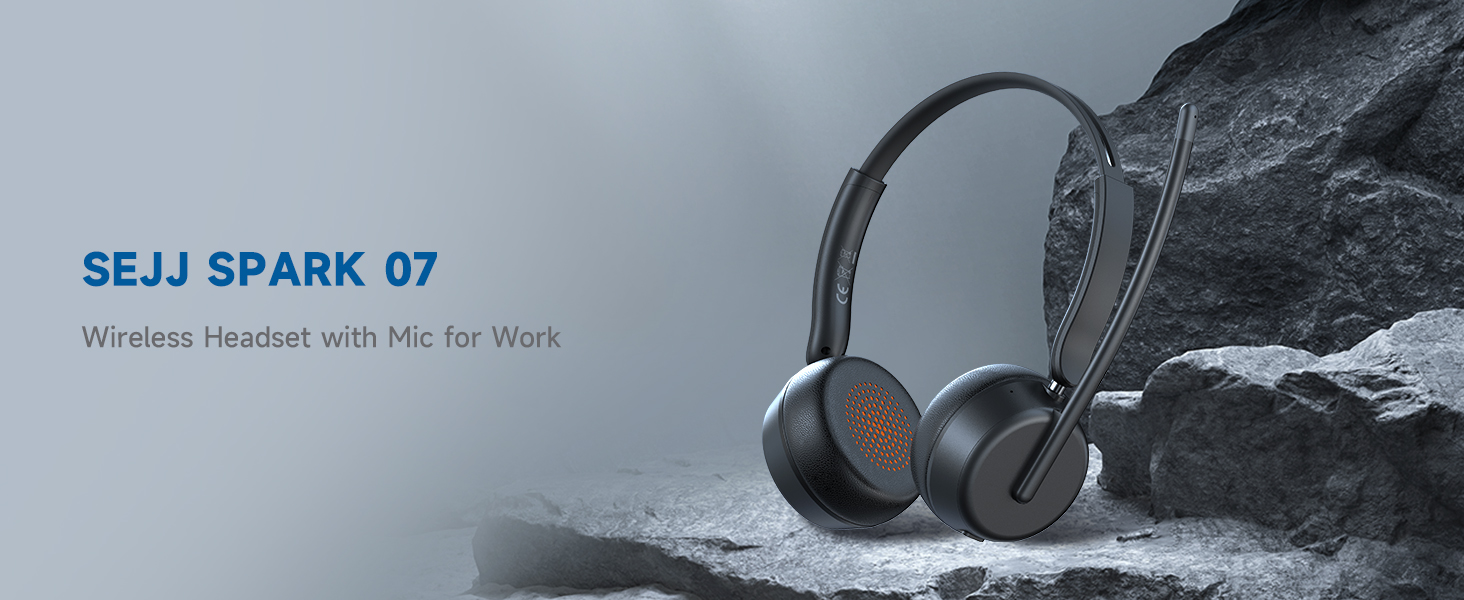
Image: The SEJJ Spark 07 Wireless Headset, showcasing its sleek design and microphone boom.
2. Nga korero haumaru
- Kaua e tukuna te pane ki te tino mahana me te makuku.
- A ape i te tuku, te tuku ranei i te pane ki nga paanga kaha.
- Do not disassemble or modify the headset. This may void the warranty and cause damage.
- Keep the headset away from water and liquids. The headset is waterproof, but prolonged submersion is not recommended.
- Use only the provided charging cable and power adapter (if included) to charge the headset.
- Mā te whakarongo roa ki te nui o te oro ka pā kino pea ki te whakarongo. Whakatikatikahia te oro ki te taumata haumaru.
3. Ihirangi mokete
Me mohio kei roto katoa nga mea kei roto i te kete:
- SEJJ Spark 07 Wireless Headset
- USB-A ki USB-C Utaura Whakatau
- USB-A Dongle
- Pukapuka Kaiwhakamahi (tenei tuhinga)
4. Hua Neke Atuview
4.1 Ngā Wāhanga o te Paneoro
The SEJJ Spark 07 headset features a lightweight design with comfortable over-ear earpieces and an adjustable microphone boom.
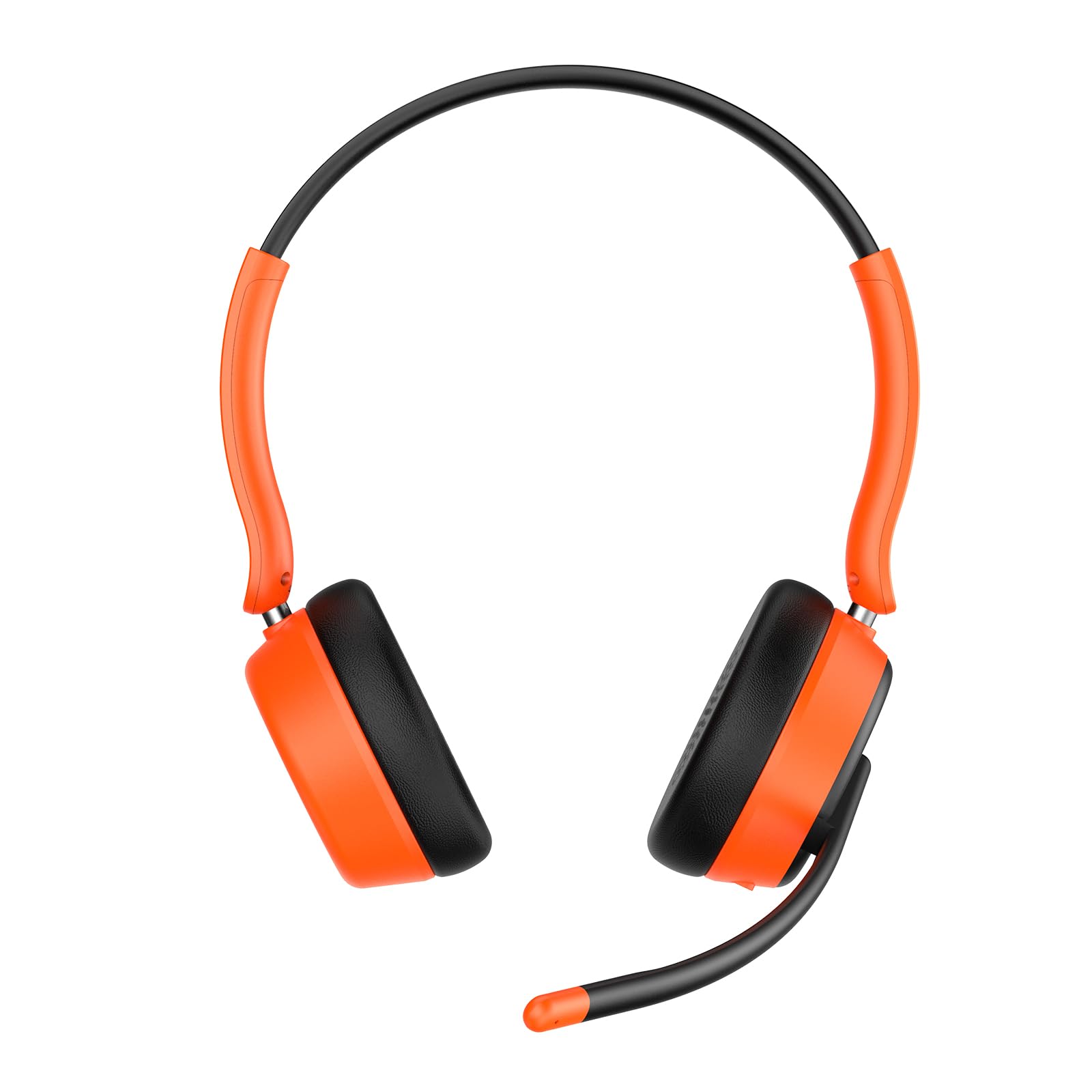
Image: Close-up of the SEJJ Spark 07 headset, highlighting the earpieces and flexible microphone arm.
4.2 Mana me nga Tohu
- Pātene Hiko: Pēhi me te pupuri kia whakakā/whakaweto.
- Runga Rawa / Panuku Panuku: Pehi poto mo te rōrahi ake, pehi roa mo te riu e whai ake nei.
- Raro Raro / Riu o Mua: Pihi poto mo te ruri whakaheke, pehi roa mo te riu o mua.
- Pātene Mahi-maha (MFB): Play/Tatari, Whakautu/Whakamutua te Waea.
- Patene Whakakore: Whakaweto/whakakore i te reo o te hopuoro i te wā e waea ana.
- Tohu LED: E whakaatu ana i te tūnga mana, te aratau takirua, me te tūnga utu.
- Tauranga Whakatau USB-C: Mo te utu i te pane.
5. Tatūnga
5.1 Te Whakataki i te Paneoro
- Honoa te pito USB-C o te taura utu ki te tauranga utu o te pane whakarongo.
- Honoa te pito USB-A ki tētahi urutau hiko USB (kāore i te whakaurua) ki te tauranga USB rānei a te rorohiko.
- The LED indicator will show charging status (e.g., red for charging, blue for fully charged). A full charge takes approximately 1.5 hours.
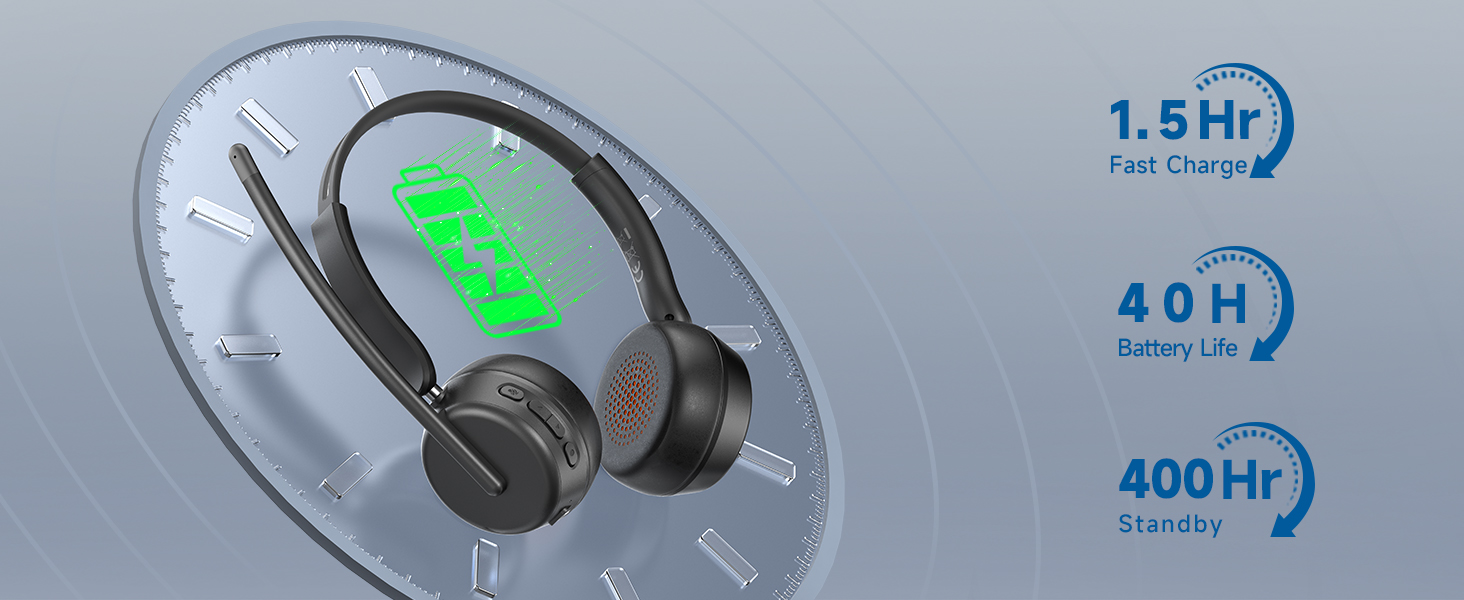
Image: Visual representation of headset charging time and battery life (40 hours play, 400 hours standby).
5.2 Te hono ma te Nihokikorangi
- Me mohio kei te utu te pane ka mutu te hiko.
- Pēhia me te pupuri i te pātene Mana kia mura te tohu LED i te kikorangi me te whero, e tohu ana i te aratau takirua.
- On your device (smartphone, tablet, computer), enable Bluetooth and search for "SEJJ Spark 07".
- Select "SEJJ Spark 07" from the list of available devices to connect.
- The LED indicator will turn solid blue when successfully paired.
5.3 Te hono atu mā te USB Dongle
The USB dongle provides a stable and quick connection for computers without Bluetooth or for enhanced compatibility.
- Monohia te dongle USB ki tētahi tauranga USB-A e wātea ana i tō rorohiko.
- Power on the SEJJ Spark 07 headset. It will automatically attempt to connect to the dongle.
- The LED indicator on the headset will turn solid blue once connected to the dongle.
- On some operating systems, you may need to select "SEJJ Spark 07" as the audio input and output device in your sound settings.
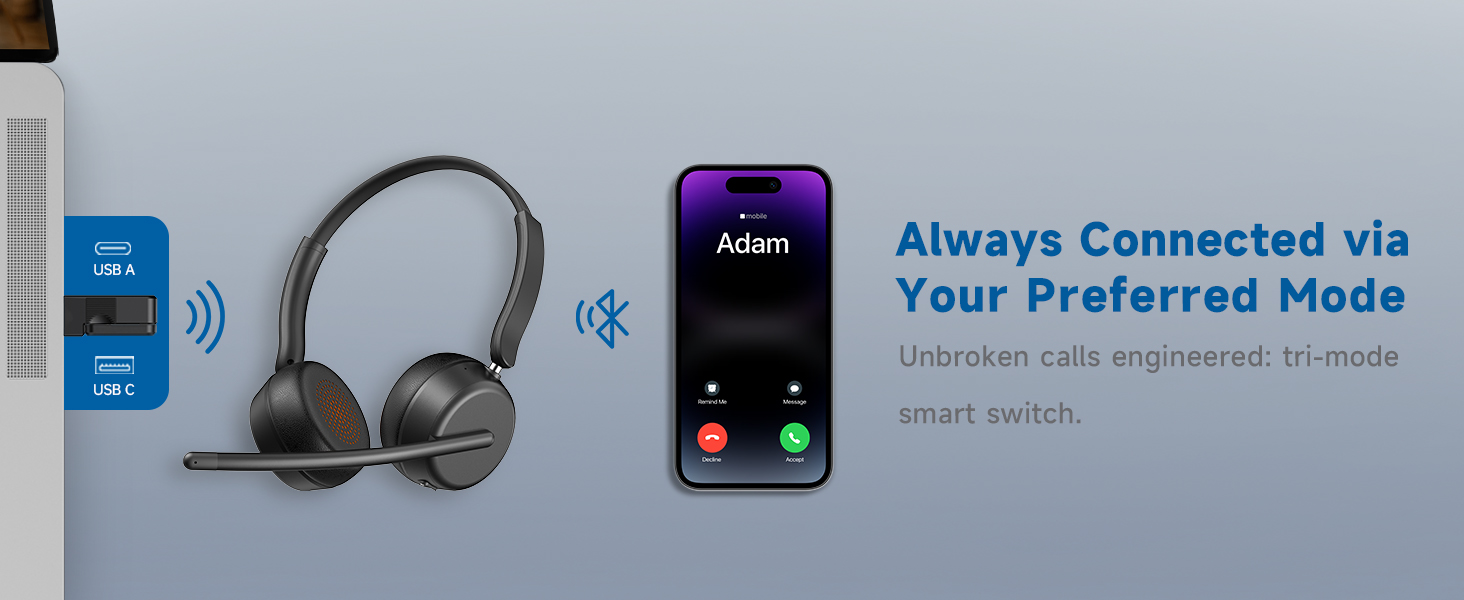
Image: Illustration of the headset's multi-mode connectivity options, including USB-A, USB-C, and Bluetooth.
6. Nga Tohutohu Whakahaere
6.1 Hiko / Whakaweto
- Whakahiko: Pēhia me te pupuri i te paatene Hiko mo te 3 hēkona kia whiti te tohu LED ki te puru.
- Weto Whakakore: Pēhia me te pupuri i te pātene Mana mō te 5 hēkona kia mura whero te tohu LED, kātahi ka mate.
6.2 Mana Rōrahi
- Runga Runga: Short press the "Volume Up" button.
- Raro Raro: Short press the "Volume Down" button.
6.3 Microphone Mute/Unmute
- During a call, short press the "Mute" button to mute or unmute the microphone.
- The microphone boom can be adjusted for optimal voice pickup.
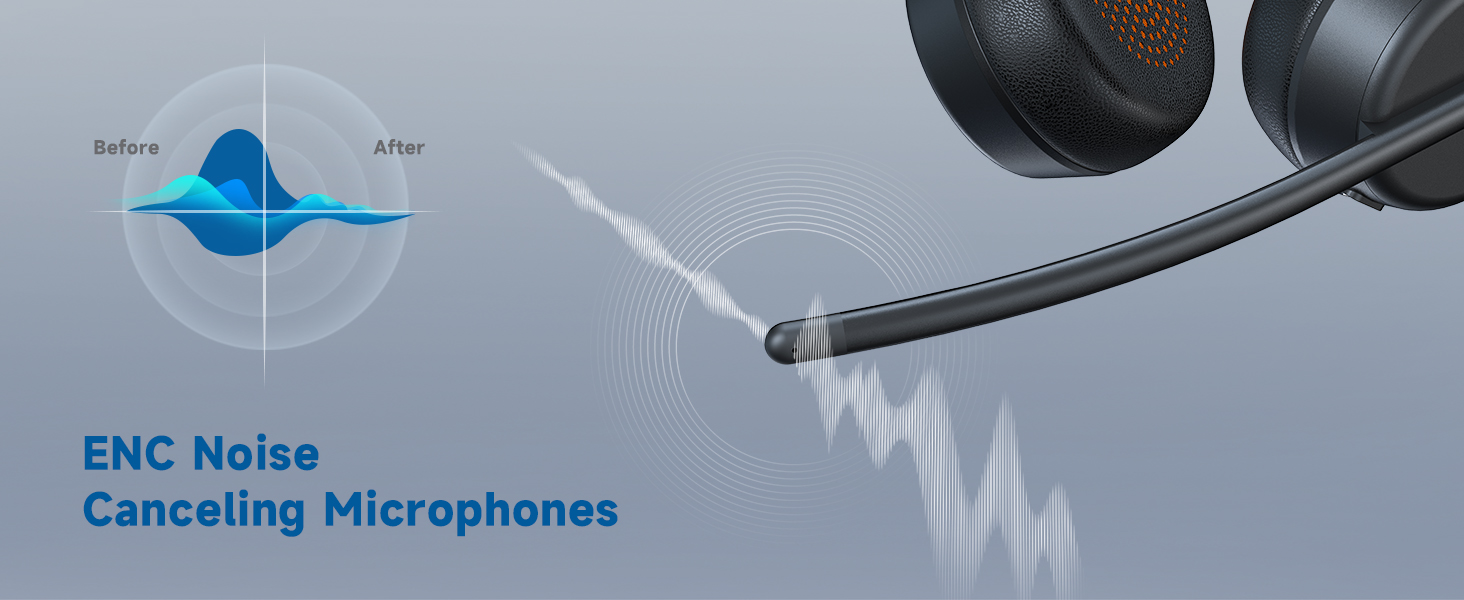
Image: Diagram showing how the ENC microphone reduces background noise for clearer communication.
6.4 Whakahaere Waea
- Whakautu Waea: Patohia poto te MFB.
- Whakamutu Waea: Patohia poto te MFB.
- Whakakore Waea: Pēhia roa te pātene MFB.
6.5 Purei Waiata
- Purei/Tatari: Patohia poto te MFB.
- Riu Panuku: Long press the "Volume Up" button.
- Riu o mua: Long press the "Volume Down" button.
7. Tiaki
- Te horoi: Horoia te pane whakarongo ki te kakahu ngohengohe, maroke. Kaua e whakamahi i ngā matū kino, i ngā rauemi whakakoi rānei.
- Rokiroki: Whakaorangia te pane ki te waahi makariri, maroke atu i te ra tika me te wera nui.
- Tiaki Pūhiko: To prolong battery life, charge the headset regularly, even if not in frequent use. Avoid fully discharging the battery for extended periods.
8. Te Raru
| Raruraru | Take pea | Rongoā |
|---|---|---|
| Karekau te paneoro i te hiko. | He iti te pākahiko. | Me utu te pane mo te iti rawa 1.5 haora. |
| Kaore e taea te hono ma te Nihokikorangi. | Karekau te pane i te aratau takirua; pūrere Nihokikorangi weto; tawhiti rawa atu i te taputapu. | Ensure headset is in pairing mode (flashing blue/red). Turn on device Bluetooth. Move headset closer to device (within 10 meters). |
| Karekau he oro, he kino te kounga oro. | Volume too low; incorrect audio output selected; connection issue. | Adjust headset and device volume. Check device's sound settings to ensure "SEJJ Spark 07" is selected. Reconnect Bluetooth or re-insert USB dongle. |
| Kaore e mahi ana te hopuoro. | Microphone muted; incorrect audio input selected. | Press the Mute button to unmute. Check device's sound settings to ensure "SEJJ Spark 07" is selected as the input device. |
| Hononga mokowhiti. | Te pokanoa; tawhiti rawa i te taputapu; iti pūhiko. | Move away from other wireless devices. Ensure headset is within range. Charge the headset. |
9. Whakatakotoranga
| Āhuahira | Taipitopito |
|---|---|
| Ingoa Tauira | Korakora 07 |
| Hangarau Hononga | Ahokore (Nihokikorangi) |
| Hangarau Whakawhitiwhiti Ahokore | Nihokikorangi 5.4 |
| Pūrere Hototahi | Telephones, Laptops, Desktops, Gaming Consoles |
| Taumata Atete Wai | parewai |
| Tikanga Mana | Patene Pana |
| Ora Pūhiko | 40 haora |
| Momo Atekōkiri Ororongo | Atekōkiri Hihiko (40mm) |
| Hanga Whakatangitangi | Ki runga-taringa |
| Atanga Pūmārō | Nihokikorangi, USB |
| Āhuatanga Mana Haruru | Whakakorea te Riihi Taiao (ENC) |
| Taumaha Tūemi | 8.8 hekere |
| Kaihanga | SEJJ |
10. Pūtāhui me te Tautoko
For warranty information and customer support, please refer to the warranty card included in your product packaging or visit the official SEJJ webpae. Puritia to riirii hoko hei tohu mo te hoko mo nga kereme whakamana.
For further assistance, you may contact SEJJ customer service through their webpae, nga korero whakapā ranei e whakaratohia ana i roto i to tuhinga hua.