
1. Kupu Whakataki
This user manual provides detailed instructions for the Tangxi Portable 4G/5G Mobile Hotspot, model Tangxiwbt2r4vmkc. It covers everything from initial setup and operation to maintenance and troubleshooting, ensuring you can maximize your device's potential for reliable, high-speed internet access wherever you are.
2. Nga korero haumaru
- Kaua e whakaatuhia te taputapu ki ngā pāmahana tino kino, ki te rā tika, ki te makuku rānei.
- A ape i te tuku, te tuku ranei i te taputapu ki nga paanga kaha.
- Use only the provided or approved charging cable.
- Kaua e taea e nga tamariki.
- Kaua e ngana ki te wetewete, ki te whakatika ranei i te taputapu.
3. Ihirangi mokete
Manatokona kei roto katoa nga mea kei roto i to kete:
- 1 x Tangxi Portable 4G/5G Mobile Hotspot
- 1 x USB Supply Cable (Type-C)
- 1 x Manual Kaiwhakamahi (tenei tuhinga)
4. Hua Neke Atuview
The Tangxi Portable 4G/5G Mobile Hotspot is a compact and powerful device designed to provide high-speed internet connectivity on the go. It supports 4G/5G networks, offering speeds up to 300Mbps, and can connect up to 10 devices simultaneously. Its built-in 3200mAh battery ensures over 10 hours of continuous use.
Āhuatanga matua:
- 4G/5G Connectivity: Enjoy fast internet without broadband, simply by inserting a SIM card.
- High-Speed Network: Supports LTE CAT4 standard with speeds up to 300Mbps.
- Roa te Ora o te Pūhiko: Integrated 3200mAh Lithium-ion battery provides over 10 hours of usage.
- Tautoko Pūrere-maha: Connect up to 10 devices simultaneously.
- Mono me te Purei: Easy setup with USB-C power supply and SIM card insertion.
Wae Pūrere:

Whakaahua 1: Mua view of the hotspot highlighting key features like Type-C interface, 4G/5G high-speed internet, and battery capacity.

Figure 2: The mobile hotspot demonstrating its high-performance battery, capable of over 10 hours of continuous use.
5. Tatūnga
5.1 Te whakauru i te Kaari SIM
- Tangohia marietia te taupoki o muri o te pūrere wāhi wera.
- Kimihia te mokamoka kaari SIM.
- Insert your 4G/5G SIM card into the designated slot, ensuring correct orientation.
- Whakakapia te uhi o muri kia mau.
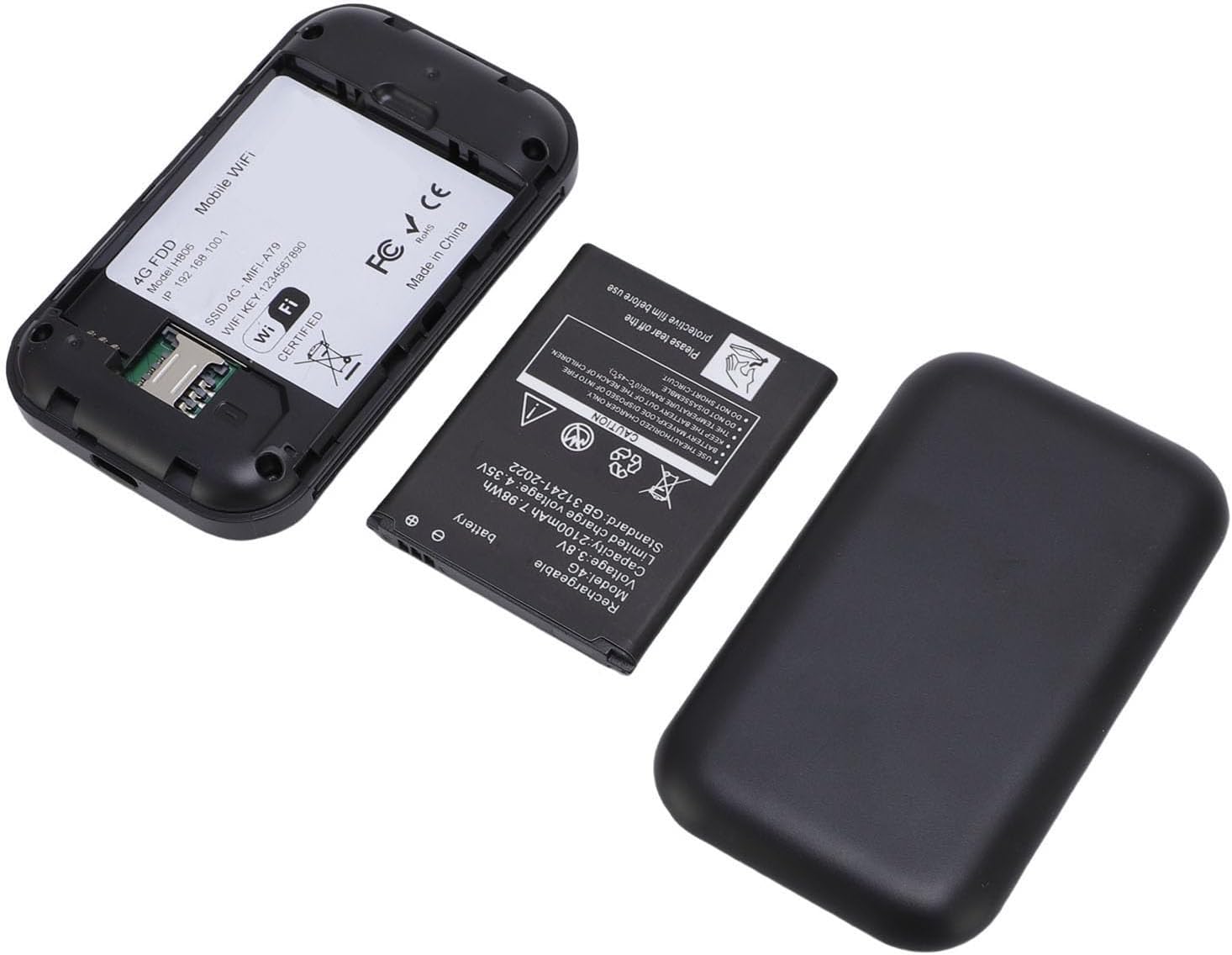
Whakaahua 3: Te roto view of the hotspot, showing the battery removed and the SIM card slot for easy insertion.
5.2 Te Whakakaha me te Hononga Tuatahi
- Press and hold the power button on the device until the screen illuminates.
- The device will begin registering with the network. This may take a few moments.
- Once registered, the screen will display network status, remaining data, and Wi-Fi details.
- On your smartphone, tablet, or laptop, search for available Wi-Fi networks.
- Select the network name (SSID) displayed on your hotspot's screen.
- Enter the Wi-Fi password (Key) shown on the hotspot's screen to connect.
Video 1: A short demonstration of unboxing the mobile hotspot and inserting the SIM card, followed by powering on the device.
6. Nga Tohutohu Whakahaere
6.1 Te hono i nga taputapu maha
The hotspot supports simultaneous connections for up to 10 devices. Follow the initial connection steps (Section 5.2) for each device you wish to connect.
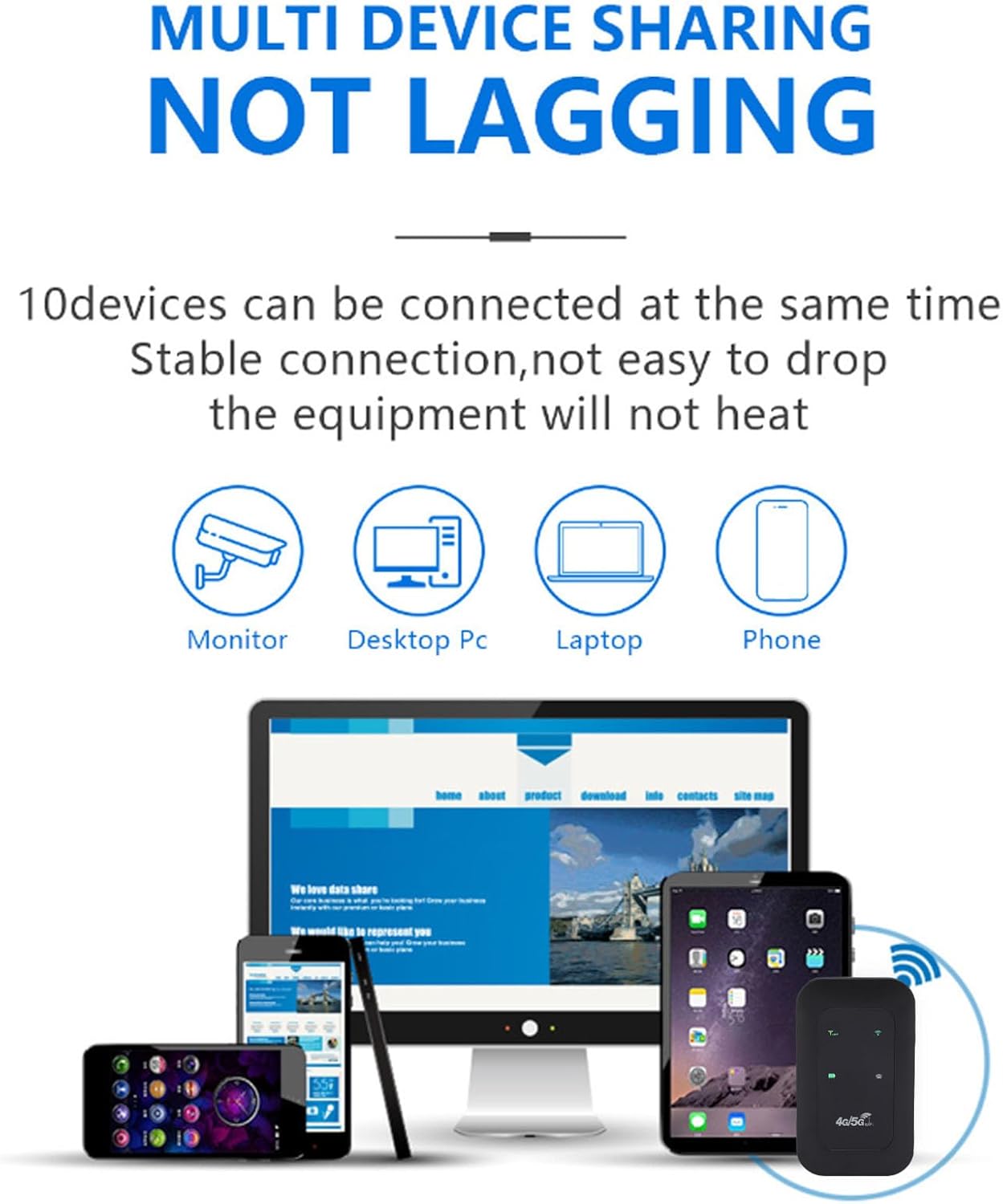
Figure 4: The hotspot providing stable internet to various devices including a monitor, desktop PC, laptop, and smartphone.
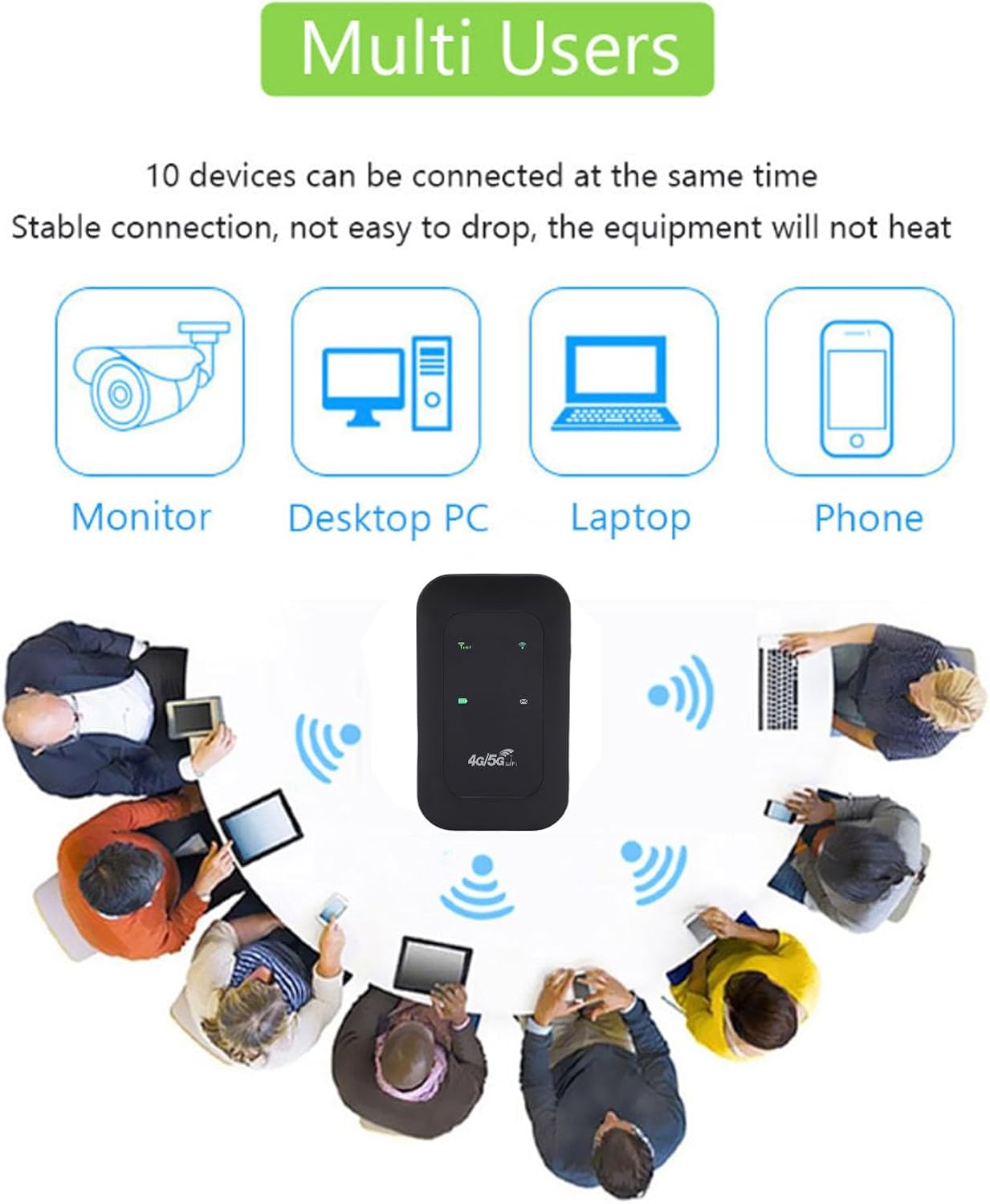
Figure 5: The mobile hotspot facilitating internet access for several individuals and their devices, emphasizing its multi-user capability.
6.2 Te Maramatanga ki nga Tohu
The device's display provides real-time information about its status:
- Kaha Waitohu: Bars indicate the strength of the 4G/5G cellular signal.
- Tūnga Wi-Fi: An icon indicates if Wi-Fi is active and broadcasting.
- Taumata Pūhiko: An icon shows the current battery charge.
- Whakamahi Raraunga: Displays remaining and total data usage (if applicable to your SIM plan).

Figure 6: The hotspot's ability to provide smooth network speed and accurate reception of high-frequency signals within a home environment.
7. Tiaki
7.1 Tiaki Pūhiko
- Me utu katoa te taputapu i mua i te whakamahinga tuatahi.
- Kaua e tukua kia tino mimiti te pākahiko i ngā wā katoa kia roa ai tōna ora.
- Mena ka roa te wā e rongoa ai te pūrere, utua kia tata ki te 50% te kaha, ka rongoa ki te wāhi hauhautanga, maroke hoki.
7.2 Te horoi me te Penapena
- Wipe the device with a soft, dry cloth. Do not use liquid cleaners.
- Store the hotspot in a protective pouch or case when traveling to prevent scratches or damage.
8. Te Raru
8.1 Kaore he Hononga Ipurangi
- Me whakarite kua tika te whakauru i te kāri SIM, ā, kua whakahohehia hoki ki tētahi mahere raraunga.
- Check the signal strength indicator on the hotspot. If signal is weak, move to an area with better reception.
- Restart the hotspot device and your connected device.
- Verify that your data plan has not been exhausted.
8.2 Slow Connection Speed
- Whakaitihia te maha o nga taputapu hono.
- Ensure you are in an area with good 4G/5G coverage.
- Check for any background applications consuming bandwidth on connected devices.
8.3 Kaore te Pūrere i te hiko
- Kia tino utua te pākahiko. Honoa te pūrere ki tētahi pūtake hiko mā te whakamahi i te taura USB-C.
- Ngana ki te whakamahi i tetahi taura USB-C rereke me te urutau hiko.
Video 2: An instructional video demonstrating how to set up tethering, which can be a useful alternative connection method or troubleshooting step.
9. Whakatakotoranga
| Āhuahira | Taipitopito |
|---|---|
| Momo Tuemi | Hotspot Kawe |
| Rauemi | ABS + electronic components |
| Roopu Whatunga | LTE: B1/B3/B5/B40, WCDMA: B1 |
| Tautoko Wi-Fi | 802.11 b/g/n Wireless Network |
| Auautanga Whakawhiti | Tae atu ki te 300Mbps |
| Kāri Kāri Sim | 1 (kaore i whakauruhia) |
| Momo Pūhiko | Built-in 3200mAh Lithium-ion Battery |
| Kawa Hononga | 4G LTE, 5G |
| Pūrere Hototahi | Pona, Waea atamai |
| Kawa Haumaru | WPA2-PSK |
| Tau tauira | Tangxiwbt2r4vmkc |
10. Nga Korero Whakaputanga
This product comes with a manufacturer warranty for 90 days from the date of purchase. Please retain your proof of purchase for any warranty claims.
11. Tautoko
For further assistance, product information, or to explore other Tangxi products, please visit the official Tangxi store:
Visit the Tangxi Store on Amazon
Manufacturer: Tangxi