
1. Hua Neke Atuview
The AJAZZ AJ139 V2 MC is a versatile tri-mode gaming mouse designed for precision and responsiveness. It features a PAW3311 sensor for accurate tracking, a 1000Hz return rate for smooth performance, and a long-lasting 500mAh battery. Its compact and lightweight design makes it suitable for extended use and portability.
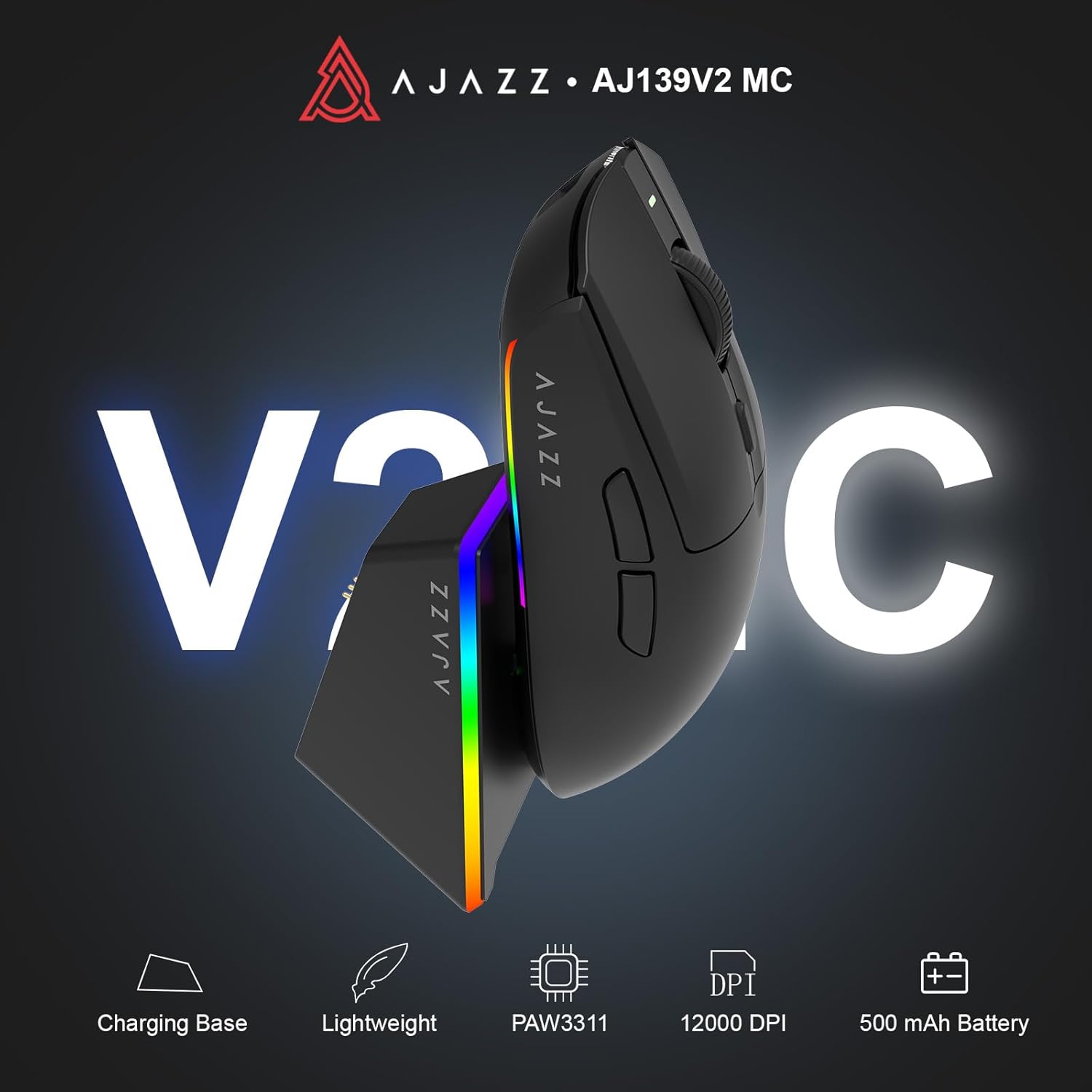
Figure 1.1: AJAZZ AJ139 V2 MC Gaming Mouse and Charging Dock.
Ataata 1.1: Kua mutuview of the AJAZZ AJ139 V2 MC Gaming Mouse, highlighting its features and design.
2. Ihirangi mokete
Me mohio kei roto katoa nga mea kei roto i te kete:
- AJAZZ AJ139 V2 MC Gaming Mouse
- Tauranga Whakatau
- USB-C Uira Whakatau
- 2.4G USB Receiver (Dongle)
- Pukapuka Kaiwhakamahi
3. Nga waahanga matua
- PAW3311 Sensor Technology: Equipped with the PAW3311 sensor, this mouse ensures precise tracking and accurate cursor control for optimal performance.
- High 1000Hz Return Rate: Experience smooth and responsive performance with a 1000Hz return rate, enhancing your gaming or work experience.
- Pūhiko 500mAh Pumau-roa: The integrated 500mAh battery provides extended power, ensuring uninterrupted use for prolonged periods.
- Tūhononga Aratau Toru: Supports versatile connectivity options including Wired, 2.4G Wireless, and Bluetooth, adapting to various devices and setups.
- Hoahoa Kiato me te Mama: Weighing approximately 66 grams, the mouse features a compact design for easy portability and comfortable use during long sessions.
- Rarama RGB Whakaritea: Features integrated RGB lighting for personalized aesthetics.
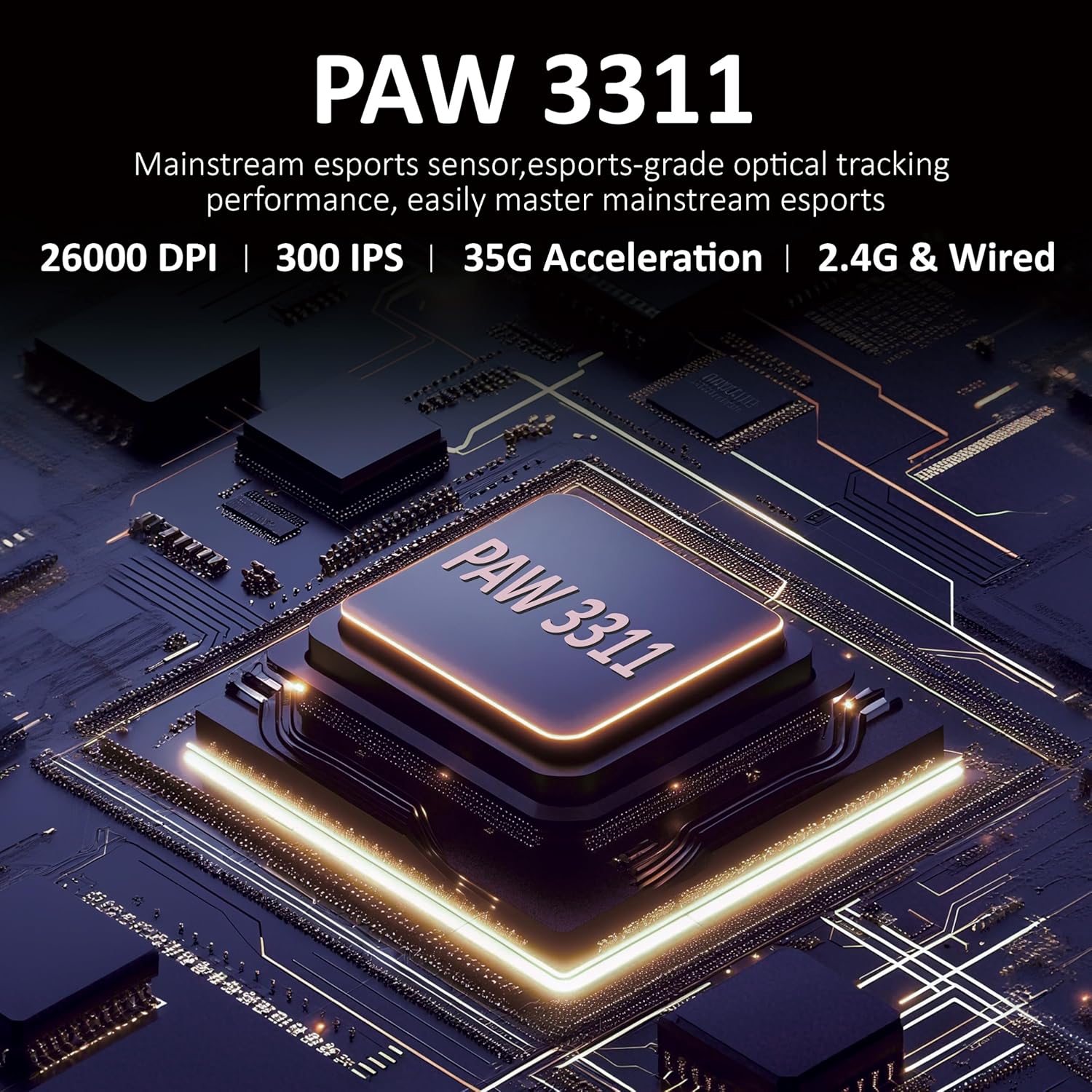
Whakaatu 3.1: Taipitopito view of the PAW3311 sensor technology.
Video 3.1: Demonstration of the mouse's 500mAh battery life.

Figure 3.2: The lightweight design of the AJAZZ AJ139 V2 MC mouse.
4. Aratohu Tatūnga
4.1. Te hono i te Kiore
The AJAZZ AJ139 V2 MC offers three connection modes:
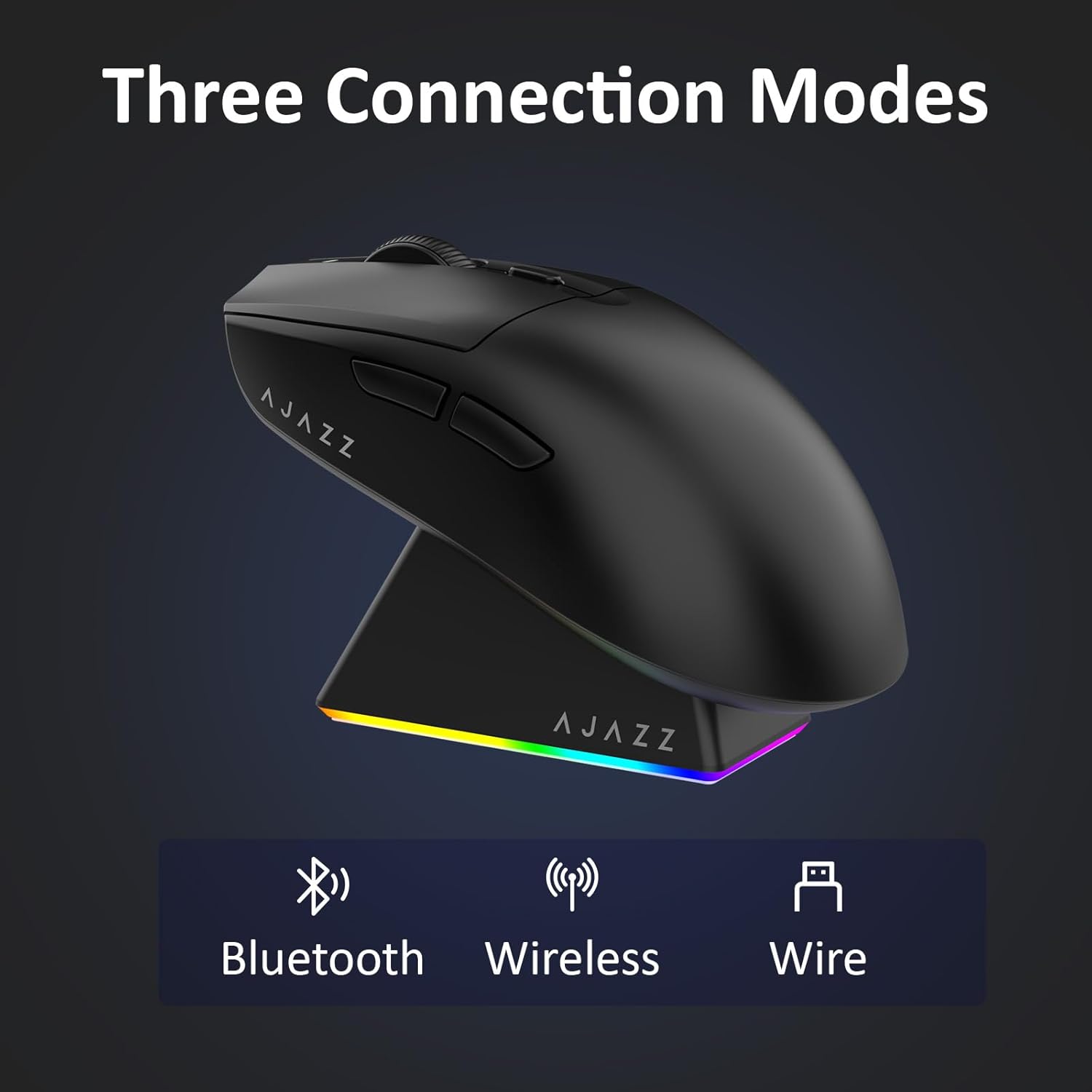
Figure 4.1: Visual representation of the three connection modes.
- 2.4G Aratau Ahokore:
- Kimihia te kaiwhiwhi USB 2.4G kei roto i te wāhanga kei raro i te kiore.
- Monohia te kaiwhiwhi USB ki tetahi tauranga USB e waatea ana ki to rorohiko.
- Slide the switch on the bottom of the mouse to the '2.4G' position. The mouse will automatically connect.
- Aratau Nihokikorangi:
- Pahekehia te pana kei raro i te kiore ki te tūranga 'BT'.
- On your device, open Bluetooth settings and search for new devices.
- Select 'AJAZZ AJ139 V2 MC' from the list to pair.
- Aratau Waea:
- Connect the USB-C charging cable to the mouse and the other end to your computer's USB port.
- Ka mahi te kiore hei taputapu waea, ā, ka utu tahi i te wā kotahi.
4.2. Te Whakataki i te Kiore
The mouse can be charged using the included charging dock or directly via the USB-C cable.
- Te whakamahi i te Tauranga Whakatau:
- Connect the USB-C charging cable to the charging dock and then to a power source (e.g., computer USB port, USB wall adapter).
- Place the mouse onto the charging dock, aligning the magnetic contacts. The RGB lighting on the dock and mouse will indicate charging status.
- Te Utu-C Tikanga:
- Connect the USB-C charging cable directly to the mouse and a power source.
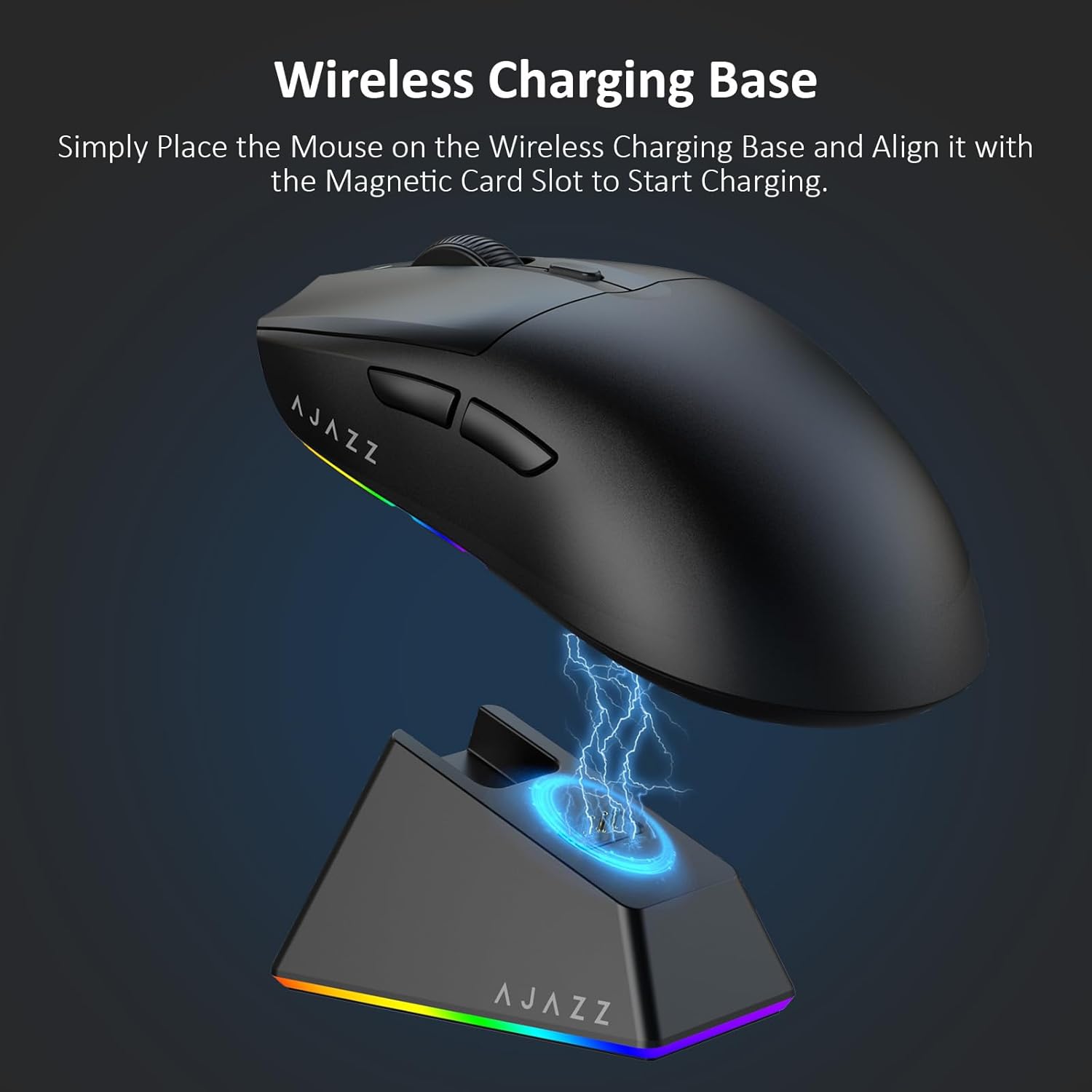
Figure 4.2: The mouse being charged on its wireless charging base.
5. Nga Tohutohu Whakahaere
5.1. Whakatikatika DPI
The mouse features a dedicated DPI adjustment button on its underside, allowing you to cycle through different sensitivity levels. Press the button to change the DPI setting to suit your preference.
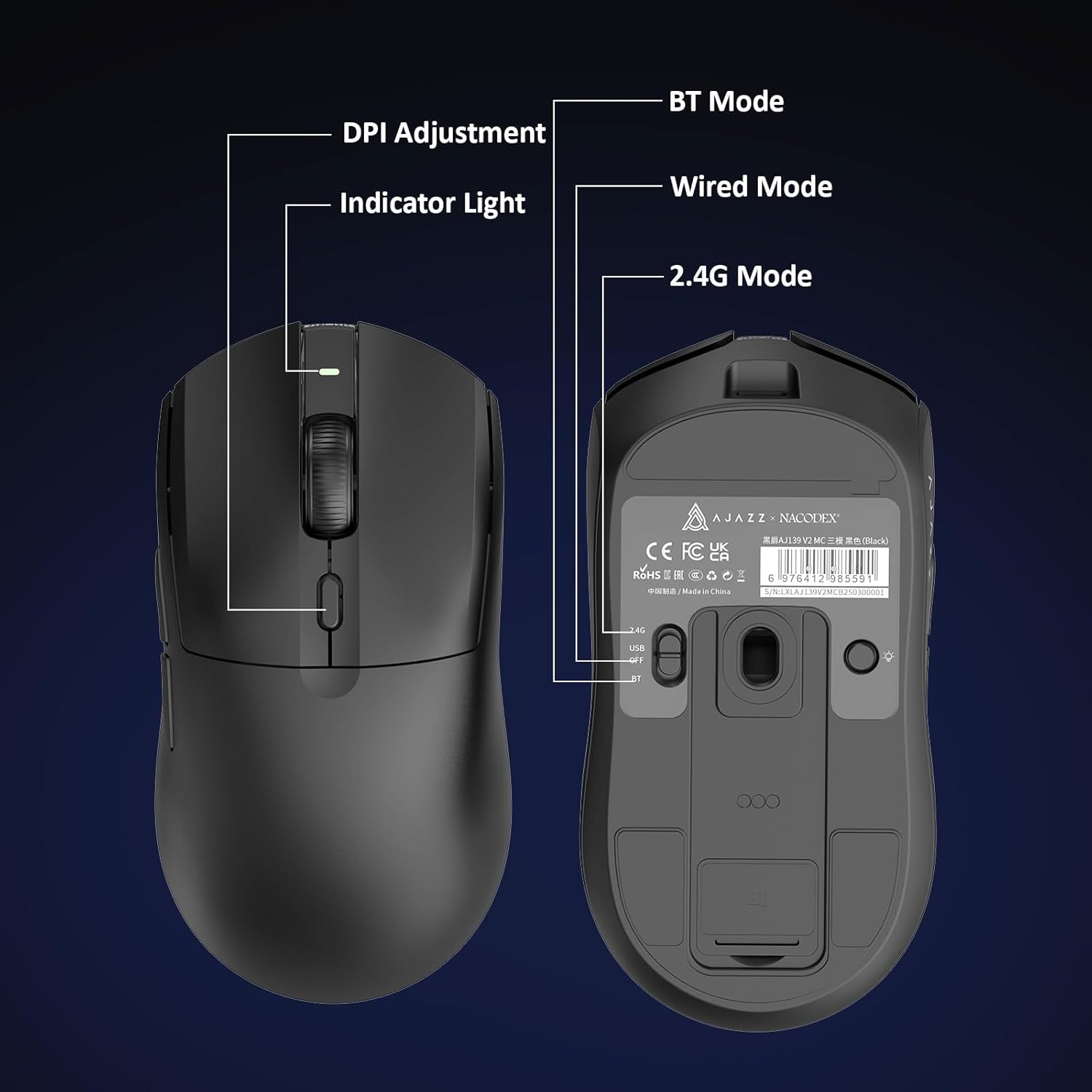
Figure 5.1: Location of the DPI adjustment button and connection mode switch on the mouse underside.
5.2. Nga Mahi Patene
The mouse is equipped with 6 programmable buttons:
- Pātene Pātene Mauī
- Pātene Pāwhiri Matau
- Scroll Wheel (Clickable)
- DPI Adjustment Button (on underside)
- Two Side Buttons (typically for forward/backward navigation)
For advanced customization of button functions and macros, please refer to the official AJAZZ software (downloadable from the manufacturer's webpae).
5.3. Mana Rarama RGB
The mouse and charging dock feature customizable RGB lighting. Specific controls for lighting modes and colors are typically managed through the official AJAZZ software. A dedicated light button on the underside of the mouse allows for basic cycling or turning off the lighting.
6. Tiaki
- Te horoi: Whakamahia he kakahu ngohengohe, maroke hei horoi i te mata o te kiore. Mō te paru uaua, whakamahia he tauera pakupakuamp ka taea te whakamahi i te kakahu, kia kore ai te makuku e uru ki ngā wāhanga o roto.
- Tiaki pūoko: Kia ma te pūoko whatu kei raro i te kiore, kia kore hoki he puehu, he paru rānei, kia mau tonu ai te tika o te aroturuki.
- Pūhiko Roa: To prolong battery life, avoid fully discharging the mouse frequently. Charge it when the battery indicator is low.
7. Te Raru
| Raruraru | Rongoa pea |
|---|---|
| Mouse not responding in 2.4G Wireless mode. | Ensure the 2.4G USB receiver is securely plugged into a USB port and the mouse switch is set to '2.4G'. Try a different USB port. |
| Mouse not pairing via Bluetooth. | Ensure the mouse switch is set to 'BT' and your device's Bluetooth is enabled and discoverable. Try unpairing and re-pairing the device. |
| Kāore te kiore e utu ana. | Verify the USB-C cable is properly connected to both the dock/mouse and the power source. Ensure the mouse is correctly seated on the charging dock's magnetic contacts. |
| Inconsistent tracking or cursor movement. | Clean the optical sensor on the underside of the mouse. Ensure you are using the mouse on a suitable surface (e.g., a mouse pad). |
| Kāore te rama RGB e mahi. | Check the mouse's software settings for lighting control. Ensure the mouse has sufficient battery charge. |
8. Whakatakotoranga Hangarau
| Āhuahira | Whakatakotoranga |
|---|---|
| Waitohu | AJAZZ |
| Ingoa Tauira | Aj139 V2 MC |
| Tae | V2 MC Black |
| Hangarau Hononga | Bluetooth, USB, 2.4G Wireless |
| Hangarau Hangarau Nekehanga | Whatu (Pūoko PAW3311) |
| Mouse Maximum Sensitivity | 12000 Dots per Inch (DPI) |
| Reiti Whakahoki | 1000Hz |
| Pūhiko Raukaha | 500mAh |
| Rahi Pātene | 6 |
| Takotoranga-ringa | Matau |
| Pūrere Hototahi | Rorohiko Papamahi |
| Pūnaha Mahi | Matapihi |
| Awhe | 10 mita |
| Taumaha Tūemi | 4 Auneke (tata ki te 113 karamu) |
| Te Rahi o te Mea L x W | 5"L x 2.5"W (approx. 12.7cm x 6.35cm) |
| Ahuatanga Whakapaipai | Rarama RGB |
| Rauemi Whakapiri | Kirihou |
| Whakaoti | Mate |
9. Pūtāhui me te Tautoko
This product comes with a standard manufacturer's warranty. For detailed warranty information, please refer to the official AJAZZ webpae, whakapā atu ranei ki to kaihoko.
For technical support, troubleshooting assistance, or any product-related inquiries, please visit the AJAZZ official support page or contact their customer service team.
Rauemi ipurangi:
AJAZZ Official Store