
1. Kupu Whakataki
This manual provides essential information for setting up, operating, maintaining, and troubleshooting your HP Pavilion 16-inch 2K Laptop. Please read this guide thoroughly to ensure optimal performance and longevity of your device.
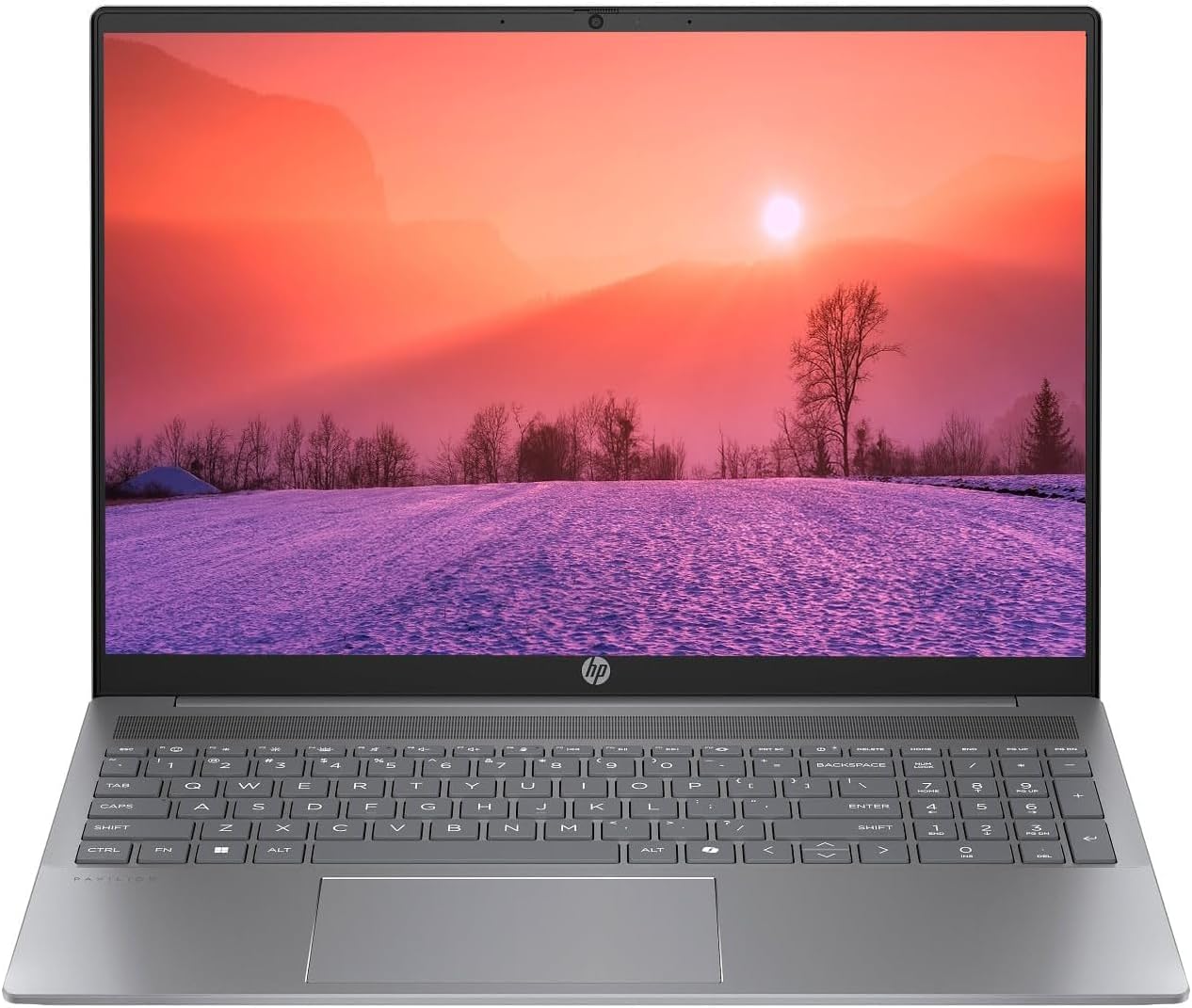
Figure 1.1: HP Pavilion 16-inch Laptop (Angled View)
This image displays the HP Pavilion 16-inch laptop in an open, angled position, highlighting its display and keyboard layout.
2. Tatūnga
2.1 Te Wetewete me te Tirotiro Tuatahi
Carefully remove the laptop and all accessories from the packaging. Inspect for any signs of damage. If any components are missing or damaged, contact your retailer or HP support immediately.
2.2 Te Mana Hononga
- Honoa te urutau AC ki te hononga hiko kei te taha o tō pona.
- Monohia te taura hiko ki te putanga hiko.
- Allow the laptop to charge for at least 30 minutes before initial use, especially if the battery is completely drained.
2.3 Te Whakaara Tuatahi me te Tatūnga Windows 11
Press the power button to turn on your laptop. Follow the on-screen instructions to complete the Windows 11 Home OS setup, including language selection, network connection, and user account creation.
2.4 Hononga Pikitia
He maha ngā tauranga o tō pona hei hono i ngā taputapu o waho:
- Ngā Tauranga Momo-C USB (2): For data transfer, charging compatible devices, and video output.
- USB Type-A Ports (2): Mo te hono i nga taputapu USB paerewa penei i nga kiore, papapātuhi, puku o waho ranei.
- Tauranga HDMI (1): Mō te hono atu ki ngā whakaaturanga o waho, ki ngā pūwhakaata rānei.
- Headphone/Microphone Combo Jack (1): Hei hono i ngā pane taringa, ngā kaikōrero o waho, i tētahi pane taringa rānei me te hopuoro.
3. Nga Tohutohu Whakahaere
3.1 Aratau Whakakā/Whakaweto me te Aratau Moe
- Whakahiko: Pēhia te pātene mana kei runga i te papa papapātuhi.
- Whakaweto: Pāwhiritia te pātene Tīmata i roto i te Windows, kātahi ka tīpako i te Mana > Whakaweto.
- Aratau Moe: Katia te taupoki o te pona, pāwhiritia rānei te pātene Tīmata, kātahi ka tīpako i te Mana > Moe.
3.2 Te Whakamahi i te Papapātuhi me te Papa Pa
The laptop features a full-size keyboard and a precision touchpad.
- Papapātuhi Whakamuri: To activate or adjust the keyboard backlight, use the dedicated function key (usually F5 or F4, look for a keyboard icon).
- Nga Tohu Papapa: Refer to Windows 11 settings for customizable touchpad gestures (e.g., two-finger scroll, pinch-to-zoom).
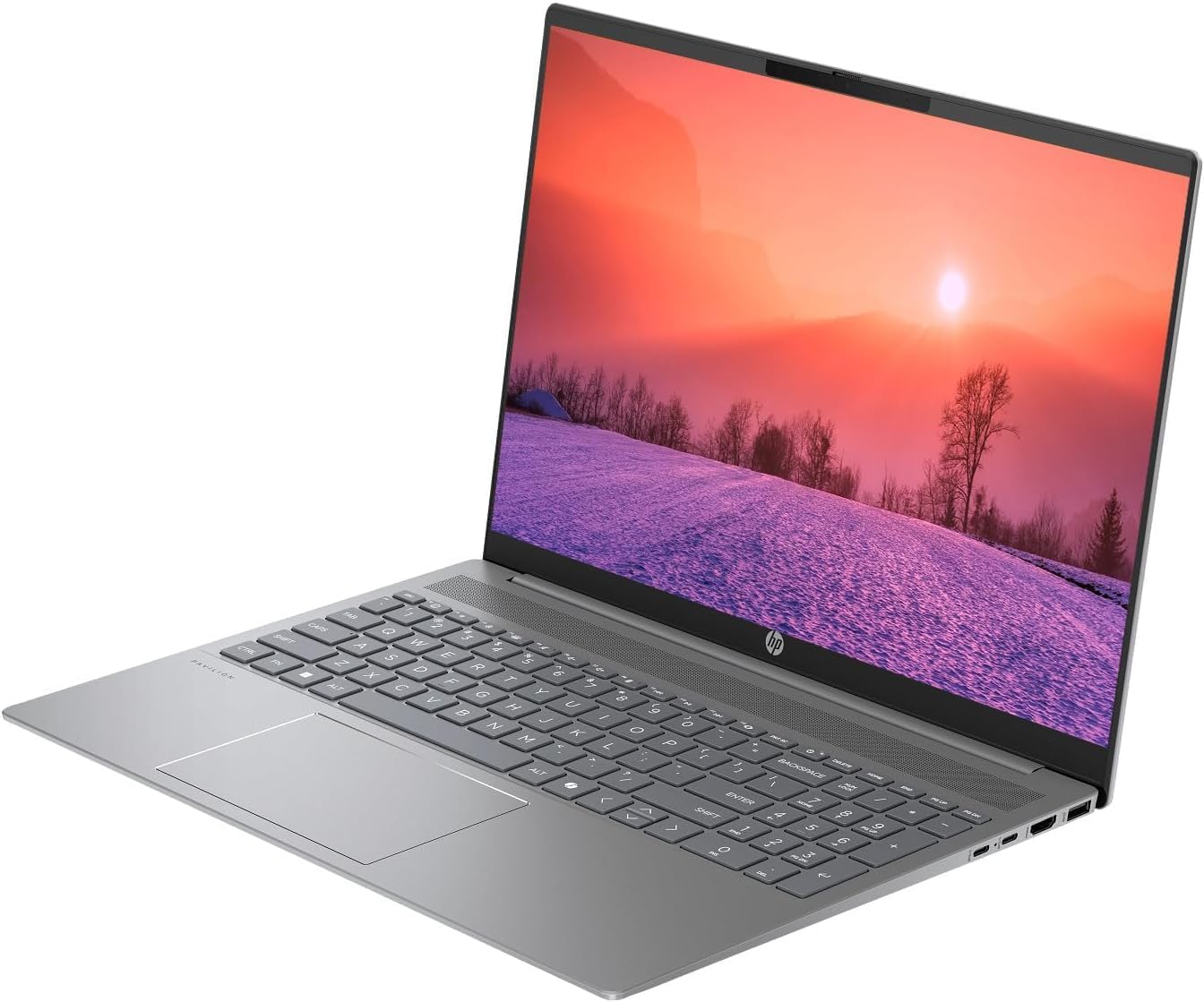
Figure 3.1: HP Pavilion 16-inch Laptop (Front View)
This image shows the HP Pavilion 16-inch laptop from a direct front view, highlighting the screen and keyboard.
3.3 Hononga Ahokore
- Wi-Fi 6: Hei hono atu ki tētahi whatunga ahokore, pāwhiritia te ata Wi-Fi i te paetaumahi, tīpakohia tō whatunga, kātahi ka tāuru i te kupuhipa.
- Nihokikorangi: To pair Bluetooth devices, go to Windows Settings > Bluetooth & devices, and turn on Bluetooth.
3.4 Te whakamahi i te Webkamera
Ko te HD whakauru webcam can be used for video calls and conferences. Access it through applications like Camera, Microsoft Teams, or Zoom.
4. Tiaki
4.1 Te horoi i te Pona
- Whakamahia he kakahu ngohengohe, karekau he ngongo paku damphoroia ki te wai, ki te wai horoi mata rānei mō te whakaaturanga.
- Mo te papapātuhi me te tahuhu, whakamahia he kakahu ngohengohe. A ape i nga matū kino.
- Use compressed air to clear dust from vents periodically.
4.2 Tiaki Pūhiko
- A ape i te whakaheke i te pākahiko i nga wa katoa.
- Mena kāore e whakamahia ana mō te wā roa, rongoatia te pona ki te wāhi hauhautanga, maroke hoki.
- For optimal battery health, avoid continuous charging at 100% for prolonged durations.
4.3 Whakahōu Pūmanawa
Regularly check for and install Windows updates to ensure system stability, security, and performance. Go to Windows Settings > Windows Update.
4.4 Whakahaere Rokiroki
Horoi i ngā mea kāore e tika ana i ia wā files and applications to maintain optimal performance of the 512GB SSD. Use Windows built-in tools like Disk Cleanup or Storage Sense.
5. Te Raru
This section addresses common issues you might encounter with your HP Pavilion laptop.
5.1 Laptop Not Powering On
- Me whakarite kei te hono tika te urutau AC ki te pona me te putanga hiko e mahi ana.
- Manatokohia kei te mahi te putanga hiko ma te hono ki tetahi atu taputapu.
- Mena kua pau rawa te pākahiko, tukua kia utua mō te 30 meneti pea i mua i te ngana ki te whakakā.
5.2 Nga Take Hononga Wi-Fi
- Tirohia mēnā kua whakahohea te Wi-Fi i ngā tautuhinga Windows.
- Tīmataria anō tō pouara me te pouwhanga.
- Me whakarite kei roto koe i te whānuitanga o te whatunga Wi-Fi.
- Ngāna kia wareware ki te whatunga ka hono anō.
5.3 Kāore te Rama Whakamuri o te Papapātuhi e Mahi
- Press the dedicated keyboard backlight function key (e.g., F5 or F4) to toggle or adjust the brightness.
- Check Windows Mobility Center settings (search for it in the Start menu) for backlight options.
5.4 Puturi te Mahi
- Katia nga tono koretake e rere ana i te papamuri.
- Me whakarite kei te whakahoutia a Windows.
- Run a disk cleanup and check for malware.
- Verify that the laptop is not overheating.
6. Whakatakotoranga
| Āhuahira | Whakatakotoranga |
|---|---|
| Ingoa Tauira | Pona HP 16" |
| Tukatuka | AMD Ryzen 5 8540U (Up to 4.89GHz) |
| RAM | 8GB LPDDR5 |
| Rokiroki | 512GB SSD |
| Whakaatu | 16-inch WUXGA 2K (1920 x 1200 pixels) LED |
| Whakairoiro | AMD Radeon Graphics (Dedicated) |
| Pūnaha Mahi | Windows 11 Home OS |
| Tauranga | 2x USB Momo-C, 2x USB Momo-A, 1x HDMI, 1x Hononga Paneoro/Maikorooro |
| Hononga Ahokore | Ipurangi Ahokore 6 (802.11ax), Nihokikorangi |
| Papapātuhi | Whakamuri |
| Webkamera | Ae |
| Ahu (L x W x Th) | 14.17" x 9.2" x 0.7" |
| Pūhiko | Lithium Ion, 4 Watt Hours |
| UPC | 197961359091 |
7. Pūtāhui me te Tautoko
7.1 Nga Korero Whakaputanga
This HP Pavilion laptop comes with a Taunakitanga 30-Day. Tena koa pupurihia to tohu mo te hoko mo etahi kereme whakamana. Ka kapi te whakamana i nga hapa hangahanga i raro i nga tikanga whakamahi noa.
7.2 Tautoko Kiritaki
For further assistance, technical support, or warranty inquiries, please visit the official HP support website or contact their customer service. You can typically find contact information and support resources by searching for "HP Support" online.