
1. Kupu Whakataki
Thank you for choosing the MINISO MS216 Sleep Earbuds. These earbuds are designed to provide comfort for side sleepers, advanced noise reduction, and real-time AI translation across 135 languages. This manual will guide you through the features, setup, and operation to ensure an optimal user experience.

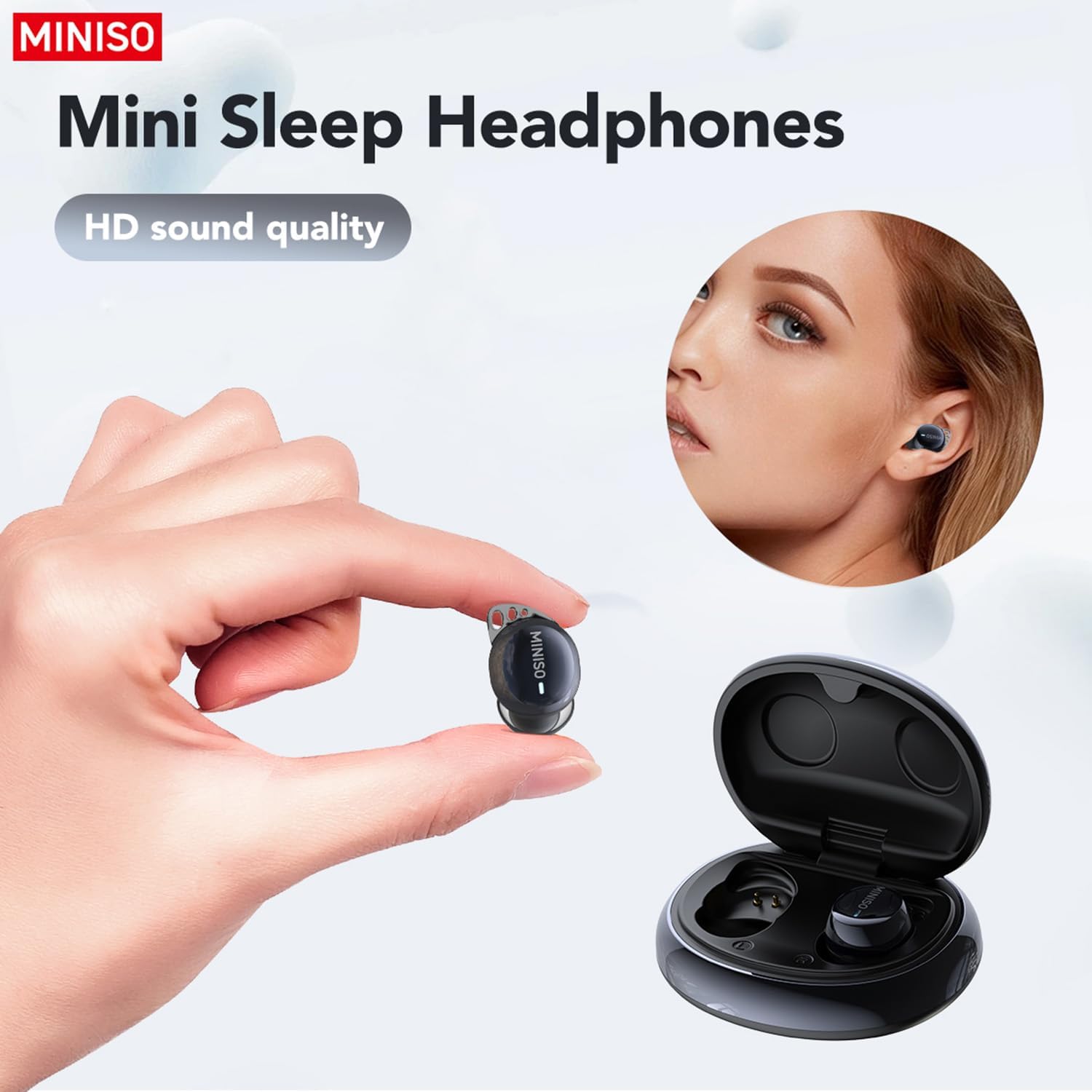
Figure 1.1: MINISO MS216 Sleep Earbuds and Charging Case.
2. Nga Hua o te Hua
- Comfort for Side Sleepers: He iti-profile, ergonomic design that fits snugly within the ear canal, minimizing pressure and discomfort when sleeping on your side.
- Whakaheke Haruru Ake: Utilizes Active Noise Cancellation (ANC) technology to reduce background noise, suitable for sleep, calls, or music in various environments.
- 3-in-1 AI Translation: Combines real-time translation, high-definition call clarity, and premium audio playback. Offers near-instant translation (<0.5s delay) with 98% accuracy.
- Tautoko Reo-maha: Supports real-time translation across 135 languages, including Spanish, Chinese, English, Japanese, Korean, German, and French.
- Ngā Aratau Whakamāori Maha: Includes Hands-Free, Touch Control, Photo Translate, AI Chat Mode, Meeting Mode, Hybrid Mode, and Voice Notes.
- Roa te Ora Pūhiko: Provides up to 8 hours of playtime on a single charge, with the compact charging case extending total playtime to 48 hours. Supports Type-C fast charging.
- Nihokikorangi 6.0 Hononga: Ka whakarite hononga ahokore pumau me te pai.

Figure 2.1: Ergonomic design and lightweight construction for comfortable sleep.

Figure 2.2: Active Noise Cancellation (ANC) for reduced ambient sound.
3. Tatūnga
3.1 Whakataki Tuatahi
Before first use, fully charge the earbuds and the charging case. Connect the provided Type-C charging cable to the charging case and a power source. The indicator lights on the case will show charging status.

Figure 3.1: Charging the MINISO MS216 Earbuds and Case.
3.2 Takirua Nihokikorangi
- Me whakarite kei roto nga purongo i roto i te pukoro utu, kua tuwhera te taupoki.
- On your device (smartphone, tablet), enable Bluetooth.
- Select "MINISO MS216" from the list of available Bluetooth devices.
- Kia honoa, kua reri nga purongo mo te whakamahi.
4. Nga Tohutohu Whakahaere
4.1 Te Whakamaunga i nga Paoro
Gently insert each earbud into your ear canal. Adjust for a comfortable and secure fit. The ergonomic design is intended to remain comfortable even when lying on your side.
Pikitia 4.1: Te whakanoho tika o te taringa kia mau ai te urunga.
4.2 Ngā Mana Taketake (Pa)
- Purei/Tatari: Pao kotahi ki runga i tetahi purongo.
- Riu Panuku: Pao rua ki te purongo matau.
- Riu o mua: Pao rua ki te purongo maui.
- Whakautu/Whakamutu Waea: Pao kotahi ki runga i tetahi purongo.
- Whakakore Waea: Patohia me te pupuri i runga i tetahi purongo.
- Whakahohe i te Kaiawhina Reo: Takitoru te pao ki runga i tetahi purongo.
4.3 AI Translation Function (Saymi App)
The AI translation feature requires the free Saymi app, available for both iPhone and Android devices. Download and install the app, then ensure your earbuds are connected via Bluetooth.
- Open the Saymi app on your smartphone.
- Select the desired translation mode (e.g., Hands-Free, Touch Control, Headphones+Phone Mode).
- Follow the on-screen instructions within the app to initiate translation.
- For 'Headphones+Phone Mode', one person speaks into the earbud, and the other speaks into the phone's microphone.
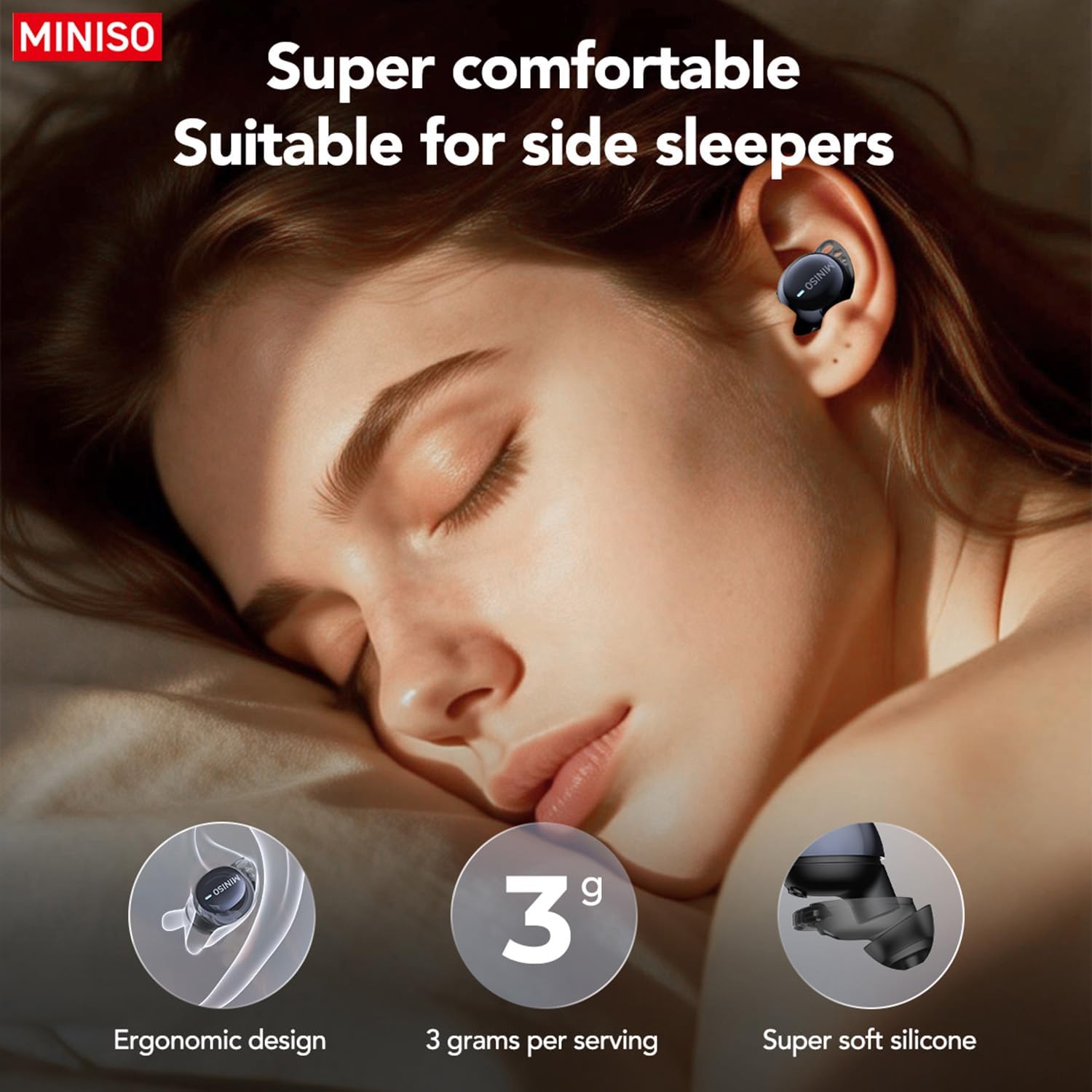
Figure 4.2: Using earbuds for clear communication.
5. Tiaki
- Te horoi: Me horoi i nga wa katoa nga pukoro me te putea utu ki te kakahu ngohengohe, maroke. Kaua e whakamahi i nga matū kino, i nga mea awhiowhio ranei.
- Nga Tohu Taringa: Remove and clean the silicone ear tips periodically with mild soap and water. Ensure they are completely dry before reattaching.
- Rokiroki: Rokirokihia ngā pane taringa ki roto i te pouaka utu ina kore e whakamahia hei tiaki i a rātou, hei whakarite hoki kei te mau tonu te utu.
- A ape i te wai: The earbuds are not waterproof. Avoid exposure to excessive moisture or submersion in water.
6. Te Raru
| Raruraru | Take pea | Rongoā |
|---|---|---|
| Karekau nga taringa e hono ana | Bluetooth is off; earbuds out of range; low battery. | Ensure Bluetooth is on. Place earbuds closer to device. Charge earbuds and case. |
| Karekau he tangi | He iti rawa te oro; kāore i hono; kua whakamutua te pāpāho. | Increase device volume. Reconnect earbuds. Check media playback. |
| Kāore e mahi ana te whakamāoritanga | Saymi app not open; incorrect mode selected; internet connection issue. | Open Saymi app. Select correct translation mode. Ensure stable internet connection. |
| Earbuds falling out during sleep | Incorrect ear tip size; improper fit. | Try different sized ear tips for a more secure fit. Adjust placement in ear. |
7. Whakatakotoranga
- Tau tauira: MS216
- Hononga: Nihokikorangi 6.0
- Reo Whakamaori: 135 (via Saymi app)
- Wā Tākaro (Taringa): Tae atu ki te 8 haora
- Total Playtime (with Case): Tae atu ki te 48 haora
- Tauranga Whakatau: Momo-C
- Taumaha Tūemi: 3.52 hekere
- Ahu mōkihi: 4.21 x 3.19 x 1.73 inihi
- Kaihanga: MINISO
8. Pūtāhui me te Tautoko
MINISO products are covered by a limited warranty. For detailed warranty information, product support, or service inquiries, please refer to the warranty card included in your product packaging or visit the official MINISO website. You may also contact MINISO customer service directly for assistance.

Figure 8.1: Product packaging and included manual.