
1. Kupu Whakataki
Thank you for choosing the Jectse 5G LTE Mobile Hotspot Router. This device provides high-speed portable Wi-Fi connectivity, allowing you to stay connected on the go. It supports up to 12 devices simultaneously and features WPA/WPA2 encryption for secure internet access. This manual will guide you through the setup, operation, and maintenance of your new mobile hotspot.
2. Nga korero haumaru
- Kaua e whakaatuhia te taputapu ki ngā pāmahana tino kino, ki te rā tika, ki ngā taiao makuku rānei.
- A ape i te tuku, te tuku ranei i te taputapu ki nga paanga kaha.
- Use only the provided or approved charging cable and battery.
- Kaua e ngana ki te wetewete, ki te whakatika ranei i te taputapu. Whakapa atu ki te tautoko a nga kaihoko mena ka puta nga take.
- Tiakina te taputapu mai i te wai me etahi atu wai.
3. Ihirangi mokete
Tena koa tirohia te kete mo nga mea e whai ake nei:
- Jectse 5G LTE Mobile Hotspot Router
- Tauira Whakatau USB
- Pūhiko Whakahoki Anō (3000 mAh)
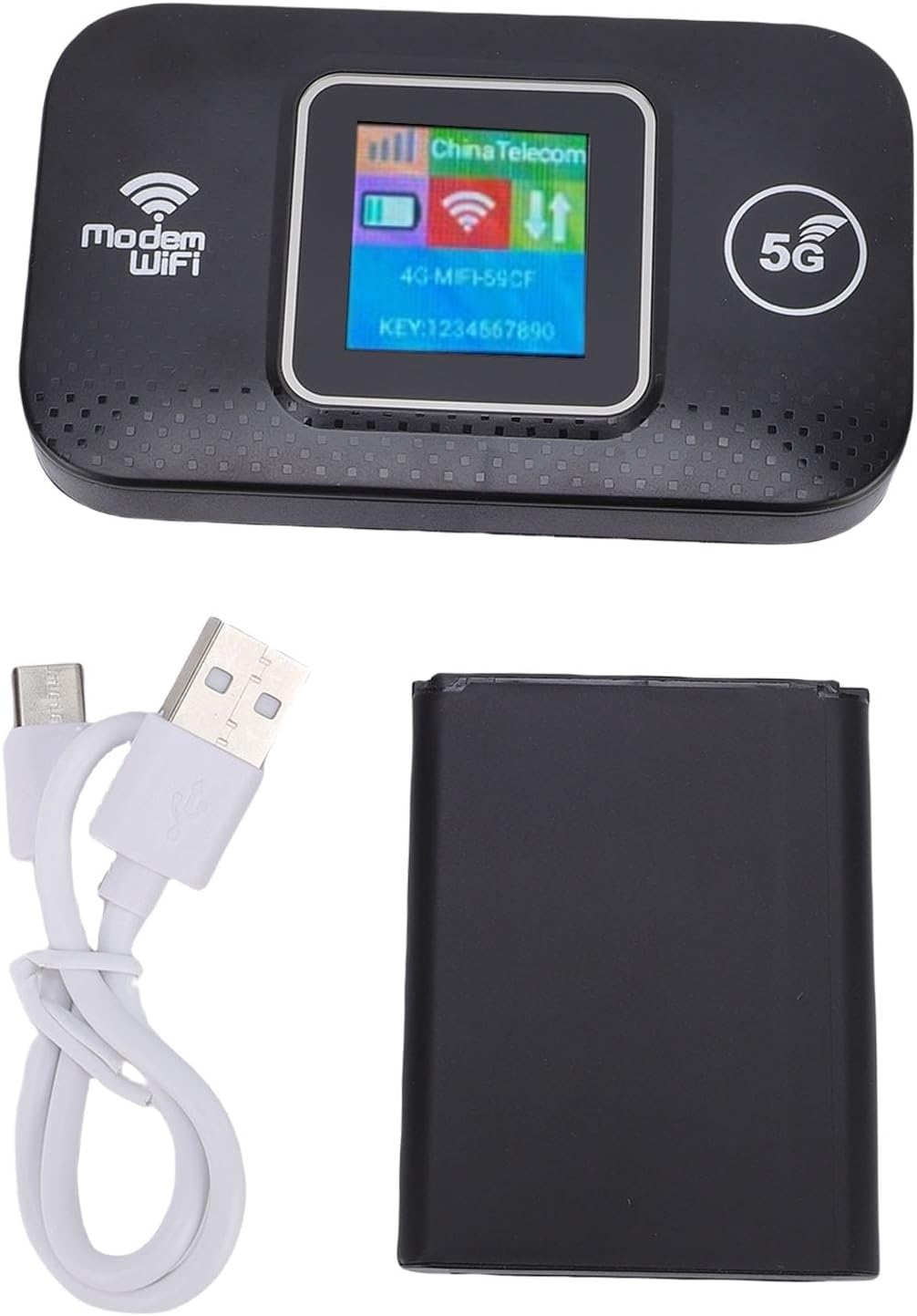
Image: The Jectse 5G LTE Mobile Hotspot Router, its USB charging cable, and the removable battery, illustrating the main components included in the package.
4. Hua Neke Atuview
The Jectse Mobile Hotspot is designed for ease of use and portability. It features a compact design with essential indicators and ports.

Whakaahua: Kua mutuview of the mobile hotspot's features, highlighting SIM card plug-and-play, high-end chip for fast and stable performance, 150Mbps high speed, 3000mAh battery for durability, strong signal, and one-button start for convenience.
Wae Pūrere:
- Whakaatu Mata: Shows network status, signal strength, battery level, and Wi-Fi information.
- Pātene Hiko: Ka whakamahia hei whakakā/whakaweto i te taputapu.
- Mokamoka Kaari SIM: For inserting your 5G/LTE SIM card.
- Tauranga USB-C: Mo te utu i te taputapu.

Whakaahua: He taipitopito view of the USB-C port located on the side of the mobile hotspot, used for charging the device.
5. Tatūnga
5.1 Te whakauru i te Kaari SIM
- Me mohio kua weto te taputapu.
- Locate the SIM card slot, usually under the battery cover.
- Carefully insert your active 5G/LTE SIM card into the slot with the gold contacts facing down, ensuring it clicks into place.
5.2 Te whakauru i te Pūhiko
- Whakatuwheratia te uhi o te wahanga pākahiko kei muri o te taputapu.
- Whakahāngaihia ngā hononga pākahiko ki ngā pito o roto i te wāhanga.
- Gently press the battery into place and close the cover.
5.3 Te Whakakaha me te Hononga Tuatahi
- Patohia ka mau te paatene Mana kia marama ra ano te mata.
- Wait for the device to boot up and establish a network connection. The display will show signal strength and network type (e.g., 4G, 5G).
- On your smartphone, tablet, or laptop, search for available Wi-Fi networks.
- Select the Wi-Fi network name (SSID) displayed on the hotspot's screen.
- Enter the Wi-Fi password (KEY) shown on the hotspot's screen.
- Kia honoa, ka taea e koe te timata ki te tirotiro i te ipurangi.
6. Nga Tohutohu Whakahaere
6.1 Te hono i nga taputapu maha
The Jectse Mobile Hotspot supports connecting up to 12 devices simultaneously. Simply follow the steps in Section 5.3 for each device you wish to connect.

Image: A visual representation of the mobile hotspot's capability to support multiple users, showing various devices like monitors, desktop PCs, laptops, and smartphones connected to the hotspot's Wi-Fi signal.
6.2 Network Security (WPA/WPA2)
Your mobile hotspot uses WPA and WPA2 encryption protocols to protect your network from unauthorized access. The default password is provided on the device screen. For enhanced security, it is recommended to change the default Wi-Fi password through the device's web management interface (if available, refer to advanced settings in a separate guide).
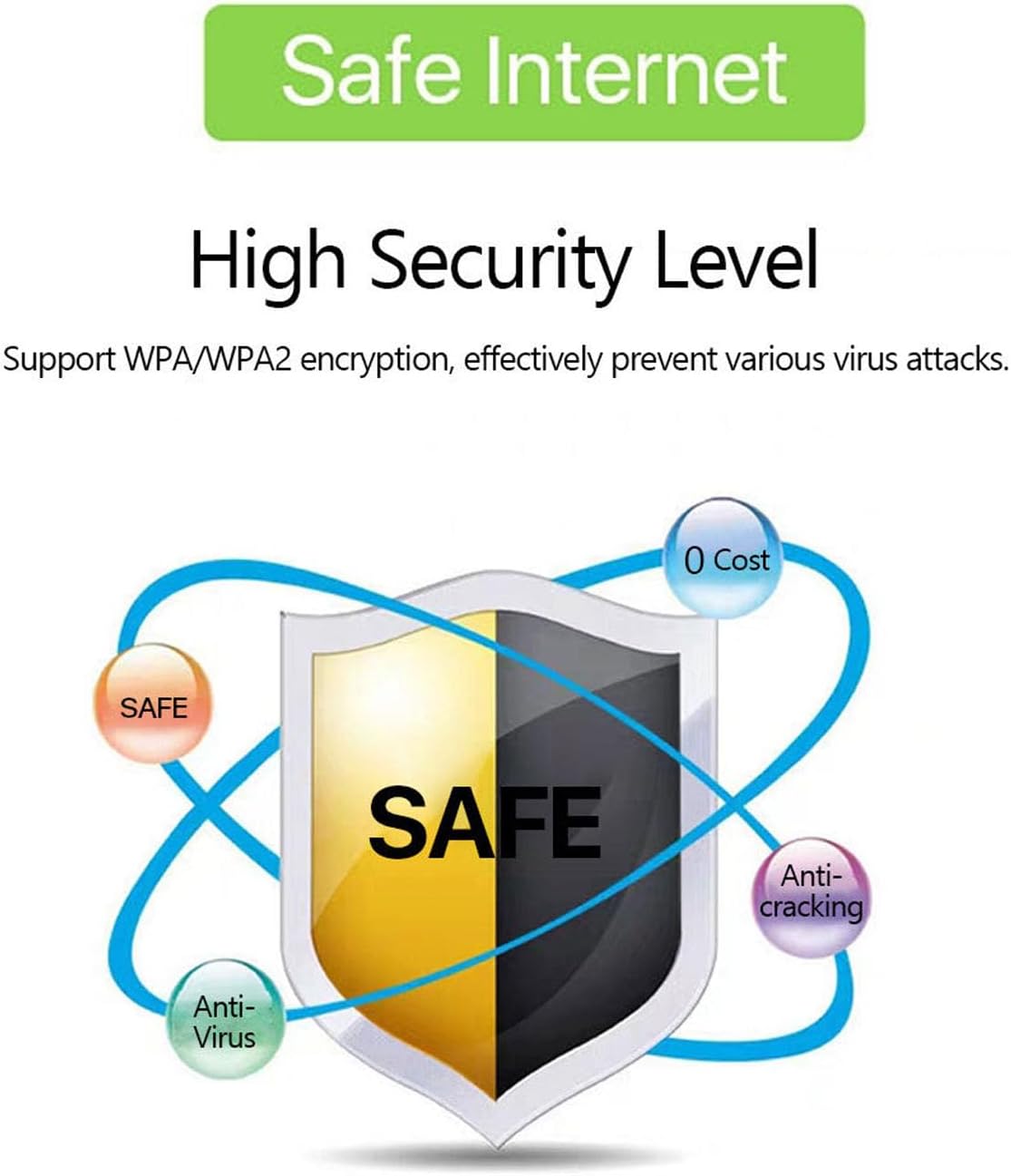
Image: A graphic emphasizing the high security level of the device, featuring a shield icon and text indicating support for WPA/WPA2 encryption to prevent virus attacks and ensure safe internet usage.
6.3 Battery Usage and Charging
The device is equipped with a 3000 mAh battery, providing extended usage time. When the battery level is low, connect the device to a power source using the provided USB charging cable.

Image: A visual depicting the mobile hotspot's battery life, showing a battery icon at 50% charge. The device features a 3000 mAh battery (note: image text states 3600mAh, but product description confirms 3000mAh) for extended use.
7. Tiaki
7.1 Te horoi i te taputapu
To clean the device, use a soft, dry cloth. Do not use liquid cleaners or aerosols, as they may damage the device.
7.2 Tiaki Pūhiko
- A ape i te tino tuku i te pākahiko i nga wa katoa.
- Charge the battery regularly, even if the device is not in use, to maintain its lifespan.
- Whakaorangia te taputapu ki te waahi makariri, maroke ki te kore e whakamahia mo te wa roa.
8. Te Raru
8.1 Kaore he Hononga Ipurangi
- Tirohia te Kaari SIM: Me whakarite kua tika te whakauru o te kāri SIM, ā, kei te whakahohehia hoki me te mahere raraunga.
- Kaha Waitohu: Verify that the device has sufficient signal strength. Move to an area with better network coverage if needed.
- Whakaara ano i te Pūrere: Turn the hotspot off and then on again.
- Tautuhinga APN: If issues persist, you may need to configure the Access Point Name (APN) settings manually. Refer to your mobile carrier's instructions for the correct APN.
8.2 Te Tere o te Ipurangi Puhoi
- Te maha o nga taputapu hono: Too many devices connected simultaneously can reduce speed. Disconnect some devices.
- Pokamoka Whatunga: Speed can be affected by network congestion in your area.
- Kaha Waitohu: Ensure good signal strength.
8.3 Kāore e taea te hono atu ki te Wi-Fi
- Kupuhipa Tika: Double-check that you are entering the correct Wi-Fi password (KEY) as displayed on the hotspot's screen.
- Te Tata o te Pūrere: Ensure your connecting device is within the Wi-Fi range of the hotspot.
- Tīmataria anō ngā Pūrere: Restart both the hotspot and the device you are trying to connect.
9. Whakatakotoranga
| Āhuahira | Whakatakotoranga |
|---|---|
| Tau tauira | Jectse57yq0tl4p8 |
| Hangarau Hononga | 5G LTE, Ipurangi ahokore, USB |
| Max. Tere Tikiake | Tae atu ki te 300 Mbps |
| Pūhiko Raukaha | 3000 mah |
| Pūrere Tautokona | Tae atu ki te 12 hononga honohono |
| Kawa Haumarutanga | WPA, WPA2 |
| Paihere LTE tautokona | B1, B3, B5, B7, B8, B20, B38, B40, B41 |
10. Pūtāhui me te Tautoko
10.1 Nga Korero Whakaputanga
This product comes with a 90-day warranty from the date of purchase. The warranty covers manufacturing defects and malfunctions under normal use. It does not cover damage caused by misuse, accidents, unauthorized modifications, or natural disasters.
10.2 Tautoko Kiritaki
If you encounter any issues or have questions regarding your Jectse 5G LTE Mobile Hotspot Router, please contact the seller or refer to the official Jectse support channels for assistance. Please have your model number (Jectse57yq0tl4p8) and purchase details ready when contacting support.