1. Kupu Whakataki
This manual provides detailed instructions for the proper use and maintenance of your Casio Edifice EFA-131D-1A1VDF Analog-Digital Watch. Please read this manual carefully to ensure correct operation and to fully utilize all features of your timepiece.
The Casio Edifice EFA-131D-1A1VDF features a black dial, stainless steel case, and stainless steel band. It combines analog timekeeping with digital display functions, offering versatility and precision.
- Tae Waea: Pango
- Āhua o te Pūkoro: Porowhita
- Dial Glass Material: Kohuke
- Tae Whero: Hiriwa
- Rauemi Band: Kowiri tira
- Momo Nekehanga Mataaratanga: Quartz
- Watch Display Type: Ana-Digital
- Rauemi Take: Kowiri tira
- Puhi Diane: 49 mitamano
- Momo awhi: Hoatuhia te Awhi
2. Tatūnga me ngā Tautuhinga Tīmatanga
Before using your watch, it is important to set the correct time and date.
2.1. Adjusting the Analog Time
- Pull the crown (B) out to the second click. This will stop the second hand.
- Rotate the crown to set the hour and minute hands to the desired time.
- Panahia te karauna ki roto ki te waahi noa.
2.2. Adjusting the Digital Time and Date
The digital display can be adjusted using the buttons on the side of the watch.
- Pehia te MODE button (C) repeatedly until the Timekeeping Mode is displayed.
- Purihia te WHAKAARO button (A) until the city code starts to flash in the digital display. This indicates the setting screen.
- Whakamahia te WHAKAMUA button (D) and Whakamuri button (E) to select the desired setting item (e.g., city code, DST, 12/24-hour format, hour, minute, year, month, day).
- Whakamahia te MODE button (C) to move between setting items.
- Kia whirihora nga tautuhinga katoa, pehia te WHAKAARO pātene (A) ki te puta i te mata tautuhinga.
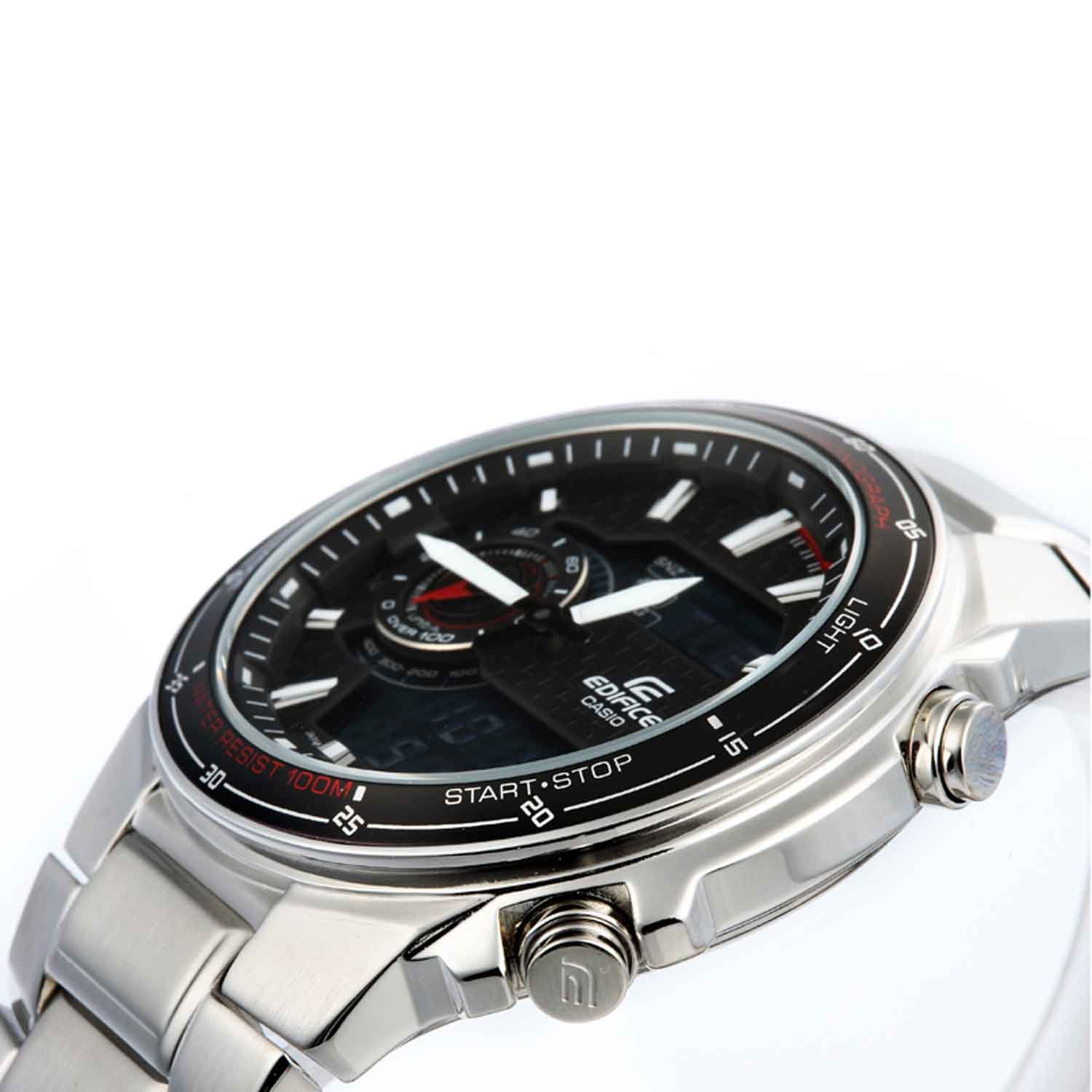
Whakaahua: Mua view of the Casio Edifice EFA-131D-1A1VDF watch, highlighting the analog and digital displays, and the various control buttons for setting adjustments.
2.3. Whakatikatika Band
The stainless steel band can be adjusted for a comfortable fit. It is recommended to have this adjustment performed by a qualified jeweler or watch technician to prevent damage to the band or clasp.
3. Operating the Watch Functions
Your Casio Edifice watch offers several functions accessible via the MODE patene (C).
3.1. Aratau Whakatere
Pehia te MODE button (C) to cycle through the different modes:
- Aratau Waahi: Ka whakaatu i te wa me te ra o naianei.
- Aratau Tapukati: Kua pau te waa ine.
- Aratau Whakaoho: Ka whakatakoto i ngā whakaoho o ia rā.
- Aratau Wā o te Ao: Ka whakaatu i te wa o naianei ki nga taone maha o te ao.
3.2. Mahi Whakatutei
- Whakatere ki te Aratau Waati ma te whakamahi i te MODE patene (C).
- Pehia te TITIAKI/TATA button (D) to start the stopwatch.
- Pehia te TITIAKI/TATA button (D) again to stop the stopwatch.
- Pehia te WHAKATURU button (E) to reset the stopwatch to zero.
3.3. Mahi Whakaoho
- Whakatere ki te Aratau Whakaoho ma te whakamahi i te MODE patene (C).
- Purihia te WHAKAARO paatene (A) kia timata ra ano te wa whakaoho ki te uira.
- Whakamahia te WHAKAMUA button (D) and Whakamuri button (E) to set the desired alarm hour and minute.
- Pehia te WHAKAARO button (A) to confirm and exit the setting screen.
- Pehia te WHAKAMUA button (D) in Alarm Mode to toggle the alarm ON/OFF.
3.4. Illumination (Light)
Pehia te KAMARAMA button (F) to illuminate the digital display for easy viewkei roto i nga ahuatanga marama iti.
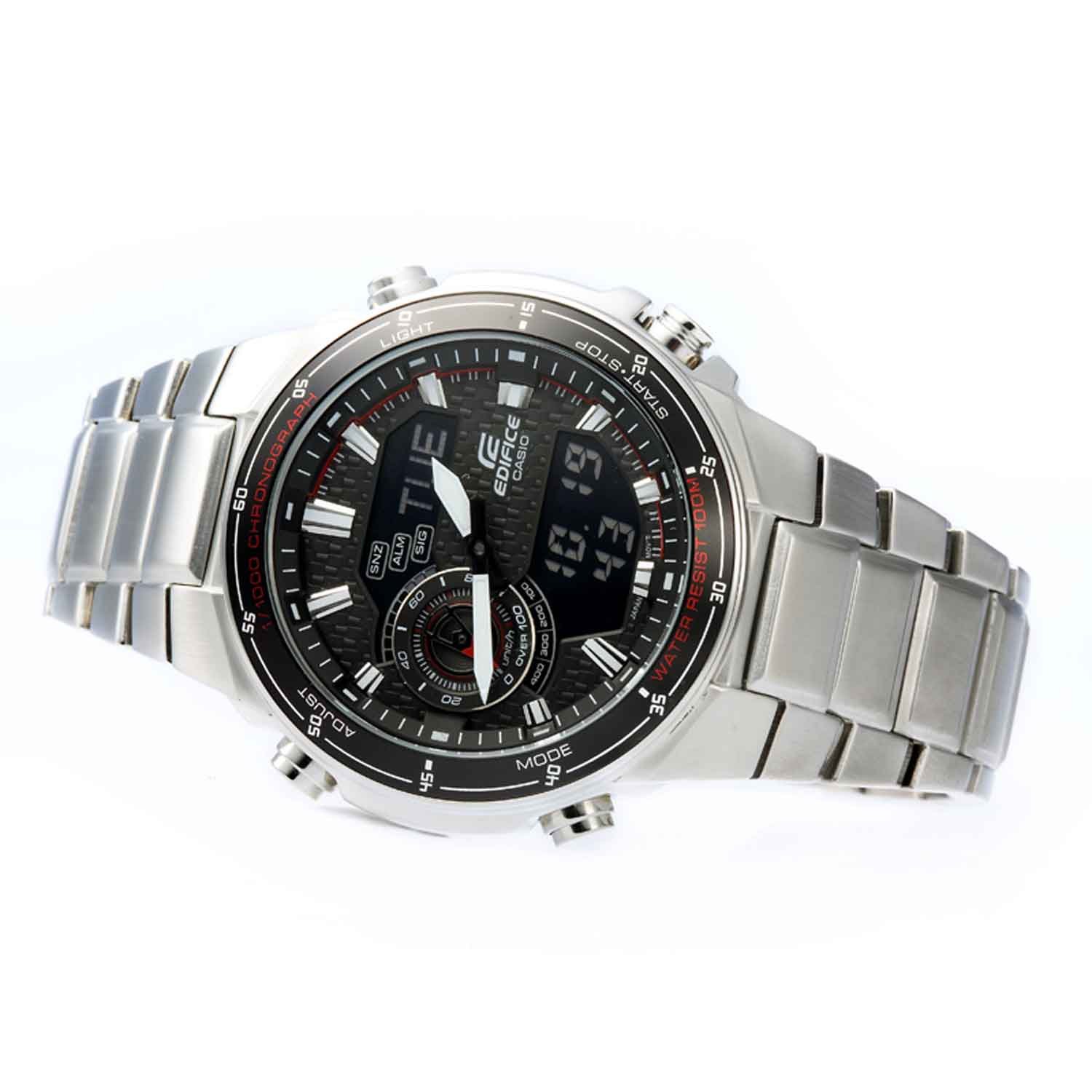
Whakaahua: Koki mua view of the Casio Edifice EFA-131D-1A1VDF watch, illustrating the digital display and the positions of the control buttons for various functions.
4. Tiaki
Proper maintenance ensures the longevity and performance of your watch.
4.1. Atete Wai
This watch is water resistant up to 100 meters (10 BAR). This means it is suitable for swimming and snorkeling, but not for scuba diving. Do not operate the watch buttons or crown while the watch is wet or submerged in water.
4.2. Te horoi
Wipe the watch case and band with a soft, dry cloth to remove dirt and moisture. For stainless steel bands, a soft brush with mild soapy water can be used, followed by thorough rinsing and drying. Avoid using chemical cleaners or solvents.
4.3. Whakakapinga Pūhiko
The watch is powered by a quartz movement. When the battery runs low, the display may dim or the watch may stop functioning. Battery replacement should be performed by an authorized Casio service center or a qualified watch technician to ensure proper sealing and water resistance.

Whakaahua: Hoki view of the Casio Edifice EFA-131D-1A1VDF watch, displaying the stainless steel case back where water resistance information is typically engraved, and the deployment clasp.
5. Te Raru
Mena ka raru koe ki to mataaratanga, tirohia nga raru me nga otinga e whai ake nei:
-
Watch is not keeping accurate time (Analog or Digital):
Ensure the time settings are correct as described in Section 2. If the issue persists, the battery may be low and require replacement.
-
Ko te whakaaturanga matihiko he putea, he atarua ranei:
This typically indicates a low battery. Replace the battery at an authorized service center.
-
Ko nga paatene kaore i te aro:
Check if the watch is wet. Do not operate buttons underwater. If the watch is dry and buttons are still unresponsive, there might be an internal malfunction requiring professional inspection.
-
Te tohe i roto i te mataaratanga:
If condensation appears inside the watch glass and does not clear quickly, it may indicate a breach in water resistance. Seek immediate professional service to prevent further damage.
6. Whakatakotoranga
| Āhuahira | Taipitopito |
|---|---|
| Tau tauira | EFA-131D-1A1VDF |
| Momo Nekehanga | Quartz |
| Momo Whakaatu | Ana-Digital |
| Rauemi Take | Kowiri tira |
| Te Diamita o te keehi | 49 Mirimita |
| Te Matotoru Take | 13 Mirimita |
| Rauemi Band | Kowiri tira |
| Tae Tae | Hiriwa |
| Tae Waea | Pango |
| Waea Rauemi Karaihe | Kohuke |
| Te Hohonu Atete Wai | 100 Mita (10 BAR) |
| Taumaha Tūemi | 318 g |
| Hunga Hua | 1.5 x 1.5 x 1.5 cm |

Image: Close-up of the watch's case back, detailing engraved specifications such as water resistance and material composition.
7. Pūtāhui me te Tautoko
7.1. Nga Korero Whakaputanga
Your Casio Edifice EFA-131D-1A1VDF watch comes with a 2 Tau Putāhui A-whare from the manufacturer. This warranty covers manufacturing defects under normal use. Please retain your purchase receipt as proof of warranty.
7.2. Tautoko Kiritaki
For warranty claims, service, or further assistance, please contact Casio customer support or visit an authorized Casio service center. Contact details can typically be found on the official Casio webpae, to kaari whakamana ranei.


