1. Kupu Whakataki
This manual provides detailed instructions for the proper use and maintenance of your LAUNCH X431 Creader VII+ V2.0 Car Code Reader. This diagnostic tool is designed to assist in identifying and resolving issues across various vehicle systems, offering comprehensive diagnostic capabilities and essential reset functions. Please read this manual thoroughly before operating the device.

Image 1.1: The LAUNCH X431 Creader VII+ V2.0 device with its packaging and included accessories.
2. Nga waahanga matua
The LAUNCH X431 Creader VII+ V2.0 offers a range of diagnostic and maintenance functionalities:
- Four System Diagnostics: Capable of testing Engine, Transmission, Anti-lock Braking System (ABS), and Supplemental Restraint System (SRS/Airbag) to read and clear diagnostic trouble codes (DTCs), display data streams, and retrieve vehicle information.
- Three Reset Functions: Includes Oil Service Reset, Throttle Relearn (Adaptation), and Steering Angle Sensor (SAS) Reset for common maintenance tasks.
- Ngā Mahi OBDII Katoa: Supports all 10 OBDII test modes, including I/M readiness, O2 sensor tests, live PCM data stream (graphical format), freeze frame data, EVAP system tests, and DTC lookup.
- Live Data Graphing: Provides real-time data display in graphical format for intuitive analysis of vehicle performance.
- Data Recording and Playback: Allows for storage and review of dynamic data streams.
- Broad Vehicle Coverage: Compatible with most OBDII & CAN compliant vehicles manufactured from 1996 (US-based), 2002 (EU-based), and 2005 (Asian-based) or newer. Note: ABS/SRS/Transmission system testing supports cars from 2006 and newer.
- Tautoko Reo-maha: Operates in English, Spanish, French, German, Italian, Russian, Japanese, Portuguese, Polish, and Chinese.
- Ngā Whakahōutanga Koreutu mō te Ora Katoa: Ensures the device remains current with the latest vehicle data and software enhancements.
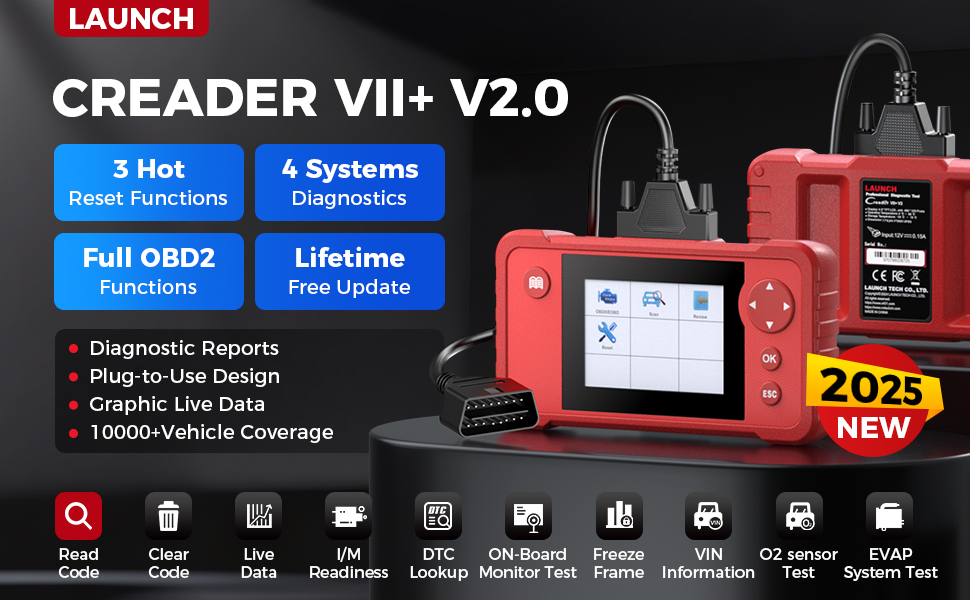
Whakaahua 2.1: Kua mutuview highlighting the key features of the LAUNCH Creader VII+ V2.0, such as reset functions, system diagnostics, and update policy.
3. Tatūnga me te Whakamahi Tuatahi
Follow these steps to set up and begin using your LAUNCH X431 Creader VII+ V2.0:
- Wewetehia te Pūrere: Carefully remove the Creader VII+ V2.0 unit, OBDII cable, USB cable, TF card, TF card reader, and user manual from the packaging.
- Whakauruhia te Kāri TF: Ensure the TF card is correctly inserted into the device's TF card slot.
- Whakahiko: The device powers on automatically when connected to a vehicle's OBDII port or a computer via USB.
- Tīpakonga Reo: Upon first power-on, you may be prompted to select your preferred language. Navigate using the directional buttons and confirm with the 'OK' button.
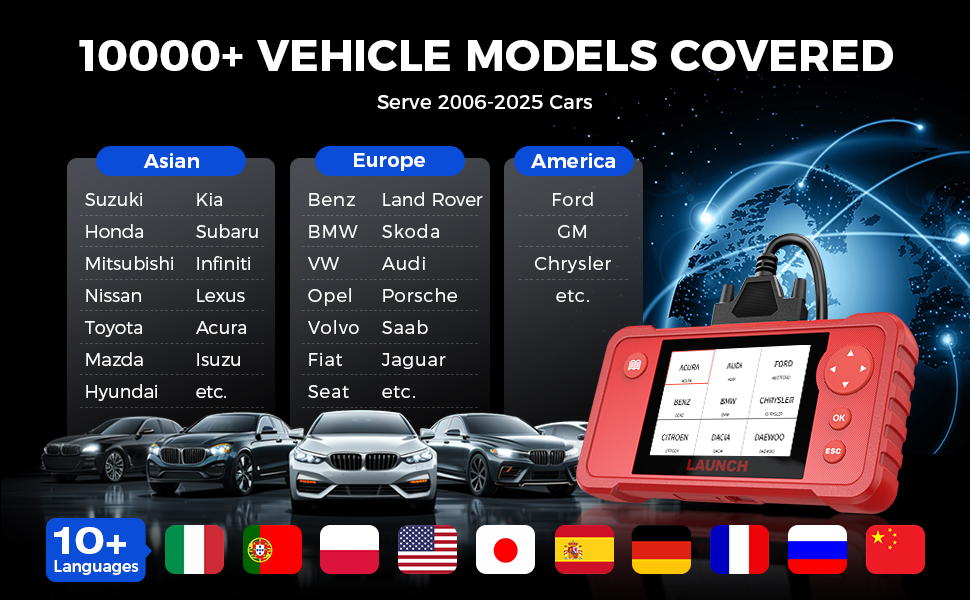
Image 3.1: Visual guide demonstrating the simple plug-and-play setup process for the diagnostic tool.
4. Nga Tohutohu Whakahaere
4.1 Te Hononga ki tētahi Waka
- Locate the vehicle's 16-pin OBDII Data Link Connector (DLC), usually found under the dashboard on the driver's side.
- Plug the OBDII cable from the Creader VII+ V2.0 into the vehicle's DLC.
- Turn the vehicle's ignition to the 'ON' position (engine off). The device will power on automatically.
4.2 Te Mahi Tataunga
From the main menu, select 'Diagnose' to access the diagnostic functions:
- Kōwhiringa Pūnaha: Choose the system you wish to diagnose (Engine, Transmission, ABS, SRS).
- Panui Waehere: Displays current, pending, and permanent diagnostic trouble codes.
- Ngā Waehere Whakamārama: Erases DTCs from the vehicle's computer. Ensure the underlying issue is resolved before clearing codes.
- Rere Raraunga Ora: View real-time operational parameters of the selected system. Data can be displayed numerically or graphically.
- Whakatio Raraunga Tāpare: Captures a snapshot of vehicle conditions at the moment a fault code was set.
- I / M Te Rite: Checks the status of emission-related monitors.
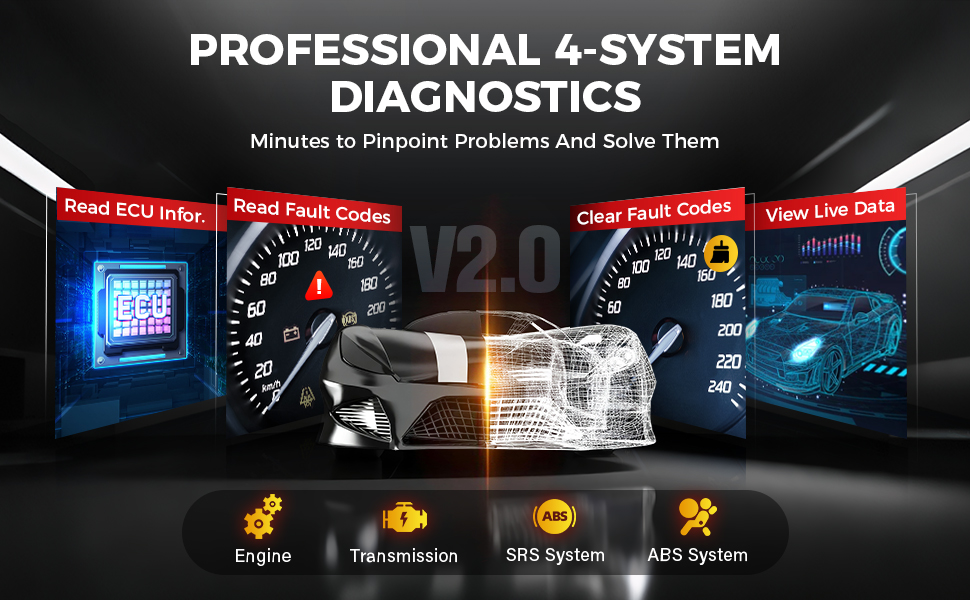
Image 4.1: Depiction of the diagnostic process for the four main vehicle systems.
4.3 Performing Reset Functions
From the main menu, select 'Reset' to access the service functions:
- Tautuhi Hinu: Ka tautuhi anō i te rama ratonga hinu i muri i te whakawhiti hinu.
- Te Whakarerekētanga o te Tātari: Relearns the throttle body's position after cleaning or replacement.
- SAS Tautuhi Anō: Calibrates the Steering Angle Sensor after steering system repairs or alignment.
Note: Availability and specific procedures for reset functions may vary by vehicle make, model, and year. Always refer to the vehicle's service manual for specific instructions.
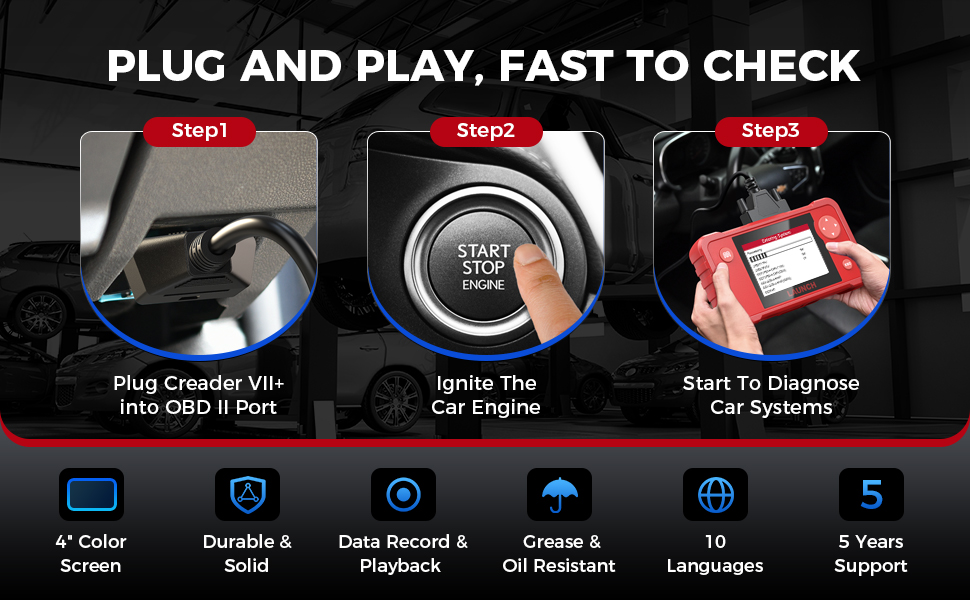
Image 4.2: Visual representation of the three primary reset functions available on the device.
5. Maintenance and Updates
5.1 Tiakitanga Pūrere
- Puritia kia ma te taputapu kia kore he puehu me te makuku.
- A ape i te tuku i te taputapu, te tuku ranei ki nga paanga kaha.
- Rokirokia te taputapu i roto i tōna pouaka tiaki ina kore e whakamahia.
5.2 Whakahōu Pūmanawa
The LAUNCH X431 Creader VII+ V2.0 offers lifetime free software updates to ensure compatibility with new vehicle models and improved functionalities. Follow these steps to update your device:
- Visit the official LAUNCH download webpae (en.cnlaunch.com/download/).
- Download and install the 'DIY Integration Upgrade Tool' on your computer.
- Power on the Creader VII+ V2.0 and navigate to 'Help' -> 'Tool Information' to retrieve the device's Serial Number and Register Code.
- Remove the TF card from the device and insert it into the TF card reader, then connect the reader to your computer.
- Launch the installed upgrade tool. You will need to register an account if it's your first time. Enter the Serial Number and Register Code when prompted.
- Select the desired software updates and click 'Download' to begin the update process to the TF card.
- Once the download is complete, safely eject the TF card from your computer and reinsert it into the Creader VII+ V2.0.
- Power on the device. It will prompt you to perform the system upgrade. Confirm to proceed.

Image 5.1: Step-by-step instructions for updating the device software.
6. Te Raru
- Kaore te taputapu i te hiko: Ensure the OBDII cable is securely connected to the vehicle's DLC and the ignition is in the 'ON' position. If using USB, ensure the USB cable is connected to a powered port.
- Hapa whakawhitiwhiti kōrero ki te waka: Verify the vehicle is OBDII compliant. Check for loose connections. Ensure the vehicle's battery has sufficient charge. Try diagnosing a different vehicle if possible to rule out device issues.
- Update process fails or is difficult: Ensure a stable internet connection. Double-check the Serial Number and Register Code. If using a TF card reader, ensure it is functioning correctly. Some users have reported issues with RAR file formats for update software; consider using a tool like 7-Zip for extraction.
- Incorrect or no data displayed: Confirm the correct vehicle system is selected for diagnosis. Ensure the vehicle's ignition is on.
- Reset function not working: Verify that the specific reset function is supported for your vehicle's make, model, and year. Follow the on-screen prompts carefully.
7. Whakatakotoranga
| Āhuahira | Whakatakotoranga |
|---|---|
| Waitohu | Whakarewa |
| Tauira | Creader VII+ V2.0 |
| Hunga Hua | 7.68"L x 4.17"W x 1.26"H |
| Taumaha Tūemi | 1.32 pauna |
| Pūnaha Mahi | Windows (for update software) |
| Voltage | 12 Volts |
| Whakaatu | 4-inihi Mata Tae |
| Maharahara | 16g Kaatapu TF |
| Hononga | OBDII, USB |
| Nga Reo Tautokona | English, Spanish, French, German, Italian, Russian, Japanese, Portuguese, Polish, Chinese |
| Kapi Waka | 1996 US-based, 2002 EU-based, 2005 Asian-based or newer OBD II & CAN vehicles (ABS/SRS/Transmission from 2006+) |
8. Pūtāhui me te Tautoko
Your LAUNCH X431 Creader VII+ V2.0 comes with a 5-tau pūtāhui against quality problems. For technical assistance, warranty claims, or any operational questions, please contact LAUNCH customer service. Details for contacting support are typically found in the included Quick Start Guide or on the official LAUNCH webpae.
Kei roto i te Pouaka:
- LAUNCH Creader VII+ V2.0 Unit
- Main Test Cable (OBDII Cable)
- Pukapuka Kaiwhakamahi
- Kari TF
- Kaipanui Kaari TF
- Tauira USB
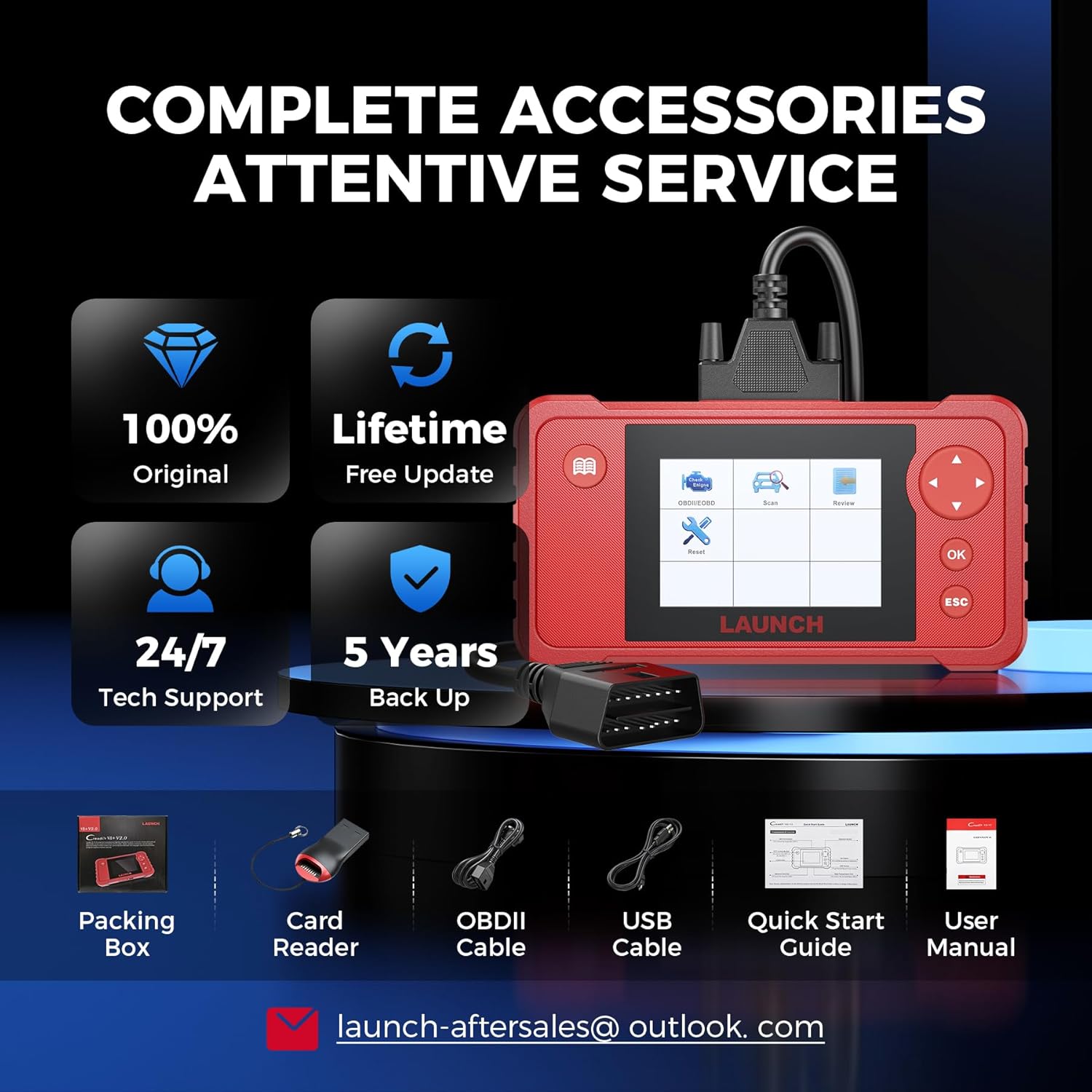
Whakaahua 8.1: Ngā ihirangi o te kete hua.
Note: No official product videos with 'creator_type: Seller' were found in the provided data to embed in this manual.


