1. Kupu Whakataki
The Avantree Torpedo Plus is a versatile portable Bluetooth speaker designed to deliver high-quality audio with minimal latency. Featuring aptX Low Latency technology, it ensures audio-visual synchronization when paired with compatible transmitters. This manual provides detailed instructions for setting up, operating, and maintaining your speaker.

Figure 1: Avantree Torpedo Plus Portable Bluetooth Speaker
2. He aha kei roto i te Pouaka
- Avantree Torpedo Plus Speaker
- Type C USB Charging Cable (100CM / 3FT)
- Audio Cable (120CM / 4FT)
- Aratohu Kaiwhakamahi Tere
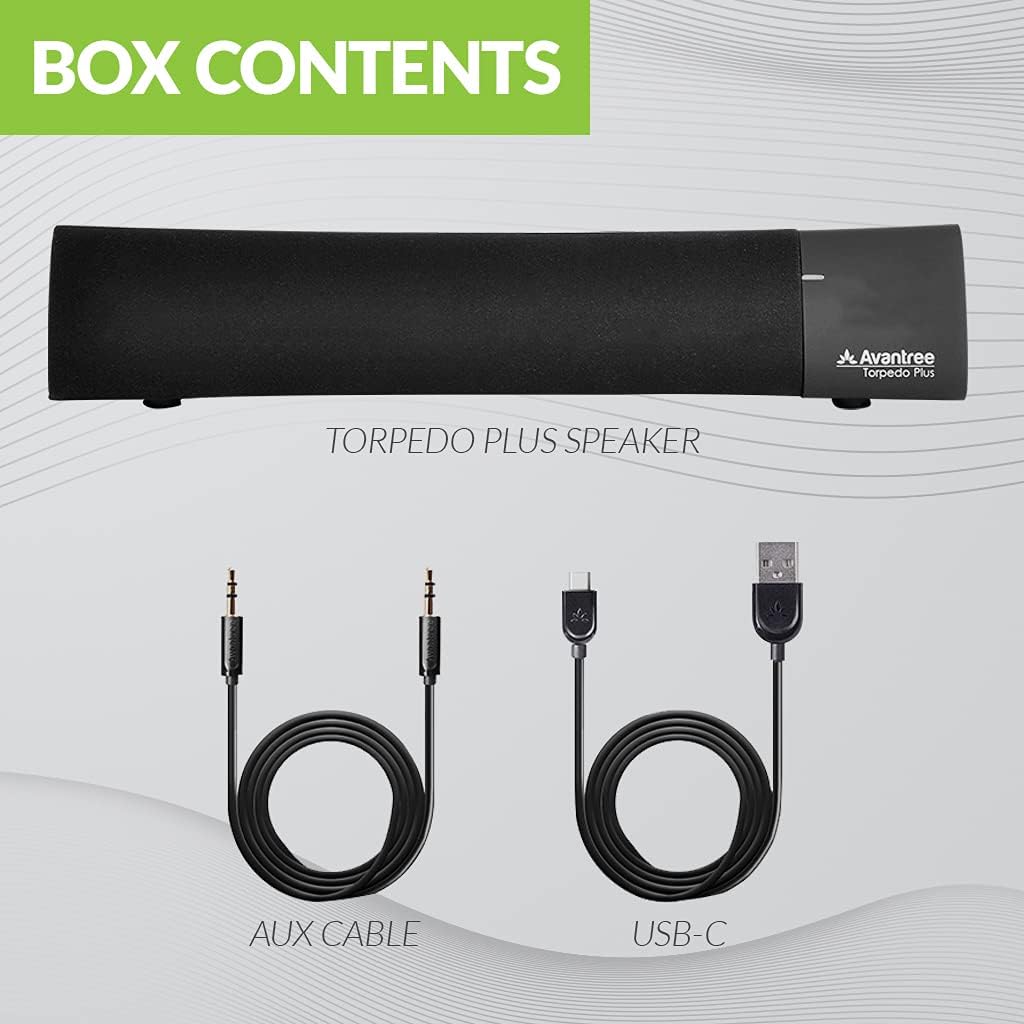
Figure 2: Included accessories with the Torpedo Plus speaker.
3. Hua Neke Atuview
The Torpedo Plus features a compact design with intuitive controls. It includes dual 5W speakers for clear sound output and supports multiple sound modes for a customized listening experience.

Whakaahua 3: Roto view highlighting the dual 5W power drivers.
The speaker is lightweight and portable, making it suitable for various environments, from a desktop setup to on-the-go use.
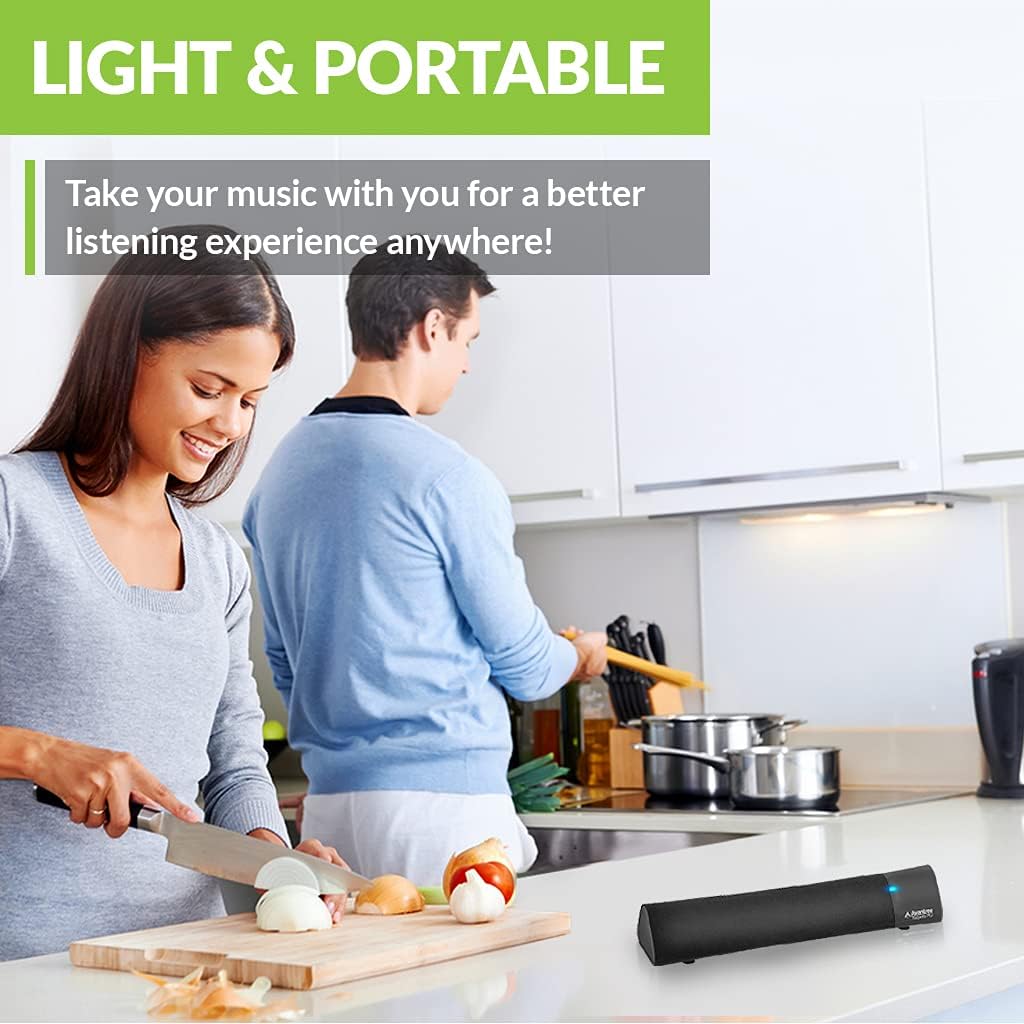
Figure 4: Portability of the Torpedo Plus speaker in a kitchen setting.
4. Tatūnga
4.1 Te Whakakaha
- Connect the provided Type C USB charging cable to the speaker's charging port.
- Plug the other end of the USB cable into a DC 5V/1A power source (e.g., computer USB port, USB wall adapter).
- The speaker will indicate its power status via an LED indicator.
4.2 Te Hononga Tuatahi (Nihokikorangi)
- Me whakarite kei te whakakā te kaikorero, ā, kei roto i te aratau takirua Nihokikorangi (e tohuhia ana e te rama rama e kanapa ana).
- On your device (laptop, phone, tablet), enable Bluetooth and search for "Avantree Torpedo Plus".
- Select the speaker to pair. Once connected, the LED indicator will show a solid light.

Figure 5: Easy setup and Bluetooth pairing with a laptop.
5. Nga Tohutohu Whakahaere
5.1 Hononga Nihokikorangi
After initial pairing, the speaker should automatically reconnect to your last paired device when powered on and within range.
5.2 Wired Connection (AUX)
- Connect one end of the provided 3.5mm audio cable to the AUX input port on the speaker.
- Connect the other end to the audio output jack of your device (e.g., TV, computer).
- The speaker will automatically switch to AUX mode or you may need to select it using the mode button/control.
5.3 Aratau oro
The Torpedo Plus features Digital Signal Processing (DSP) with three distinct sound modes:
- Oro Ātaahua 3D: Enhances spatial audio for an immersive experience.
- Aratau Pango: Boosts low frequencies for richer bass.
- Balanced Audio Mode: Ka whakarato i te pro tangi korefile suitable for various content.
Refer to the quick user guide for specific instructions on how to switch between these modes.

Figure 6: Available sound modes for personalized audio.
5.4 Ororongo Whakaroa Iti
When used with an aptX Low Latency enabled Bluetooth transmitter, the Torpedo Plus delivers audio in perfect synchronization with video, eliminating noticeable delays.

Figure 7: Enjoying low latency audio with the speaker while watching TV.
5.5 Ataata Hua Whaimana
Watch this official video from AvantreeDirect USA for a visual overview of the Avantree aptX Low Latency Portable Bluetooth 5.0 Speaker.
Video 1: Avantree aptX Low Latency Portable Bluetooth 5.0 Speaker overview.
6. Tiaki
- Keep the speaker away from water and excessive moisture.
- Clean the surface with a soft, dry cloth. Do not use abrasive cleaners.
- A ape i te tuku i te kaikorero ki nga wera nui.
- Whakaorangia ki te waahi makariri, maroke ki te kore e whakamahia mo te wa roa.
7. Te Raru
7.1 Karekau he Mana
- Ensure the USB charging cable is securely connected to both the speaker and a working power source.
- Manatokohia kei te hohe te puna hiko.
7.2 Karekau he Oro
- Nihokikorangi: Check if the speaker is successfully paired and connected to your device. Ensure the volume on both the speaker and your device is turned up.
- AUX: Confirm the 3.5mm audio cable is fully inserted into both the speaker and your device. Ensure your device's audio output is set to the correct port.
- Check if the speaker is in the correct input mode (Bluetooth or AUX).
7.3 Audio Delay (Latency)
- For optimal low latency performance, ensure your Bluetooth audio source (e.g., TV, PC) is connected via an aptX Low Latency compatible Bluetooth transmitter.
- Ensure the speaker is operating in aptX Low Latency mode if applicable (refer to quick user guide for LED indicators).
8. Whakatakotoranga
| Āhuahira | Taipitopito |
|---|---|
| Putanga Nihokikorangi | V5.0 |
| Kotēkē Ororongo | aptX LL, aptX, SBC |
| Tautoko Profiles | A2DP V1.3, AVRCP V1.5 |
| Tauranga Whakatau | Momo C |
| Waa Whakatau | 3 haora |
| Akene Voltage | DC 5V/1A |
| Pūhiko Hanga-i roto | 2200 mA / 3.7 V |
| Wā Whakatangitangi | 7 haora |
| Te Mana Putanga | 5W × 2 |
| Whakautu auau | 50 Hz~20 KHz |
| Rahi | 275 mm x 60mm x 50 mm (10.83" x 2.36" x 1.97") |
| Taumaha Hua | 480g (0.026 hekere) |
| Hangarau Whakawhitiwhiti Ahokore | Nihokikorangi |
| Hangarau Hononga | Awhina, Nihokikorangi |
| Awhe Nihokikorangi | 30 Mita (100 Puawai) |
| Latency Ororongo | 40 Milihekona |
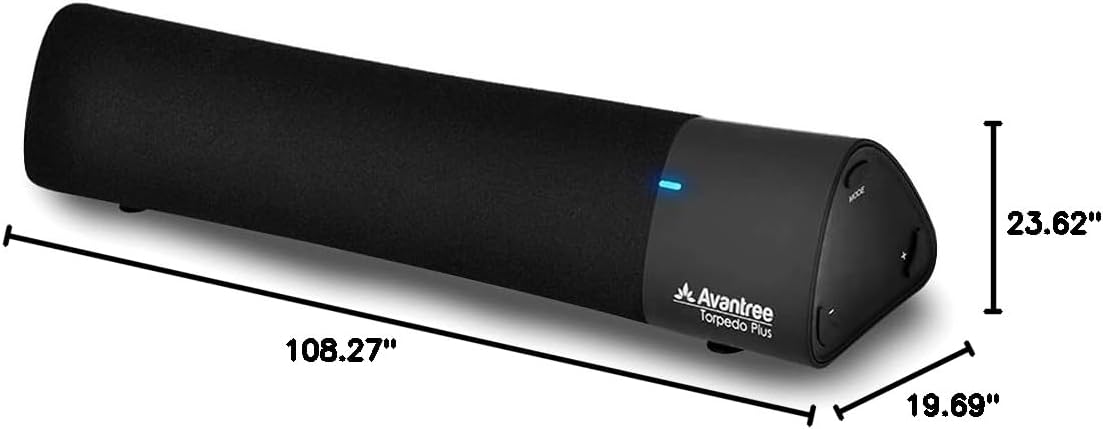
Whakaatu 8: Te rahi o te hua.
9. Raihana me te Tautoko
The Avantree Torpedo Plus comes with a full 24-month warranty. For support, please visit the official Avantree webpaetukutuku, whakapā atu ranei ki ta raatau ratonga kaihoko.
Tirohia te Avantree Store mo etahi atu korero me nga hua.


