1. Kupu Whakataki me Nekeview
This manual provides instructions for the safe and effective use of your Omron MC-687 Electronic Thermometer. This device is designed for accurate body temperature measurement, offering both quick predictive readings and precise actual measurements. Key features include a 15-second predictive measurement, a buzzer to indicate completion, memory for the last reading, and an automatic power-off function.
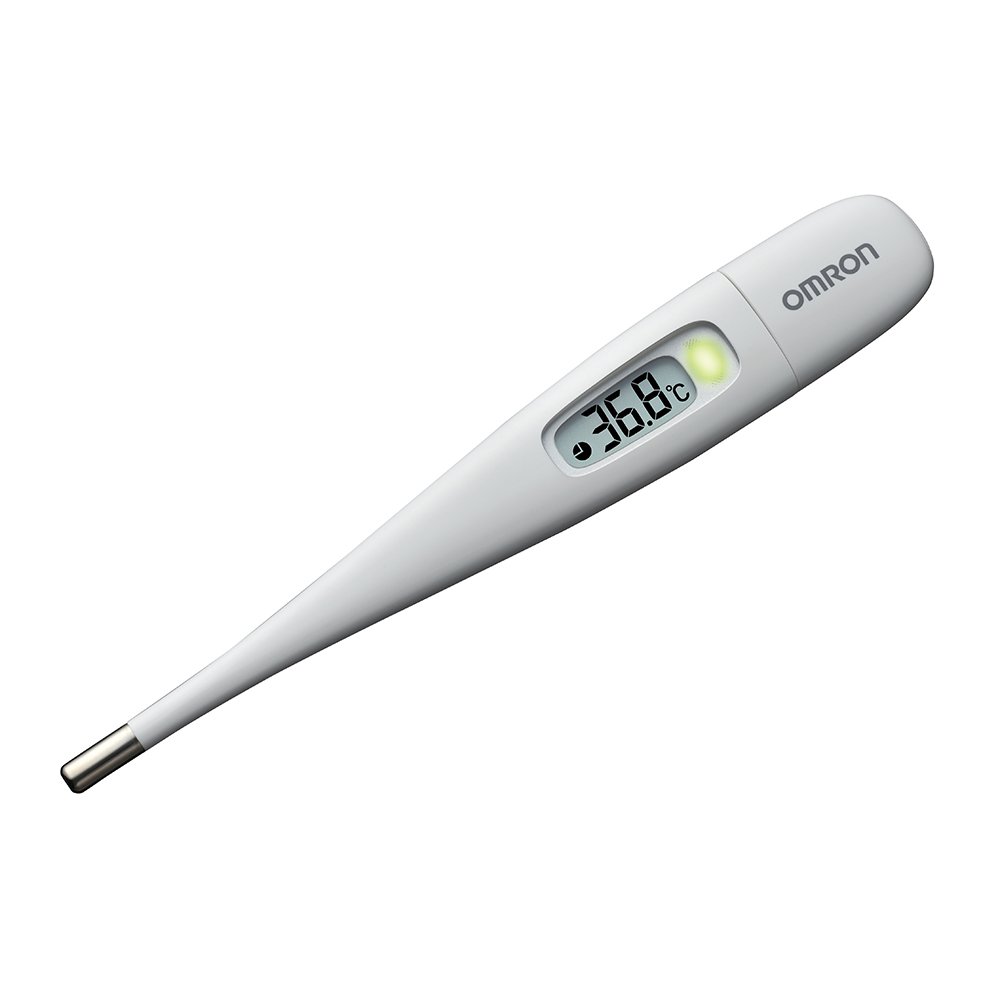
Image: The Omron MC-687 Electronic Thermometer, a sleek white device with a clear digital display for temperature readings.
2. Nga korero haumaru
- Read all instructions thoroughly before using the thermometer.
- Keep the thermometer out of reach of children and individuals who cannot operate it properly.
- Do not bite, bend, or attempt to disassemble the thermometer.
- Avoid exposing the thermometer to direct sunlight, high temperatures, or moisture.
- If you have concerns about your temperature or health, consult a medical professional.
- This device is for personal use and should not be used for professional medical diagnosis without proper training.
3. Ihirangi mokete
Manatokona kei roto katoa nga mea kei roto i te kete:
- Omron MC-687 Electronic Thermometer unit
- Puhi Rokiroki Tiaki
- CR1220 Alkaline Button Battery (test battery included)
- Pukapuka Tohutohu (tenei tuhinga)
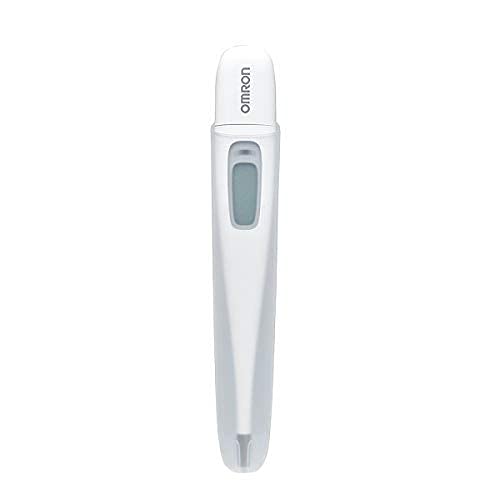
Image: The Omron MC-687 Electronic Thermometer displayed in its retail packaging, highlighting its quick measurement feature.
4. Tatūnga
The Omron MC-687 thermometer comes with a test battery pre-installed, making it ready for immediate use. No initial setup is typically required beyond removing it from its packaging.
4.1 Tirohanga Tuatahi
- Remove the thermometer from its storage case.
- Press the power button. The display should light up, showing the last measured temperature or a default reading.
- If the display does not light up, refer to the Troubleshooting section for battery replacement instructions.
5. Nga Tohutohu Whakahaere
5.1 Te Whanganga
- Pēhia te pātene hiko hei whakakā i te inemahana.
- Place the sensing tip of the thermometer firmly in the armpit (axillary measurement). Ensure good skin contact.
- Hold the thermometer in place. The device will begin a predictive measurement.
- After approximately 15 seconds, a buzzer will sound, and the predictive temperature will be displayed. This is a quick estimate of your body temperature.
- To obtain a more precise, actual measurement, continue holding the thermometer in place after the predictive reading. The thermometer will automatically switch to actual measurement mode.
- The actual measurement for axillary use typically takes about 10 minutes. A longer buzzer sound will indicate the completion of the actual measurement.
- Remove the thermometer and read the final temperature displayed.
- Press the power button to turn off the thermometer, or it will automatically power off after a period of inactivity.

Image: A graph illustrating the difference between predictive (approx. 15 seconds) and actual (approx. 10 minutes) measurement times for the Omron thermometer, showing temperature rise over time to reach equilibrium.
5.2 Understanding Predictive vs. Actual Measurement
The Omron MC-687 offers two measurement modes:
- Predictive Measurement: This mode quickly estimates your body temperature in about 15 seconds by analyzing the initial temperature rise. It uses Omron's proprietary algorithm to predict the temperature you would reach after a longer period.
- Actual Measurement: This mode continues to measure until your body temperature stabilizes (reaches equilibrium). This provides the most accurate reading. For axillary measurement, this typically takes about 10 minutes.

Image: Visual explanation of Predictive Measurement, showing how the thermometer analyzes initial temperature rise to quickly estimate the final temperature.

Image: Visual explanation of Actual Measurement, detailing how it measures the current temperature of the body part, requiring longer times for accuracy.
5.3 Mahi Mahara
The thermometer automatically stores the last measured temperature. To recall the last reading, simply press the power button when the device is off. The stored temperature will be displayed briefly before the thermometer enters measurement mode.
6. Tiaki
6.1 Te horoi
After each use, clean the thermometer probe with a soft cloth dampened with alcohol or mild soap and water. Do not immerse the entire thermometer in water or use harsh chemical cleaners.
6.2 Rokiroki
Store the thermometer in its protective case in a cool, dry place, away from direct sunlight and extreme temperatures. Keep it out of reach of children.
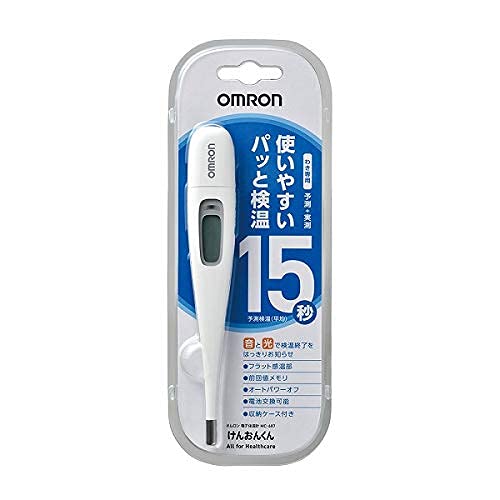
Image: The Omron MC-687 Electronic Thermometer shown with its dedicated protective storage case, emphasizing proper storage.
6.3 Whakakapinga Pūhiko
When the battery indicator appears on the display, it is time to replace the battery. The thermometer uses one CR1220 alkaline button battery.
- Locate the battery cover on the back of the thermometer.
- Whakamahia he moni iti, he tīwiri rānei hei whakatuwhera i te taupoki pākahiko.
- Tangohia te pākahiko tawhito, ka whakauru i tētahi pākahiko CR1220 hou me te taha pai (+) e anga ana ki runga.
- Replace the battery cover and secure it tightly.
7. Te Raru
- No display when powered on: Check if the battery is correctly inserted or needs replacement.
- "Lo" displayed: This indicates a temperature below the measurable range (32.0°C). Ensure proper contact with the body.
- "Err" displayed: This indicates a measurement error. Ensure the thermometer is used correctly and within its operating temperature range. Try taking the measurement again.
- Ko nga panui kore tika: Ensure the thermometer probe is clean and positioned correctly. Avoid taking measurements immediately after strenuous activity, bathing, or eating.
If problems persist, contact Omron Healthcare customer support.
8. Whakatakotoranga
| Tauira | MC-687 |
| Ahu (W x L x D) | 20.7 mm x 136.8 mm x 12.8 mm |
| Taumaha | Whakatata 14g (tae atu ki te papahiko) |
| Tikanga Ine | Axillary (underarm) |
| Te Wahanga Whakataurite | Predictive: Approx. 15 seconds Actual: Approx. 10 minutes |
| Awhe Ine | 32.0°C ki te 42.0°C |
| Tikanga ine | ±0.1°C (between 35.0°C and 39.0°C) |
| Puna Mana | CR1220 Alkaline Button Battery x 1 |
| Nga Mahi | Buzzer, Last Reading Memory, Auto Power Off |
| Rauemi | Sensing part: Stainless steel, Probe: ABS |
| Medical Device Number | 229AGBZX00037000 |
| Whenua Taketake | Haina |
| Nga taputapu kei roto | Protective Storage Case, Test Battery |
9. Pūtāhui me te Tautoko
For warranty information, please refer to the warranty card included with your product or visit the official Omron Healthcare website. If you require technical support, have questions about the product, or need assistance with troubleshooting, please contact Omron Healthcare customer service through their official channels.
Official Omron Healthcare Webpae: www.omron-healthcare.com


