1. Kupu Whakataki
This manual provides essential information for the safe and efficient operation of your Amazon Basics Microwave. This compact, 0.7 cubic foot, 700-watt microwave oven is designed for convenient food preparation and reheating. It features integration with Alexa, allowing for voice-controlled cooking and simplified operation when paired with a compatible Echo device (sold separately).
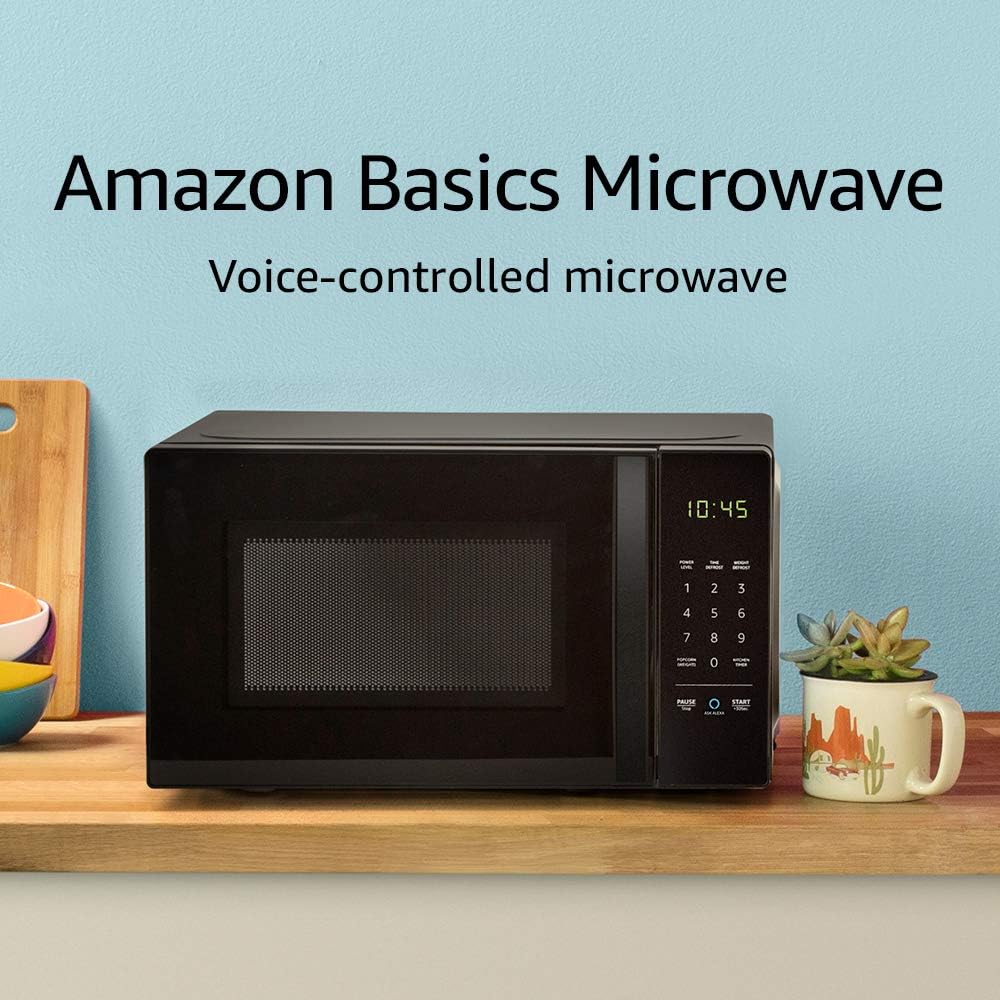
Image: The Amazon Basics Microwave, highlighting its voice-controlled capabilities.
2. Nga Korero Haumaru Nui
Hei whakaiti i te tupono o te ahi, te wiri hiko, te whara ki te tangata, te rongo ranei ki te kaha ngaruiti i te wa e whakamahi ana i to taputapu, whai i nga tikanga tiaki, tae atu ki enei e whai ake nei:
- Panuihia nga tohutohu katoa i mua i te whakamahi i te taputapu.
- Kaua e ngana ki te whakahaere i tenei oumu me te tuwhera te kuaha na te mea ka puta he kino ki te hiko ngaruiti.
- Kaua e waiho he ahanoa i waenganui i te mata o mua o te oumu me te kuaha, kaua ranei e waiho te oneone, te toenga pokekore ranei kia whakaemi ki runga i nga mata hiri.
- Kaua e whakamahana wai me etahi atu kai ki roto i nga ipu kua hiri na te mea ka pahū.
- Kaua e tunu kai.
- Kaua e whakamahia nga matū pirau me nga kohu i roto i tenei taputapu.
- Me whakarite kia tika te hau huri noa i te ngaruiti.
- Ko tenei taputapu he mea mo te kainga anake.
3. Tatūnga me te Tāuta
Follow these steps to set up your Amazon Basics Microwave:
- Wewete ana: Carefully remove the microwave from its packaging. Retain packaging materials for future transport or storage if needed.
- Turanga: Place the microwave on a flat, stable surface, such as a kitchen counter. Ensure there is adequate space around the unit for ventilation (at least 4 inches on all sides and top). Do not block ventilation openings.
- Hononga Hiko: Plug the microwave into a grounded electrical outlet. The power cord is approximately 3-4 feet long.
- Alexa Pairing: To enable voice control, you will need a compatible Echo device (e.g., Echo Dot, Echo Plus). Ensure your Echo device is set up and connected to your Wi-Fi network. The microwave should automatically connect to your Alexa account once powered on and within range of your Echo device. Follow the instructions in the Alexa app for any additional setup.
4. Nga Tohutohu Whakahaere
Your Amazon Basics Microwave offers both manual keypad operation and convenient Alexa voice control.
4.1 Manual Keypad Operation
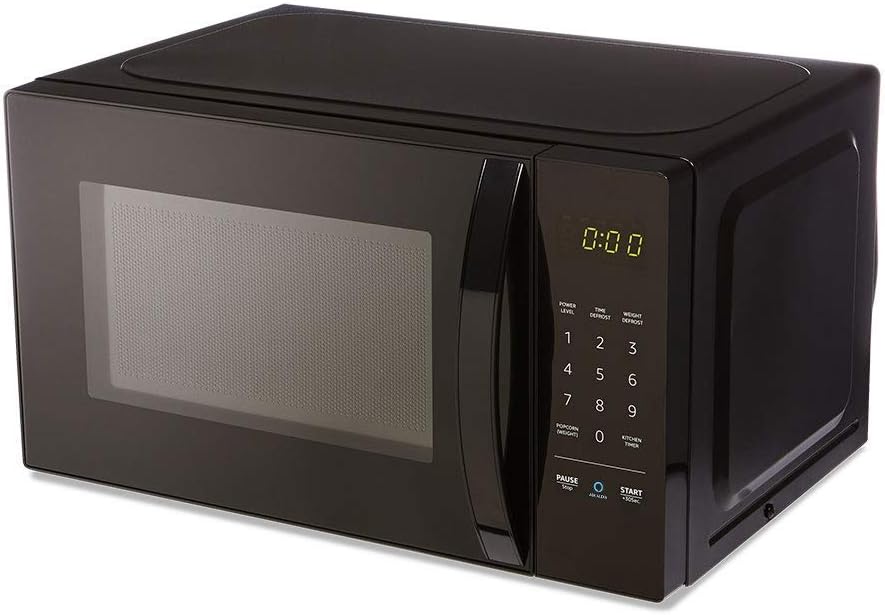
Whakaahua: Mua view of the Amazon Basics Microwave, displaying the control panel and digital clock.
- Te Tautuhi i te Wā Tunu: Use the number pad (1-9, 0) to enter the desired cooking time.
- Taumata Hiko: The microwave features 10 power levels. Press the "POWER LEVEL" button and then a number to select the desired power level (e.g., 5 for 50% power).
- Tīmata: Press the "START +30 SEC." button to begin cooking. Each press of this button adds 30 seconds to the cooking time.
- Tatari/Kati: Press the "PAUSE/STOP" button once to pause cooking, or twice to cancel the current cooking cycle.
- Timer Kaihini: Use the "KITCHEN TIMER" button to set a countdown timer without activating the microwave function.
4.2 Mana Reo Alexa
With an Echo device, you can use voice commands for quick and convenient cooking. Ensure your Echo device is active and connected.
- Whakahau Whānui:
- "Alexa, start microwaving."
- "Alexa, microwave for [X] minutes [Y] seconds."
- "Alexa, set microwave power to [level 1-10]."
- "Alexa, STOP Microwave." (Note: Use "STOP Microwave" specifically to end a cycle.)
- Quick-Cook Presets: Alexa offers various presets for common foods.
- "Alexa, microwave a potato." (Alexa will ask for quantity.)
- "Alexa, reheat one cup of coffee."
- "Alexa, microwave 1.5 ounces of popcorn."
- "Alexa, defrost [X] ounces of frozen vegetables."

Image: Demonstrating voice command for reheating coffee.
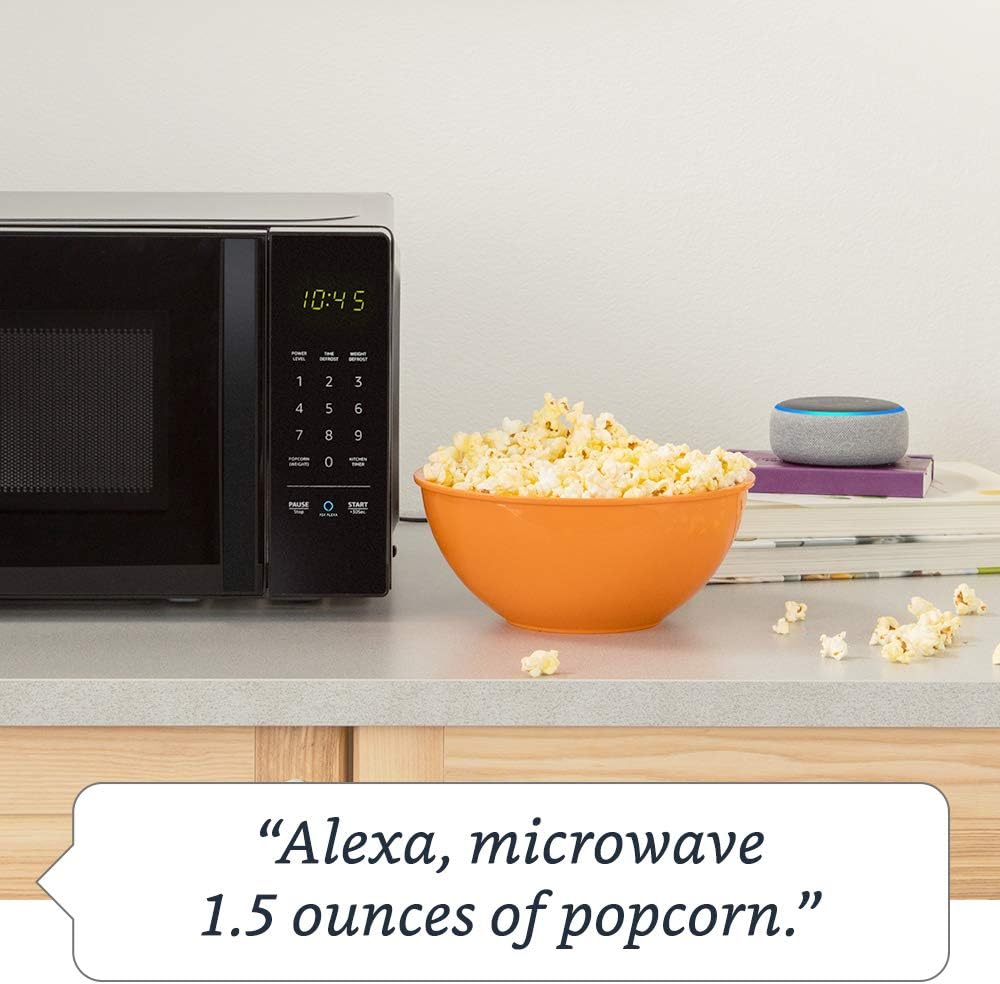
Image: Demonstrating voice command for microwaving popcorn.
4.3 Using the Ask Alexa Button
The "Ask Alexa" button on the microwave's control panel allows you to initiate voice commands without saying the wake word "Alexa".

Image: Detail of the control panel, showing the "Ask Alexa" button for direct voice input.
- Pehia te A ani i te Alexa button (blue circle icon).
- Once the microwave indicates it's listening, state your command (e.g., "2 minutes," "reheat coffee," "popcorn").
4.4 Mahi Maukati Tamariki
To prevent unintended operation, especially by children, you can activate the child lock:
- Hei Whakahohe: Press the "PAUSE/STOP" button once, then press the "0" button twice. The Wi-Fi indicator on the display will turn off, indicating the lock is active.
- Hei Whakahohe: Repeat the same process: Press the "PAUSE/STOP" button once, then press the "0" button twice. The Wi-Fi indicator will reappear, and the microwave will be operational.
5. Tiaki me te Whakapai
Regular cleaning helps maintain the performance and longevity of your microwave.
- roto: Horoia te kōhao o te oumu i muri i ia whakamahinga ki te adamp he kakahu me te hopi horoi ngawari. Mō ngā paru uaua, whakatakotoria he peihana wai me ngā poro rēmana ki roto, ka tunua ki te ngaruiti mō ētahi meneti hei tango i ngā toenga, kātahi ka murua kia ma.
- Waho: Horoia nga mata o waho ki te ngohengohe, damp kakahu. A ape i te kai horoi, te whakarewa ranei.
- Papamahi: Ka taea te tango i te tēpu hurihuri karāhe me te tautoko o te tēpu hurihuri hei horoi. Horoia ki te wai mahana, hopi, ki roto rānei i te mīhini horoi rihi. Me whakarite kia maroke rawa i mua i te whakahokinga ki roto i te oumu.
- Hiri Kuaha: Kia ma te hiri o te tatau me nga waahanga e tata ana. Mukua ki te panuiamp kakahu.
6. Te Raru
If you encounter issues with your Amazon Basics Microwave, refer to the following common problems and solutions:
| Raruraru | Te Take Taea / Rongoa |
|---|---|
| Kaore te ngaruiti e timata. |
|
| Ko te kai kaore i te tunu, i te whakamahana tika ranei. |
|
| Alexa voice commands are not working. |
|
| Nga haruru rereke i te wa e mahi ana. |
|
If the problem persists after attempting these solutions, please contact Amazon customer support.
7. Whakatakotoranga
Detailed specifications for the Amazon Basics Microwave:
| Āhuahira | Whakatakotoranga |
|---|---|
| Tau tauira | B07894S727 |
| Te kaha | 0.7 Ku. Ft. |
| Te Mana Tunu | 700 Watts |
| Taumata Mana | 10 |
| Ahu o waho (W x H x D) | 17.3 inihi x 10.1 inihi x 14.1 inihi. |
| Internal Dimensions (W x H x D) | 10 7/8 inihi x 6 7/8 inihi x 10 inihi. |
| Te Taahi Tahuri | 10 roto. |
| Max Popcorn Bag Size | 3 oz |
| Hononga | Works with Alexa (Echo device required) |
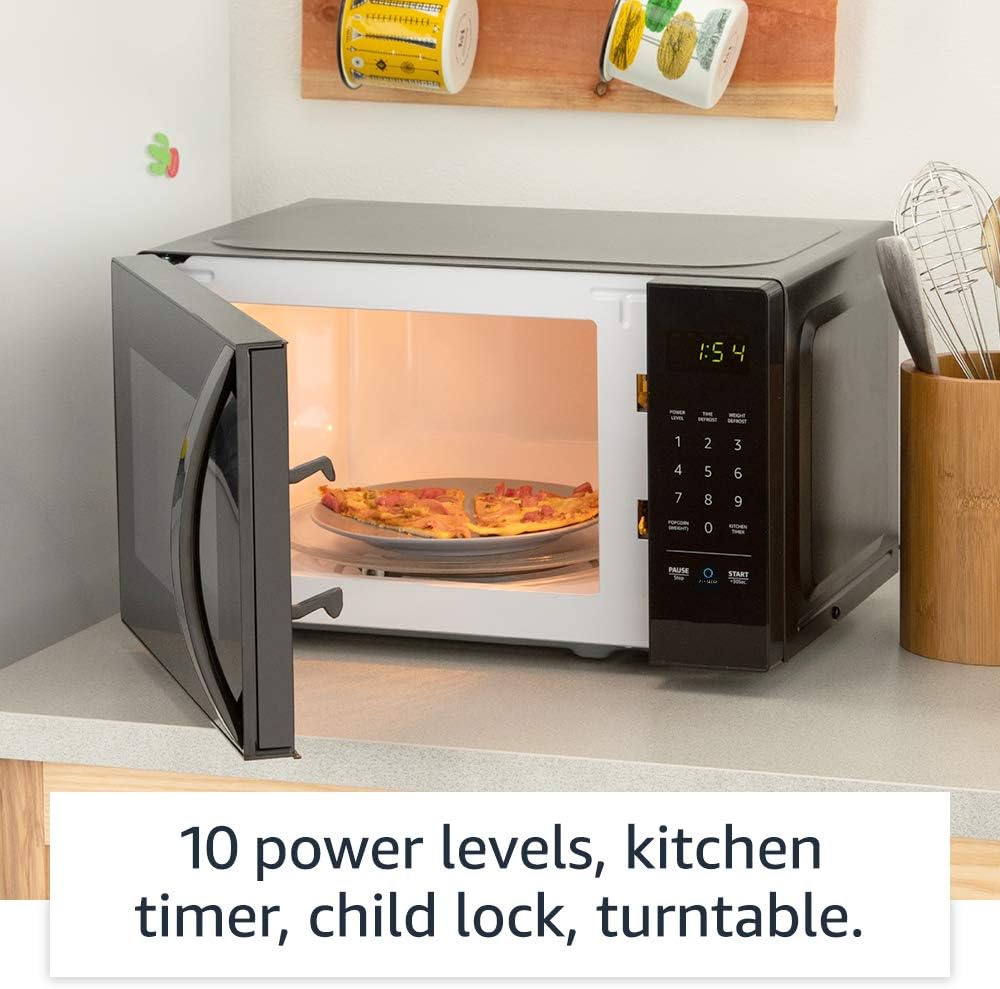
Whakaahua: Roto view of the microwave, highlighting its features like the turntable.
8. Pūtāhui me te Tautoko
For information regarding your product's warranty, please refer to the warranty card included with your purchase or visit the Amazon Basics official website. For technical support, troubleshooting assistance beyond this manual, or to inquire about replacement parts, please contact Amazon customer support directly.
You can typically find support contact information on the Amazon website under "Help & Customer Service" or by searching for "Amazon Basics Microwave support".