1. Kupu Whakataki
This manual provides detailed instructions for the safe and effective use of your comiso X26 Bluetooth Speaker. Please read this manual thoroughly before operating the device and retain it for future reference. The comiso X26 is a portable, waterproof Bluetooth speaker designed to deliver 360° HD surround sound with enhanced bass, offering wireless dual pairing and extended playtime for various indoor and outdoor environments.

Image 1.1: Comiso X26 Bluetooth Speaker (White)
2. Hua Neke Atuview
2.1 Nga waahanga matua
- 360° HD Oro Hurihita: Equipped with two precision acoustic drivers and a passive bass radiator for rich, full-bodied audio.
- IPX4 Parewai: Splashproof, dustproof, and sandproof design suitable for various environments.
- Whakahoahoa Tauhokore Ahokore Pono (TWS): Connect two X26 speakers for a synchronized, enhanced stereo sound experience.
- Wā purei roa: Up to 24 hours of continuous music playback on a full charge (at medium volume).
- Hoahoa Kawe-Uraro: Compact and lightweight, designed for easy carrying.
- Puoro-roto: Tautoko ana i te waea kore-ringa.
- Kaha Ahokore: Bluetooth 5.0 with a range of up to 10 meters (33 feet).
2.2 Speaker Components and Controls

Image 2.1: Comiso X26 Speaker Controls and Ports Diagram
- Pihi WAI ON / WAWHI: Patohia ka purihia kia kaha te whakaweto ranei.
- Pātene Purei/Tatari: Pēhia ki te purei, ki te whakataa ororongo.
- Rōrahi Whakararo / Pātene Riu Mua: Press to decrease volume; press and hold for previous track.
- TWS Pairing Button: Pēhia hei tīmata i te hononga True Wireless Stereo.
- Rōrahi Whakarunga / Pātene Riu Panuku: Press to increase volume; press and hold for next track.
- Maama Tohu: Whakaatu ai i te mana, te utu, me te tūnga Nihokikorangi.
- Puorooro (Mic): Mo nga waea kore-ringa.
- Tauranga Whakatau: Micro USB input for charging.
- Patene Tautuhi Anō: He kōhao iti hei tautuhi anō i te tautuhinga wheketere.
3. Tatūnga
3.1 Whakataki Tuatahi
Before first use, fully charge the speaker. Connect the provided Micro USB cable to the charging port on the speaker and the other end to a USB power adapter (not included) or a computer's USB port. The indicator light will show charging status. A full charge typically takes approximately 6 hours.
3.2 Kei te Hiko / Weto
- Hei Whakahiko: Press and hold the Power ON/OFF button for approximately 3 seconds until the indicator light illuminates and you hear an audible prompt.
- Hei Whakaweto: Press and hold the Power ON/OFF button for approximately 3 seconds until the indicator light turns off and you hear an audible prompt.
4. Nga Tohutohu Whakahaere
4.1 Takirua Nihokikorangi
- Me whakarite kei te whakakā te kaikorero, ā, kei roto i te aratau takirua (ka mura te rama tohu).
- I runga i to taputapu (smartphone, tablet, etc.), whakahohea te Nihokikorangi me te rapu mo nga taputapu e waatea ana.
- Select "COMISO X26" from the list of devices.
- Once connected, the indicator light will become solid, and you will hear a confirmation sound.

Whakaahua 4.1: Hononga Nihokikorangi 5.0
4.2 Whakahoahoa Waea Ahokore Tika (TWS).
To achieve a stereo sound experience with two comiso X26 speakers:
- Ensure both X26 speakers are powered on and not connected to any other Bluetooth device.
- On one speaker (this will be the master speaker), press the TWS Pairing button. The indicator light will flash rapidly.
- The two speakers will automatically connect to each other. Once connected, you will hear a confirmation sound, and the indicator light on the master speaker will flash slowly, while the other speaker's light will be solid.
- Nā, honoa tō pūrere ki te kaikorero matua mā te Nihokikorangi e ai ki te whakaahuatanga i te Wāhanga 4.1.
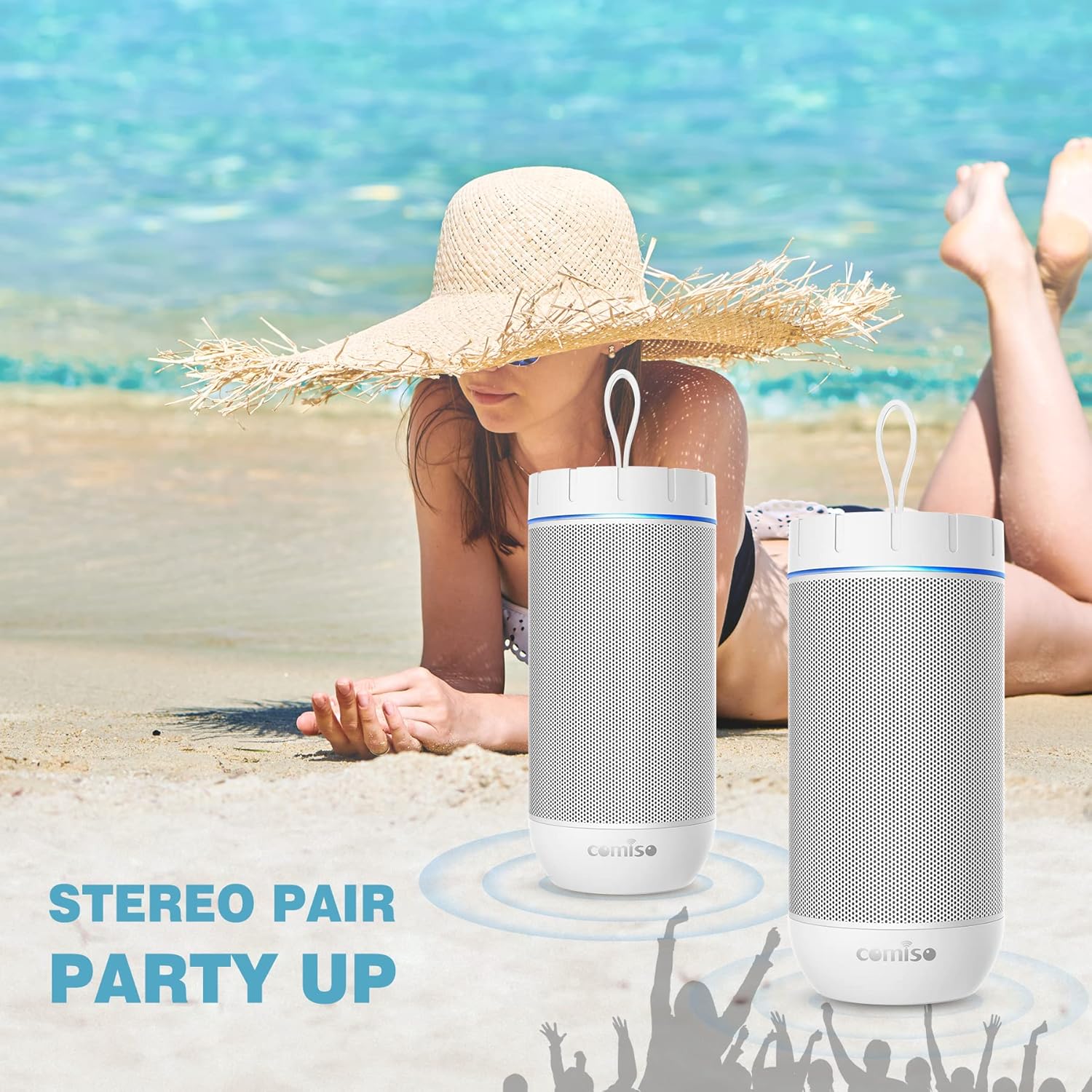
Image 4.2: Two Comiso X26 Speakers in TWS Pairing Mode
4.3 Whakahoki Ororongo
- Purei/Tatari: Patohia te paatene Play/Pause.
- Rōrahi Whakarunga/Whakararo: Pēhia te Rōrahi Whakarunga (+), Rōrahi Raro (-) rānei.
- Riu Panuku: Patohia me te pupuri i te paatene Rōrahi (+).
- Riu o mua: Patohia me te pupuri i te paatene Volume Raro (-).
4.4 Waea-Waea-a-ringa
When connected to your smartphone via Bluetooth, the built-in microphone allows for hands-free calls.
- Whakautu Waea: Pēhia te pātene Play/Pause kia kotahi.
- Whakamutu Waea: Pēhia te pātene Purei/Tatari kia kotahi i te wā e waea ana.
- Whakakore Waea: Patohia me te pupuri i te paatene Play/Pause.

Image 4.3: Hands-Free Calling Feature
5. Tiaki
5.1 Te horoi
The comiso X26 speaker is IPX4 waterproof, meaning it is resistant to splashing water from any direction. To clean the speaker, gently wipe it with a soft, damp cloth. Do not use harsh chemicals or abrasive cleaners. Ensure the charging port cover is securely closed before exposing the speaker to water.
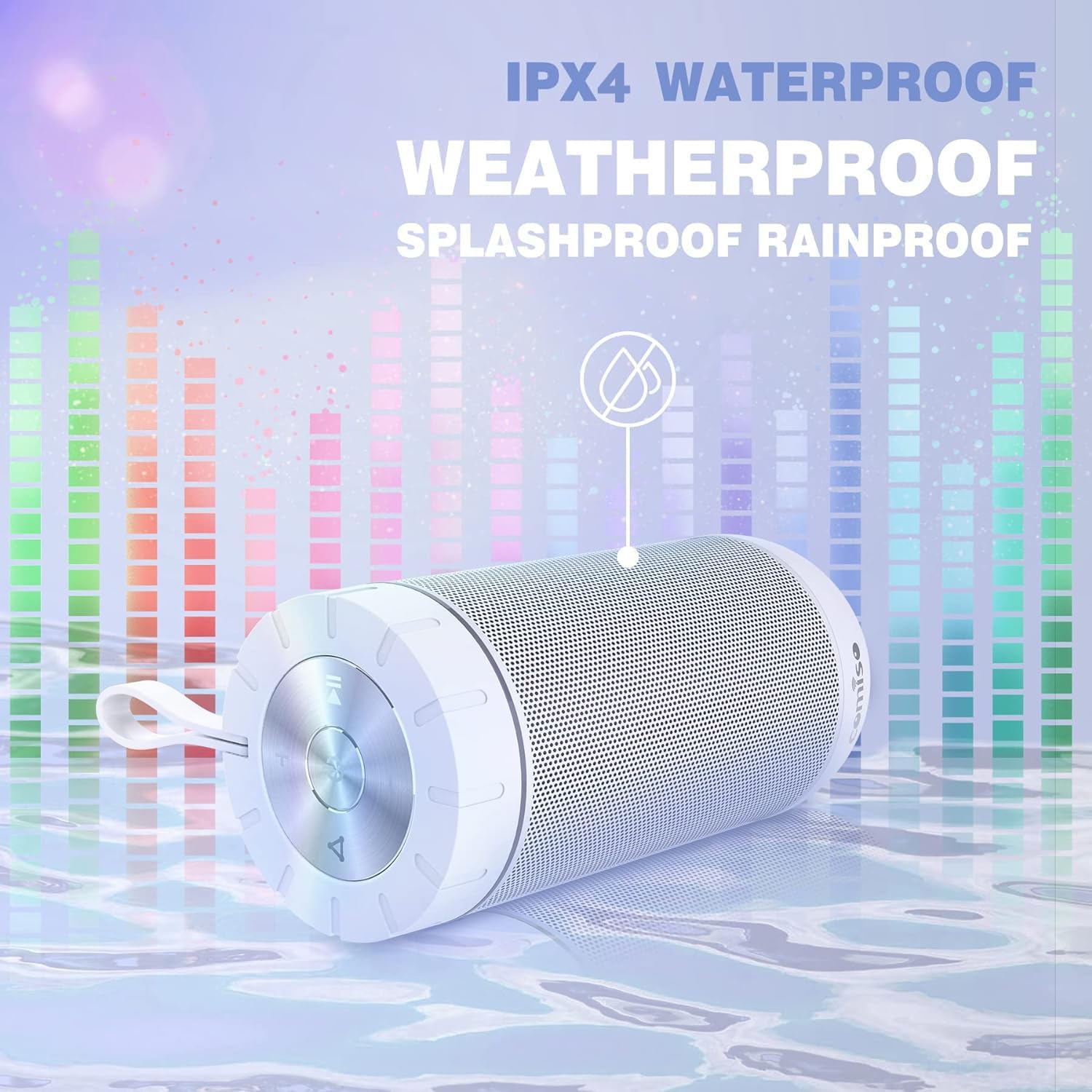
Image 5.1: IPX4 Waterproof Feature
5.2 Tiaki Pūhiko
- A ape i te tino tuku i te pākahiko i nga wa katoa.
- Whakautua te pūoro i ia wā, ahakoa kāore e whakamahia ana, kia mau tonu ai te hauora o te pākahiko.
- Whakaorangia te kaikorero ki te waahi makariri, maroke ina kore e whakamahia mo te wa roa.
6. Te Raru
| Raruraru | Take pea | Rongoā |
|---|---|---|
| Karekau te kaikorero e kaha ana. | He iti te pākahiko. | Me utu katoa te kaikōrero. |
| Kaore e taea te hono ma te Nihokikorangi. | Karekau te kaikorero i te aratau takirua; pūrere Nihokikorangi weto; tawhiti rawa atu i te kaikorero. | Ensure speaker is in pairing mode (flashing indicator light). Turn on Bluetooth on your device. Move device closer to speaker (within 10m). |
| Karekau he tangi. | He iti rawa te rōrahi; karekau e hono ana; take puna ororongo. | Increase speaker and device volume. Re-pair Bluetooth. Check audio source playback. |
| Ka rahua te takirua TWS. | Speakers already connected to another device. | Disconnect both speakers from any other Bluetooth devices before initiating TWS pairing. |
| Speaker unresponsive. | Hapa o te rorohiko. | Use a small pin to press the Reset button located near the charging port. |
7. Whakatakotoranga
| Āhuahira | Whakatakotoranga |
|---|---|
| Ingoa Tauira | X26 |
| Waitohu | comiso |
| Hangarau Hononga | Nihokikorangi 5.0 |
| Awhe Nihokikorangi | Tae atu ki te 10 mita (33 putu) |
| Momo Kaikorero | Te Oro Karapoti |
| Aratau Putanga Ororongo | Tirooro |
| Kaikorero Te Mana Putanga Morahi | 20 Watts |
| Taumata Atete Wai | IPX4 (Taupiri) |
| Pūhiko Raukaha | 2200 mah |
| Te wa takaro | Tae atu ki te 24 haora (i te rahinga reo) |
| Waa Whakatau | Tata ki te 6 haora |
| Hunga Hua | 2.7"D x 2.7"W x 5.9"H |
| Taumaha Tūemi | 13.6 hekere |
| Āhuahira Motuhake | Built-in Microphone, True Wireless Stereo (TWS) |
8. Pūtāhui me te Tautoko
8.1 Nga Korero Whakaputanga
The comiso X26 Bluetooth Speaker comes with a limited warranty. For specific details regarding warranty coverage, terms, and conditions, please refer to the warranty card included with your product or contact comiso customer support directly.
8.2 Tautoko Kiritaki
If you encounter any issues or have questions not covered in this manual, please contact comiso customer support. Contact information can typically be found on the official comiso webte waahi kei runga ranei i te kohinga hua.


