1. Kupu Whakataki
The BONECO F50 Personal Air Shower Fan is designed to provide efficient air circulation in personal spaces. Its compact design and USB-C power connection make it versatile for various environments, ensuring a comfortable airflow wherever you need it.

Image Description: A front view of the BONECO F50 Personal Air Shower Fan, showcasing its sleek, compact design with a black fan grille and white casing.
2. Nga Tohutohu Haumaru Nui
Please read and understand all safety instructions before operating the appliance. Failure to follow these instructions may result in electric shock, fire, or serious injury.
- Pānuihia nga tohutohu katoa i mua i te whakamahi i te taputapu.
- Kaua e whakahaere i te pā hau me te taura, te mono rānei kua pakaru. Mena kua pakaru te taura, te mono rānei, whakapā atu ki te ratonga kiritaki mō te āwhina.
- Keep the fan away from water or wet surfaces. Do not immerse the fan in water or other liquids.
- Unplug the fan from the power source before cleaning or performing any maintenance.
- Me whakarite kia whakatakotoria te pā hau ki runga i te mata pumau, papatahi kia kore ai e huri.
- Kaua e whakauru i ngā maihao, i tētahi atu mea rānei ki roto i te mata o te hau i te wā e mahi ana.
- Ko tenei taputapu mo roto anake.
3. Tatūnga
3.1 Te Wetewete
Carefully remove the BONECO F50 fan from its packaging. Ensure all components, including the fan unit and USB-C cable, are present. Retain the packaging for future storage or transport.
3.2 Hononga Hiko
Connect the provided USB-C cable to the fan's USB-C port. Plug the other end of the USB-C cable into a compatible USB power source such as a computer, laptop, power bank, or USB wall adapter (wall adapter not included).
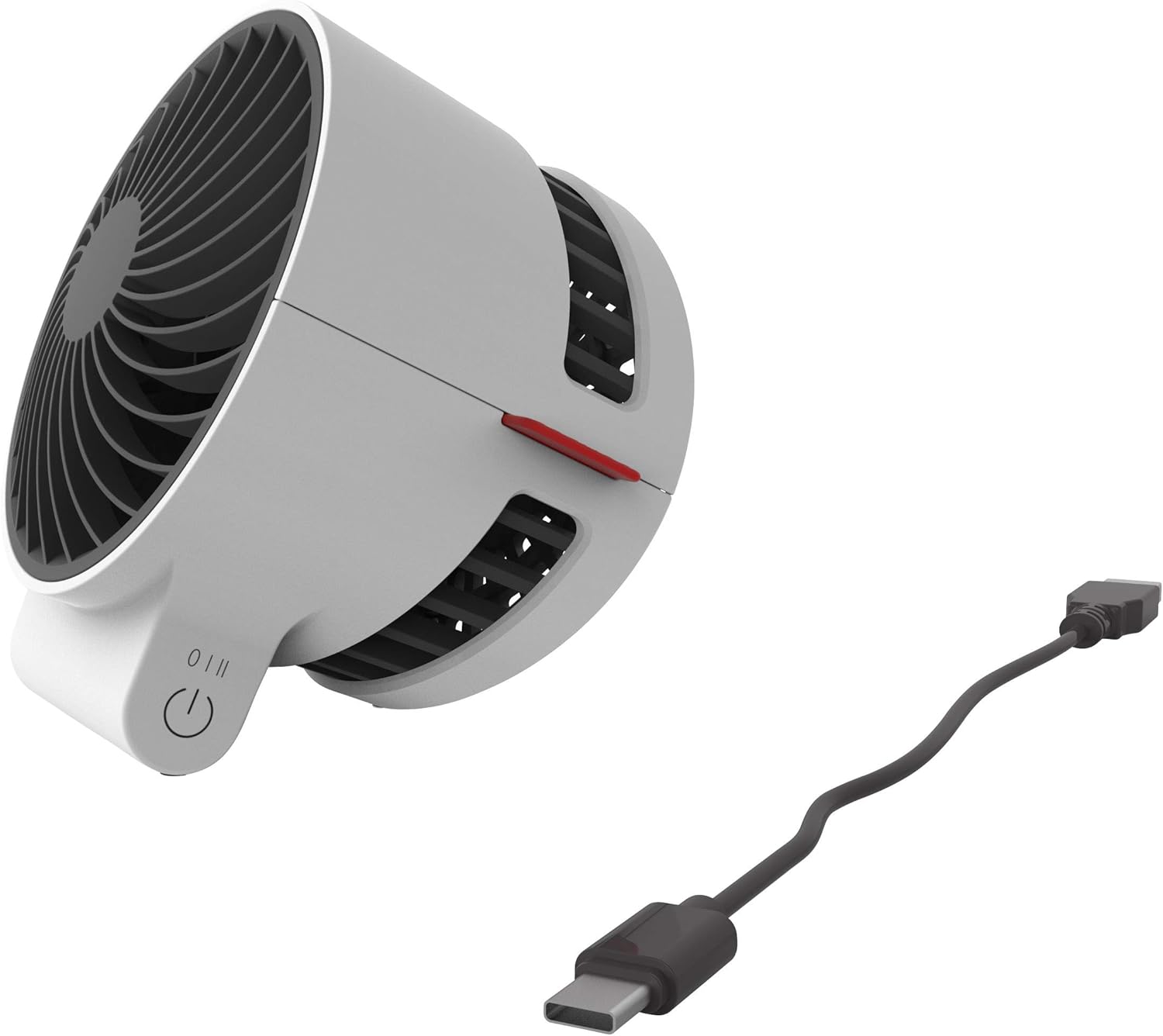
Whakaahuatanga Whakaahua: He tata view of the BONECO F50 fan showing the USB-C port and the connected charging cable, ready for power.
4. Nga Tohutohu Whakahaere
4.1 Te Hiko / Weto me te Mana Tere
The BONECO F50 features a simple 2-speed touch control located on its base.
- To turn the fan on and select the first speed setting, gently touch the control button.
- To increase to the second speed setting, touch the control button again.
- To turn the fan off, touch the control button a third time.
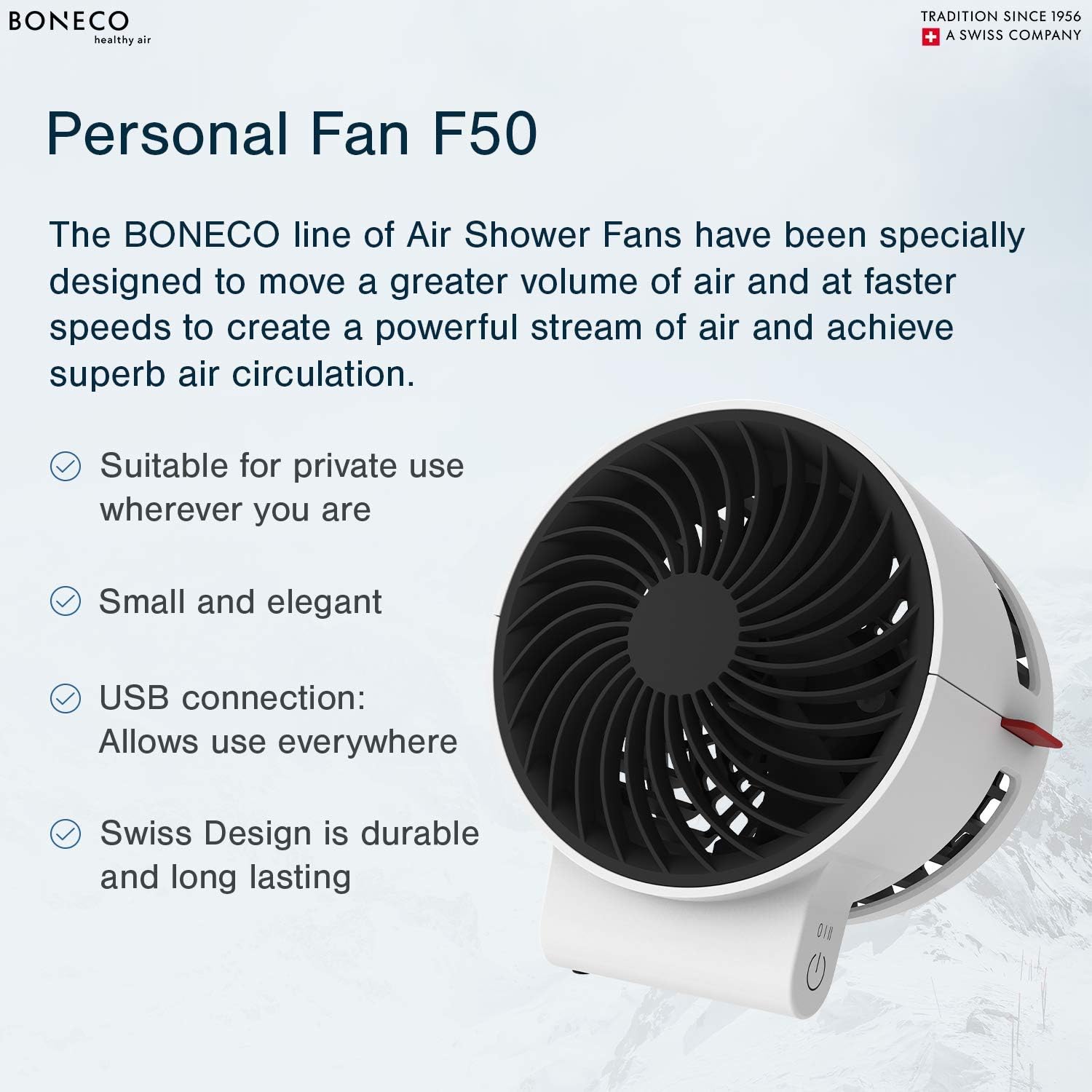
Image Description: A close-up of the BONECO F50 fan's base, highlighting the circular touch control button for power and speed adjustment.
4.2 Te Whakatikatika i te Aronga Rere Hau
The fan head can be manually pivoted to direct the airflow precisely where needed. Gently tilt the fan head up or down to achieve the desired angle.

Whakaahuatanga Pikitia: He koki view of the BONECO F50 fan, demonstrating its ability to tilt the fan head for adjustable airflow direction.
5. Tiaki
5.1 Te horoi
Always unplug the fan from the power source before cleaning.
- Whakamahia he ngohengohe, damp he kakahu hei muru i nga mata o waho o te mea powhiriwhiri.
- Kaua e whakamahi i nga kai horoi, i nga whakarewa ranei, na te mea ka kino pea te otinga.
- For internal cleaning, carefully use a soft brush or a vacuum cleaner with a brush attachment to remove dust from the fan blades and grille.
5.2 Rokiroki
When not in use for extended periods, store the fan in its original packaging or a protective cover in a cool, dry place, away from direct sunlight and extreme temperatures.
6. Te Raru
6.1 Kāore te Pā e Whakakā
- Ensure the USB-C cable is securely connected to both the fan and a functional power source.
- Verify that the power source is active and providing power. Try a different USB port or wall adapter.
6.2 Weak Airflow
- Check the speed setting and increase it if necessary using the touch control button.
- Ensure the fan grille and blades are free from dust and debris. Clean as per the maintenance instructions in Section 5.1.
7. Whakatakotoranga
- Waitohu: BONECO
- Ingoa Tauira: F50
- Puna Hiko: Waea Hiko (USB-C)
- Te maha o nga taumata hiko: 2
- Tikanga Mana: Paa
- Taumaha Tūemi: 6.4 hekere
- Rahi Hua: 4.1 x 4.1 x 4.7 inihi
- Wattage: 2.25 watts
- Taumata Haruru: 45 Decibels
- Nga Waahanga Kei roto: Instruction manual, USB cord (wall adapter not included)

Image Description: A diagram illustrating the dimensions of the BONECO F50 Personal Air Shower Fan, showing its length, width, and height.
8. Pūtāhui me te Tautoko
8.1 Nga Korero Whakaputanga
This BONECO F50 Personal Air Shower Fan comes with a 1-tau pūtāhui. Please refer to the warranty card included in the original packaging for full details, terms, and conditions.
8.2 Tautoko Kiritaki
For technical assistance, troubleshooting, or warranty claims, please contact BONECO North America Corp. customer support:
- Waea: (888) 290-1688
- Īmēra: support@boneco.com
- Webpae: www.boneco.com