1. Kupu Whakataki
Mauruuru koe mo te hokoasing the MIFA A30 Bluetooth Speaker. This manual provides essential information for setting up, operating, and maintaining your device. Please read it thoroughly before use to ensure optimal performance and longevity of your speaker.
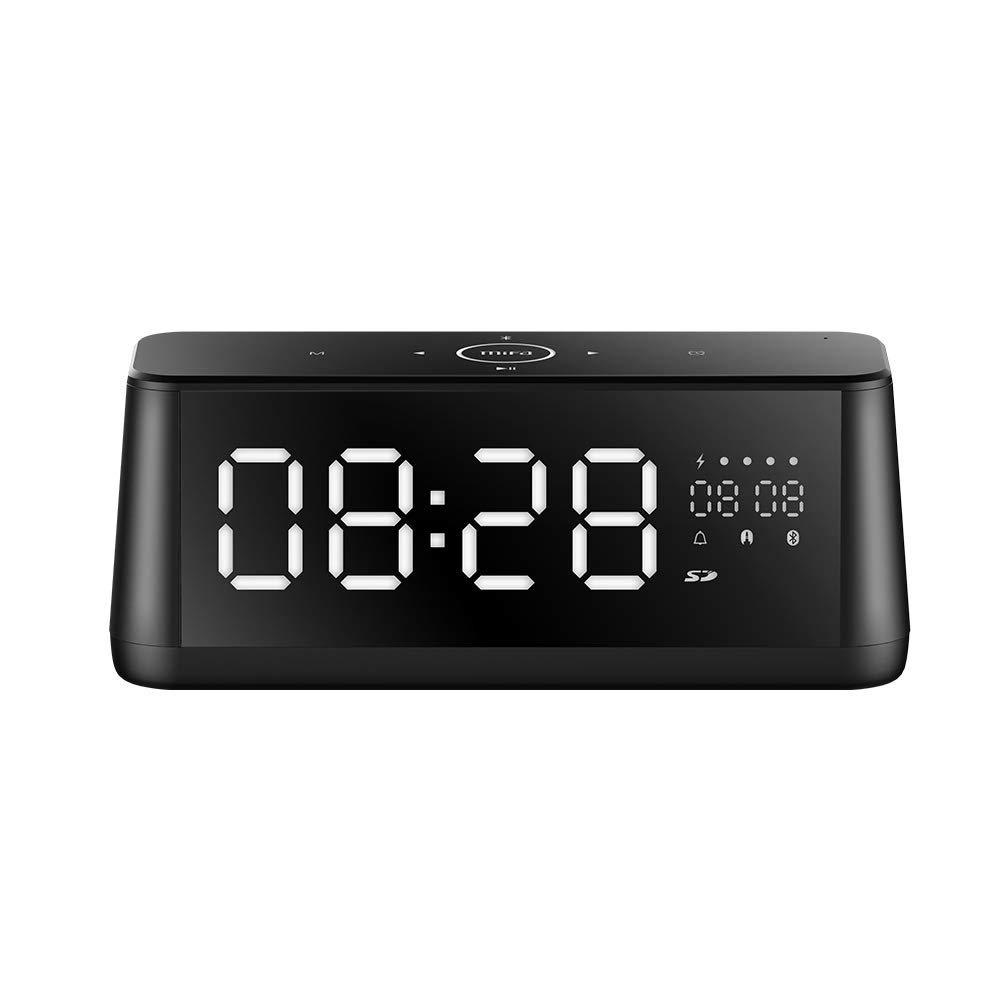
Whakaahua 1.1: Mua view of the MIFA A30 Bluetooth Speaker, displaying the time on its large LED screen.
2. Nga korero haumaru
- Kaua e tukuna te kaikorero ki te wera nui, te ra tika, te makuku nui ranei.
- A ape i te tuku, te tuku ranei i te kaikorero ki nga paanga kaha.
- Kaua e wetewete, whakatika, whakarereke ranei i te taputapu i a koe ano. Whakapa atu ki nga kaimahi ratonga whai mana mo nga whakatikatika.
- Keep the speaker away from water and other liquids, despite its waterproof rating, to prevent damage to ports when open.
- Whakamahia anake te taura utu me te urutau kua tohua.
- Horoia te kaikorero ki te kakahu ngohengohe, maroke. Kaua e whakamahia nga kai horoi abrasive.
3. Ihirangi mokete
Tena koa tirohia te kete mo nga mea e whai ake nei:
- MIFA A30 Bluetooth Speaker
- Tauira Whakatau USB
- 3.5mm Waea Ororongo
- Pukapuka Kaiwhakamahi (tenei tuhinga)
4. Hua Neke Atuview
4.1. Nga Taonga
The MIFA A30 speaker features a robust design with advanced audio components for high-quality sound reproduction.

Whakaahua 4.1: Pahū view illustrating the internal components of the MIFA A30, including two 15-watt drivers and two low-frequency passive radiators.
4.2. Control Panel and Ports
The speaker's top panel features capacitive touch controls, and the rear panel houses various connectivity ports.
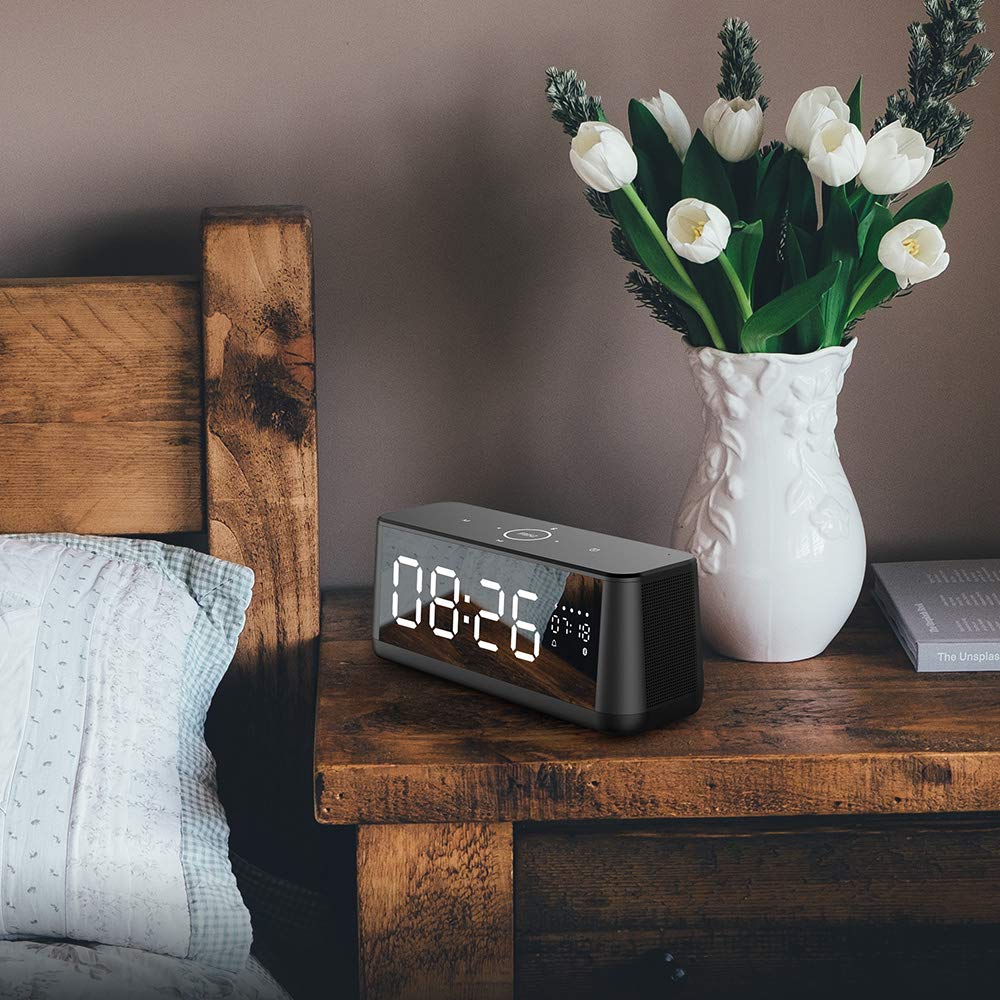
Whakaahua 4.2: Runga-raro view of the MIFA A30 control panel, indicating the functions of each touch button for mode, playback, volume, and clock adjustment.
- Pātene M (Aratau): Short press to switch between Bluetooth, TF Card, and AUX modes.
- Mana Nihokikorangi: Long press to turn off Bluetooth, short press to turn on.
- Pene Panui o mua: Perehi poto kia haere ki te riu o mua.
- Play/Pause/Hands-Free Button: Pēhia poto hei purei/whakamutu i te puoro. Pēhia poto hei whakautu/whakamutu i ngā waea. Pēhia roa hei whakakore i ngā waea.
- Pene Panuku Panuku: Perehi poto kia haere ki te riu e whai ake nei.
- Pātene Karaka: Long press for clock adjustment.
- Runga Runga: Huri karaka kia nui ake te rōrahi.
- Raro Raro: Huri i te taha-a-karaka hei whakaiti i te rōrahi.
- Mika: Ko te hopuoro i hangaia mo nga waea kore-ringa.
- Whakaatu LED: Shows time, date, battery level, and current mode.
5. Tatūnga
5.1. Whakakii i te Tukuoro
Before first use, fully charge the speaker. Connect the provided USB charging cable to the speaker's charging port and the other end to a USB power adapter (not included) or a computer's USB port. The LED display will indicate charging status.
5.2. Te Whakakaha/Weto
- Hei Whakahiko: Press and hold the Play/Pause button until the LED display lights up.
- Hei Whakaweto: Press and hold the Play/Pause button until the LED display turns off. The speaker will automatically screen out and power off to save battery after a period of inactivity.
6. Nga Tohutohu Whakahaere
6.1. Takirua Nihokikorangi
- Ensure the speaker is powered on and in Bluetooth mode (indicated by the Bluetooth icon on the LED display). If not, short press the 'M' button to switch to Bluetooth mode.
- I runga i to waea atamai, papa ranei, whakaaheitia te Nihokikorangi me te rapu mo nga taputapu e waatea ana.
- Select "MIFA A30" from the list of devices.
- Once paired, the speaker will emit a confirmation sound, and the Bluetooth icon on the display will stop flashing.
- The speaker will automatically re-connect to the last paired device when powered on, if the device is within range.
6.2. Purei Ororongo
- Purei/Tatari: Patohia poto te paatene Play/Pause.
- Riu Panuku: Short press the Next Track button.
- Riu o mua: Short press the Previous Track button.
- Whakaritenga Rōrahi: Hurihia te mana ororangi ki te whakanui i te rōrahi, ki te taha-tarakaraka ki te whakaheke i te rōrahi.
6.3. Waea Ringa-Kore
Ina hono atu ki tētahi waea atamai mā te Nihokikorangi:
- Whakautu Waea: Patohia poto te paatene Play/Pause.
- Whakamutu Waea: Pēhia poto te pātene Purei/Whakamutu i te wā e waea ana.
- Whakakore Waea: Long press the Play/Pause button when a call comes in.
6.4. Te purei anō i te Kāri TF
- Insert a Micro-SD (TF) card with supported audio files (FLAC/APE/MP3/WMA/WAV) into the TF card slot.
- Short press the 'M' button to switch to TF Card mode. The speaker will automatically begin playing music from the card.
6.5. AUX Whakauru
- Connect one end of the 3.5mm audio cable to the speaker's AUX input port and the other end to the audio output of your device (e.g., MP3 player, computer).
- Short press the 'M' button to switch to AUX mode.
- Ka purei te oro inaianei mā te kaikorero mai i tō pūrere hono.
6.6. Clock and Display Settings
- Whakaritenga Karaka: Long press the Clock button to enter time setting mode. Use the Next/Previous buttons to adjust values and the Play/Pause button to confirm.
- Display Luminance: The LED display has 7 adjustable luminance levels. Refer to the full product documentation for specific adjustment steps, typically involving short presses of the Clock button or a combination with volume controls.
7. Tiaki
- Te horoi: Wipe the speaker's surface with a soft, dry, lint-free cloth. Do not use liquid or aerosol cleaners.
- Rokiroki: Ki te kore e whakamahia mo te wa roa, penapena te kaikorero ki te waahi makariri, maroke, kia matara atu i te ra me te wera nui.
- Tiaki Pūhiko: Hei whakaroa i te ora o te pākahiko, karohia te tuku katoa i te pākahiko. Whakatakihia te kaikorero i nga wa katoa, ahakoa kaore i te whakamahia.
8. Te Raru
| Raruraru | Take pea | Rongoā |
|---|---|---|
| Karekau te kaikorero e kaha ana. | He iti te pākahiko. | Me utu te kaikorero mo te iti rawa 2 haora. |
| Karekau he tangi. | He iti rawa te oro; he aratau hē; kāore te pūrere i hono. | Increase speaker and device volume. Ensure correct mode (Bluetooth/AUX/TF Card). Re-pair Bluetooth device or check AUX cable connection. |
| Kua rahua te takirua Nihokikorangi. | Kāore te kaikorero i te aratau takirua; tawhiti rawa te taputapu; pokanoa. | Ensure speaker is in Bluetooth mode. Move device closer to speaker. Turn off other Bluetooth devices. Try forgetting "MIFA A30" on your device and re-pairing. |
| TF Card not playing. | Incorrect mode; unsupported file format; card error. | Switch to TF Card mode. Ensure files are FLAC/APE/MP3/WMA/WAV. Reinsert TF card or try a different card. |
9. Whakatakotoranga
| Āhuahira | Taipitopito |
|---|---|
| Ingoa Tauira | A30 |
| Momo Kaikorero | Whata pukapuka |
| Hangarau Hononga | Bluetooth 4.2, Auxiliary (3.5mm), Micro-SD (TF Card) |
| Aratau Putanga Ororongo | Tirooro |
| Kaikorero Te Mana Putanga Morahi | 30 Watts (2 x 15W drivers) |
| Whakarei Pahu | Two low-frequency boosters |
| Pūhiko Raukaha | 4000 mah |
| Te wa takaro | Up to 10-12 hours (depending on volume and content) |
| Tikanga Mana | Paewhiri Paa Puakaha |
| Whakaatu | 7.2" x 2.8" Mirror LED Screen with 106 LEDs, 7-level adjustable luminance |
| Ngā Hōputu Ororongo Tautokohia | FLAC/APE/MP3/WMA/WAV |
| Puoro-roto | Yes, for hands-free calls |
| parewai | Yes (Note: Ensure ports are covered for water resistance) |
| Tae | Pango |
| Momo Whakaeke | Maunga Ripanga |
10. Pūtāhui me te Tautoko
The MIFA A30 Bluetooth Speaker typically comes with a 30-day warranty from the date of purchase, covering manufacturing defects. Please retain your proof of purchase for warranty claims.
For technical support, troubleshooting assistance beyond this manual, or warranty inquiries, please contact MIFA customer service through their official website or the retailer where the product was purchased. Provide your product model (A30) and purchase details when seeking support.


