Kupu Whakataki
This manual provides detailed instructions for the safe and efficient operation of your Coby True Wireless Bluetooth Speaker. Please read this manual thoroughly before using the device and retain it for future reference. This portable speaker offers high-definition sound, IPX5 water resistance, and true wireless stereo pairing capabilities.
Ka mutu te huaview
Nga Waehanga me nga Mana Whakahaere
Familiarize yourself with the speaker's components and control buttons.
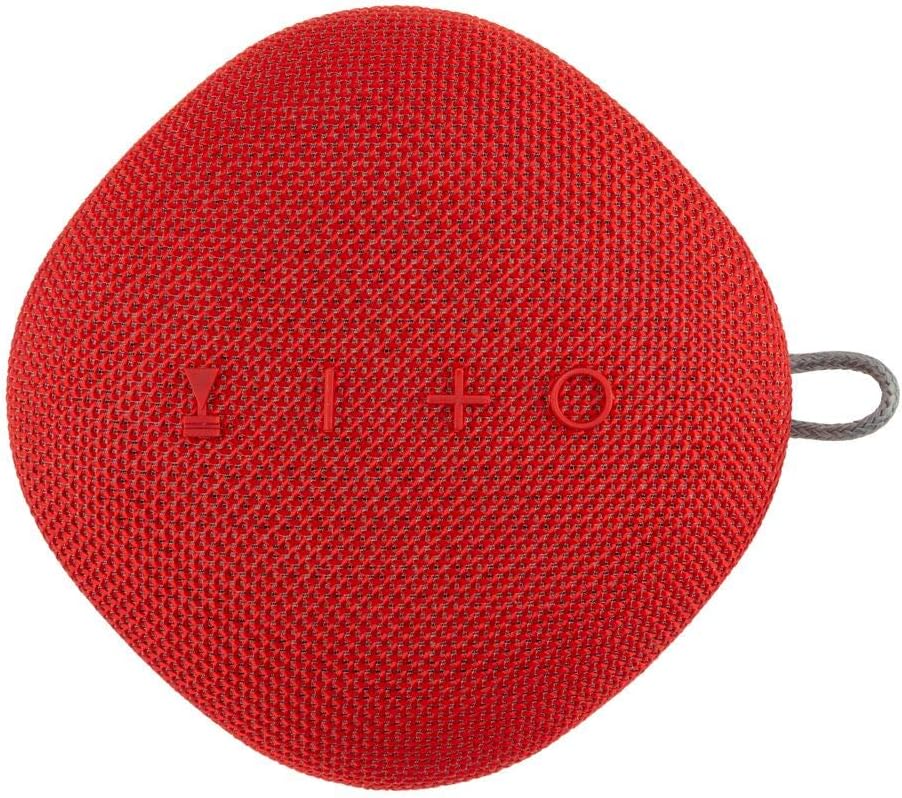
Whakaahuatanga Whakaahua: Mua view of the Coby True Wireless Bluetooth Speaker, showcasing its red fabric grille and control buttons (Power, Volume Down/Previous, Volume Up/Next, Play/Pause/Call, Mode).
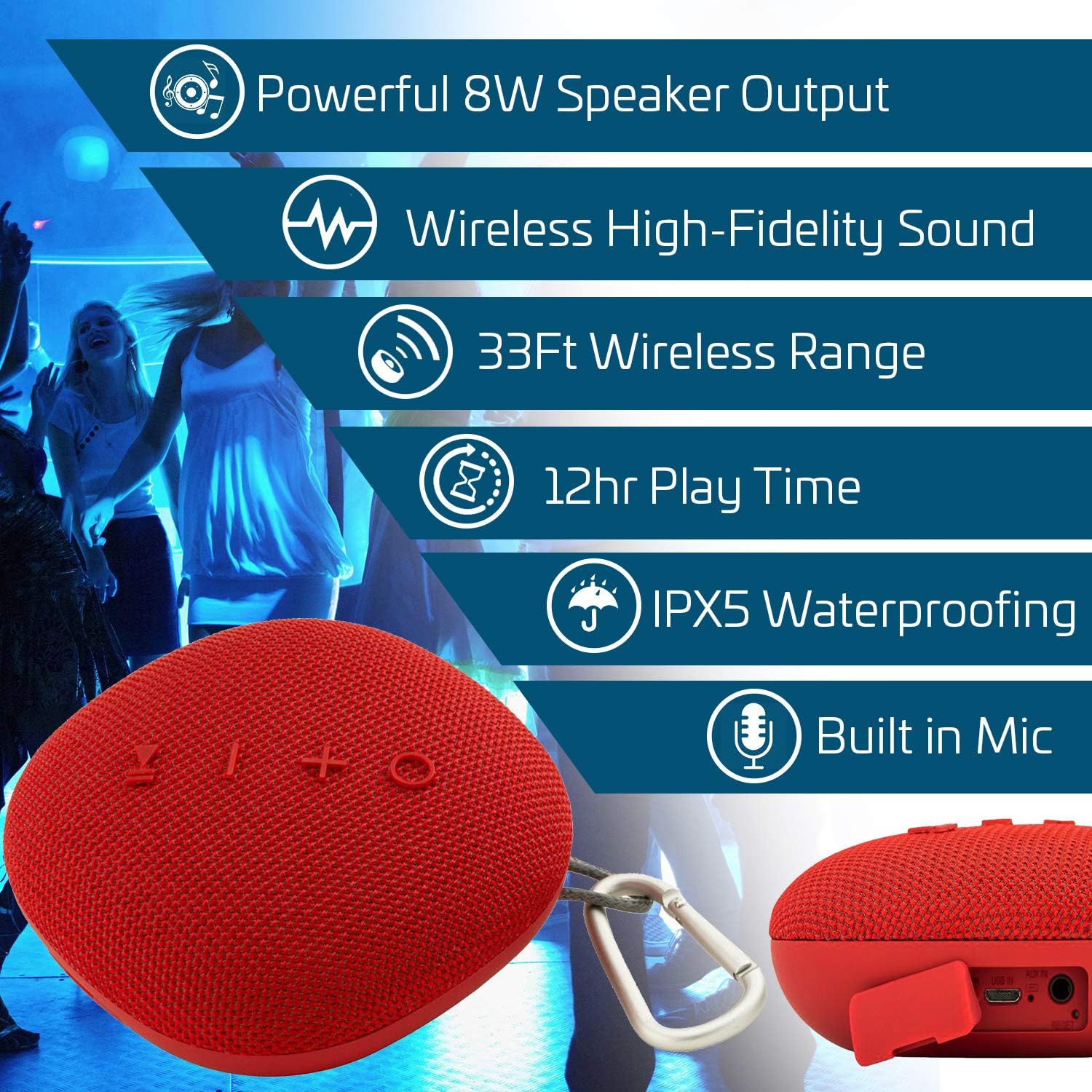
Whakaahuatanga Whakaahua: An infographic highlighting key features of the Coby speaker, including 8W speaker output, wireless high-fidelity sound, 33ft wireless range, 12-hour play time, IPX5 waterproofing, and a built-in microphone. The speaker is shown in the foreground.
- Pātene Hiko: Pēhi me te pupuri kia whakakā/whakaweto.
- Pātene Purei/Whakamutu/Waea: Pēhia hei purei/whakamutu i te puoro, hei whakautu/whakamutu i ngā waea.
- Rōrahi Whakarunga (+) / Riu Panuku: Pehi poto mo te rōrahi ake, pehi roa mo te riu e whai ake nei.
- Rōrahi Raro (-) / Riri o mua: Pihi poto mo te ruri whakaheke, pehi roa mo te riu o mua.
- Pātene Aratau (M): Press to switch between Bluetooth, AUX, and USB input modes.
- hopuoro: Mo te waea kore-ringa.
- Tauranga Whakatau: USB-C or Micro USB (refer to specific model for type).
- Tāuru AUX: Mo te hononga ororongo waea.
- Whakauru USB: Mo te purei puoro mai i te puku USB.
- Porowhita Karapine: Mō te kawe.
Tatūnga
Te utu i te Kai-korero
- Honoa te taura utu USB kua whakaratohia ki te tauranga utu o te kaikorero.
- Honoa te tahi pito o te taura ki te urutau hiko USB (kaore i whakauruhia), ki te tauranga USB rorohiko ranei.
- Ka marama te rama tohu utu i te wa e utu ana.
- Once fully charged (approximately 3 hours), the indicator light will change or turn off.
- Mā te utunga katoa ka taea te purei anō mō te 12 hāora.
Te Hia/Weto
- Hei Whakahiko: Pēhia me te pupuri i te pātene Mana mō te 3 hēkona pea kia rongo ra ano koe i tētahi tohu.
- Hei Whakaweto: Pēhia me te pupuri i te pātene Mana mō te 3 hēkona pea kia rongo ra ano koe i tētahi tohu.
Nga Tohutohu Whakahaere
Tauira Nihokikorangi
- Ensure the speaker is powered on and in Bluetooth pairing mode (indicated by a flashing LED). If not, press the 'M' (Mode) button to switch to Bluetooth mode.
- I runga i to taputapu pūkoro, whakaaheihia te Nihokikorangi ka rapua nga taputapu e waatea ana.
- Select "Coby Speaker" (or similar name) from the list of devices.
- Kia honoa, ka puta he oro whakaū mai i te kaikorero, ā, ka mutu te kimo o te tohu LED.
- Ka ngana aunoa te kaikorero ki te hono ano ki te taputapu takirua whakamutunga ina ka ana.
Whakawhanaitangi Stereo Ahokore Pono (TWS)
To achieve a stereo sound experience, you can pair two Coby True Wireless Bluetooth Speakers together.
- Me mohio kei te hiko nga kaikorero e rua me te aratau Nihokikorangi, engari kaore ano kia honoa ki tetahi taputapu.
- On one of the speakers (this will be the primary speaker), double-press the Power button.
- The two speakers will attempt to connect to each other. Once connected, you will hear an audible confirmation.
- Now, pair your mobile device to the primary speaker as described in the "Bluetooth Pairing" section.
- Ka purei te ororongo i roto i te hikoi ma nga kaikorero e rua.
Nga Mahi Waea
- Whakautu Waea: Press the Play/Pause/Call button once.
- Whakamutu Waea: Pēhia te pātene Purei/Whakamutu/Waea kotahi i te wā e waea ana.
- Whakakore Waea: Press and hold the Play/Pause/Call button for 2 seconds.
- Waea Anō te Tau Whakamutunga: Pēhia rua te pātene Purei/Whakamutu/Waea.
Whakahoki Ororongo
- Purei/Tatari: Press the Play/Pause/Call button.
- Runga Runga: Patohia poto te paatene '+'.
- Raro Raro: Patohia poto te paatene '-'.
- Riu Panuku: Pēhia roa te pātene '+'.
- Riu o mua: Pēhia roa te pātene '-'.
- Whakawhiti Aratau: Press the 'M' button to cycle through Bluetooth, AUX, and USB modes.
Te tiaki
- Te horoi: Horoia te kaikorero ki te kakahu ngohengohe, maroke. Kaua e whakamahi i nga kai horoi me nga whakarewa.
- Ātete wai: The speaker is IPX5 water-resistant, meaning it can withstand splashes and light rain. Do not submerge the speaker in water. Ensure the charging port cover is securely closed when exposed to water.
- Rokiroki: Whakaorangia te kaikorero ki te waahi makariri, maroke atu i te ra tika me te wera nui.
- Tiaki Pūhiko: To prolong battery life, charge the speaker fully before long periods of storage and recharge it at least once every three months.
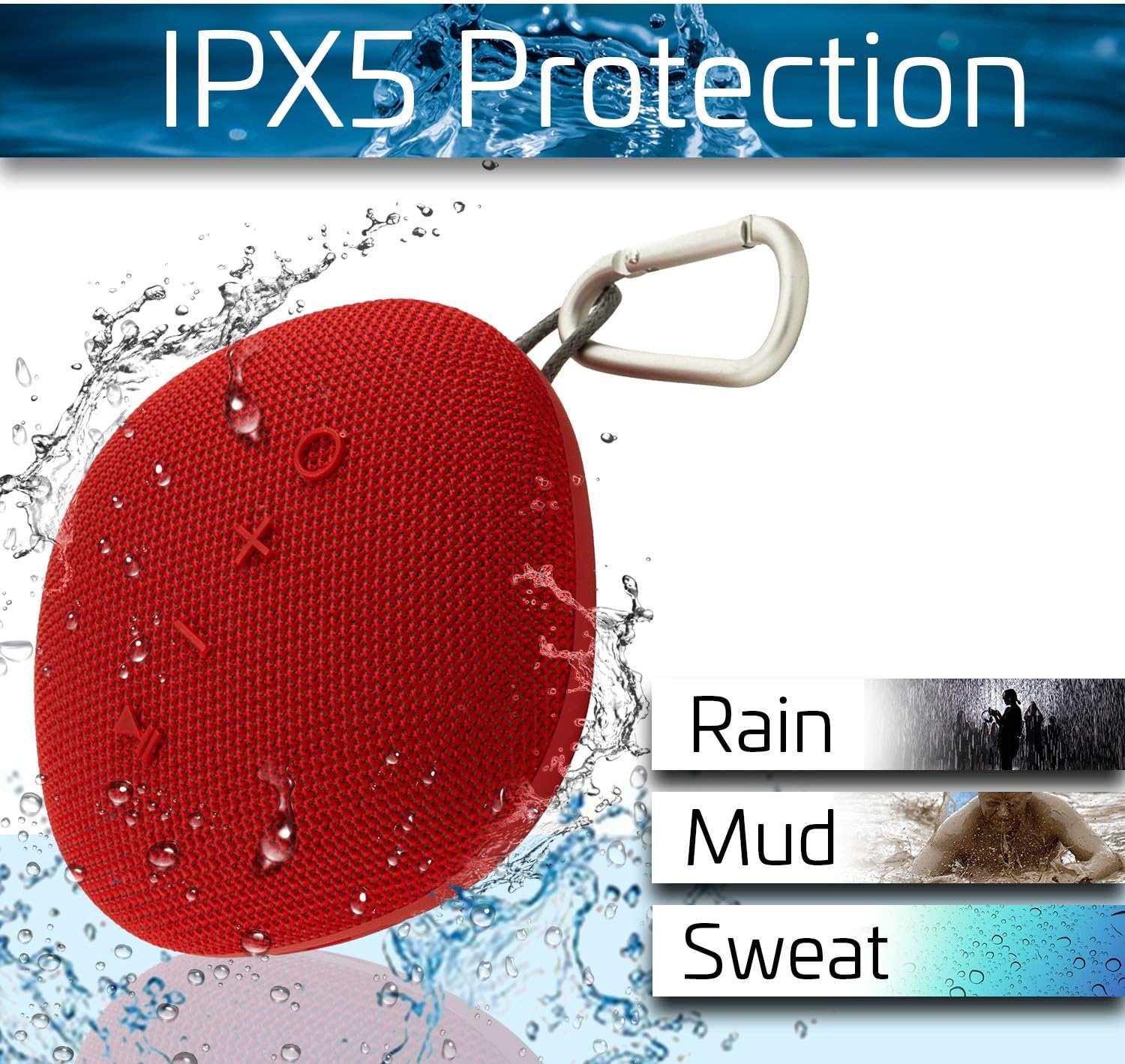
Whakaahuatanga Whakaahua: The Coby speaker shown with water splashes, illustrating its IPX5 protection against rain, mud, and sweat.
Raparongoā
| Raruraru | Rongoa pea |
|---|---|
| Karekau te kaikorero e kaha ana. | Kia tino utua te pākahiko. Honoa te kaikorero ki tētahi pūtake hiko ka ngana anō. |
| Kaore e taea te hono ma te Nihokikorangi. |
|
| Karekau he oro, he iti te reo. |
|
| Ka rahua te takirua TWS. |
|
Whakatakotoranga
- Waitohu: Coby
- Tauira: Tukuoro Korekore Nihokikorangi Pono
- Mana Putanga Tukuoro: 8 Watts
- Aratau Putanga Ororongo: Karapoti
- Momo Whakapuru: Pūkana
- Āhuahira Motuhake: Portable, IPX5 Waterproof, Built-in Microphone, True Wireless Stereo (TWS)
- Pūhiko: 1800 mAh Li-ion (Up to 12 hours playback, 55 hours standby)
- Wā Whakataki: Tata ki te 3 haora
- Awhe Ahokore: Tae atu ki te 33 putu (10 mita)
Nga korero haumaru
- Kaua e tukuna te kaikorero ki te wera nui, te ra tika, te makuku nui ranei.
- Kaua e wetewete, kaua e whakatika, kaua hoki e whakarerekē i te kaikorero. Ka whakakorea te pūtāhui.
- Kia matara atu te kaikorero i nga papa autō kaha.
- Whakamahia anake te taura utu kua whakaratohia, he taurite whaimana ranei.
- Makahia te kaikorero me tōna pākahiko me te tikanga tika, kia rite ki ngā ture ā-rohe.
- A ape i te whakarongo i te reo nui mo te wa roa kia kore ai e pakaru te rongo.
Pūtāhui me te Tautoko
For warranty information and technical support, please refer to the documentation included with your purchase or visit the official Coby webpae. Puritia to tohu hoko mo nga kereme whakamana.
Coby Official Webpae: Visit the Coby Store on Amazon


