Kupu Whakataki
Thank you for choosing the Edifier TWS1 True Wireless Stereo Earbuds. This manual provides essential information for the proper use and maintenance of your device. The TWS1 earbuds offer a wire-free audio experience with dynamic stereo sound. They feature an impressive 32-hour total playtime with the charging case and are designed with an IPX5 rating for splash and sweat resistance, making them suitable for various activities.
Please read this manual thoroughly before operating the earbuds to ensure optimal performance and longevity.
Ihirangi mokete
Manatokohia ko nga mea katoa kei raro nei kei roto i to kete:
- Edifier TWS1 True Wireless Stereo Earbuds (Left and Right)
- Puhi utu
- Tauira Whakatau USB
- He maha ngā rahi o ngā pito taringa (Iti, Waenga, Nui)
- Pukapuka Kaiwhakamahi
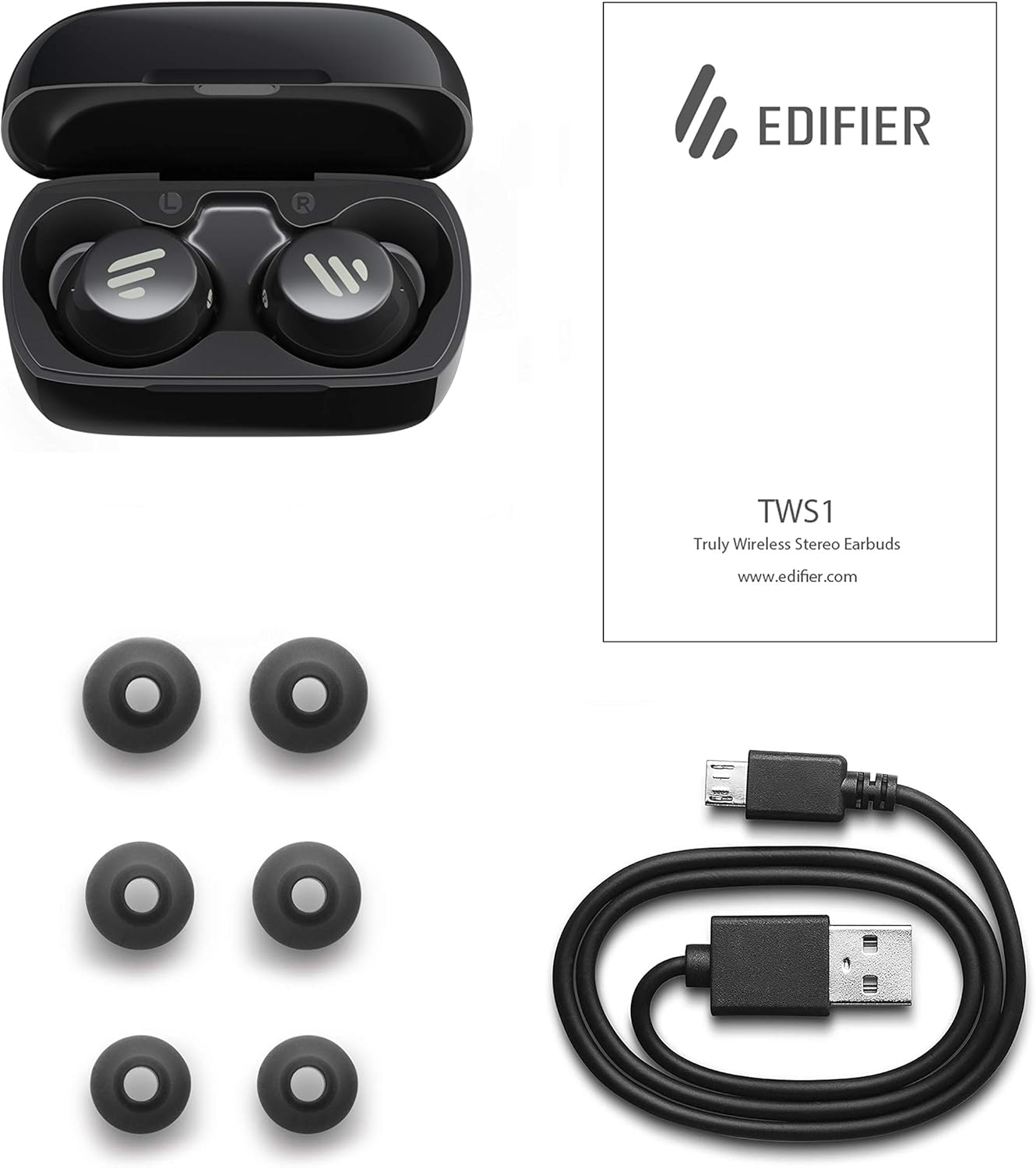
Image: The Edifier TWS1 earbuds, charging case, USB charging cable, and various sizes of ear tips are displayed alongside the user manual, illustrating the complete package contents.
Tatūnga
1. Te Whakataki i nga Paorooro me te Puhi
Before first use, fully charge the earbuds and the charging case. Place the earbuds into the charging case. Connect the USB charging cable to the charging port on the case and a power source. The indicator light on the case will show charging status. Once fully charged, the indicator will change or turn off.
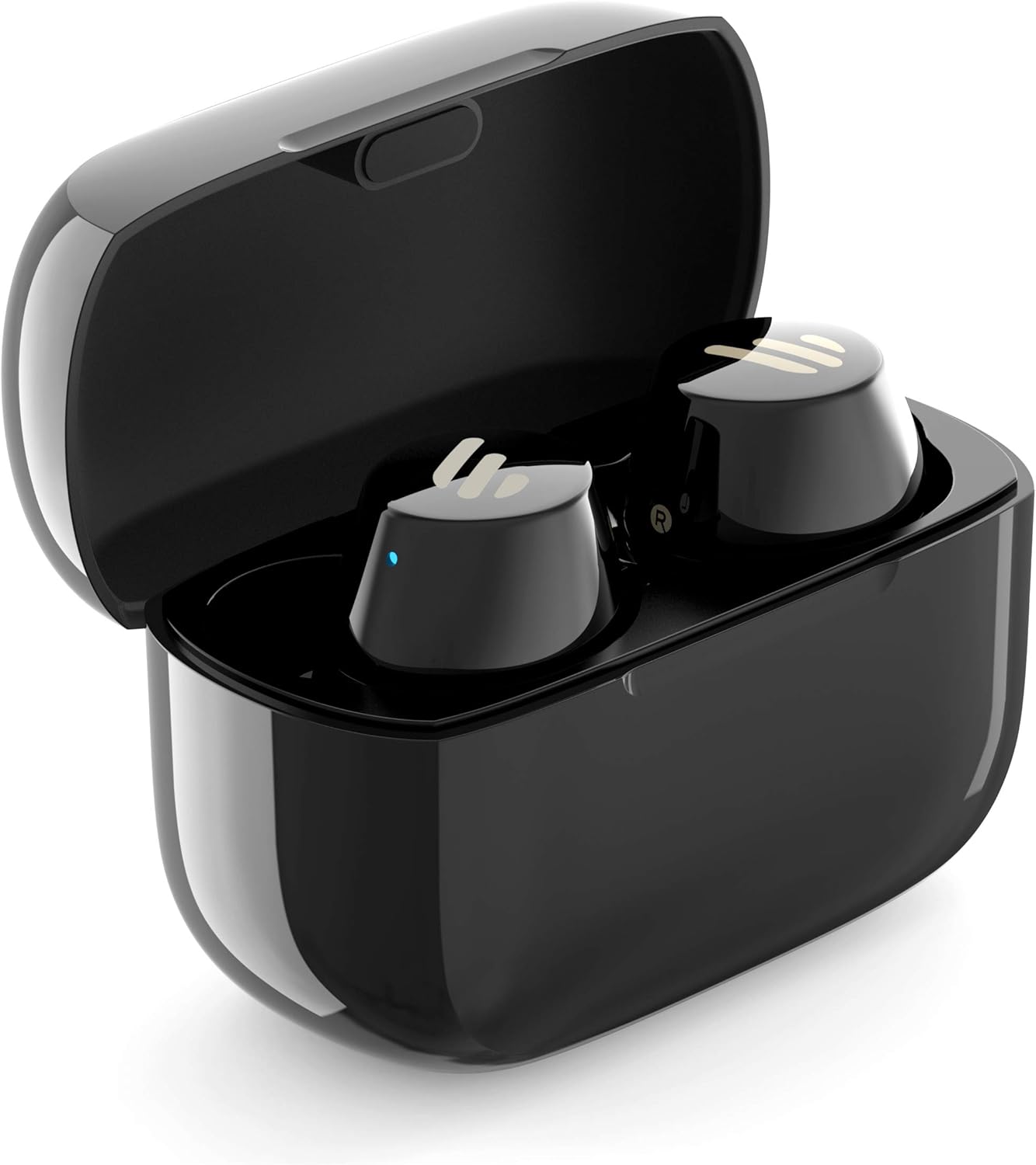
Image: The Edifier TWS1 earbuds are shown nestled within their open charging case, with a blue indicator light visible, signifying charging or power status.
2. Tauhoa ki te Pūrere
- Me whakarite kei te utu nga purongo.
- Open the charging case. The earbuds will automatically enter pairing mode, and the indicator light on one earbud will flash rapidly.
- I runga i tō pūrere (waea atamai, papa, pona), whakahohea te Nihokikorangi ka rapu i ngā pūrere hou.
- Select "EDIFIER TWS1" from the list of available devices.
- Kia honoa, ka mutu te rama tohu i runga i ngā pane taringa te mura.
3. Te Whakapai i nga Puka-taringa
Choose the ear tips that provide the most comfortable and secure fit for your ears. Insert the earbuds into your ear canals and gently twist them until they feel snug and stable. A proper fit is crucial for optimal sound quality and noise isolation.
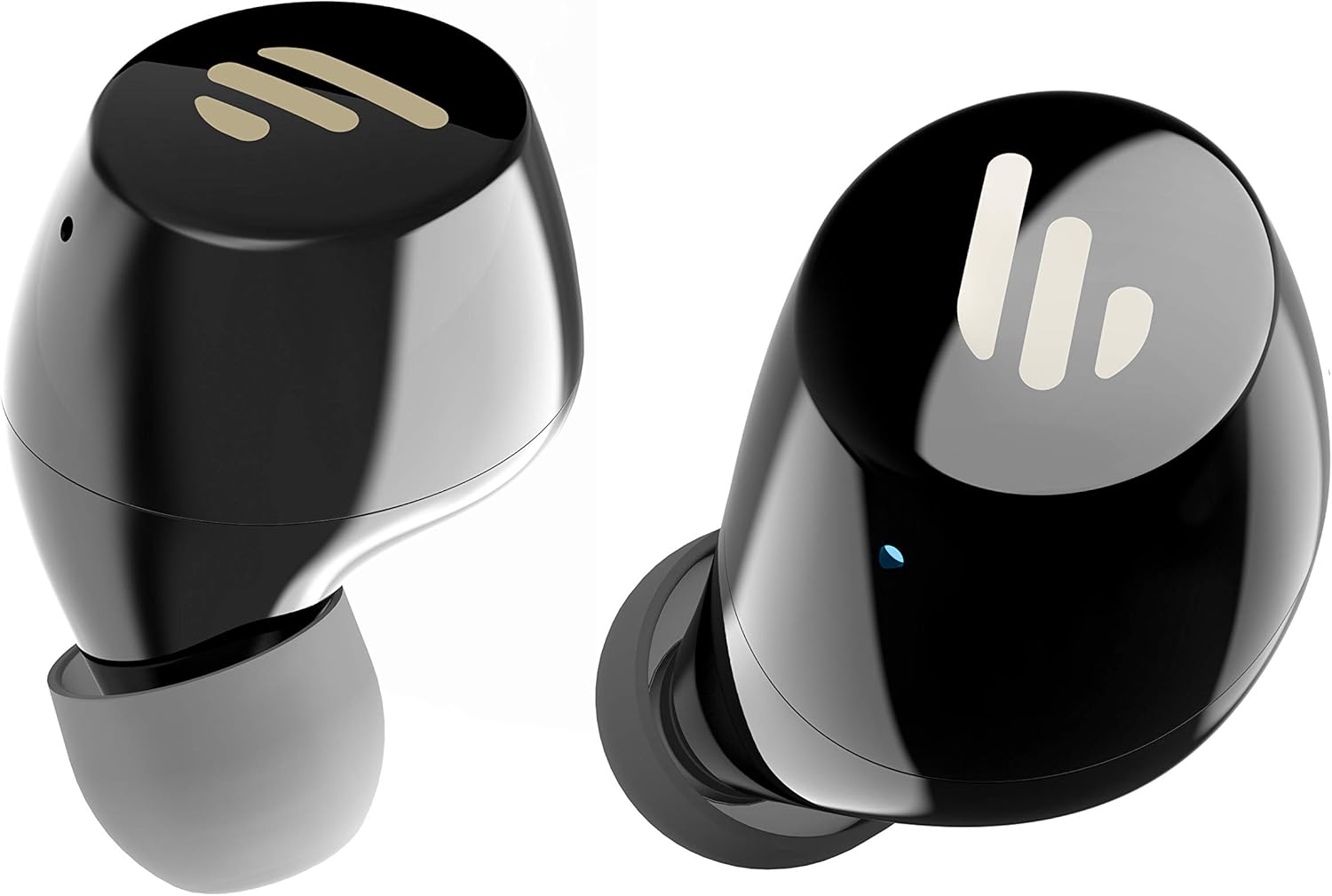
Whakaahua: He taipitopito view of the Edifier TWS1 earbuds, highlighting their ergonomic shape and the silicone ear tips designed for a comfortable and secure in-ear fit.
Nga Tohutohu Whakahaere
The Edifier TWS1 earbuds feature touch controls for easy operation.
- Whakahiko: Earbuds power on automatically when removed from the charging case.
- Weto Whakakore: Place earbuds back into the charging case to power off automatically.
- Purei/Tatari: Double-tap the touch panel on either earbud.
- Riu Panuku: Triple-tap the touch panel on the right earbud.
- Riu o mua: Triple-tap the touch panel on the left earbud.
- Whakautu/Whakamutu Waea: Double-tap the touch panel on either earbud.
- Whakakore Waea: Pēhia, pupuritia hoki te papa pā o tētahi o ngā taringa mō te 2 hēkona.
- Whakahohe i te Kaiawhina Reo: Press and hold the touch panel on the left earbud for 2 seconds.
Te tiaki
- Te horoi: Regularly clean the earbuds and charging case with a soft, dry cloth. Do not use abrasive cleaners or solvents.
- Ātete wai: The earbuds are IPX5 rated, meaning they are resistant to splashes and sweat. Do not submerge them in water or expose them to heavy rain. Ensure the charging port is dry before charging.
- Rokiroki: Mena karekau e whakamahia, penapenahia nga purongo ki roto i to pukoro hei tiaki kia mau tonu te utu. Whakaorangia ki te waahi makariri, maroke atu i nga wera nui.
- Tiaki Pūhiko: Hei pupuri i te roa o te pākahiko, kaua e tukua kia pau katoa te wai i ngā pane taringa me te pouaka utu. Utuhia i ia wā, ahakoa kāore e whakamahia tonutia.
Raparongoā
If you encounter issues with your Edifier TWS1 earbuds, please refer to the following common solutions:
| Raruraru | Rongoā |
|---|---|
| Kāore ngā taringa e taea te whakakā. | Ensure the earbuds and charging case are fully charged. Place earbuds in the case and close it, then open to power on. |
| Kaore e taea te hono ki te taputapu. | Make sure Bluetooth is enabled on your device. Ensure earbuds are in pairing mode (flashing indicator). Try forgetting the device in your Bluetooth settings and re-pairing. |
| Kotahi anake te pukoro e mahi ana. | Place both earbuds back into the charging case, close the lid, and then open it again. This should re-sync them. If the issue persists, try resetting the earbuds. |
| Karekau he oro, he iti te reo. | Check the volume level on both your device and the earbuds. Ensure earbuds are properly seated in your ears. Try cleaning the ear tips and speaker mesh. |
| Nga take utu. | Ensure the charging cable is securely connected. Try a different USB port or power adapter. Clean the charging contacts on the earbuds and inside the case. |
wheketere Tautuhi
If problems persist, a factory reset may resolve them:
- Whakanohia nga taringa taringa e rua ki roto i te keehi ka utua.
- Press and hold the touch panel on both earbuds simultaneously for approximately 8 seconds until the indicator lights flash rapidly, then release.
- Remove the earbuds from the case and attempt to re-pair them with your device.
Whakatakotoranga
| Āhuahira | Taipitopito |
|---|---|
| Ingoa Waitohu | Kaiwhakatika |
| Ingoa Tauira | TWS1 BK |
| Tauira Tuemi | TWS1_BK |
| Tae | Pango |
| Rauemi | Kirihou |
| Hangarau Hononga | Ahokore |
| Hangarau Whakawhitiwhiti Ahokore | Nihokikorangi |
| Waea Puka Puka | I te Taringa |
| Te Whakanoho Taringa | I te Taringa |
| Tiki Waeoro | No Jack |
| Tikanga Mana | Paa |
| Taumata Atete Wai | Ātete Wai (IPX5) |
| Pūrere Hototahi | Waea atamai, Papaaho, Pona, Papamahi |
| Nga Whakamahinga Motuhake mo te Hua | Whakawhitiwhiti |
| Hunga Hua | 2.32 x 1.72 x 2.04 cm; 130 karamu |
| Nga Waahanga kei roto | TWS1 Earbuds |
| Whakaahuatanga Awhe Age | Pakeke |
Pūtāhui me te Tautoko
He mea hanga, he mea hanga hoki ngā hua Edifier ki ngā paerewa kounga teitei rawa atu. Mō ētahi atu pārongo e pā ana ki te kapinga pūtāhui, tirohia te kāri pūtāhui kei roto i tō hua, tirohia rānei te paetukutuku Edifier mana. website. For technical support or further assistance, please contact Edifier customer service through their official channels.


