1. Kupu Whakataki
This manual provides comprehensive instructions for the installation, operation, and maintenance of your ErGear Single Monitor Mount, Model EGSS7. This monitor arm is designed to enhance your workspace ergonomics by providing adjustable positioning for a single monitor. Please read this manual thoroughly before installation and retain it for future reference.

Image 1.1: The ErGear Single Monitor Arm (Model EGSS7) in a typical office setup.
2. Nga korero haumaru
Please observe the following safety precautions to prevent injury or damage to your equipment:
- Kaua e neke ake i te kaha o te taumaha o te 14.3 lbs (6.5 kg).
- Ensure your monitor is between 17 and 27 inches in size.
- Verify that your monitor is VESA compatible (75x75mm or 100x100mm).
- Install the mount on a sturdy desk surface that can support the combined weight of the mount and your monitor.
- Follow all installation steps carefully. Improper installation may result in equipment damage or personal injury.
- Tiakina nga waahanga iti mai i nga tamariki.
3. Ihirangi mokete
Before proceeding with installation, please ensure all components are present and undamaged. Refer to the included parts list for detailed identification.
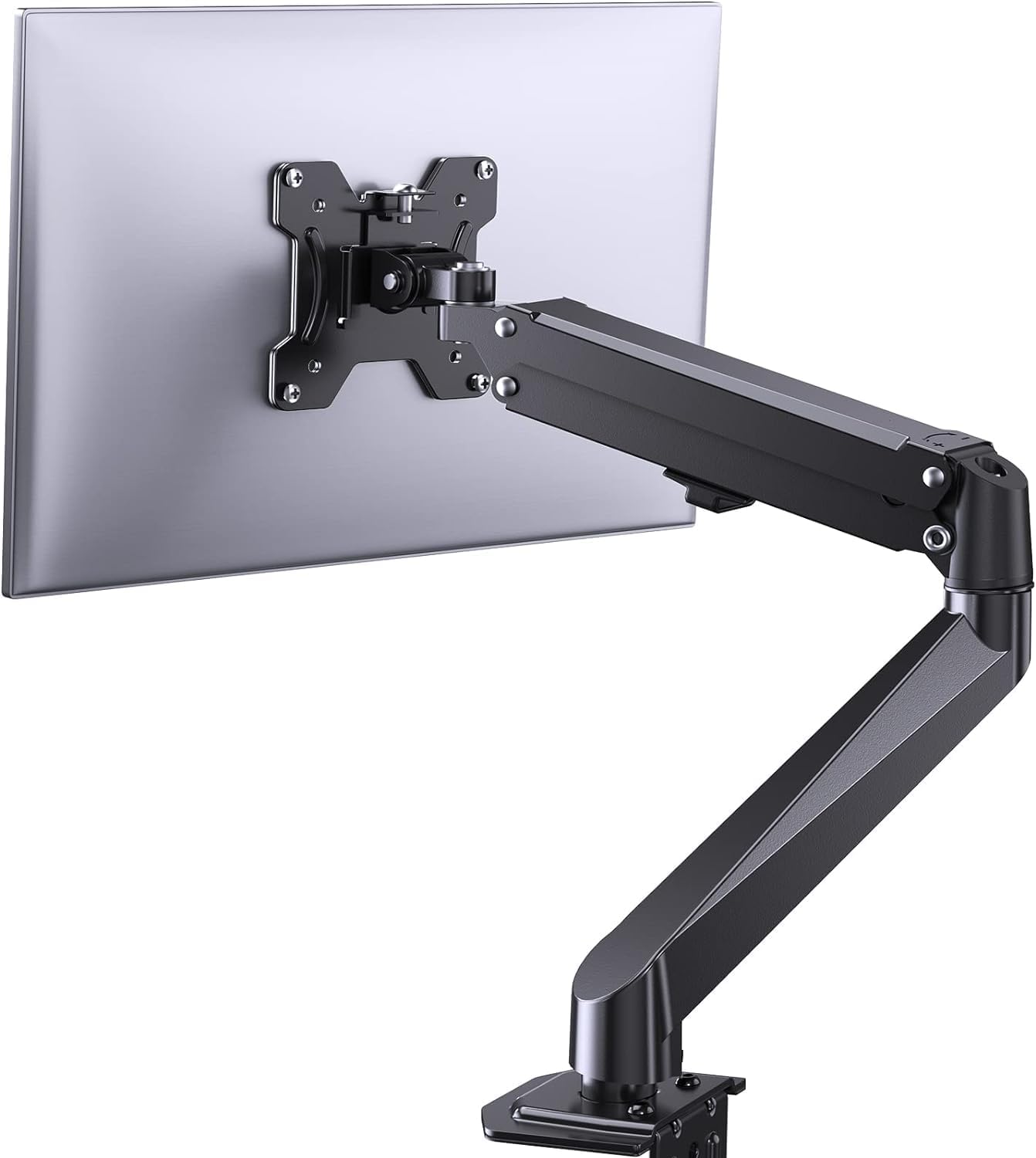
Whakaahua 3.1: Ka mutuview of the ErGear Single Monitor Mount components.
4. Whakatakotoranga
| Āhuahira | Whakatakotoranga |
|---|---|
| Waitohu | Ergear |
| Tauira | EGSS7 |
| Rahi Mataara Hototahi | 17 - 27 inihi |
| Taumaha Taumaha | Tae atu ki te 14.3 lbs (6.5 kg) |
| VESA Hototahi | 75x75mm, 100x100mm |
| Momo Whakaeke | C-clamp ranei Grommet |
| Rauemi | Korotahi Steel |
| Tae | Pango |
| Awhe Taitaha | -35° ki te +50° |
| Awhe Hurihuri | -90° ki te +90° |
| Te hurihanga | 360° |
| Hunga Hua | 41.2 x 30.4 x 10 cm |

Image 4.1: Monitor size and weight capacity details.
5. Tohutohu Tatūnga
The ErGear Single Monitor Mount offers two installation options: C-clamp or Grommet mounting. Choose the option best suited for your desk.

Image 5.1: C-clamp and Grommet mounting options with desk thickness ranges.
5.1 C-Clamp Tāutatanga
- Whakauruhia te C-clamp to the base of the monitor arm.
- Whakaturia te C-clamp on the edge of your desk. Ensure the desk thickness is between 0.4 and 3.3 inches.
- Whakapikitia te clamp securely using the provided knob until the mount is stable.
5.2 Grommet Installation
- If your desk has a grommet hole, insert the grommet bolt through the base of the monitor arm and the desk hole. Ensure the desk thickness is between 0.4 and 3.1 inches.
- Secure the mount from underneath the desk using the provided plate and nut.
5.3 Te Tāpiri i te Aroturuki
- Carefully attach your VESA-compatible monitor to the VESA plate on the arm using the appropriate screws.
- Ensure the screws are tightened firmly but do not overtighten.
5.4 Te Whakarerekētanga o te Kukū
The gas spring arm requires tension adjustment to properly support your monitor's weight. Use the included Allen key to adjust the tension screw located on the arm. Turn clockwise to increase tension for heavier monitors, and counter-clockwise to decrease tension for lighter monitors. Adjust until the monitor stays in position when moved.

Whakaahua 5.2: Roto view of the flexible gas spring arm.
6. Nga Tohutohu Whakahaere
Once installed, your ErGear monitor mount allows for flexible positioning of your monitor.
6.1 Te Whakatikatika i te Tūnga o te Aroturuki
- Whakatikatika Teitei: Gently push or pull the monitor to the desired height. The gas spring mechanism will hold it in place.
- Tapahia: Ka taea te whakatītaha i te mata tirotiro mai i te -35° ki te +50° hei whakaiti i te kanapa me te arotau viewnga koki.
- Hurihuri: Swivel the monitor from -90° to +90° for collaborative work or to view content from different angles.
- Hurihuri: Hurihia te mata kia 360° hei whakawhiti i waenga i te aronga whenua me te aronga poutū.

Image 6.1: Monitor height adjustment.

Image 6.2: Full motion range capabilities of the monitor arm.
6.2 Whakahaere taura
The monitor arm features an integrated cable management system to keep your workspace tidy. Route your monitor cables through the designated channels on the arm to conceal them.

Whakaahua 6.3: Pūnaha whakahaere taura whakauru.
7. Tiaki
Regular maintenance ensures the longevity and optimal performance of your monitor mount.
- Tirohia ngā tīwiri me ngā hononga katoa i ia wā, i ia wā, kia tino mau ai.
- Clean the surface of the mount with a soft, damp kakahu. A ape i nga kai horoi abrasive.
- Re-adjust the gas spring tension if your monitor feels too loose or too stiff when moving.
8. Te Raru
| Raruraru | Take pea | Rongoā |
|---|---|---|
| Monitor sags or does not stay in position. | Gas spring tension is too low. | Increase gas spring tension using the Allen key (clockwise). |
| Monitor is difficult to move. | He nui rawa te kukū o te puna hau. | Decrease gas spring tension using the Allen key (counter-clockwise). |
| Ka kore e tau te Maunga. | C-clamp or grommet connection is loose. | Whakapaia te C-clamp knob or grommet nut. |
| Monitor does not fit the VESA plate. | Incorrect VESA pattern. | Ensure your monitor has a 75x75mm or 100x100mm VESA pattern. |
9. Pūtāhui me te Tautoko
For warranty information or technical support, please refer to the contact details provided with your purchase or visit the official ErGear website. Please have your model number (EGSS7) and purchase date available when contacting support.


