Kupu Whakataki
This manual provides comprehensive instructions for the setup, operation, and maintenance of your Trust Gaming GXT 833 Thado TKL RGB Gaming Keyboard. Please read this manual carefully to ensure optimal performance and longevity of your device.
Āhuatanga matua:
- Compact Tenkeyless (TKL) design, reducing desk space usage.
- Multi-color LED illumination with breathing effect.
- Anti-ghosting support for up to 10 simultaneous key presses.
- Durable metal backplate with anti-slip rubber feet for stability.
- 12 multimedia hotkeys for quick access.
- Dedicated gaming mode to disable the Windows key.
- 1.8m braided USB cable for reliable connection.

Image: The compact tenkeyless design of the GXT 833 Thado keyboard, illustrating its smaller footprint compared to full-size keyboards.
Ihirangi mokete
Me mohio kei roto katoa nga mea kei roto i te kete:
- Trust Gaming GXT 833 Thado TKL RGB Gaming Keyboard
- Taura USB (whakauru)
- Pukapuka Kaiwhakamahi (tenei tuhinga)
Tatūnga
Te hono i te papapātuhi:
- Kimihia he tauranga USB e wātea ana i runga i tō rorohiko, i tō papatohu kēmu rānei.
- Monohia te hononga USB o te papapātuhi ki te tauranga USB.
- The operating system will automatically detect and install the necessary drivers. No additional software installation is typically required for basic functionality.
- Ka whiti te rama RGB o te papapātuhi ina hono angitu.

Image: The Trust Gaming GXT 833 Thado TKL RGB Gaming Keyboard with its integrated USB cable, ready for connection.
Nga Tohutohu Whakahaere
Basic Keyboard Functions:
The GXT 833 Thado functions as a standard QWERTY keyboard. All keys perform their indicated character or function when pressed.
Mana Rarama RGB:
The keyboard features multi-color LED illumination. While the lighting is static in its color zones, you can adjust its brightness and activate a breathing effect.
- Whakaritenga Tirohanga: Use the dedicated brightness keys (often combined with Function keys or specific media keys) to increase or decrease the LED brightness. Refer to the keyboard layout for specific key combinations.
- Breathing Effect: Activate or deactivate the breathing light effect using the designated key combination.
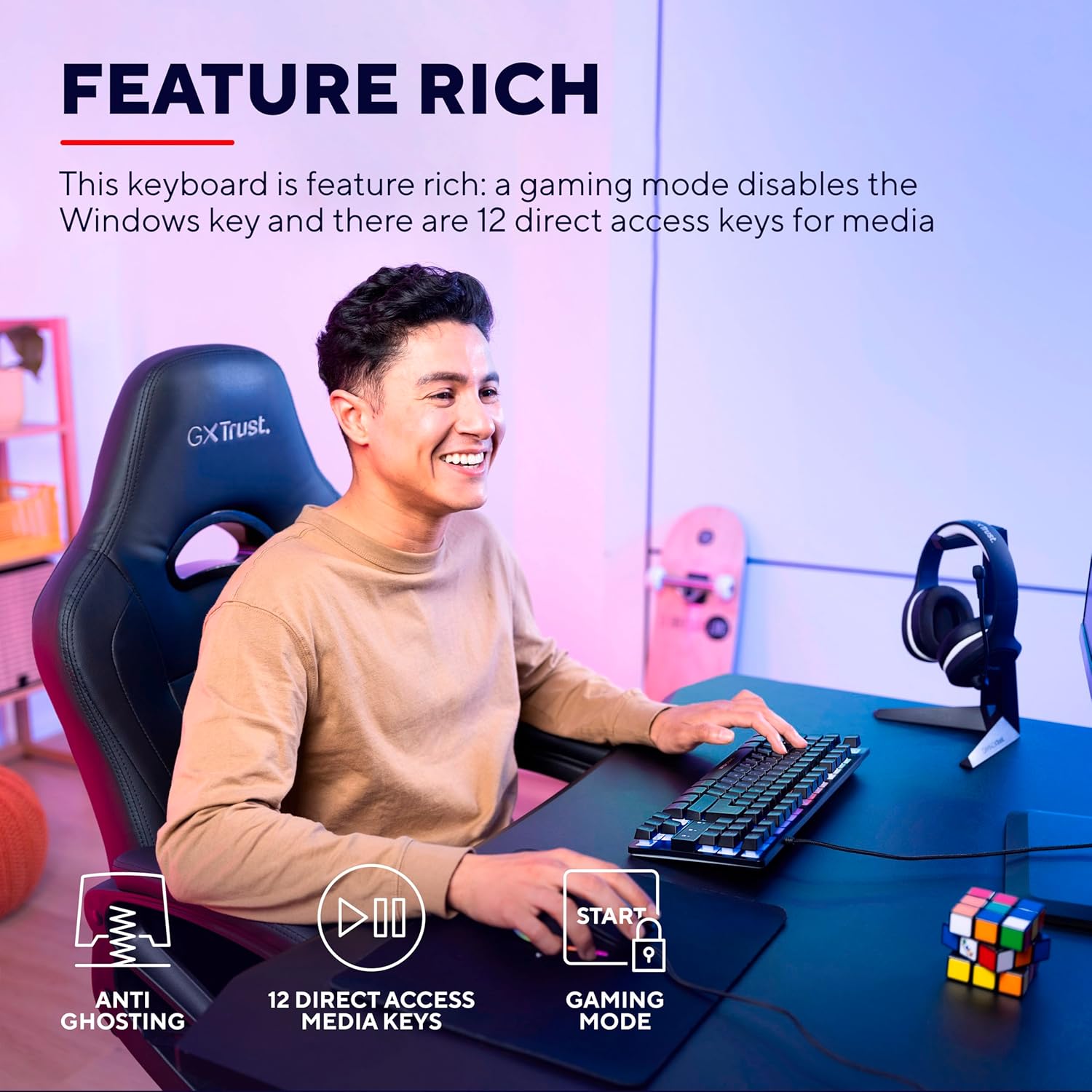
Image: The keyboard displaying its multi-color LED lighting zones.
Pātuhi Rongorau:
The keyboard includes 12 multimedia hotkeys, typically accessed by pressing the Fn key in combination with the F1-F12 keys. These keys allow quick control over media playback, volume, and other system functions.
- Fn + F1-F12: Refer to the icons printed on the F-keys for their specific multimedia functions (e.g., play/pause, stop, previous/next track, volume up/down, mute).
Aratau petipeti:
Activate Gaming Mode to prevent accidental interruptions during gameplay. This mode typically disables the Windows key.
- Te Whakahohe i te Aratau Tākaro: Pehia te Fn key combined with the Windows key (often indicated by a lock icon) to toggle Gaming Mode on or off.

Image: Visual representation of the keyboard's features including anti-ghosting, multimedia keys, and gaming mode.
Te tiaki
Te horoi i te papapātuhi:
- Momotuhia te papapātuhi mai i to rorohiko i mua i te horoi.
- Whakamahia he ngohengohe, paku damp cloth to wipe the surface of the keyboard. Avoid excessive moisture.
- Mō te puehu me te paru i waenganui i ngā kī, whakamahia te hau kōpeke, te paraihe ngohengohe rānei.
- Do not use harsh chemicals, abrasive cleaners, or solvents, as these can damage the keyboard's finish and key legends.
Raparongoā
| Raruraru | Rongoā |
|---|---|
| Kāore te papapātuhi e whakautu mai. |
|
| LED lighting is not working or is dim. |
|
| Kāore ngā kī pāpāho maha e mahi ana. |
|
| Kua monoa te kī Windows. |
|
Whakatakotoranga
| Tau tauira | 24067 |
| Waitohu | Whakawhirinaki |
| Momo Papapātuhi | Tenkeyless (TKL) Gaming Keyboard |
| Hononga | USB Waea |
| Tahora | QWERTY |
| Whakamuri | Multi-color LED (RGB) |
| Anti-Ghosting | Up to 10 simultaneous key presses |
| Kaupapa Motuhake | 12 direct access keys |
| Te roa o te taura | 1.8 meters (braided) |
| Taumaha | 709 karamu |
| Pūrere Hototahi | PC, Gaming Consoles |
Nga Whakaaro Taiao
The Trust Gaming GXT 833 Thado keyboard is designed with environmental responsibility in mind. This product is manufactured using 69% recycled plastics.

Image: Visual representation highlighting the product's construction with 69% recycled plastics.
Pūtāhui me te Tautoko
For warranty information, technical support, or further assistance, please refer to the official Trust Gaming webpaetukutuku, whakapā atu ranei ki ta raatau tautoko kaihoko.
Ka taea hoki e koe te toro ki te Toa Waitohu Whakawhirinaki i runga i a Amazon mo etahi atu korero hua me nga rauemi.


