ELD Aviator Wall Clock Instruction Manual
Tauira: 9858822518316
Kupu Whakataki
This manual provides detailed instructions for the setup, operation, and maintenance of your ELD Aviator Wall Clock. Please read this manual thoroughly before use and retain it for future reference.

Whakaahua: Mua view of the ELD Aviator Wall Clock, showcasing its unique turbine-inspired face and analog hands.
Nga korero haumaru
- Puritia te karaka kia matara atu i te rā tika me te pāmahana tino kino hei ārai i te kino.
- Kaua e whakaaturia te karaka ki te wai, ki te haumākū nui rānei.
- Use only the specified battery type (1 AA battery).
- Puritia nga pākahiko kei taea e nga tamariki.
- Do not attempt to disassemble or repair the clock yourself. Contact qualified personnel for service.
- Ensure the clock is securely mounted to prevent it from falling.
Ihirangi mokete
Manatokona kei roto katoa nga mea kei roto i te kete:
- 1 x ELD Aviator Wall Clock
- 1 x Pouaka Hua
- (AA battery not included)
Tatūnga
1. Tāuta Pūhiko
- Kimihia te wahanga pākahiko kei muri o te karaka.
- Whakauruhia tētahi (1) pākahiko AA, me te whakarite kia tika te tūnga o ngā pito pai (+) me te pito kino (-) ki ngā tohu i roto i te wāhanga.
- Katia te uhi o te wahanga pākahiko.
2. Whakapiki i te Karaka
The clock is designed for wall mounting. Choose a suitable location on a stable wall.

Whakaahua: taha profile of the ELD Aviator Wall Clock, illustrating its depth and how it appears when mounted on a wall.
- Identify a secure spot on the wall where you wish to hang the clock.
- Use a nail or screw (not included) appropriate for your wall type. Ensure it is strong enough to support the clock's weight (approximately 450g).
- Hang the clock securely using the hanging slot on the back.
Te whakahaere
Te Whakaritenga i te Wa
- Locate the time-setting knob on the back of the clock, usually near the battery compartment.
- Gently rotate the knob in either direction until the hour and minute hands display the correct time.
- The quartz movement ensures accurate timekeeping once set.
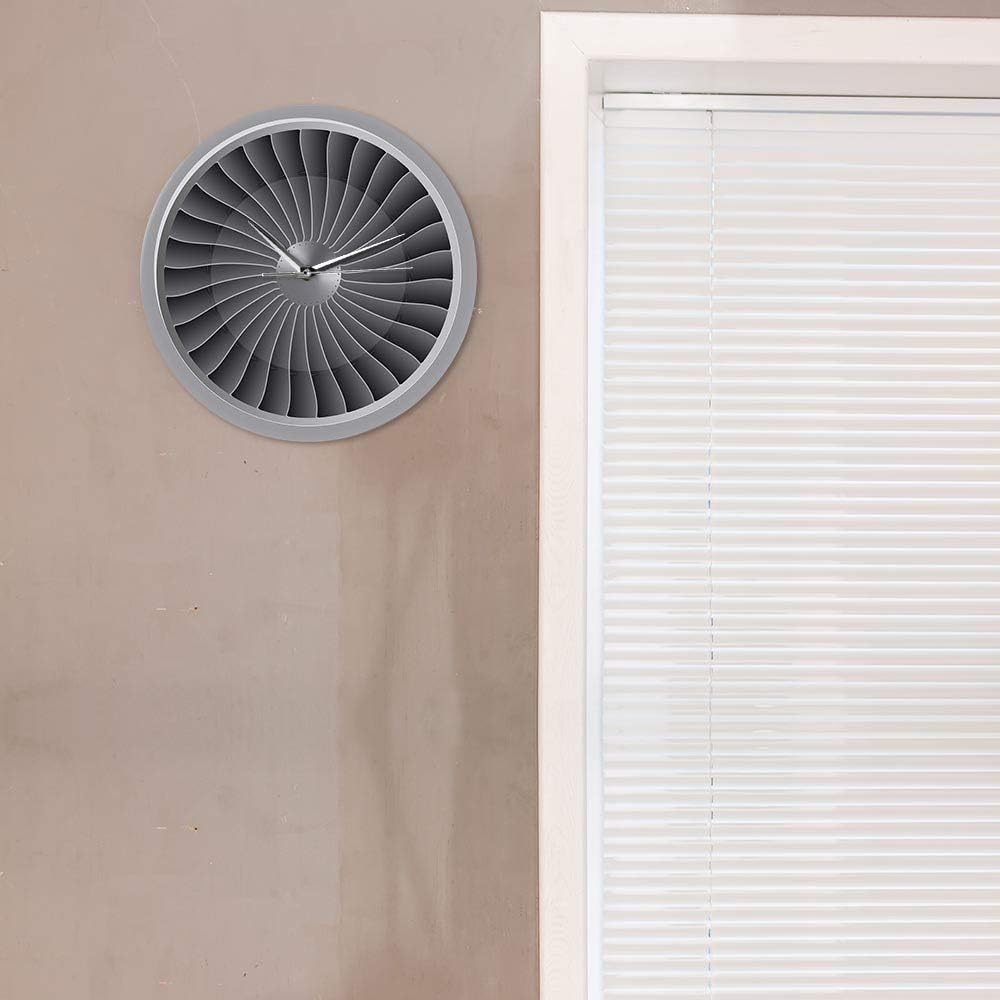
Image: The ELD Aviator Wall Clock displayed in a room setting, demonstrating its aesthetic appeal as a decorative piece.
Te tiaki
- Te horoi: Wipe the clock surface gently with a soft, dry cloth. Do not use abrasive cleaners or solvents.
- Whakakapinga Pūhiko: Replace the AA battery annually or when the clock starts losing time.
- Rokiroki: If storing the clock for an extended period, remove the battery to prevent leakage.
Raparongoā
| Raruraru | Take pea | Rongoā |
|---|---|---|
| Karaka karaka / Karekau nga ringa e neke | Kua mate te pākahiko, kua he ranei te whakaurunga. | Replace the AA battery with a new one, ensuring correct polarity (+/-). |
| Karaka ngaro wa | He iti te pākahiko. | Whakakapihia te pākahiko AA. |
| Haruru te tangi oro | Kaore e tika ana. Ko te karaka he nekehanga wahangu. | No action required. This clock is designed for silent operation. |
Whakatakotoranga
| Ingoa Hua | Aviator Wall Clock |
| Waitohu | TE D |
| Tau tauira | 9858822518316 |
| Rauemi | kiriaku |
| Ahu | 30.5 cm (12 inches) diameter |
| Taumaha | 450 g |
| Puna Mana | 1 x Pūhiko AA (kaore i whakauruhia) |
| Momo Nekehanga | Quartz, Silent Movement |
| Momo Whakaatu | Tauritenga |
| Momo Whakaeke | Maunga Taiepa |
Pūtāhui me te Tautoko
For any questions or issues not covered in this manual, please contact your retailer or the manufacturer directly. Information regarding specific warranty terms may be provided at the point of purchase or on the product packaging.
This product is designed for long-term use with proper care and maintenance.


