Kupu Whakataki
Thank you for choosing the AGFA Digital Personal Scale. This manual provides essential information for the safe and effective use of your new scale. Please read these instructions thoroughly before operation and retain them for future reference.
Nga Korero Haumaru Nui
- Place the scale on a hard, flat surface for accurate readings. Avoid carpets or uneven floors.
- Do not use the scale on wet or slippery surfaces to prevent falls.
- Kaua e rukuhia te unahi ki roto i te wai, kaua ranei e whakamahi i nga kai horoi horoi. Mukua ki te panuiamp kakahu.
- This scale is designed for personal use only and is not intended for medical diagnosis or treatment.
- Puritia ngā pākahiko kia kore e taea e ngā tamariki te toro atu. Me maka atu ngā pākahiko kua whakamahia me te whakaaro nui.
- Kaua e neke ake i te kaha o te taumaha o te 150 kg (330 lbs).
Ihirangi mokete
Tena koa tirohia te kete mo nga mea e whai ake nei:
- AGFA Digital Personal Scale
- Pukapuka Kaiwhakamahi (tenei tuhinga)
- (Batteries may or may not be included depending on the retailer. Please check packaging.)
Tohutohu Tatūnga
- Wewetehia te Tauine: Āta tango i te tauine mai i tōna tākai.
- Whakauruhia nga Pataha: Locate the battery compartment on the underside of the scale. Open the cover and insert the required batteries (typically AAA or CR2032, check the compartment for specific type and polarity). Close the battery cover securely.
- Turanga: Place the scale on a firm, flat, and stable surface. Ensure it is not on carpet, rugs, or uneven tiles, as this can affect accuracy.
- Initial Calibration (First Use): For the first use or after moving the scale, gently press down on the center of the scale with your foot until the display lights up and shows "0.0" or "CAL". Remove your foot. The scale is now calibrated and ready for use.

Whakaahua 1: Koki view of the AGFA Digital Personal Scale, highlighting its digital display and overall design.
Nga Tohutohu Whakahaere
- Hipanga ki runga: Āta hikoi ki waenganui o te pauna me ō waewae tahanga. Tū mārire, ka tohatoha tō taumaha kia ōrite.
- Panui inenga: The display will show your weight. Wait for the reading to stabilize and flash a few times before stepping off.
- Katia Aunoa: Ka weto aunoa te tauine i muri i etahi hēkona o te kore mahi ki te tiaki i te ora o te pākahiko.
- Unit Conversion (if applicable): If your scale supports multiple units (e.g., kg, lb, st), there is usually a button on the underside or side of the scale to switch between them. Press this button while the scale is on to cycle through the available units.
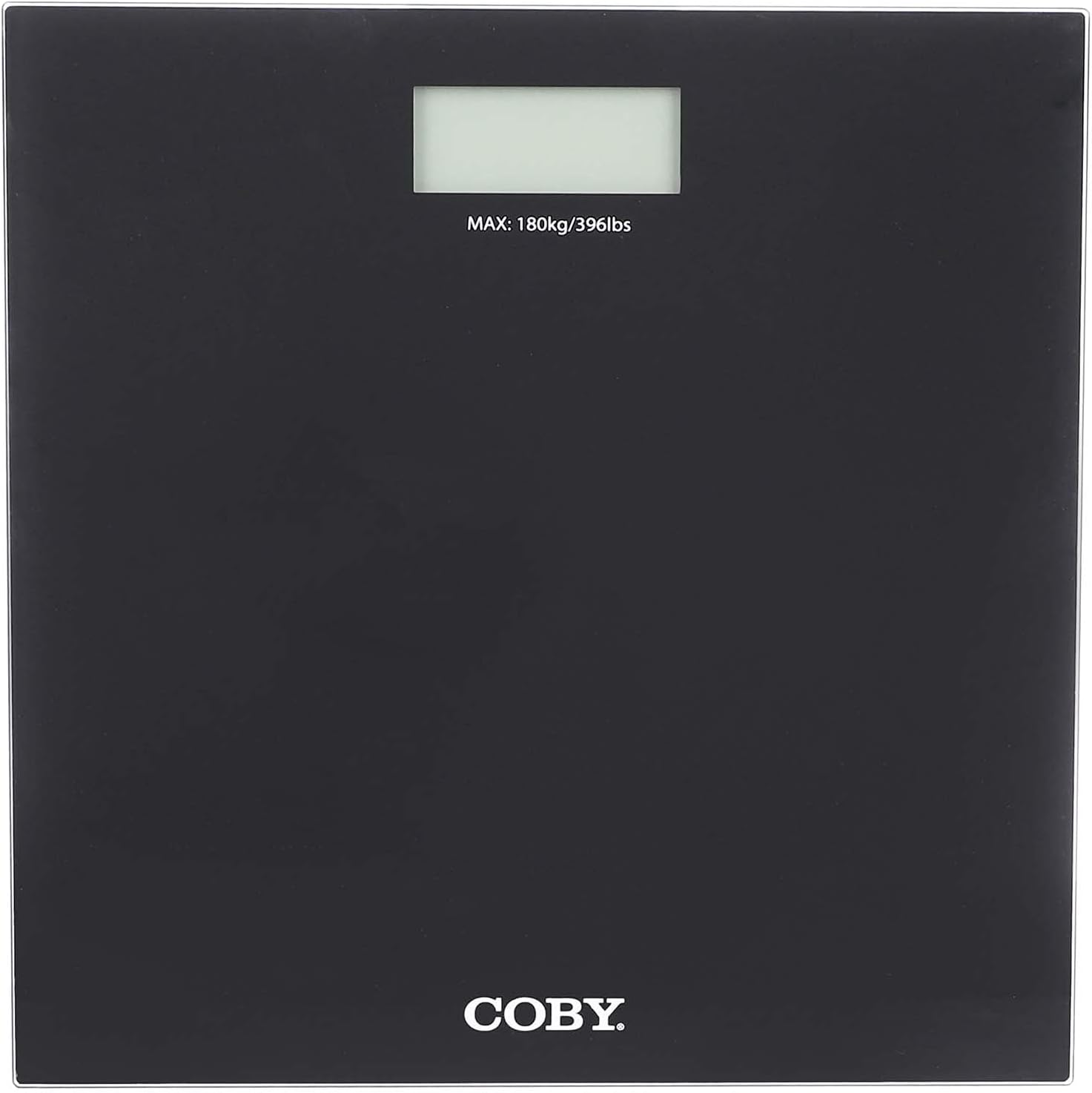
Whakaahua 2: Runga-raro view of the AGFA Digital Personal Scale, illustrating the digital display and the maximum weight indication.
Tiaki me te Tiaki
- Te horoi: Horoia te mata unahi ki te ngohengohe, damp cloth. Do not use chemical cleaning agents or abrasive materials.
- Rokiroki: Whakaorangia te tauine ki te waahi makariri, maroke. A ape i te wera nui me te ra tika.
- Whakakapinga Pūhiko: When the display shows "Lo" or becomes dim, replace the batteries immediately.
- Aukati i te Paanga: Do not drop the scale or subject it to strong impacts, as this may damage the internal components.
Raparongoā
| Raruraru | Take pea | Rongoā |
|---|---|---|
| "Lo" or no display | He iti te mana pākahiko. | Whakakapihia nga pākahiko. |
| Nga korero tika | Tauine i runga i te mata koretake; kāore anō kia whakatikatikaina; kua nekehia inā tata nei. | Place on a hard, flat surface. Perform initial calibration (step on, wait for "0.0", step off). |
| Karere "Hē" | Overload (weight exceeds 150 kg); unstable reading. | Step off the scale if overloaded. Ensure stable footing during measurement. |
Whakatakotoranga Hua
- Waitohu: AgfaPhoto
- Tauira: B098RH2FDD
- Momo: Tauine Whaiaro Mamati
- Taumaha Morahi: 150 kg
- Whakaatu: Pepa Matapihi
- Ahu: Tata ki te 29 x 29 x 4 cm
- Puna Hiko: Batteries (type specified in battery compartment)
- Rauemi: High-quality materials (e.g., tempered glass platform)
Pūtāhui me te Tautoko
For warranty information and customer support, please refer to the warranty card included with your purchase or visit the official AgfaPhoto webpae. Puritia to riiki hoko hei tohu mo te hoko.
For further assistance, you may contact AgfaPhoto customer service through their official channels.


