Kupu Whakataki
The Koss TWS250i True Wireless Earbuds offer a seamless audio experience with Bluetooth 5.0 connectivity, intuitive touch controls, and a portable USB-C charging case. This manual provides essential information for setting up, operating, maintaining, and troubleshooting your earbuds.
Ka mutu te huaview
Your Koss TWS250i package includes the true wireless earbuds and a compact charging case. The earbuds are designed for comfort and secure fit, ensuring optimal sound delivery.

Image: Koss TWS250i True Wireless Earbuds and charging case on a wooden surface.
The charging case not only protects your earbuds but also provides additional battery life on the go. Inside the case, you'll find designated slots for each earbud (Left and Right).
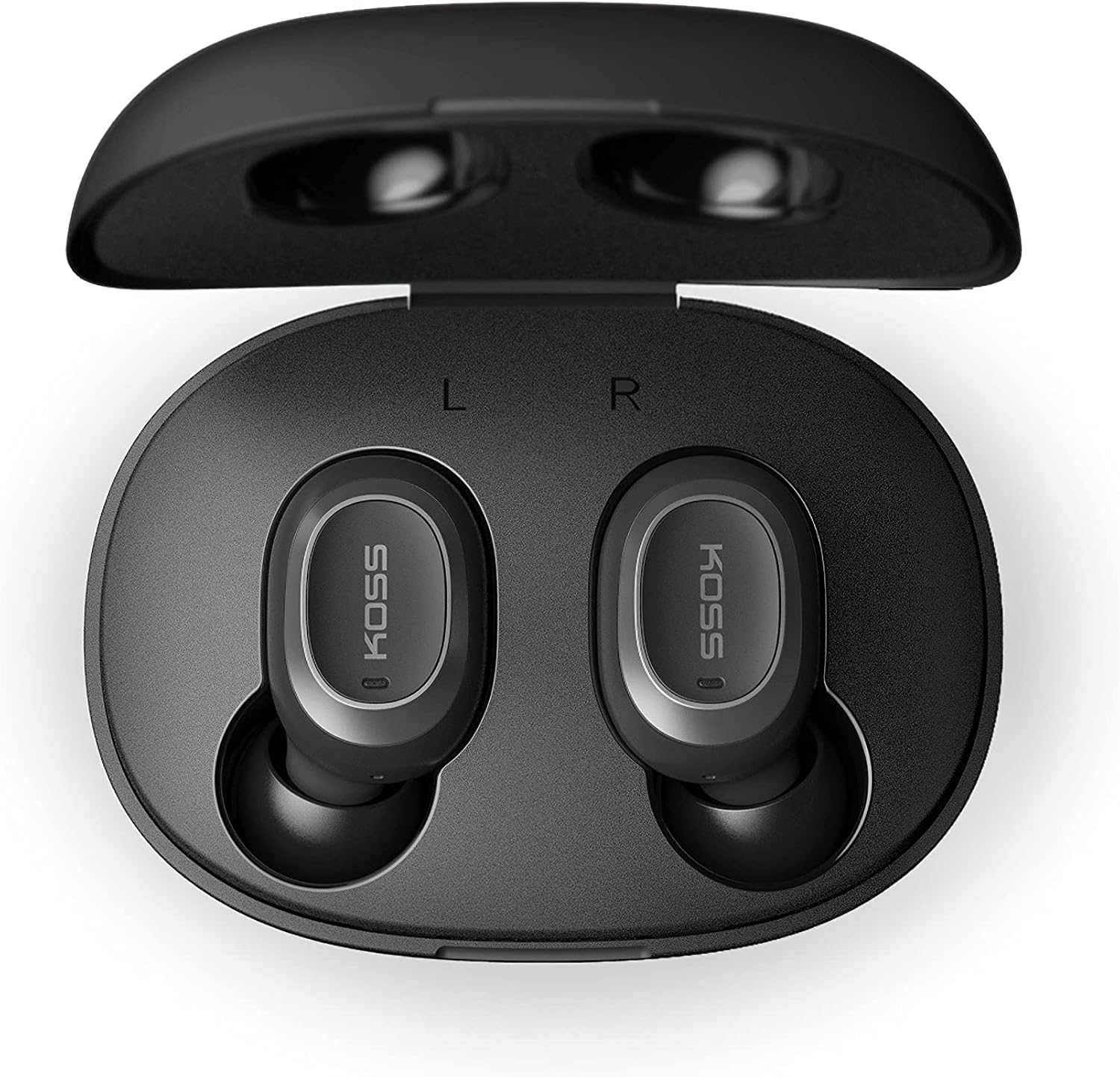
Image: Open Koss TWS250i charging case with both earbuds inside, showing L and R indicators.
To ensure the best fit and sound quality, the earbuds come with multiple sizes of silicone ear tips (Small, Medium, Large). Experiment with these to find the size that provides a comfortable and secure seal in your ear canal.

Image: Single Koss TWS250i earbud next to small, medium, and large silicone ear tips.
Tatūnga
1. Te utu
Before initial use, ensure both the earbuds and the charging case are fully charged. Connect the provided USB-C cable to the charging port on the case and to a power source. LED indicators on the front of the case will illuminate to show the charging status. When earbuds are placed inside the case, they will automatically begin charging.
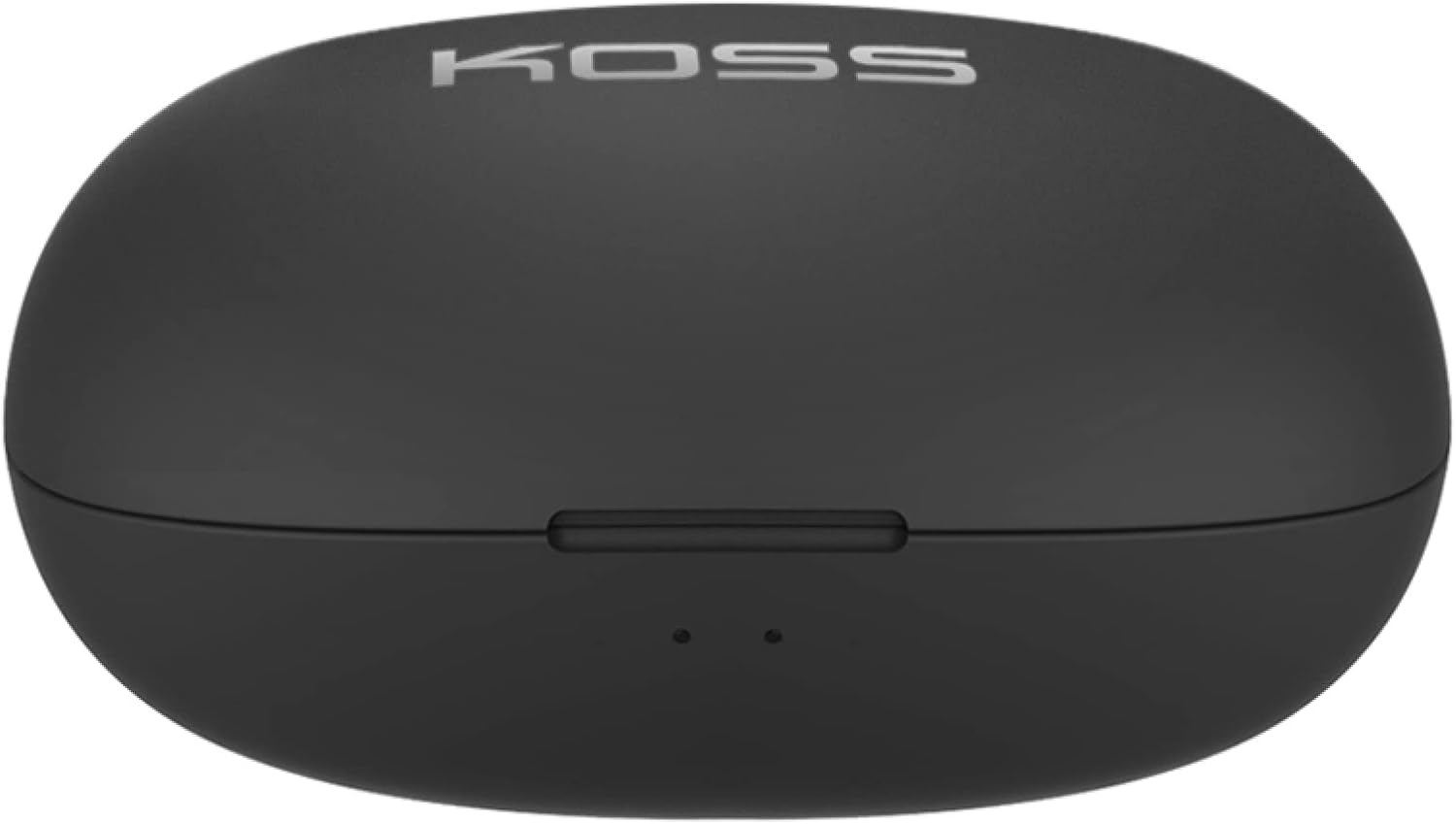
Image: Closed Koss TWS250i charging case, showing the USB-C charging port.
Video: Official product video demonstrating the Koss TWS250i True Wireless Earbuds, including their design, charging case, and basic features.
2. Takirua
- Remove both earbuds from the charging case. They will automatically enter pairing mode, indicated by a flashing red and blue light on one of the earbuds.
- I runga i to waea atamai, papa, tetahi atu taputapu Bluetooth-whakahohea ranei, whakatere ki nga tautuhinga Nihokikorangi.
- Select "Koss TWS250i" from the list of available devices to connect.
- Once successfully paired, the earbuds will connect automatically to your device whenever they are removed from the charging case.
3. Whakatau
Choosing the correct ear tip size is essential for both comfort and sound performance. Experiment with the included Small, Medium, and Large silicone ear tips to find the best fit for your ears. A proper seal will enhance bass response and passive noise isolation.

Image: Man wearing a Koss TWS250i earbud, smiling and looking at his phone.
Nga Tohutohu Whakahaere
1. Mana Pa
The Koss TWS250i earbuds feature intuitive touch controls on their outer surface:
- Hiko Whakaka/Weto: Long press the touch surface until the earbuds power on or off.
- Purei/Tatari Puoro: Pao kotahi ki runga i tetahi purongo.
- Whakautu/Whakamutu Waea: Pao kotahi ki runga i tetahi purongo.
- Runga Runga: Single tap on the Matau purongo.
- Raro Raro: Single tap on the Mauī purongo.
- Tīpoka Riu Whakamua: Longer touch on the Matau purongo.
- Tīpoka Riu Whakamuri: Longer touch on the Mauī purongo.
2. Dual Connect Functionality
The TWS250i earbuds support dual connect, allowing each earbud to function independently. This means you can use one earbud while the other charges, or share one earbud with a friend. Both earbuds have built-in microphones, ensuring clear communication regardless of whether you use one or both.
Te tiaki
- Te horoi: Horoia ngā pane taringa me te pouaka utu i ia wā ki te kakahu ngohengohe, maroke. Āta karohia te whakamahi i ngā rauemi whakakoi, i ngā matū kino rānei.
- Rokiroki: Pupuri tonu nga purongo ki roto i te pukoro utu ina kore e whakamahia hei whakamarumaru kia mau tonu te utu.
- Te pāmahana: Avoid exposing the earbuds and case to extreme temperatures, direct sunlight, or high humidity.
Raparongoā
- Karekau he oro, he kino ranei te kounga oro:
- Ensure earbuds are properly seated in your ears with a good seal. Try different ear tip sizes.
- Tirohia nga taumata oro i runga i to taputapu hono me nga purongo.
- Verify that the earbuds are correctly paired and within the Bluetooth range of your device.
- Karekau e Tauritea nga taringa:
- Me mohio kei te whakakiia nga taringa.
- Remove both earbuds from the case to activate pairing mode (indicated by flashing red/blue lights).
- I runga i to taputapu,
Tuhinga e pa ana - TWS250i

KOSS TWS250i True Wireless Earbuds User Manual
User guide for KOSS TWS250i True Wireless Earbuds, covering setup, pairing, touch controls, charging, specifications, and safety warnings.
Koss Bluetooth Headsets User Guide, Specifications, and Safety Information
Comprehensive user guide for Koss Bluetooth headsets, including models KOSS BT115i V2, KOSS BT232i V2, KOSS BT221i V2, KOSS KSC35 Wireless V2, and KOSS UTILITY UBTA. Covers safety warnings, warranty, technical specifications, and battery maintenance.
Koss TWS150i True Wireless Earbuds User Manual & Instructions
Comprehensive guide to using your Koss TWS150i True Wireless Earbuds, covering setup, pairing, controls, charging, and safety information.
Koss KPH30 Wireless Headphones User Guide
User guide for the Koss KPH30 Wireless Headphones, covering setup, operation, safety, and specifications.
KOSS BTS1 Bluetooth Speaker: User Guide, Features, and Safety Information
A comprehensive guide to the KOSS BTS1 Bluetooth speaker, detailing its features, connectivity, listening modes, charging, light indicators, safety warnings, warranty, and compliance information.
Koss Porta Pro Ahokore i runga i-taringa Aratohu Kaiwhakamahi
User guide for the Koss Porta Pro Wireless On-Ear Headphones, covering front and back controls, charging, Bluetooth pairing, and music/call functions.