1. Kupu Whakataki
This manual provides essential information for setting up, operating, maintaining, and troubleshooting your Google Pixel 6 Pro smartphone. The Pixel 6 Pro is a powerful 5G Android device featuring the custom Google Tensor processor, an advanced camera system, and enhanced security features, designed to deliver a smart and fast mobile experience.
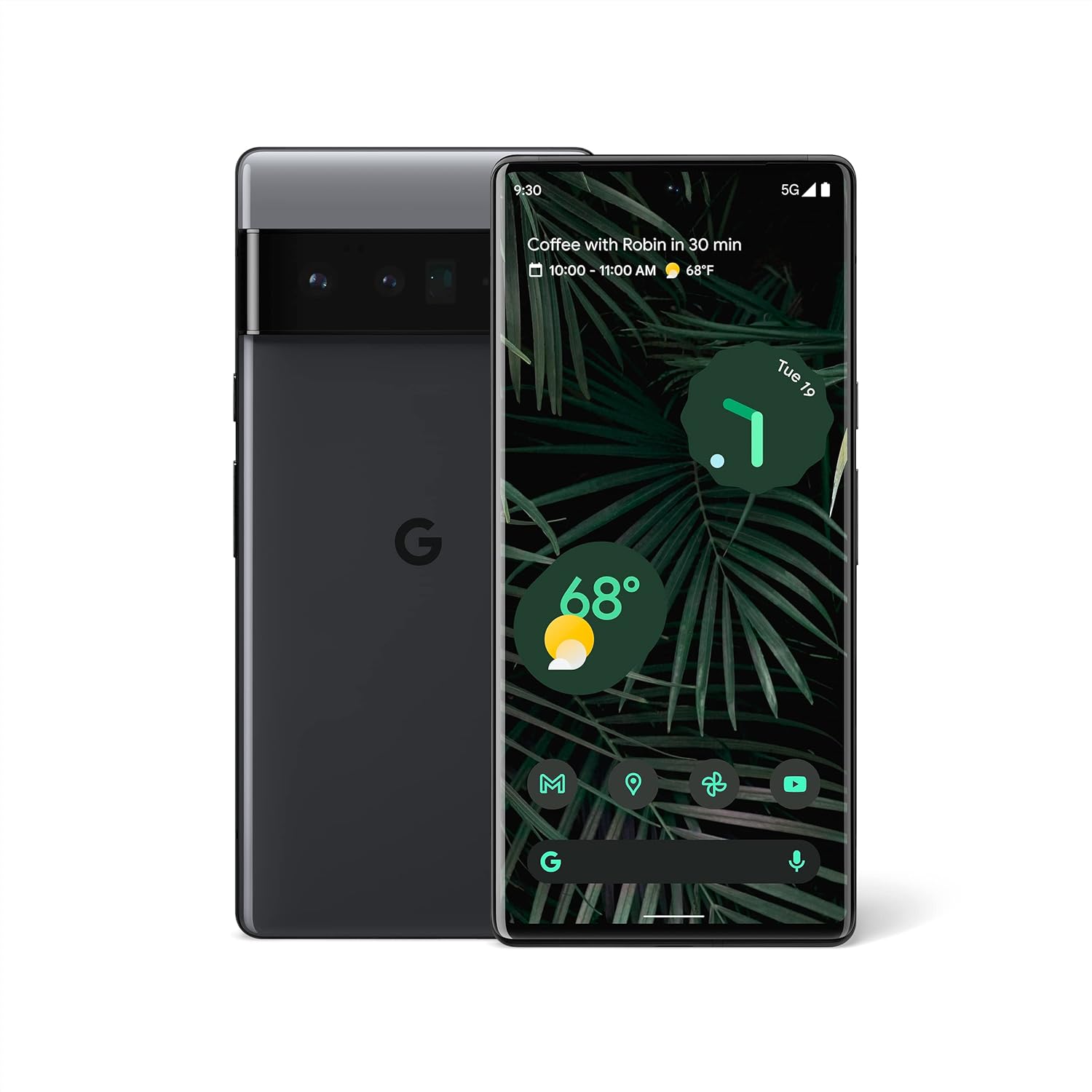
Whakaahua 1.1: Mua me muri view of the Google Pixel 6 Pro in Stormy Black. The front displays the home screen with time, weather, and app icons, while the back shows the distinctive camera bar and Google logo.
2. Aratohu Tatūnga
2.1 Te Whakakore me te Tirotiro Tuatahi
I te whakatuwheratanga o te kete, me mohio kei te noho nga waahanga katoa:
- Google Pixel 6 Pro Cell Phone
- USB-C ki USB-C Cable
Tirotirohia te taputapu mo te kino o te tinana i mua i te haere.
2.2 Te whakauru i te Kaari SIM
- Kimihia te paepae kaari SIM i te taha o to Pixel 6 Pro.
- Insert the SIM ejector tool (or a small paperclip) into the small hole on the tray and push gently until the tray pops out.
- Whakanohoia to kaari Nano-SIM ki roto i te paepae me nga whakapiri koura e anga ana ki raro me te kokonga kakari.
- Āta turakihia te paepae whakamuri ki roto i te mokamoka kia pao noa.
2.3 Te Whakakaha me te Whirihoranga Tuatahi
- Press and hold the Power button (located on the right side) until the Google logo appears on the screen.
- Follow the on-screen prompts to select your language, connect to a Wi-Fi network, and sign in with your Google Account.
- You will be guided through setting up security features like fingerprint unlock and screen lock.
2.4 Transferring Data from Your Old Phone
The Pixel 6 Pro offers a seamless way to transfer your messages, contacts, photos, and other data from your previous device during the initial setup process. Use the provided USB-C cable and follow the on-screen instructions.

Figure 2.1: A Google Pixel 6 Pro connected via USB-C cable to another smartphone, illustrating the data transfer process. The Pixel's screen shows options to copy messages, contacts, photos, and other data.
3. Operating Your Pixel 6 Pro
3.1 Whakaaturanga Whakaaturanga
The Pixel 6 Pro features a 6.7-inch LTPO QHD+ Smooth Display with a resolution of 1080 x 2340 pixels and a 120Hz refresh rate for fluid scrolling and responsiveness. The display is protected by Corning Gorilla Glass Victus for enhanced durability.
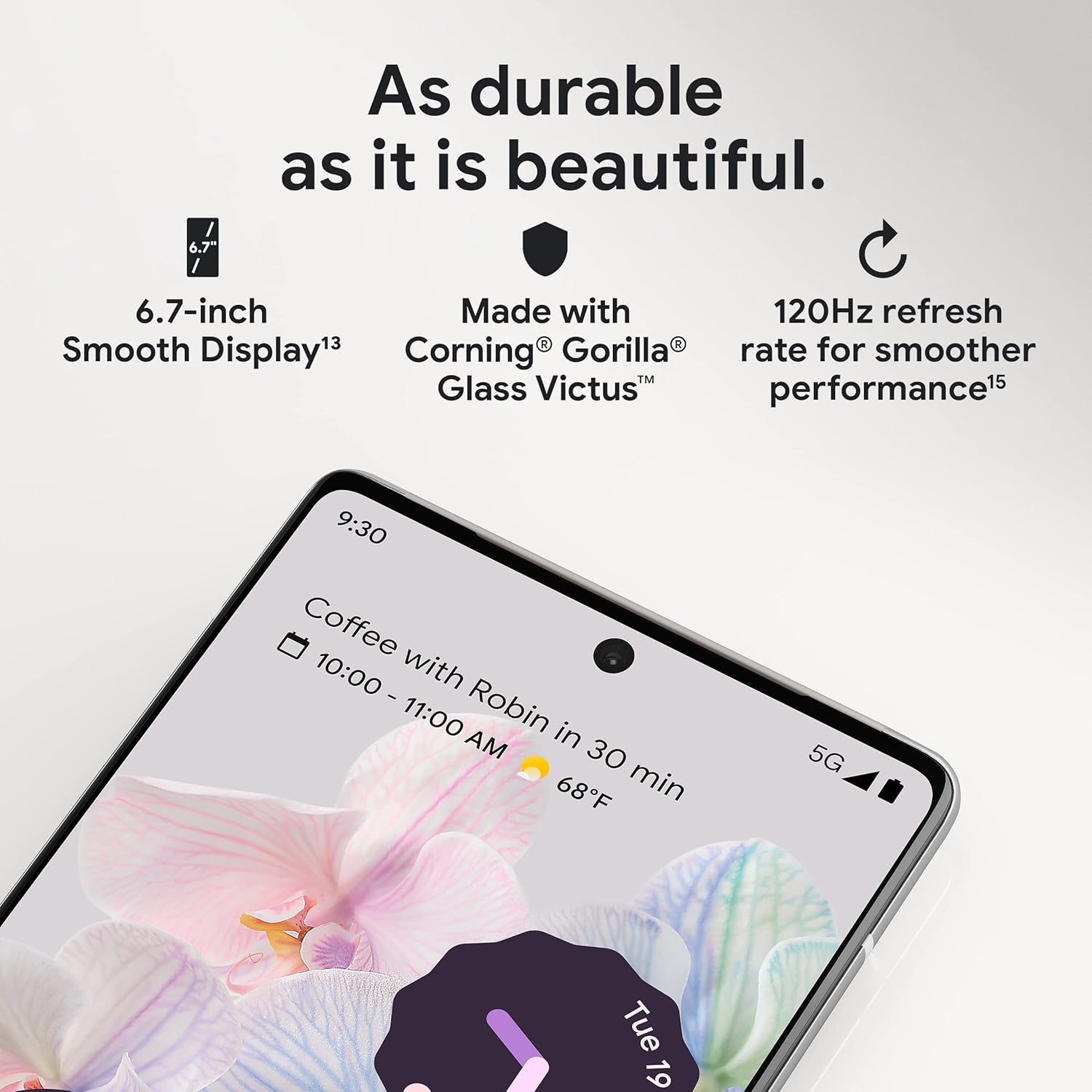
Whakaahua 3.1: He tata view of the Pixel 6 Pro's display, highlighting its durability with Corning Gorilla Glass Victus and the smooth performance enabled by its 120Hz refresh rate.
3.2 Pūnaha Kāmera
The Pixel 6 Pro is equipped with an advanced camera system:
- 50 MP Te Kamera Whanui: Captures 150% more light for detailed photos.
- 48 MP Telephoto Camera: Offers 4x optical zoom for distant subjects.
- 12 MP Ultrawide Camera: For expansive landscape and group shots.
- Kāmera Mua: Mō ngā whakaahua whaiaro me ngā waea ataata kounga teitei.
Key camera features include:
- Muku Makutu: Removes unwanted objects or people from your photos.
- Aratau Nekehanga: Creates dynamic long-exposure shots.
- Aratau Whakaahua: Artfully blurs backgrounds for professional-looking portraits.

Whakaahua 3.2: He roto view of the Pixel 6 Pro's camera array, detailing the 50 MP wide camera, 48 MP telephoto camera with 4x optical zoom, and 12 MP ultrawide camera.

Figure 3.3: Visual demonstrations of the Pixel 6 Pro's advanced camera tools: Magic Eraser removing background elements, Motion Mode capturing light trails, and Portrait Mode creating a blurred background effect.
3.3 Mahi
The Pixel 6 Pro is powered by the custom-built Google Tensor processor, which provides a significant boost in performance compared to previous Pixel models. This chip enables advanced on-device AI capabilities and contributes to maximum battery efficiency.
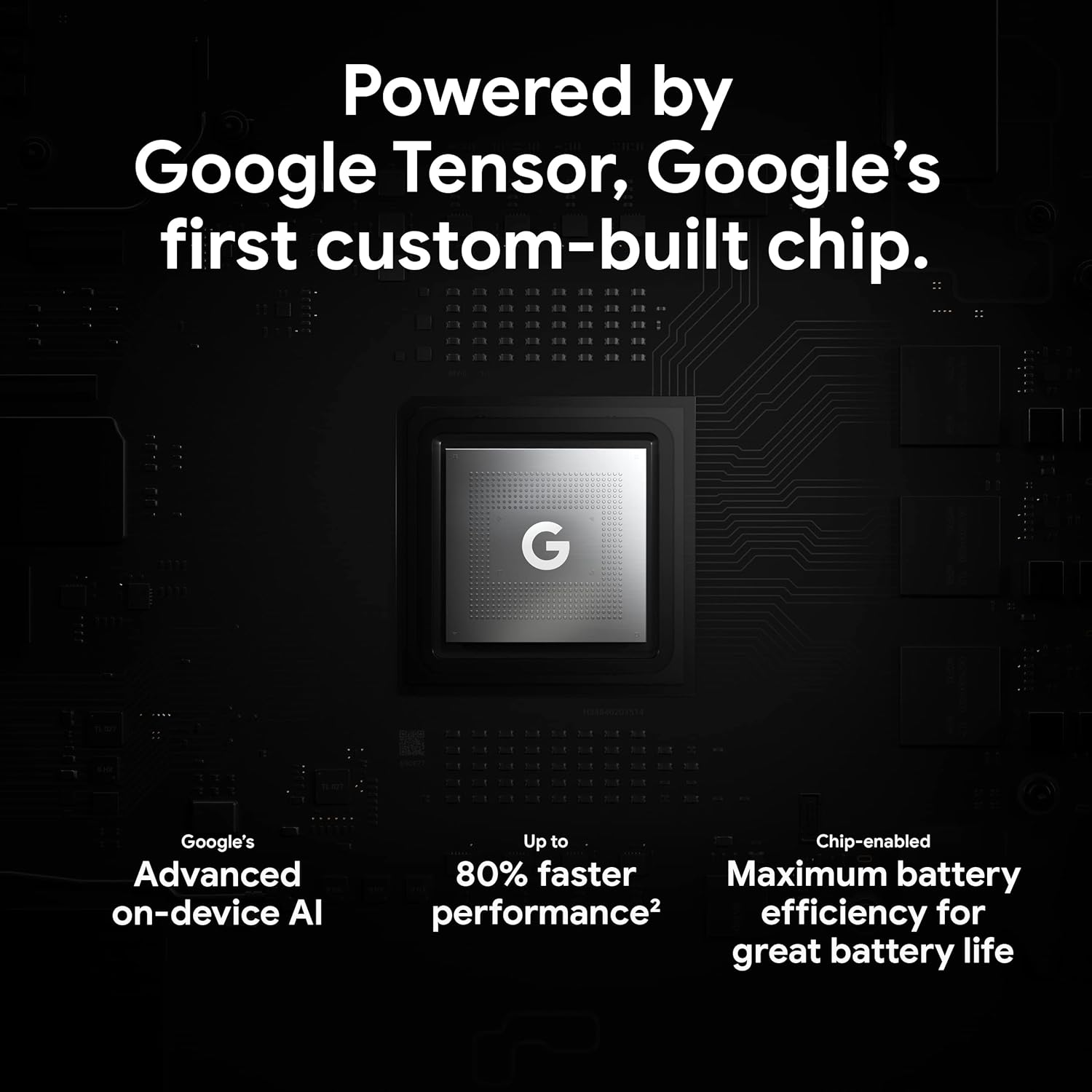
Figure 3.4: An illustration of the Google Tensor chip, highlighting its role in providing advanced on-device AI and up to 80% faster performance for improved battery efficiency.
3.4 Āhuahira Haumarutanga
Your Pixel 6 Pro is built with robust security:
- Titan M2™ chip: Provides next-generation hardware security.
- Whakahōu Haumarutanga: Guaranteed 5 years of security updates to protect against threats.
- IP68 Water and Dust Protection: Offers resistance against water and dust ingress.
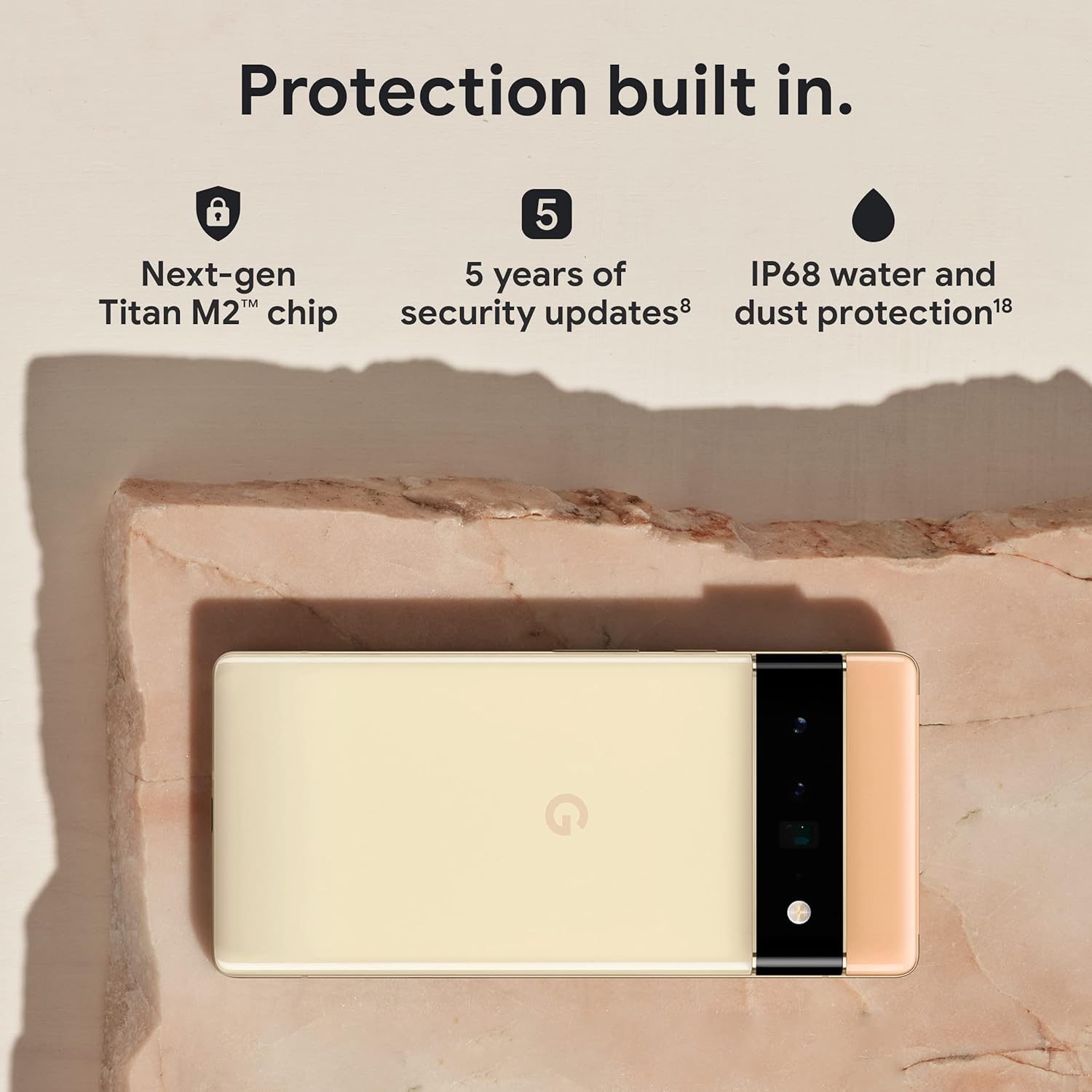
Figure 3.5: The Pixel 6 Pro shown alongside icons representing its built-in security features: the Titan M2 chip, 5 years of security updates, and IP68 water and dust protection.
3.5 Pūhiko me te Tohutohutia
The device is equipped with a large 5003 mAh battery. It supports fast wired charging (with a compatible 30W USB-C charger, sold separately) and adapts to your usage patterns to save power for frequently used applications, extending battery life beyond 24 hours.

Whakaahua 3.6: He upoko view of a person using the Pixel 6 Pro, with icons illustrating the phone's battery capabilities: super-fast charging, power saving for frequently used apps, and extended battery life.
3.6 Pūmanawa me te Atanga Kaiwhakamahi
The Pixel 6 Pro runs on the Android 12 operating system, offering a modern and intuitive user interface. It includes features like Material You for personalized themes and enhanced privacy controls.
3.7 Ngā Āheinga Whakamāori
The device comes with Google Translate pre-installed, allowing you to translate private chats, messages, and live video captions in up to 55 languages directly on your phone.
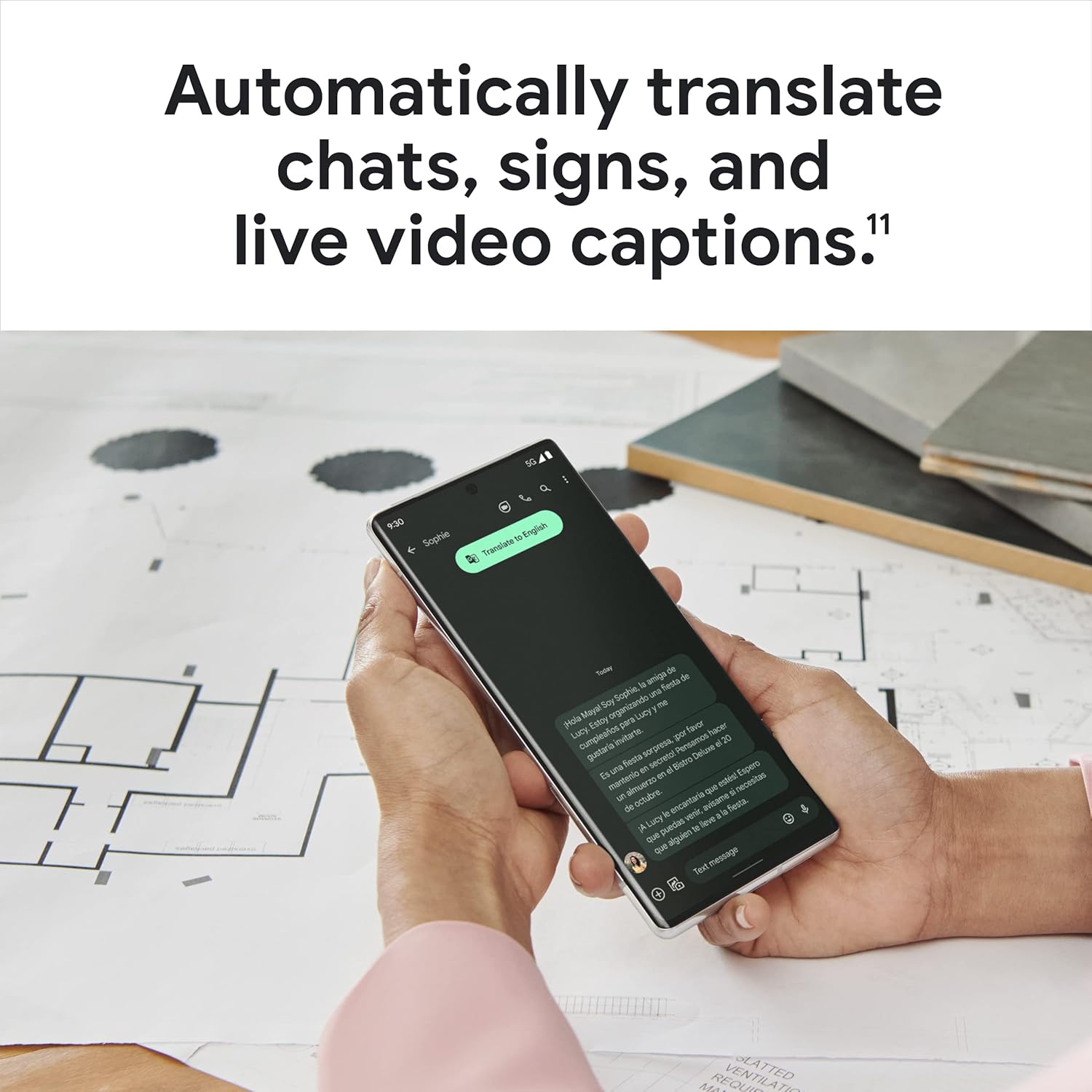
Figure 3.7: A user holding the Pixel 6 Pro, which displays a live translation of text on its screen, demonstrating the device's automatic translation capabilities for chats, signs, and live video captions.
3.8 Hononga
The Pixel 6 Pro supports various connectivity options for seamless integration with other devices and services:
- USB: Mo te utu me te whakawhiti raraunga.
- Wi-Fi: Mo te uru ipurangi ahokore.
- Nihokikorangi: Mo te hono i nga taputapu ahokore.
- NFC: Mo nga utu kore whakapā me te takirua tere.
4. Tiaki
4.1 Tiakitanga Whanui
- Keep your device away from extreme temperatures, direct sunlight, and excessive moisture.
- Avoid dropping the phone or exposing it to strong impacts.
- Use a screen protector and a protective case to minimize damage from drops and scratches.
4.2 Te horoi i to taputapu
To clean your Pixel 6 Pro:
- Whakawetohia te taputapu i mua i te horoi.
- Use a soft, lint-free cloth (e.g., microfiber cloth) to gently wipe the screen and body.
- Mo nga kohukohu pakeke, paku dampen te kakahu ki te wai, te horoi mata ranei i hangaia mo te hikohiko. A ape i nga matū kino, i nga taonga abrasive ranei.
4.3 Whakahōu Pūmanawa
Regularly check for and install software updates. These updates often include performance improvements, new features, and critical security patches that keep your device running optimally and securely.
5. Te Raru
5.1 Kaore te Pūrere e Huri ana
- Takina Pūhiko: Ensure the battery is charged. Connect the phone to a charger for at least 15-30 minutes.
- Whakaoho Whakahou: Pēhia me te pupuri i te pātene Hiko mo te 30 hēkona.
- Check Charger/Cable: Try a different charger and USB-C cable to rule out faulty accessories.
5.2 Nga Take Hononga Whatunga
- Restart Phone: A simple restart can often resolve temporary network glitches.
- Takahuri Aratau Rererangi: Turn Airplane Mode on for a few seconds, then turn it off.
- Tirohia te Kaari SIM: Kia tika te whakauru o te kaari SIM.
- Tautuhianō Tautuhinga Whatunga: Go to Settings > System > Reset options > Reset Wi-Fi, mobile & Bluetooth. Note: This will erase saved Wi-Fi passwords.
5.3 Taupānga Ka takataka, Whakatio ranei
- Whakakaha Katia Taupānga: Swipe up from the bottom of the screen, find the problematic app, and swipe it away to close.
- Mukua te Keteroki/Raraunga: Go to Settings > Apps > See all apps, select the app, then Storage & cache > Clear cache. If the issue persists, try Clear storage (this will delete app data).
- Whakahōu Taupānga: Me mohio kei te whakahouhia te taupānga ki tana putanga hou mai i te Toa Play Store.
- Restart Phone: A full device restart can often resolve app-related issues.
5.4 Ka tere te whakaheke i te pākahiko
- Identify Usage: Go to Settings > Battery > Battery usage to see which apps are consuming the most power.
- Whakatikatika i te Kanapa o te Mata: Lower screen brightness or enable adaptive brightness.
- Monokia nga waahanga kaore i whakamahia: Turn off Wi-Fi, Bluetooth, GPS, or NFC when not in use.
- Whakahou Taupānga Papamuri: Limit apps running in the background.
6. Whakatakotoranga
| Āhuahira | Whakatakotoranga |
|---|---|
| Hunga Hua | 6.45 x 2.98 x 0.35 inihi |
| Taumaha Tūemi | 7.4 hekere |
| Tauira Tuemi | GA03149 |
| Pūnaha Mahi | Android 12.0 |
| RAM | 12 GB |
| Te Rokiroki Mahara | 128 GB |
| Rahi Mata | 6.7 Inihi |
| Whakatau | 1080 x 2340 |
| Rere tāmata | 120 Hz |
| Pūhiko Raukaha | 5003 mah |
| Waea Korero Waea | 25.5 haora |
| Waa Whakatau | 119 minutes (with compatible 30W charger) |
| Hangarau Whakawhitiwhiti Ahokore | Nihokikorangi, NFC, Wi-Fi |
| Hangarau Hononga | Nihokikorangi, NFC, USB, Wi-Fi |
| Nga waahanga motuhake | High-Refresh-Rate Screen, Wireless Charging, Fast Charging, Powerful Camera System with Magic Eraser and Deblurring, Custom Google Tensor Processor |
| Tae | Pango Tūpuhi |
| He aha kei roto i te pouaka | Cell Phone, USB Cable |
7. Pūtāhui me te Tautoko
Mō ngā taipitopito mō te pūtāhui me te tautoko kiritaki, tirohia te tautoko mana a Google website or the warranty card included with your purchase. Google provides comprehensive support resources, including FAQs, troubleshooting guides, and contact options for technical assistance.
Visit the official Google Support page: support.google.com/pixelphone


