1. Kupu Whakataki
This manual provides instructions for the safe and efficient operation of your MIFA S2118 WildRod Portable Bluetooth Speaker. Please read this manual thoroughly before using the product and retain it for future reference.
2. Ihirangi mokete
Manatokona kei roto katoa nga mea kei roto i te kete:
- MIFA WildRod Speaker
- USB-C taura
- Pukapuka Kaiwhakamahi (tenei tuhinga)
3. Hua Neke Atuview
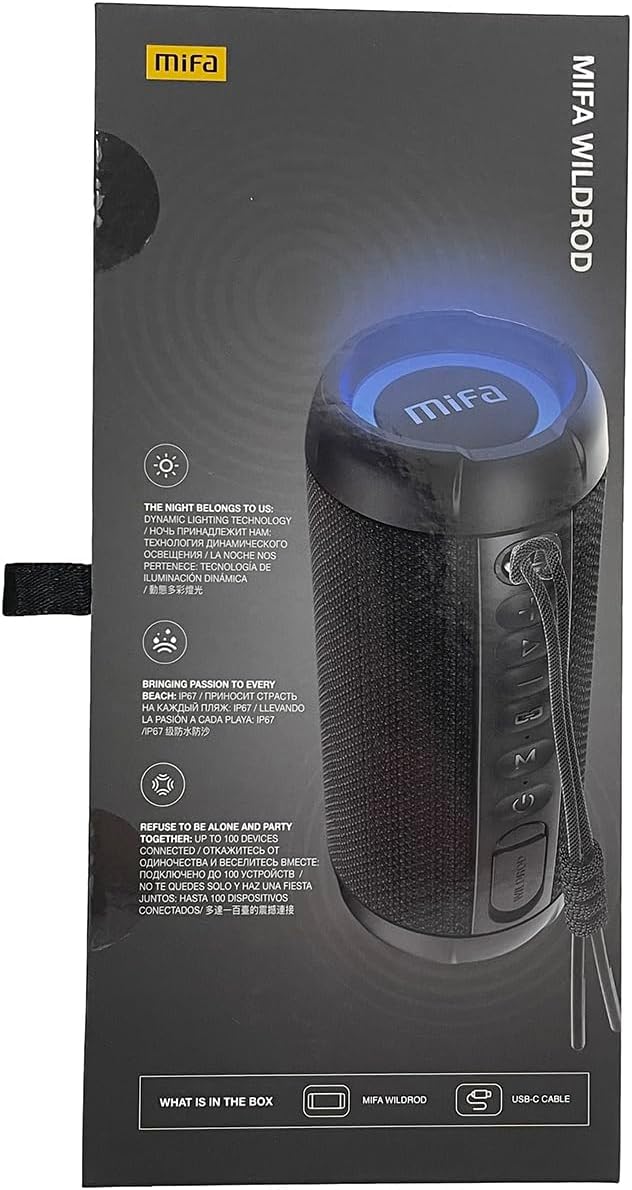
The MIFA S2118 WildRod is a portable Bluetooth speaker designed for outdoor use, featuring robust construction and dynamic audio capabilities.
Āhuatanga matua:
- IP67 parewai me te puehu: Designed to withstand immersion in water up to 1 meter for 30 minutes and protected against dust ingress.
- 30W Mana Putanga: Delivers clear and powerful sound with a 2-way speaker system, including a racetrack-shaped woofer and a separate tweeter.
- Dynamic LED Light: Features 16.8 million Aurora colors and 36 mixed color flashing lights that synchronize with music.
- Nihokikorangi 5.3: For stable wireless connectivity.
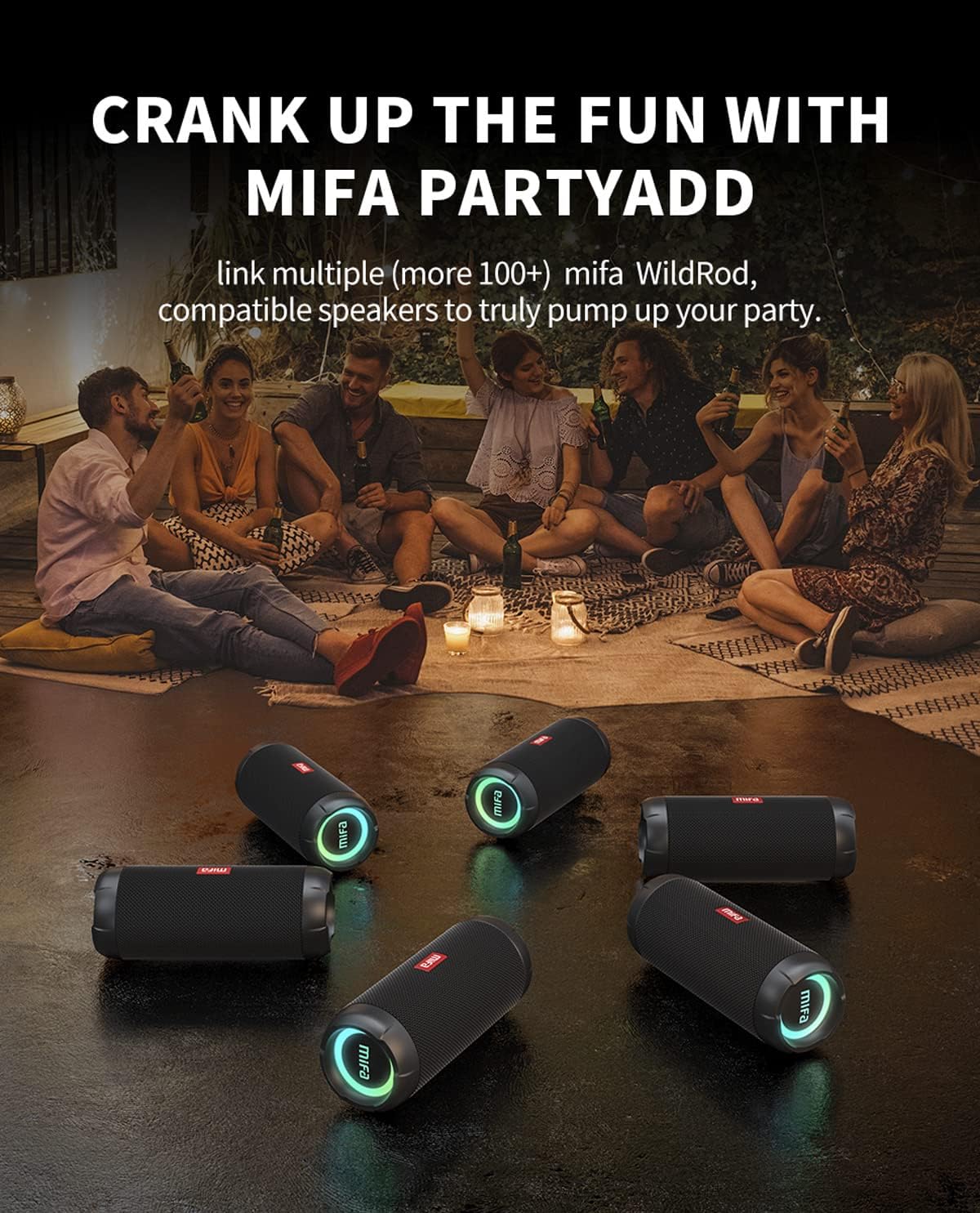
- MIFA PartyAdd: Allows linking multiple (100+) compatible speakers for synchronized audio.
- 12 Haora Wā purei: Equipped with a 5000mAh lithium battery.
- Kōwhiringa Tāuru Maha: Supports Bluetooth and Micro SD card playback.


4. Tatūnga
4.1 Whakataki Tuatahi
- Before first use, fully charge the speaker using the provided USB-C cable.
- Connect the USB-C cable to the charging port on the speaker and the other end to a compatible USB power adapter (not included).
- The LED indicator will show charging status and turn off or change color when fully charged.

5. Nga Tohutohu Whakahaere
5.1 Hiko / Whakaweto
- Hei whakakā, pēhi me te pupuri i te pātene Mana kia mura rā anō te rama tohu.
- Hei whakaweto, pehia me te pupuri i te paatene Hiko kia weto te rama tohu.
5.2 Takirua Nihokikorangi
- Me whakarite kei te whakakā te kaikorero, ā, kei roto i te aratau takirua Nihokikorangi (ka mura te rama tohu).
- I runga i to taputapu (smartphone, tablet, etc.), whakahohea te Nihokikorangi me te rapu mo nga taputapu e waatea ana.
- Select "MIFA S2118" or "MIFA WildRod" from the list of devices.
- Kia honoa, ka tohu te kaikorero kua angitu te hononga, ā, ka pūmau te rama tohu.
5.3 Mana Whakahoki
- Purei/Tatari: Patohia te paatene Play/Pause.
- Runga Runga: Patohia te paatene Rahi +
- Raro Raro: Pēhia te Volume - pātene.
- Riu Panuku: Patohia me te pupuri i te Volume + pātene.
- Riu o mua: Pēhia me te pupuri i te Volume - pātene.
5.4 Aratau Maama LED
The speaker features dynamic LED lights. Refer to the specific button on your speaker (often marked with a light icon) to cycle through different light modes or turn them off.
5.5 MIFA PartyAdd (True Wireless Stereo Pairing)
To connect multiple MIFA WildRod speakers for a synchronized audio experience:
- Me mohio kei te noho nga kaikorero e rua me te kore e hono ki tetahi taputapu Nihokikorangi.
- On one speaker, press the PartyAdd button (or designated TWS button). It will enter pairing mode.
- Whakahokia te tukanga ki te kaikorero tuarua.
- Once connected, the speakers will indicate successful pairing. You can then connect your device to one of the speakers via Bluetooth.

5.6 Te purei anō i te kāri Micro SD
Insert a Micro SD card with audio files into the designated slot. The speaker will automatically switch to Micro SD card playback mode. Use the playback controls to manage your music.
6. Tiaki
- Te horoi: Whakamahia he ngohengohe, damp kakahu hei horoi i te taha waho o te kaikorero. Kaua e whakamahi i ngā matū kaha, i ngā mea horoi rānei.
- Rokiroki: Whakaorangia te kaikorero ki te waahi makariri, maroke atu i te ra tika me te wera nui.
- Tiaki Pūhiko: Hei whakaroa i te ora o te pākahiko, whakakīia katoatia te kaikorero i mua i te wā roa e kore ai e mahi. Kaua e pau rawa te pākahiko i ngā wā katoa.
7. Te Raru
| Raruraru | Take pea | Rongoā |
|---|---|---|
| Karekau te kaikorero e kaha ana. | He iti te pākahiko. | Me utu katoa te kaikōrero. |
| Kaore e taea te hono ma te Nihokikorangi. | Karekau te kaikorero i te aratau takirua; pūrere Nihokikorangi weto; tawhiti rawa atu i te kaikorero. | Ensure speaker is in pairing mode. Turn device Bluetooth off and on. Move device closer to speaker. |
| Karekau he tangi. | He iti rawa te oro; kāore te pūrere i hono; he pūtake tāuru hē. | Increase volume on both speaker and device. Re-pair Bluetooth. Check if Micro SD card is inserted. |
| Whanoke oro. | He nui rawa te oro; he iti te pākahiko. | Whakaitihia te oro. Whakakīia te kaikōrero. |
8. Whakatakotoranga
- Ingoa Tauira: WildRod
- Tauira Tūemi: S2118
- Waitohu: MIFA
- Mana Putanga Morahi Tukuoro: 30 Watts
- Whakautu Auautanga: 20000 Hz
- Hangarau Hononga: USB (for charging), Bluetooth 5.3
- Aratau Putanga Ororongo: Tirooro
- Whakauru Voltage: 5 Volts
- Momo Whakapuru: Ripanga
- Rauemi: Waterproof and dustproof plastic with LED lights
- Momo Kaikorero: Waho
- Pūhiko: 1 pākahiko Lithium Ion (kei roto)
- Rahi Hua: 7 x 7 x 19 cm
- Taumaha: 600 g
- Whakatauranga parewai: IP67
- Whakatauranga Purupura: IP6X
- Wā purei: Tae atu ki te 12 haora
9. Nga korero haumaru
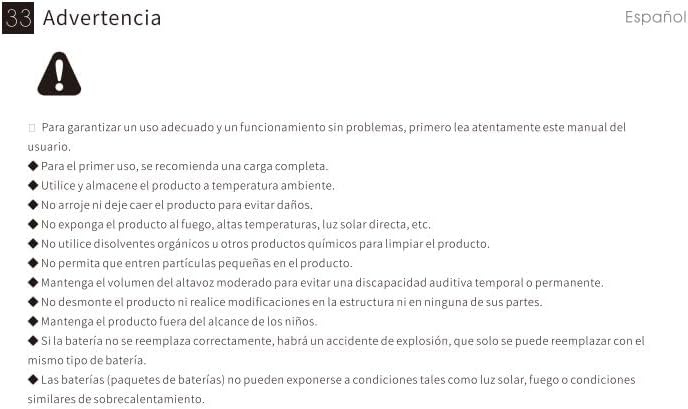
⚠ Whakatūpato: For proper use and trouble-free operation, please read this user manual carefully first.
- For first use, a full charge is recommended.
- Whakamahia me te rokiroki i te hua ki te pāmahana rūma.
- Kaua e taka te hua ki te karo i te kino.
- Kaua e tukuna te hua ki te ahi, te wera nui, te ra tika, me era atu.
- Do not use organic solvents or other chemical products to clean the product.
- Do not allow small particles to enter the product.
- Maintain moderate speaker volume to avoid temporary or permanent hearing impairment.
- Do not disassemble the product or make modifications to the structure or any of its parts.
- Puritia te hua kia kore e taea e nga tamariki.
- If the battery is not replaced correctly, there will be an explosion accident, and it can only be replaced with the same type of battery.
- Batteries (battery packs) cannot be exposed to conditions such as light, fire, or overheating.
10. Pūtāhui me te Tautoko
MIFA products are covered by a limited warranty. For detailed warranty information and support, please visit the official MIFA webpae, whakapā atu ranei ki te ratonga kiritaki.
- Kaihanga: MIFA INNOVATIONS LLC
- Webpae: www.mifa.net
- Whakapā: 4007-881-899


