1. Kupu Whakataki
Mauruuru koe mo te hokoasing the Edifier X3s True Wireless Stereo Earbuds. This manual provides detailed instructions on how to set up, operate, and maintain your earbuds to ensure optimal performance and longevity. Please read this manual thoroughly before use.

Image: The Edifier X3s earbuds, one removed from the open charging case, showcasing to ratou hoahoa kiato.
2. Ihirangi mokete
- Edifier X3s True Wireless Earbuds (Left and Right)
- Puhi utu
- Tauira Whakatau USB
- Nga Tohu Taringa (he maha nga rahi)
- Pukapuka Kaiwhakamahi
3. Tatūnga
3.1 Te Whakataki i nga Paorooro me te Puhi
I mua i te whakamahi tuatahi, whakakiia katoatia nga pukoro taringa me te putea utu.
- Place the earbuds into the charging case. Ensure they are correctly seated; the indicator lights on the earbuds will illuminate.
- Connect the charging case to a power source using the provided USB cable. The indicator light on the charging case will show charging status.
- A full charge for the charging case typically takes approximately 8 hours. The earbuds will charge automatically when placed in the case.
3.2 Takirua Nihokikorangi
Follow these steps to pair your Edifier X3s earbuds with your device:
- Me whakarite kei te utu nga purongo.
- Whakatuwheratia te pouaka utu. Ka uru aunoa ngā pane taringa ki te aratau takirua, e tohuhia ana e te rama kanapa i runga i ngā pane taringa.
- I runga i tō pūrere (waea atamai, papahiko, me ētahi atu), whakahohea te Nihokikorangi ka rapu i ngā pūrere hou.
- Select "EDIFIER X3s" from the list of available devices.
- Once connected, a voice prompt will confirm successful pairing, and the earbud indicator lights will turn off.
Ka tautoko nga taringa TrueWireless Mirroring, allowing seamless switching between single and dual earbud use.
4. Nga Tohutohu Whakahaere
4.1 Mana Pa
The Edifier X3s earbuds feature intuitive touch controls on each earbud. Refer to the diagram below for specific functions:

Image: A diagram illustrating the touch control functions for the left and right Edifier X3s earbuds.
- Single Tap (L/R): Play/Pause music, Answer an Incoming Call
- Double Tap (L): Waiata o mua
- Double Tap (R): Waiata Panuku
- Triple Tap (L): Switch On Game Mode
- Triple Tap (R): Whakahohe Kaiāwhina Reo
- Long Press for 2-3 Seconds (L/R): Hang Up/Reject a Call
- Long Press (L): Rōrahi Whakararo
- Long Press (R): Rōrahi Whakarunga
4.2 Aratau Keemu
To enhance your gaming experience, the Edifier X3s features a dedicated Game Mode. Triple-tap the maui earbud to activate or deactivate Game Mode. This mode optimizes audio-visual synchronization for gaming.
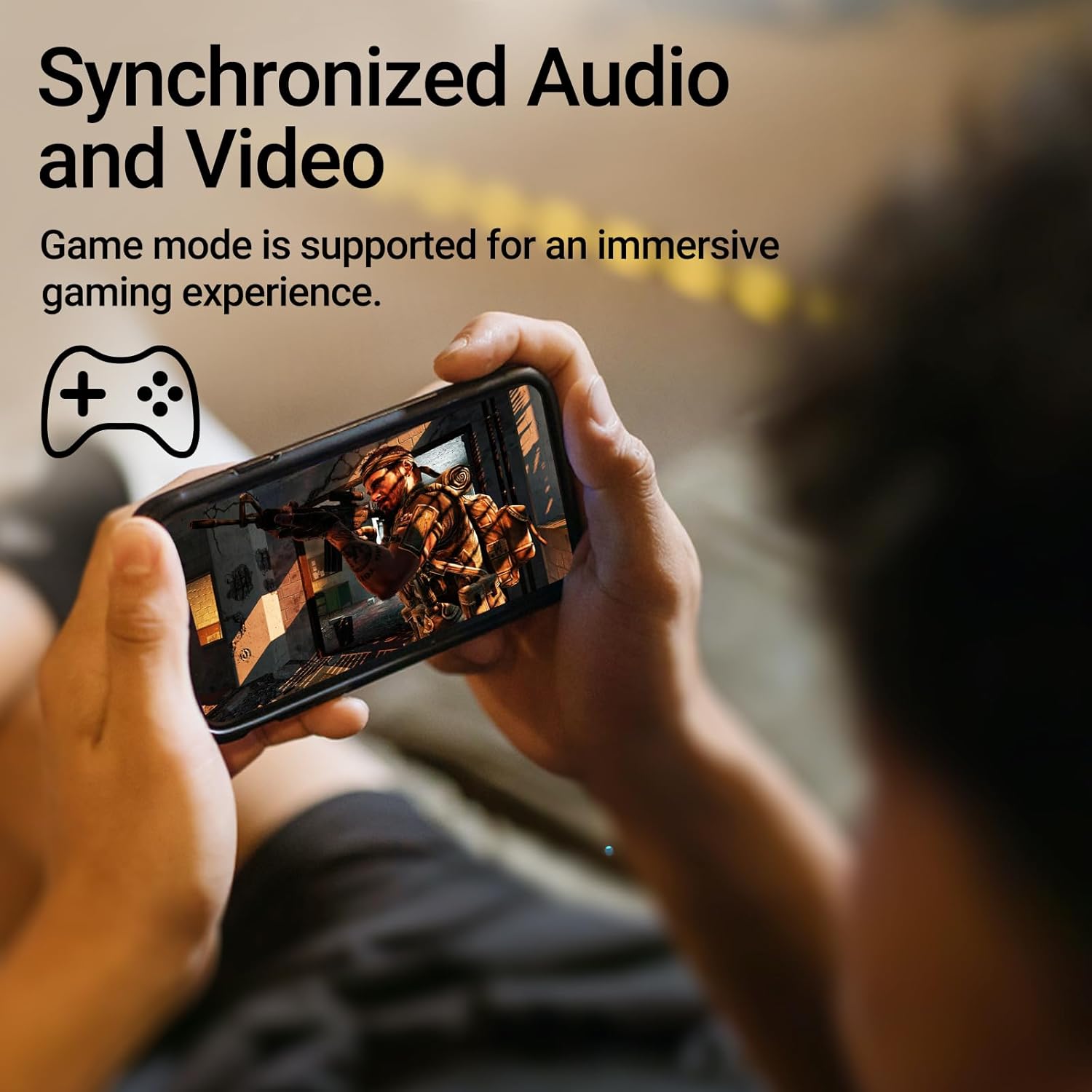
Image: A person holding a smartphone, playing a game, with the text "Synchronized Audio and Video. Game mode is supported for an immersive gaming experience."
5. Nga waahanga matua
- True Wireless Experience: Bluetooth V5.2 with Qualcomm aptX audio decoding for high-fidelity sound and stable connections.
- Wā purei roa: Up to 28 hours of total playtime, with 8 hours from the earbuds and an additional 20 hours from the charging case.
- Superior Call Clarity: Equipped with Qualcomm cVc 8.0 noise cancellation technology for crystal clear calls.
- IP55 Rated Protection: Dust and water resistance make these earbuds suitable for outdoor activities and various weather conditions.
- Comfortable & Lightweight Design: Weighing only 62g, these earbuds provide a secure and comfortable fit for extended wear.

Image: A close-up of the Qualcomm aptX QCC3040 chip, highlighting Bluetooth V5.2 with aptX audio decoding for lossless audio transmission.

Image: Hands holding the Edifier X3s charging case, with an overlay indicating "Up to 28 hours of playback in total: 8 hours (earbuds), 20 hours (charging case)".

Image: A graphic illustrating cVc 8.0 noise reduction, showing how ambient noise is reduced while voice remains clear during calls.

Image: A woman exercising, with an overlay indicating "Dust and water resistant. Feel free to use them at the gym or on a rainy day. IP55-Rated."
6. Tiaki
6.1 Te horoi
- Me horoi i nga wa katoa nga pukoro me te pukoro utu ki te kakahu ngohengohe, maroke, kore-puru.
- Tangohia nga tohu taringa ka horoi ki te hopi ngawari me te wai mena ka tika. Me whakarite kua maroke katoa i mua i te whakapiri ano.
- Use a cotton swab to gently clean the charging contacts on both the earbuds and the case.
6.2 Rokiroki
- Mena karekau e whakamahia, penapenahia nga purongo ki roto i to pukoro hei tiaki kia mau tonu te utu.
- Whakaorangia ki te waahi makariri, maroke atu i nga wera nui me te ra tika.
6.3 Te Wai me te Atete Puehu
The earbuds are IP55 rated, meaning they are protected against dust ingress and low-pressure water jets from any direction. While they can withstand sweat and light rain, they are not designed for submersion in water. Do not use them while swimming or showering.
7. Te Raru
- Karekau e honoa nga taringa: Ensure both earbuds are in the charging case, then open the lid to initiate pairing mode. Check your device's Bluetooth settings and try reconnecting.
- Kotahi anake te pukoro e mahi ana: Whakahokia ngā pane taringa e rua ki roto i te pouaka utu, katia te taupoki, tatari mō ētahi hēkona, kātahi ka whakatuwhera anō. He maha ngā wā ka tukutahi anō tēnei i a rāua.
- Karekau he tangi: Check the volume level on both your device and the earbuds. Ensure the earbuds are properly paired and connected.
- Nga take utu: Verify that the charging cable is securely connected and the power source is active. Clean the charging contacts on the earbuds and case.
- He kino te kounga waea: Ensure the earbuds are clean and positioned correctly in your ears. Check for any obstructions to the microphone.
8. Whakatakotoranga
- Tauira: EDIFIER X3S
- Hononga: Ahokore (Nihokikorangi V5.2)
- Waewaewae Ororongo: Qualcomm aptX
- Whakakorea Noise: Qualcomm cVc 8.0 (for calls)
- Wā purei: Earbuds: 8 hours, Total with Charging Case: 28 hours
- Wā Whakataua (Puhi): Tata ki te 8 haora
- Ātete Wai/Puehu: IP55 Whakatauria
- Tikanga Mana: Paa
- Taumaha: 62 Karamu (tapeke)
- Rauemi: Polycarbonate (PC), Thermoplastic Elastomer (TPE)
- Ngā Pūrere Hototahi: Smartphones, Gaming Devices, Tablets
9. Pūtāhui me te Tautoko
For warranty information and customer support, please refer to the warranty card included with your product or visit the official Edifier webpae. Puritia to tohu hoko mo etahi kereme whakamana.


