1. Kupu Whakataki
This manual provides detailed instructions for the DAREU EK815 Mechanical Gaming Keyboard. Please read this guide thoroughly to ensure proper setup, operation, and maintenance of your device. This keyboard is designed for both gaming and office use, offering a responsive and durable typing experience.
2. Ihirangi mokete
- DAREU EK815 Mechanical Gaming Keyboard
- Paetukutuku Puller
- Pukapuka Kaiwhakamahi
3. Tatūnga
- Honoa te Papapātuhi: Plug the USB cable of the DAREU EK815 keyboard into an available USB port on your computer. The keyboard is plug-and-play and does not require additional drivers for basic functionality.
- Tāutanga Atekōkiri (Whiringa): For advanced features such as programmable keys and customized lighting effects, download and install the official DAREU EK815 driver software from the DAREU webpae.

4. Nga Tohutohu Whakahaere
4.1. Mahi Taketake
The DAREU EK815 functions as a standard full-size keyboard. Simply connect it to your computer via USB to begin typing and using its core features.
4.2. Painga Rama
The keyboard features an adjustable rainbow light effect with multiple modes. You can customize the lighting directly using shortcut keys or through the dedicated software.
- Whakaritea Tirohanga: Use the designated shortcut keys to increase or decrease the brightness of the backlighting.
- Hurihia nga Aratau Maama: Cycle through various lighting effects, including wave, shuttle, point light, and ripple effects, using specific function key combinations.
- Sidelight Control: The keyboard also features sidelights with adjustable speed and modes.


4.3. Ngā Kī Ka Taea te Whakahōtaka
The DAREU EK815 supports programmable keys. Utilize the provided driver software to customize key functions and create macros for enhanced productivity or gaming performance.
4.4. Ārai-Wairua
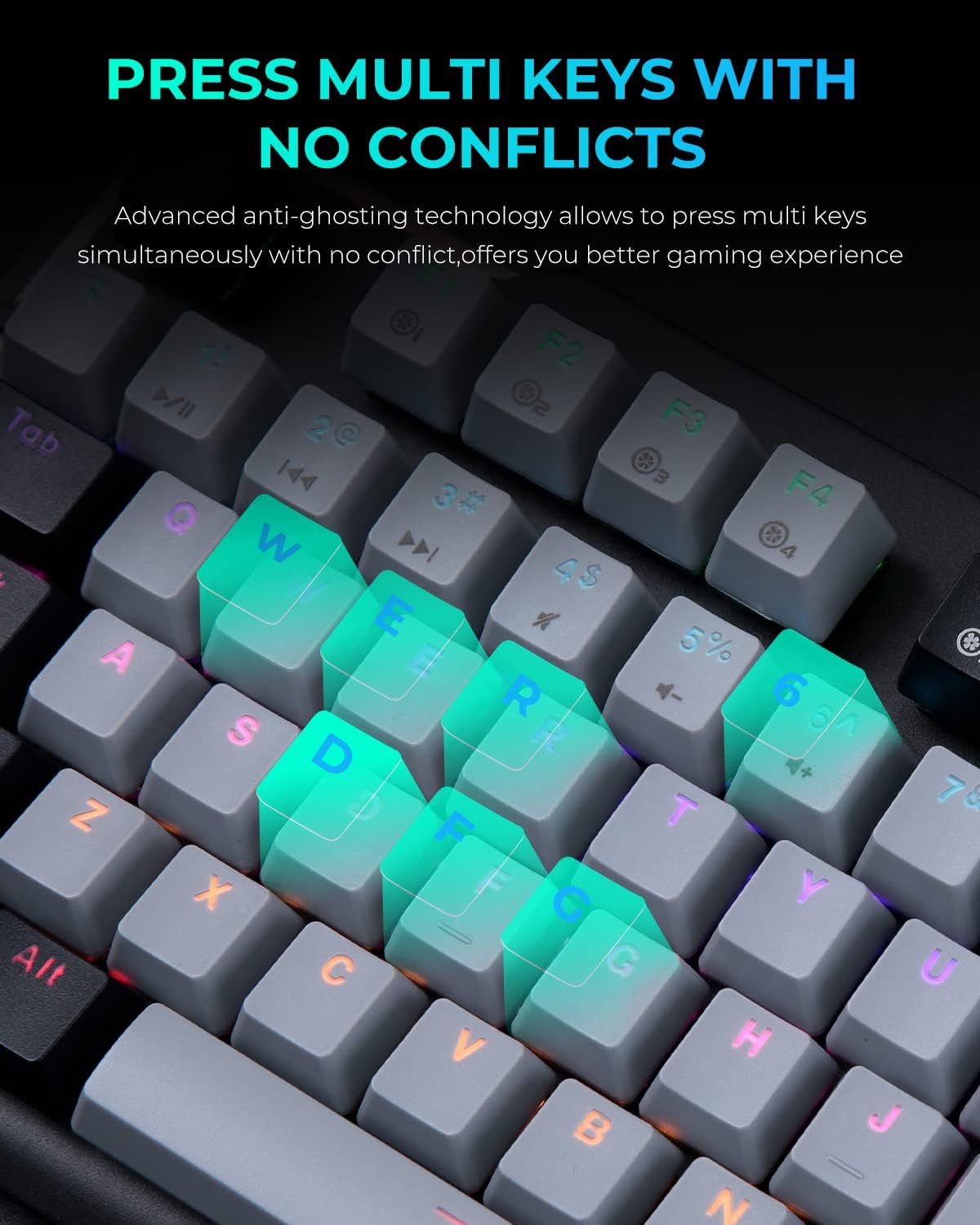
Advanced anti-ghosting technology ensures that multiple key presses are registered simultaneously without conflict. This feature is crucial for gaming, preventing missed inputs during intense sequences.
4.5. Mechanical Switches
The keyboard is equipped with Red mechanical switches, known for their linear feel and quiet operation. These switches offer a smooth and responsive typing experience.
- Key Stroke Travel: 4mm
- Key Elastic Force: 50 ± 4G
- Keystroke Life: Neke atu i te 65 miriona ngā wā

5. Tiaki
- Te horoi i nga taapu matua: The double-shot keycaps are designed for easy cleaning and resistance to fading. Use the included keycap puller to remove keycaps for thorough cleaning. Wipe with a soft, damp kakahu.
- Panel Care: The aluminum alloy metal panel is resistant to rust, falling, sweat, and corrosion. Wipe the surface with a dry or slightly damp cloth to keep it clean. Avoid abrasive cleaners.
6. Te Raru
- Papapātuhi Kaore i te whakautu: Ensure the USB cable is securely connected to both the keyboard and the computer. Try plugging the keyboard into a different USB port.
- Nga take rama: If the lighting is not functioning correctly, check the lighting mode settings using the shortcut keys. If issues persist, reinstall the DAREU driver software.
- Key Input Problems: If specific keys are not registering, ensure no debris is lodged under the keycap. If the issue continues, consider reinstalling the driver or contacting support.
7. Whakatakotoranga
| Āhuahira | Taipitopito |
|---|---|
| Hunga Hua | 17.72 x 5.51 x 1.57 inihi |
| Taumaha Tūemi | 2.27 pauna |
| Kaihanga | DAREU |
| Tauira Tuemi | EK815 |
| Hangarau Hononga | USB |
| Whakaahuatanga Papapātuhi | Hangaia |
| Nga Whakamahinga Manakohia | petipeti, Tari |
| Nga waahanga motuhake | Adjustable Rainbow Light Effect, Double-Shot Keycaps, Anti-Ghosting, Programmable Keys, Sweat-Resistant and Anti-Rust Metal Panel |
| Tae | Whakawhiti Whero |
| Papapātuhi Whakamurirama | RGB |
| Rauemi | Konumohe |
8. Pūtāhui me te Tautoko
The DAREU EK815 Mechanical Gaming Keyboard comes with a 1-Tau Pūtāhui. If you encounter any quality problems with the product within this period, please contact DAREU customer support for assistance. Refer to the product packaging or the official DAREU webpae mo nga taipitopito whakapā motuhake.


