1. Kupu Whakataki
This manual provides essential instructions for the safe and efficient installation, operation, and maintenance of your HOFTRONIC Milano Smart LED Recessed Spotlights. Please read this manual thoroughly before installation and retain it for future reference.

Whakaahua 1.1: Ka mutuview of the HOFTRONIC Milano Smart LED Recessed Spotlights kit, including 10 spotlights, a 12V driver, a remote control, and a smartphone displaying the control app.
2. Nga korero haumaru
- Me whakarite kia momotu te pūnaha hiko i mua i te tāutanga, te tiaki, te horoi rānei.
- Me mahi te tāutanga e te tohunga hiko whai tohu, e ai rānei ki ngā ture hiko ā-rohe.
- Kaua e whakarerekētia te hua i tētahi ara. Mā ngā whakarerekētanga kāore i whakamanahia ka whakakorea pea te pūtāhui, ā, ka tūpono pea he mōrearea ki te haumaru.
- This product operates on 12V. Ensure it is connected to the correct 12V driver provided.
- The spotlights are IP44 rated, suitable for indoor and outdoor use, including bathrooms and porches, but not for submersion.
- Kia matara atu nga taonga takai i nga tamariki.
3. Tohutohu Tatūnga
3.1 Tāutanga Tinana
- Whakapaia te Rohe Tāuta: Ensure the power is off. Mark the desired locations for the spotlights. The required cut-out size for each spotlight is 28 mm.
- Rua rua: Using an appropriate drill bit, create holes with a diameter of 28 mm in your ceiling or desired surface. The spotlights have a low installation depth of 34 mm, making them suitable for various ceiling types, including suspended ceilings.
- Tūhono Waea: Each spotlight comes with a 5-meter cable and ANP connectors. Connect these cables to the provided 12V driver. The plug-and-play system allows for tool-free connection.
- Insert Spotlights: Utilize the unique pop-in system to securely install each mini spotlight into the prepared holes.
- Secure the Driver: Place the 12V driver in a safe, accessible location, ensuring it is protected from moisture.

Whakaahua 3.1: Taipitopito view of the Plug & Play ANP connector system, illustrating the easy, tool-free connection process for the spotlights to the driver.

Image 3.2: Technical drawing providing precise dimensions of the HOFTRONIC Milano spotlight, including a 36mm diameter, 34mm installation depth, 28mm cut-out size, 200mm cable length, and a 5-meter extension cable.
3.2 Hononga Atamai
The HOFTRONIC Milano spotlights use both WiFi and Bluetooth for a stable connection to your smart home network. Follow these steps to connect your spotlights:
- Tikiake i te Taupānga: Rapua the HOFTRONIC smart home app on your smartphone's app store (iOS or Android).
- Waihanga Pūkete: Whakatuwheratia te taupānga ka whai i nga tohutohu i runga-mata hei hanga i tetahi kaute kaiwhakamahi hou, takiuru ranei mena kei a koe tetahi.
- Tāpiri Pūrere: In the app, select the option to add a new device. Ensure your smartphone's Bluetooth and WiFi are enabled. The app will use Bluetooth for initial pairing and then switch to WiFi for ongoing control.
- Follow In-App Prompts: The app will guide you through connecting the spotlights to your home WiFi network. This typically involves selecting your WiFi network and entering the password.
- Whakaingoatia Ō Pūrere: Once connected, you can name individual spotlights or groups of spotlights for easier control.

Image 3.3: A hand holding a smartphone displaying the HOFTRONIC smart home application interface, ready for device control.
4. Nga Tohutohu Whakahaere
4.1 Mana Taupānga
Once your spotlights are connected to the app, you can control various functions:
- Te auri: Adjust the brightness of the spotlights from 0% to 100%.
- Whakahōtaka: Set timers for the lights to turn on or off at specific times.
- GEOFencing: Configure lights to react based on your location (e.g., turn on when you arrive home).
- Whakarōpū: Control multiple spotlights simultaneously by creating groups within the app.

Image 4.1: A visual representation of the dimming capability of the LED spotlights, showing three different brightness levels controlled via the smartphone app.

Image 4.2: A smartphone screen displaying the grouping feature of the app, allowing users to control multiple spotlight drivers across various rooms like the bathroom, porch, living room, and kitchen.
4.2 Mana Reo
The HOFTRONIC Milano spotlights are compatible with popular smart assistants:
- Kāinga Google: Link your HOFTRONIC account in the Google Home app. Then use commands like, "Hey Google, turn on the living room lights."
- Amazon Alexa: Enable the HOFTRONIC skill in the Alexa app. Use commands such as, "Alexa, dim the kitchen lights to 50%."
- Siri: Integrate with Siri Shortcuts for quick voice commands.
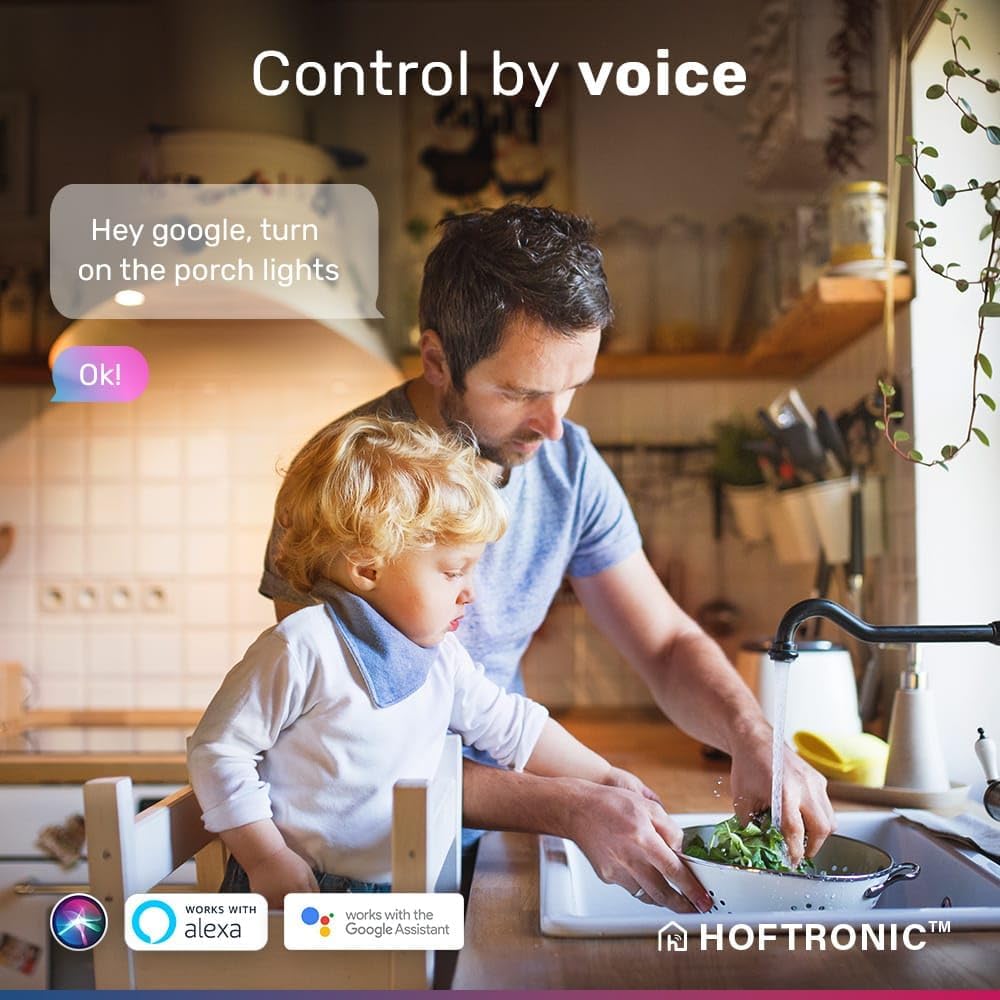
Image 4.3: A man and a child in a kitchen setting, illustrating the convenience of voice control with a speech bubble showing the command "Hey Google, turn on the porch lights" and the response "Ok!".
5. Tiaki
The HOFTRONIC Milano spotlights are designed for durability and minimal maintenance:
- Te horoi: Gently wipe the spotlights with a soft, damp kakahu. Kaua e whakamahia he kaihoroi whakakoi, he wairewa rānei. Me whakaweto te hiko i mua i te horoinga.
- Mauroa: Constructed from high-quality die-cast aluminum with a UV and moisture-resistant powder coating, these spotlights are designed to prevent rust and maintain their appearance over time.
- Roa ora: Equipped with CREE LED chips, the spotlights have an estimated lifespan of 30,000 hours, providing long-term illumination.
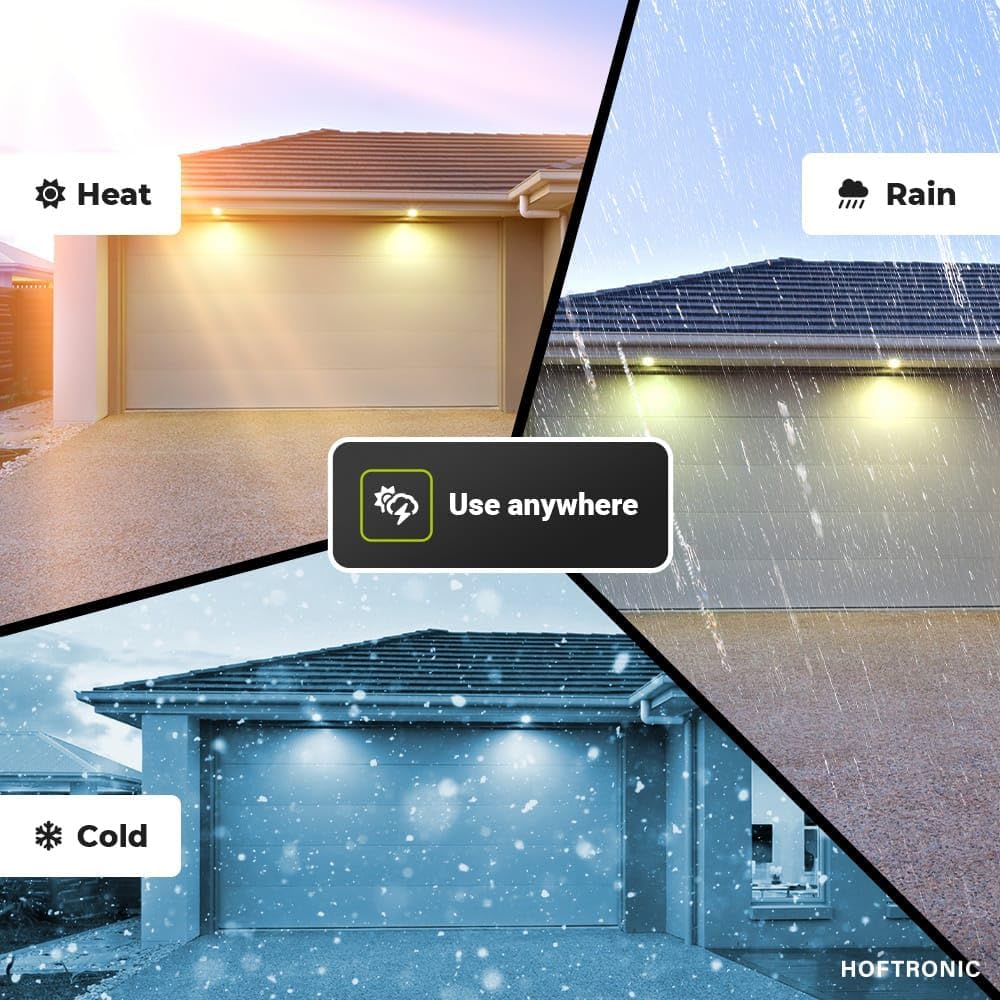
Image 5.1: A collage demonstrating the versatility of the spotlights for use in various conditions, including hot weather, rain, cold weather, and a garage environment, highlighting their robust design.
6. Te Raru
If you encounter issues with your HOFTRONIC Milano spotlights, refer to the following common problems and solutions:
| Raruraru | Take pea | Rongoā |
|---|---|---|
| Spotlights do not turn on. | No power supply, loose connection, driver malfunction. | Check power to the circuit. Ensure all ANP connectors are securely plugged into the 12V driver. Verify the driver is receiving power. |
| Kāore e taea te hono atu ki te taupānga. | Incorrect WiFi password, weak WiFi signal, Bluetooth off, app issue. | Ensure correct WiFi password. Move closer to your WiFi router. Check if Bluetooth is enabled on your phone. Restart the app and try pairing again. |
| Ko te whakahaere reo kaore e mahi. | Incorrect smart assistant setup, device not linked. | Verify that your HOFTRONIC account is correctly linked to Google Home or Amazon Alexa. Ensure the spotlights are named appropriately for voice commands. |
| Dimming function is erratic. | App glitch, connectivity issue. | Restart the app. Check your WiFi connection. If the issue persists, try resetting the spotlights (refer to app instructions for reset procedure). |
7. Whakatakotoranga Hua
| Āhuahira | Whakatakotoranga |
|---|---|
| Waitohu | HOFTRONIC |
| Tau tauira | 5440557 |
| Rahi Hua (L x W x H) | 3.6 x 3.6 x 3.4 cm |
| Taumaha | 5 Kirokaramu (mō te kete e ono) |
| Te maha o nga mea | 10 |
| Kāhua | Mini Recessed Spotlight |
| Tae | Pango |
| Voltage | 12 Ngā Waohiko (AC/DC) |
| Wattage | 3 Watts per spotlight |
| Rerewharewha | 200 lm per spotlight |
| Te Paemahana Tae | 2700K (Ma mahana) |
| Nga waahanga motuhake | Dimmable, Waterproof (IP44) |
| Rauemi | Konumohe |
| Hononga | WiFi + Bluetooth |
| Ngā Kaiawhina Atamai Hototahi | Google Home, Amazon Alexa, Siri |
| Te ora | 30,000 haora |
| Rahi Tapahi | 28 mm |
| Hōhonutanga Tāuta | 34 mm |

Image 7.1: EU Energy Label for HOFTRONIC model 5440557, indicating an energy efficiency class G and 3 kWh/1000h consumption. For more details, scan the QR code or visit eprel.ec.europa.eu/qr/1559594.
8. Pūtāhui me te Tautoko
HOFTRONIC provides a e rua tau te whakamana on these recessed spotlights. Should any defects occur within this period, the product will be replaced free of charge. For support or warranty claims, please contact HOFTRONIC customer service. We aim to respond to all inquiries within 24 hours.


