Kupu Whakataki
Thank you for choosing the Baseus GaN5 Pro 100W Quick Wall Charger. This high-performance charger is designed to provide efficient and fast charging for a wide range of devices, including laptops, tablets, and smartphones. Please read this manual carefully before use to ensure proper operation and to maximize the lifespan of your device.
Nga korero haumaru
- Kaua e tukuna te rihi ki te wai, te makuku, te makuku nui ranei.
- Avoid dropping, impacting, or disassembling the charger.
- Kaua e taea e nga tamariki.
- Whakamahia anake i nga waahi pai-hau.
- Wewetehia te rihi i te wa e uira ana te tupuhi, i te kore e whakamahia mo te wa roa.
- Do not operate if the charger or cable is damaged.
Ka mutu te huaview
The Baseus GaN5 Pro 100W Quick Wall Charger features a compact design with multiple fast-charging ports, utilizing advanced GaN technology for efficient power delivery.
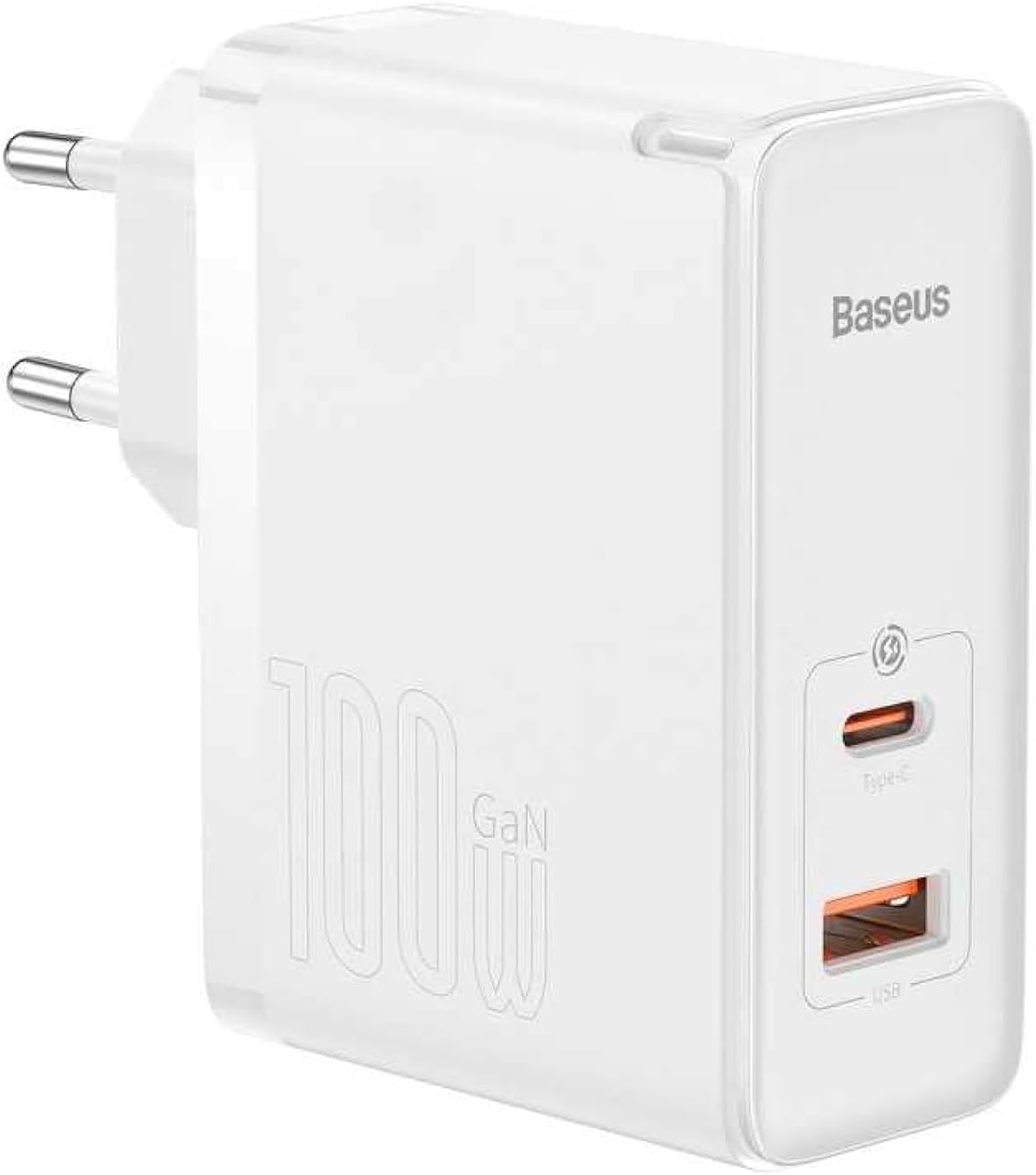
Whakaahua: Mua view of the Baseus GaN5 Pro 100W Quick Wall Charger, showcasing its compact white design and the USB-C and USB-A output ports.

Whakaahua: Runga view of the charger, highlighting the USB-C (Type-C) and USB-A output ports, ready for device connection.
Tatūnga
To set up your Baseus GaN5 Pro 100W Quick Wall Charger, follow these simple steps:
- Wewete: Kia ata tangohia te riihi mai i tona putunga.
- Mono Mai: Insert the charger's EU plug into a standard wall outlet. Ensure the connection is firm.

Whakaahua: Taha view of the Baseus charger, showing the integrated EU plug ready for insertion into a wall socket.
Nga Tohutohu Whakahaere
Using your Baseus GaN5 Pro 100W Quick Wall Charger is straightforward:
- Hono Pūrere: Use a compatible charging cable (not included) to connect your device (e.g., laptop, smartphone, tablet) to either the USB-C or USB-A port on the charger.
- Ka timata te Whakataki: Charging will begin automatically. The charger intelligently detects the connected device and delivers the optimal charging power.
- Pūrere Maha: You can charge two devices simultaneously using both the USB-C and USB-A ports. The charger will distribute power efficiently.
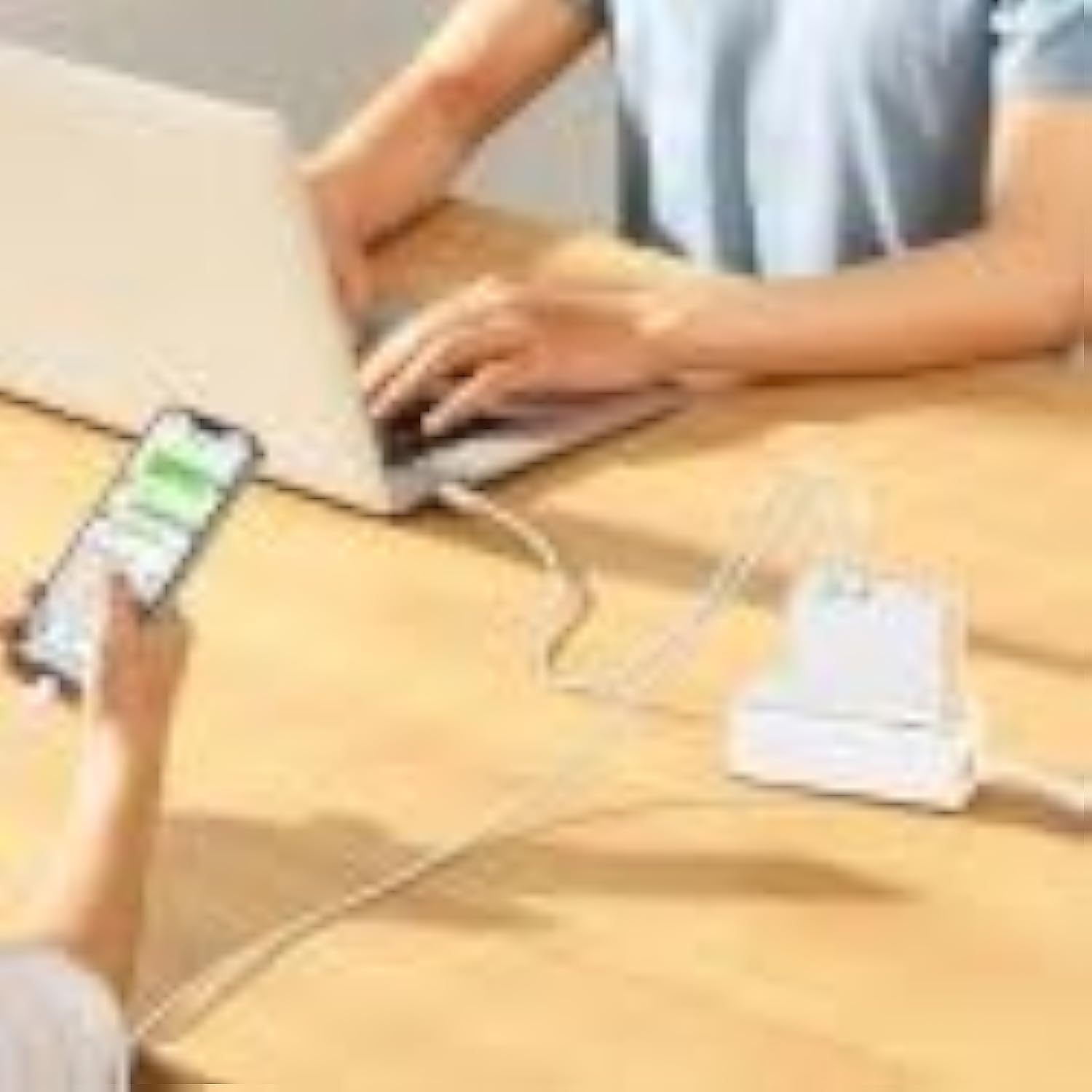
Image: The Baseus charger actively charging a laptop via its USB-C port and a smartphone via its USB-A port, demonstrating its multi-device charging capability.
Te tiaki
- Te horoi: Momotuhia te rihi mai i te putanga hiko me nga taputapu katoa i mua i te horoi. Whakamahia he kakahu ngohengohe, maroke hei muru i te mata. Kaua e whakamahia nga kai horoi wai, aerosol ranei.
- Rokiroki: Whakaorangia te rihi i roto i te waahi makariri, maroke atu i te ra tika me te wera nui.
- Te whakahaere: Handle the charger and cables gently to prevent damage.
Raparongoā
| Raruraru | Take pea | Rongoā |
|---|---|---|
| Kaore te taputapu e utu ana | Charger not plugged in correctly; faulty cable; device incompatibility. | Ensure charger is firmly plugged into outlet. Try a different charging cable. Verify device compatibility with charger specifications. |
| Puturi te utu | Ko te taura kaore i te tautoko i te utu tere; kaore te taputapu e tautoko i te utu tere; maha nga taputapu hono. | Use a high-quality, fast-charging compatible cable. Check if your device supports PD3.0/QC4.0+. If charging two devices, power distribution may reduce individual speeds. |
| Charger is hot | Normal operation under heavy load; poor ventilation. | It is normal for the charger to warm up during operation, especially when delivering high power. Ensure adequate ventilation around the charger. If excessively hot, disconnect and allow to cool. |
Whakatakotoranga
| Āhuahira | Taipitopito |
|---|---|
| Waitohu | Baseus |
| Tau tauira | CCGP090202 |
| Tae | Black (Note: Product image shows white, but specification lists black) |
| Hangarau Hononga | USB |
| Momo Tuhono | USB Type C + USB Type A |
| Pūrere Hototahi | Smartwatch, Laptops, Smartphones, Tablets (general compatibility) |
| Āhuahira Motuhake | Travel-friendly design |
| Tauranga USB katoa | 2 |
| Wattage | 100 Watts |
| Puna Mana | Hiko Hiko |
| Rahi Tūemi (L x W x H) | 5.5 x 3 x 7.5 henimita |
| Taumaha Hua | 229 Karamu |
Pūtāhui me te Tautoko
This Baseus product comes with a 2 tau te whakamana a te kaiwhakanao. Tena koa pupurihia to tohu mo te hoko mo nga kereme whakamana.
For technical support or warranty inquiries, please contact Baseus customer service through their official website or the retailer where the product was purchased. Provide your product model number (CCGP090202) and a detailed description of the issue.


