1. Kupu Whakataki
Thank you for choosing the FILIEKEU Smart Watch I9. This manual provides essential information for setting up, operating, and maintaining your device. Please read it carefully to ensure proper use and to maximize the watch's features.
The FILIEKEU Smart Watch I9 is designed to enhance your daily life with features such as Bluetooth calling, health monitoring, activity tracking, and smart notifications. It is compatible with smartphones running iOS 8.0 or Android OS 4.4 and above, and requires Bluetooth 4.0 or higher for connectivity.

Figure 1: FILIEKEU Smart Watch I9, C-Black variant.
2. Tatūnga
2.1 Whakataki Tuatahi
Before first use, fully charge the smart watch. Connect the magnetic charging cable to the charging contacts on the back of the watch and plug the USB end into a standard USB power adapter (not included). The watch display will indicate charging status.
2.2 Whakauru Whakauru
To unlock all features and synchronize data, download the companion application on your smartphone. Scan the QR code provided in the watch packaging or search for the app name (usually found in the watch's settings or quick start guide) in your phone's app store (Google Play Store for Android, Apple App Store for iOS).
2.3 Tauhoa Pūrere
- Me mohio kei te whakahohea te Nihokikorangi i runga i to waea atamai.
- Whakatuwheratia te taupānga hoa, ka whai i ngā tohutohu kei te mata hei tāpiri i tētahi pūrere hou.
- Select 'FILIEKEU I9' from the list of available Bluetooth devices.
- Whakaūhia te tono takirua i runga i to mataaratanga me to waea atamai.

Figure 2: Watch display highlighting full touch screen and system compatibility.
3. Te whakahaere i te Mataara Ataata
3.1 Whakaterenga Taketake
The FILIEKEU Smart Watch I9 features a 1.3-inch full touch screen. Swipe left, right, up, or down to navigate through menus and functions. Tap to select an option. Brightness can be adjusted through the watch settings.
3.2 Taumahi Waea Nihokikorangi
Once paired with your smartphone, the watch supports making and receiving calls directly. You can dial numbers from the watch interface or answer/hang up incoming calls.

Figure 3: Using the watch to make a direct Bluetooth call.
3.3 Panuitanga
The watch vibrates to alert you of incoming calls, SMS messages, and notifications from various social media applications such as Facebook, WeChat, WhatsApp, Skype, Line, Instagram, and Twitter. Ensure notification permissions are enabled in the companion app.

Figure 4: Smart reminder displaying message content and app icons.
3.4 Te Aroturuki Hauora
The watch provides 24-hour monitoring for heart rate, blood pressure, and blood oxygen levels. These measurements are for reference only and should not be used for medical diagnosis. The watch also automatically tracks your sleep patterns, including awake, light, and deep sleep staghei āwhina i a koe ki te mārama me te whakapai ake i te kounga o tō moe.

Figure 5: Health monitoring features including heart rate, blood pressure, and blood oxygen.
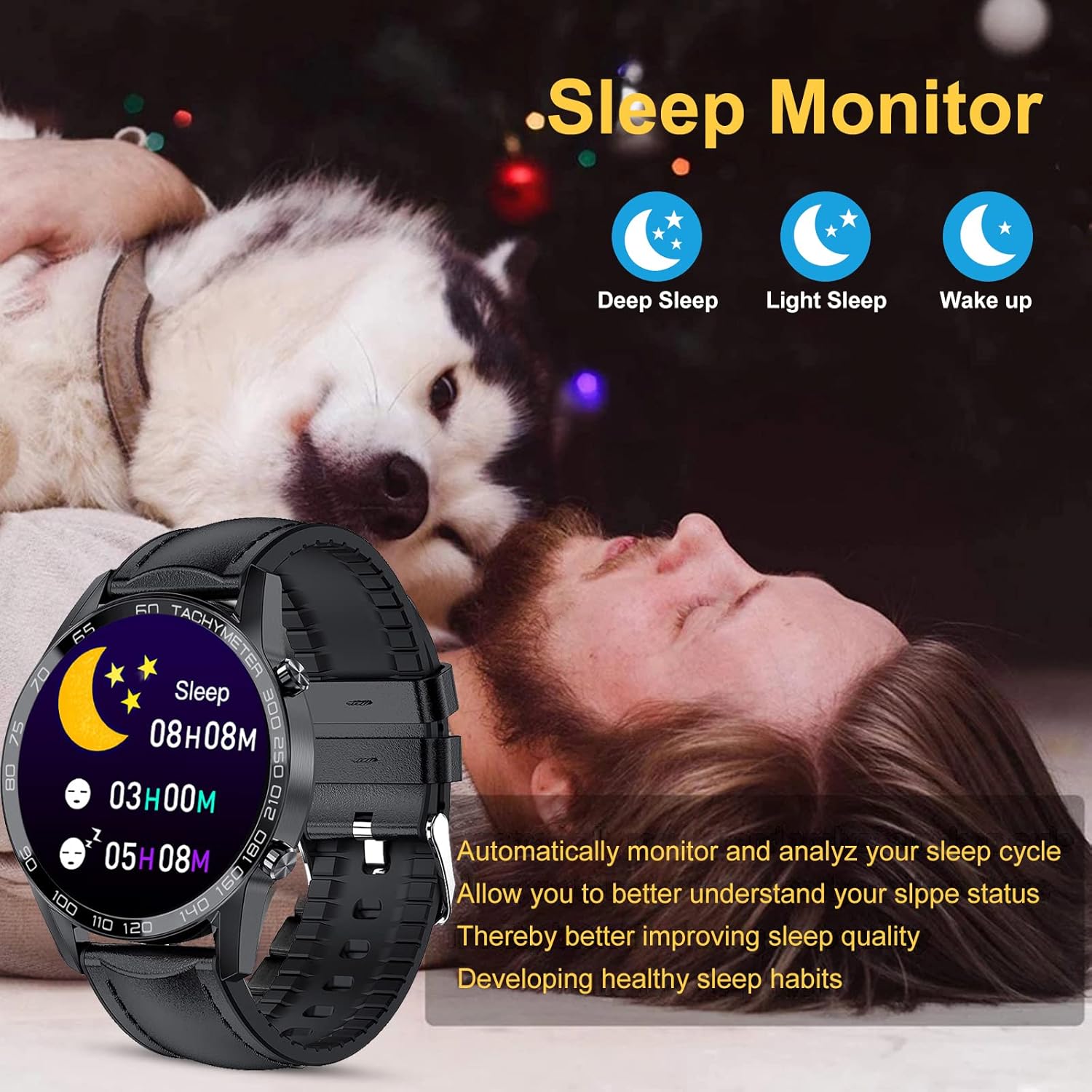
Figure 6: Sleep monitoring interface on the smart watch.
3.5 Aroturuki Mahi me nga Aratau hakinakina
The watch tracks daily activities such as steps, distance, and calories burned. It includes 10 built-in sport modes: walking, running, cycling, rock climbing, swimming, diving, table tennis, badminton, football, and basketball. Use the stopwatch function to time your workouts.

Figure 7: Exploring the 10 available sport modes and activity tracking.
3.6 Nga waahanga taapiri
- Pūoho: Whakatakotoria ngā whakaoho tika mai i te mataaratanga, mā te taupānga rānei.
- Mana Kamera Mamao: Whakamahia te mātaaratanga hei ārai mamao mō te kāmera o tō waea.
- Whakamaumahara Nohonoho: Whiwhi matohi ki te neke i muri i nga wa kore mahi.
- Mana Waiata: Control music playback (play, pause, next, previous song) on your connected smartphone.
- Matapae huarere: Tukutahi ki tō waea hei whakaatu i ngā āhuatanga o te rangi i te wā tūturu.

Figure 8: Real-time weather display and music control functions.

Whakaatu 9: Neke Atuview of various smart functions including sedentary reminder.
4. Tiaki
4.1 Te horoi
Horoia tō mātaaratanga me tō whitiki i ia wā ki te kakahu ngohengohe, maroke. Mō te paru uaua, he iti noa te waiamp ka taea te whakamahi i te kakahu. Kaua e whakamahi i ngā matū kaha, i ngā rauemi whakakoi rānei.
4.2 Te Whakatikatika i te Whitiki
If your watch comes with a metal link strap, use the provided strap adjustment tool to remove or add links for a comfortable fit. Carefully align the tool with the pin on the link and gently push to remove. Refer to the diagram for guidance.

Figure 10: Watch strap adjustment tool and instructions for link removal.
5. Te Raru
- Kia mataara kia kaua e huri: Me whakarite kua whakakiia te mataaratanga. Honoa ki te rihi ka tatari mo etahi meneti i mua i te ngana ki te whakakaha.
- Kaore e taea te hono ki te waea: Make sure Bluetooth is enabled on your phone and the watch. Restart both devices and try pairing again. Ensure the companion app has necessary permissions.
- Ko nga whakamohiotanga kaore i tae: Check if notifications are enabled in the watch's settings and the companion app. Verify that the app has permission to display notifications on your phone.
- Raraunga hauora hē: Ensure the watch is worn snugly on your wrist, not too tight or too loose. Avoid excessive movement during measurements. Remember, data is for reference only.
- Nga take utu: Ensure the magnetic charging contacts are clean and properly aligned with the watch's charging points. Try a different USB power source.
6. Whakatakotoranga
| Āhuahira | Taipitopito |
|---|---|
| Tau tauira | I9 |
| Whakaatu | Mata Pa Katoa 1.3-inihi |
| Hononga | Nihokikorangi 4.0 ki runga ake nei |
| Hototahi | iOS 8.0+ / Android OS 4.4+ |
| Ātete wai | IP67 (Refer to product details for specific usage guidelines) |
| Te Aroturuki Hauora | Heart Rate, Blood Pressure, Blood Oxygen, Sleep Monitor |
| Aroturuki Mahi | Steps, Distance, Calories, 10 Sport Modes |
| Ētahi atu Mahi | Bluetooth Calls, Notifications, Alarm, Remote Camera, Sedentary Reminder, Music Control, Weather |
| Te Roa o te Tuemi | 8.66 inihi |
| Whānuitanga Tūemi | 4.2 henemita |
7. Pūtāhui me te Tautoko
For warranty information, please refer to the product packaging or contact the seller directly. If you encounter any issues not covered in this manual, please reach out to customer support for assistance.


