1. Kupu Whakataki
This instruction manual provides detailed guidance for the assembly, operation, and maintenance of your Fenge 23.6 Inch Monitor Stand. Please read this manual thoroughly before use to ensure proper setup and to maximize the benefits of the product.
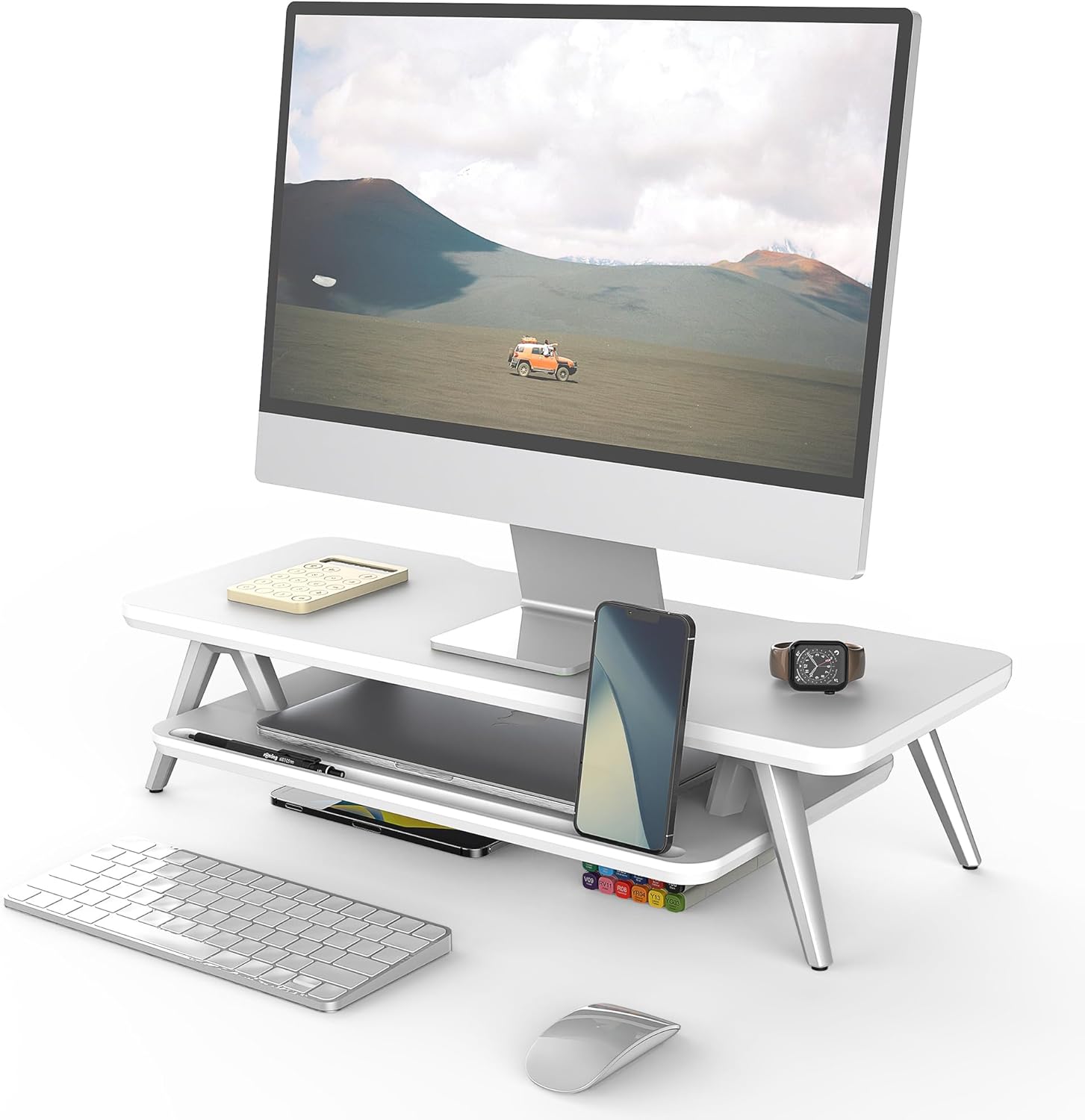
Image 1: Fenge 23.6 Inch Monitor Stand in a typical desk setup.
The Fenge Monitor Stand is designed to elevate your monitor to an ergonomic viewing height, reducing neck and shoulder strain. It also offers integrated storage solutions and cable management features to help maintain an organized workspace.
2. Nga Korero Haumaru Nui
- Ensure all components are securely fastened before placing any items on the stand.
- Kaua e neke ake i te kaha o te utaina o te 66 lbs (30 kg).
- Purihia nga waahanga iti mai i nga tamariki kia kore ai e kowaowao.
- Avoid exposing the stand to excessive moisture or direct sunlight.
- Whakatakotoria te tūnga ki runga i tētahi mata pūmau, papatahi hei ārai i te takahuri.
3. Ihirangi mokete
Manatokohia ko nga waahanga katoa e whai ake nei kei roto i to kete:
- Papa o Runga (1x)
- Bottom Shelf (1x)
- Aluminum Feet (4x)
- Rubber Pads (4x)
- Pūmārō Huihuinga (Nga Tiu, Allen Wrench)
- Pukapuka Tohutohu (Tenei tuhinga)
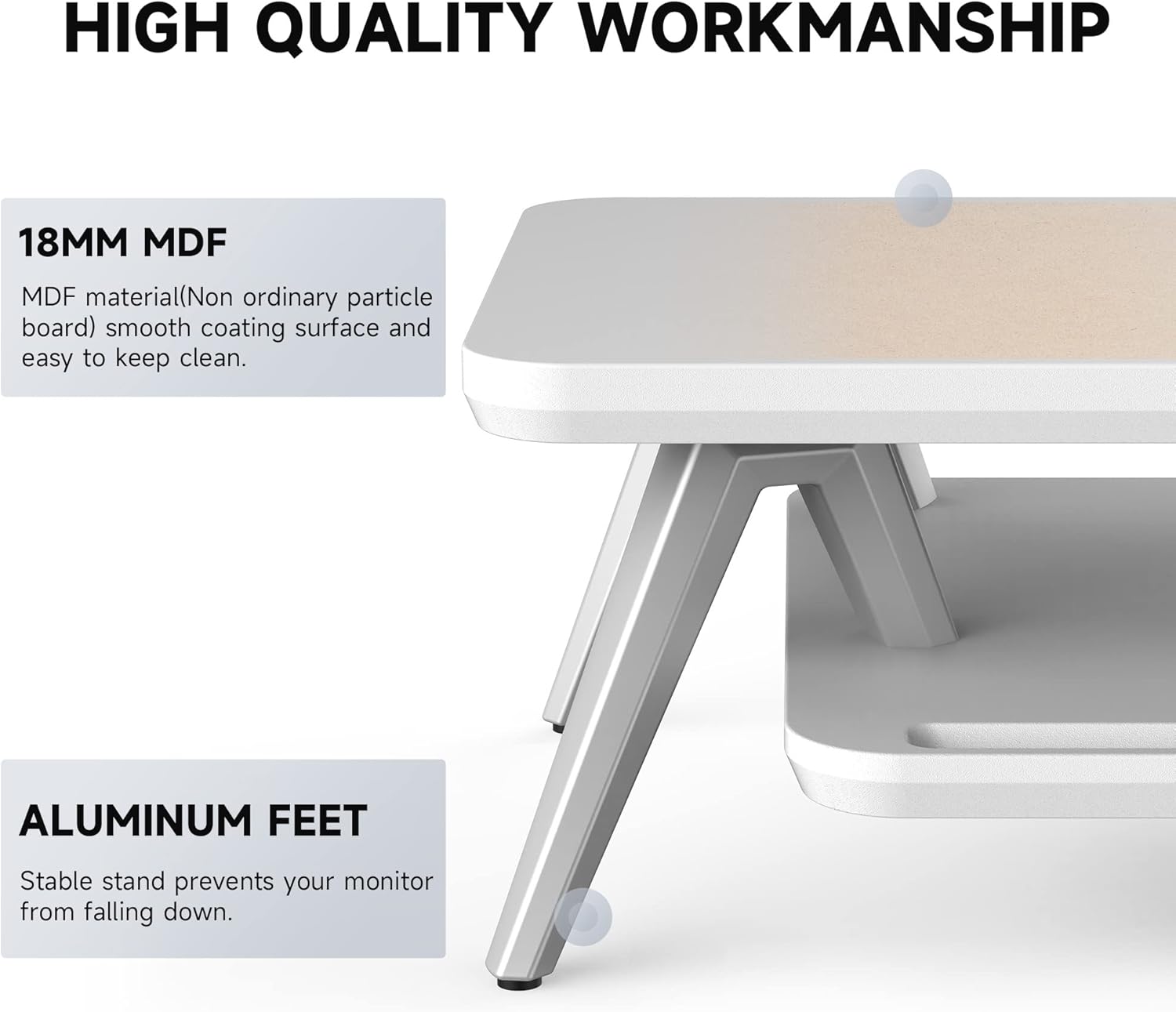
Image 2: Components of the Fenge Monitor Stand, highlighting the MDF panel and aluminum feet.
4. Nga Tohutohu Huihuinga
Assembly typically takes 5-8 minutes. Follow these steps:
- Attach the Aluminum Feet: Securely fasten the four aluminum feet to the underside of the top panel using the provided screws and Allen wrench. Ensure they are tightly secured for stability.
- Tāutahia te Whata o raro: Slide the bottom shelf into the designated slots on the aluminum feet. The shelf should fit snugly.
- Apply Rubber Pads: Attach the four rubber pads to the bottom of the aluminum feet. These pads prevent scratching your desktop and enhance stability.
- Taki Whakamutunga: Verify that all connections are secure and the stand is stable before placing your monitor or other items on it.
Video 1: This video demonstrates the assembly process and highlights the functional design of the Fenge monitor stand.
5. Whakamahinga me nga ahuatanga
5.1 Hoahoa Ergonomic
The Fenge Monitor Stand elevates your screen by 5.7 inches, promoting a comfortable viewing angle and helping to prevent neck and shoulder discomfort during prolonged use.

Image 3: Visual representation of ergonomic benefits, including desktop organization, monitor elevation, and cervical spine health.
5.2 2-Tier Desktop Organizer
The stand features a two-tier design with high-capacity compartments, allowing you to store office accessories, notebooks, and other supplies, keeping your desktop tidy and clutter-free.

Whakaahua 4: Taipitopito view of the storage compartments, ideal for organizing desk essentials.
5.3 Whakahaere taura
Integrated cable management slots help route and organize your cords, preventing tangles and maintaining a clean aesthetic.

Image 5: Illustration of the cable management system, keeping cords organized and out of sight.
5.4 Phone/Tablet Slot
A dedicated slot is provided for holding your smartphone or tablet, keeping it upright and easily accessible while you work.

Image 6: The monitor stand featuring its M-type stable structure, phone/tablet slot, and cable management trough.
Video 2: This video showcases the Fenge monitor stand in various desk setups, demonstrating its organizational capabilities and aesthetic appeal.
6. Tiaki me te Tiaki
- Te horoi: Horoia te turanga ki te ngohengohe, damp kakahu. A ape i nga kaihoroi awhiowhio, i nga matū kino ranei e kino ai te mutunga.
- Puehu: Regularly dust the surface with a dry, lint-free cloth.
- Tirotiro: Takitaki ia ia nga wa katoa nga wiri me nga hononga kia mau tonu. Whakapaia mehemea e tika ana.
7. Te Raru
- He Wobbly te turanga:
- Me whakarite kia titi katoa nga wiri.
- Manatokona kei te tuu te turanga ki runga papatahi, mata mau.
- Check that the rubber pads are correctly installed on all four feet.
- He uaua ki te Huihuinga:
- Refer to Section 4: Assembly Instructions and review the steps carefully.
- Me mohio kei te whakamahi koe i te taputapu tika mo ia taahiraa.
- Mena kei te haere tonu nga raru, whakapā atu ki te tautoko a te kaihoko.
8. Whakatakotoranga
| Āhuahira | Taipitopito |
|---|---|
| Waitohu | Fenge |
| Tauira | 23.6 Inch Monitor Stand |
| Rauemi | Rakau Hangaia (MDF) |
| Tae | Mā |
| Rahi Hua (L x W x H) | 23.6 x 11 x 5.7 inihi |
| Taumaha Tūemi | 11 pauna (5 kg) |
| Raukaha Uta | 66 pauna (30 kg) |
| Huihuinga e hiahiatia ana | Ae |
| Momo Whakaoti | Kua whakakakahu |
| UPC | 694743169188 |

Image 7: Technical drawing showing the dimensions and load capacity of the monitor stand.
9. Pūtāhui me te Tautoko
For warranty information or customer support, please refer to the product packaging or contact Fenge customer service directly. Keep your purchase receipt for any warranty claims.


